
How to Write Scripts for AI Voiceover Pacing: Commas, Ellipses, and Phonetic Formatting
Master the art of 'punctuation hacking' to control the speed and rhythm of your AI-generated voices. Learn how text-to-speech engines interpret punctuation as timing cues to create natural character dialogue.
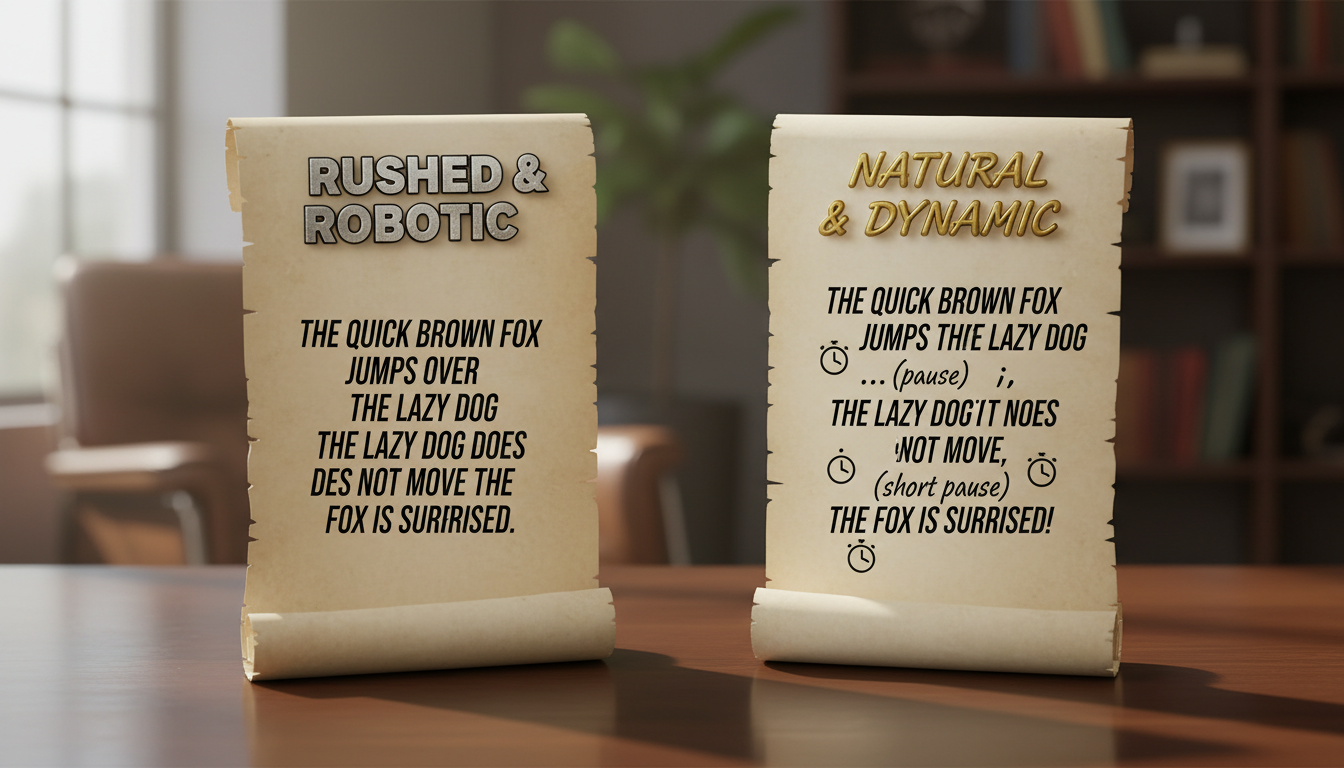
To control the pacing of an AI voiceover, you can treat punctuation as a tool to guide timing rather than traditional grammar. Many AI text-to-speech (TTS) engines interpret punctuation marks like commas, ellipses, and dashes as cues for pauses. By structuring your script with these intentional pacing adjustments and using phonetic spelling for complex words, you can encourage natural pauses, dramatic beats, and a realistic cadence. However, keep in mind that different AI models interpret these cues with slight variations, making iterative testing essential to achieve the desired performance.
The Secret Code of AI Pacing: How Text-to-Speech Engines Read Punctuation
AI voice generators do not understand the emotional weight of your words or the context of a joke organically. Instead, they often rely on punctuation marks to determine pause placement and sentence structures. When a text-to-speech engine encounters a script, it parses the characters to determine when to pause, adjust its pitch, or transition between words.
A standard period (.) typically signals a full pause and a drop in pitch, marking the end of a thought. A comma (,), on the other hand, often signals a brief pause that keeps the sentence flowing. If you run your words together without any punctuation, the AI engine may speak too quickly, leading to an unnatural delivery. For a deeper look at organizing your entire narrative flow, check out our guide on how to structure an AI video script to optimize pacing and pronunciation.
The Pacing Cheat Sheet: Formatting for Short, Medium, and Long Pauses
To help you structure your scripts, use this punctuation framework to control the timing of your AI voiceover. Think of these symbols as direct instructions for the voice engine's breathing cycle.
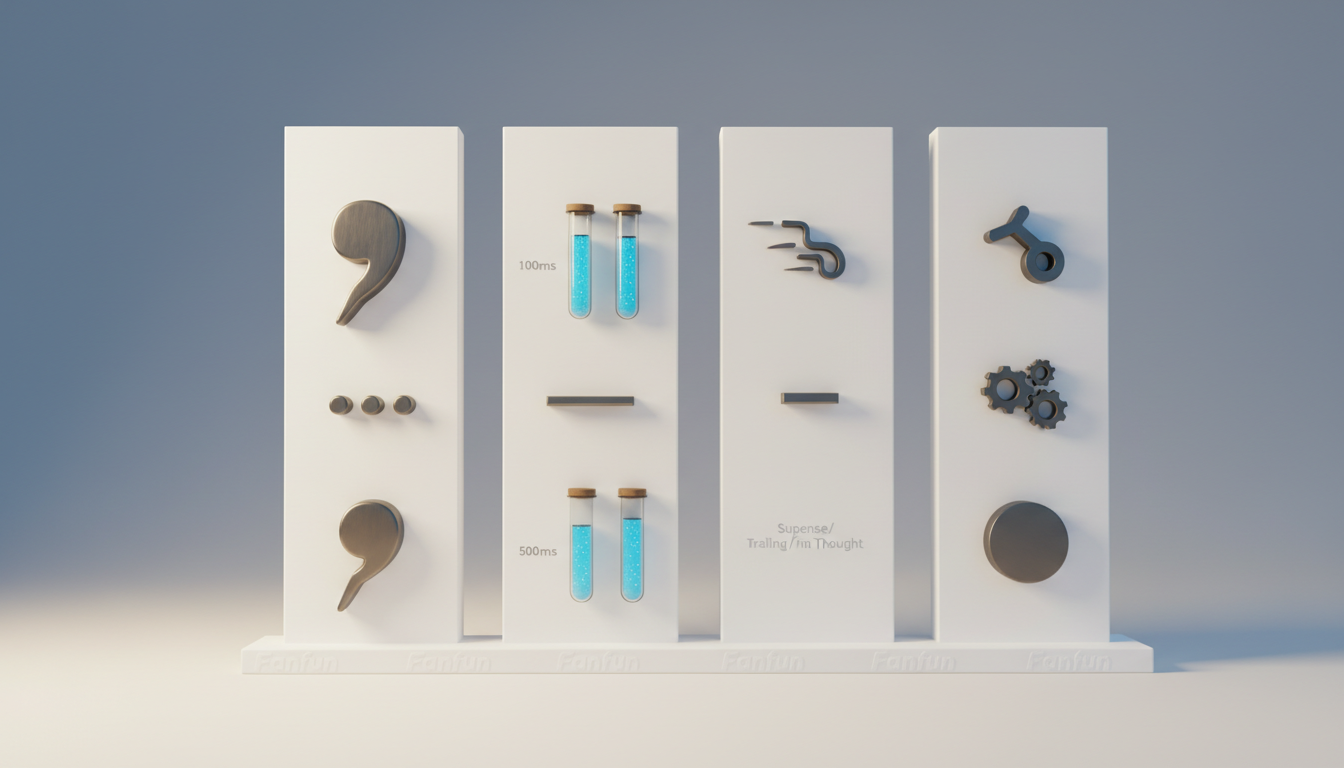
| Punctuation Mark | Relative Pause Effect | Best Creative Use Case | Example Script Formatting |
|---|---|---|---|
| Comma (,) | Short Pause | Short, natural mid-sentence pauses; separating items in a list. | "First, we go to the park, then we get ice cream." |
| Ellipsis (...) | Medium to Long Pause | Dramatic pauses, hesitation, tension, or character suspense. | "I know who did it... It was you." |
| Em Dash (—) or Dash (-) | Abrupt, Very Short Pause | Sudden interruptions, rapid-fire comedy, or quick shifts in thought. | "Wait—don't touch that button!" |
| Double Line Break | Full Pause | Encouraging the AI to reset its cadence and start a fresh sentence. | "See you there. And don't be late." |
Using these tools allows you to craft specific comedic timing or dramatic tension. See how these pacing rules apply to highly specific, mimicry-heavy voices in our guide to writing scripts for Donald Trump text-to-speech engines.
Phonetic Spelling Hacks for Natural Cadence
Standard dictionary spelling can often cause AI voices to stumble, which artificially slows down or unnaturally speeds up the sentence pace. When an AI engine struggles to pronounce a complex term, a brand name, or slang, it disrupts the entire rhythm of the delivery.
To maintain a smooth cadence, break down difficult words into phonetic syllables. For example, instead of writing "Fanfun," you might write "Fan-fun" to ensure a balanced emphasis on both syllables. Here are a few common phonetic translations:
- Karaoke: Change to "kah-ree-oh-kee"
- Celebratory: Change to "sell-a-bray-tory"
- Doraemon: Change to "dough-rye-mon"
Testing and Refining Your Script on Fanfun
Once you understand the basic mechanics of punctuation adjustments, it is time to apply these techniques. On Fanfun, where you can generate custom AI video messages from your favorite characters, fine-tuning your script helps tailor the performance.
Because different character voices in the library may have their own unique pacing, you can customize your punctuation to match the persona. If you are working with stylized voices, learn how to write authentic dialogue for anime character voiceovers to match their unique dramatic pauses.
We recommend testing your script in short snippets first. Listen to the AI's interpretation, identify any rushed sentences, and iteratively add commas or line breaks until the cadence sounds natural. By treating your script as a guide for timing, you can work toward capturing the desired comedic or dramatic pacing.
Why does my AI voiceover skip commas entirely?
Some fast-paced AI voice models may prioritize flow over minor punctuation. If the engine is skipping commas, try replacing them with ellipses (...) or adding a line break to encourage a pause in the generation.
How do I make an AI voice sound like it is whispering or shouting?
While punctuation helps guide pacing, emotional delivery is often influenced by word choice and context. You can try using descriptive adjectives or selecting specific voice models that support emotional prompting if available.
Can I use exclamation points to make the AI speak faster?
Exclamation points typically raise the pitch and intensity of the voice at the end of a sentence rather than increasing the overall speaking speed. To speed up delivery, remove unnecessary punctuation and run short words closer together.
