How to Present a Personalized Character Video to a Preschooler
Discover how to share a personalized character video message with a preschooler. Learn tips for writing interactive scripts, building gentle anticipation, and transitioning back to physical play.
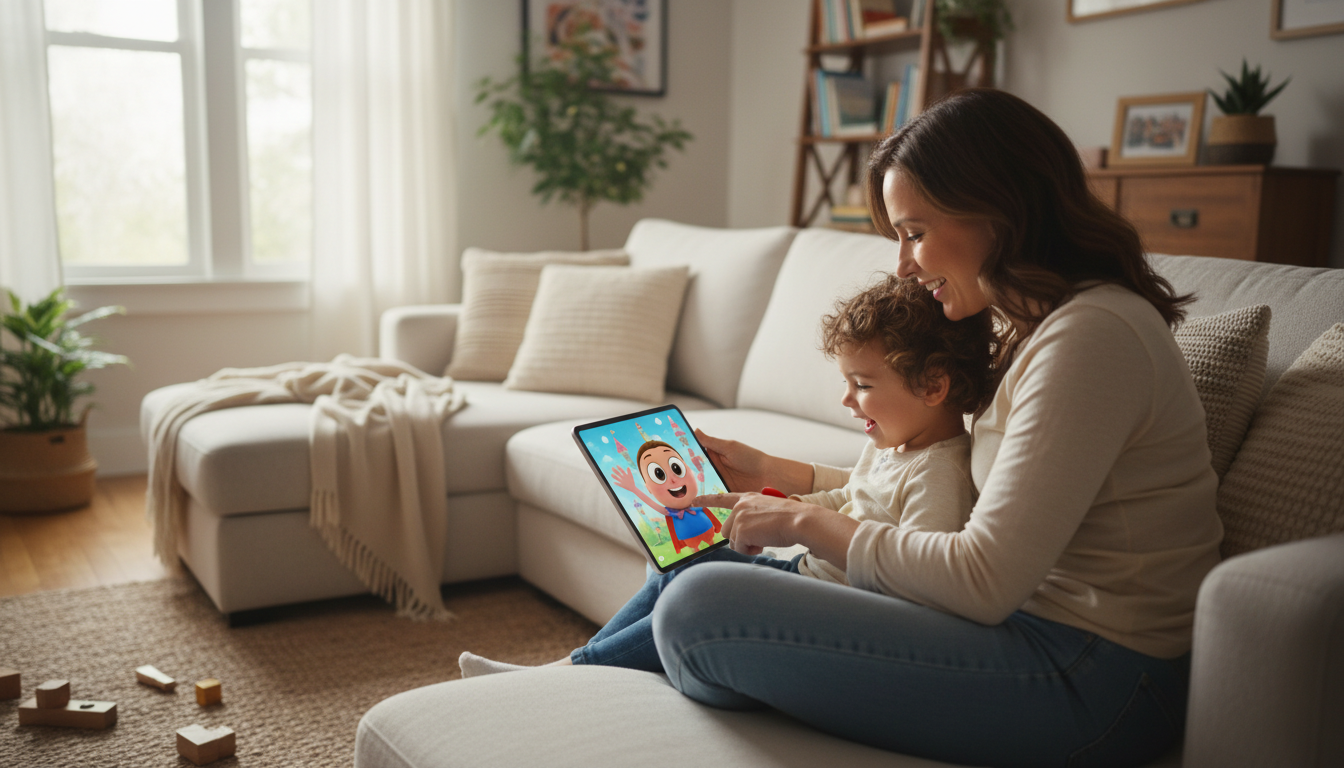
To present a personalized character video to a preschooler (ages 3 to 5) so it feels magical and engaging, you must treat the viewing as an interactive, physical event rather than passive screen time. Keep the video under 30 seconds, build gentle anticipation beforehand, co-view the message to guide their reactions, and immediately transition back to physical play to prevent screen-time meltdowns. Platforms like Fanfun offer a playful way to turn your own words into a personal video gift, which can be a delightful surprise when shared as part of an interactive routine.
Keep the Script Short, Simple, and Action-Oriented
A preschooler's attention span is brief, typically lasting only a few minutes at most. For a personalized video message, the sweet spot is under 30 seconds. Instead of writing a long monologue, focus the script on one clear, actionable theme—such as a birthday greeting, congratulations on potty training, or encouragement to brush their teeth.
Preschoolers learn and engage through physical movement. Including simple physical prompts in the script transforms passive viewing into an active game. Ask the character to prompt your child to jump, wave, or make a funny face. For example, if you are planning a message using a favorite animated style, you might look at how to create a personalized video message from an anime character or cartoon hero that uses high-energy physical cues.
Keep in mind that AI-generated character voices are designed for entertainment. They sound highly recognizable and fun, but they are not perfect. Keeping your script's vocabulary simple, natural, and rhythmically paced ensures the AI voice generator delivers a clear, easy-to-understand message for young ears.
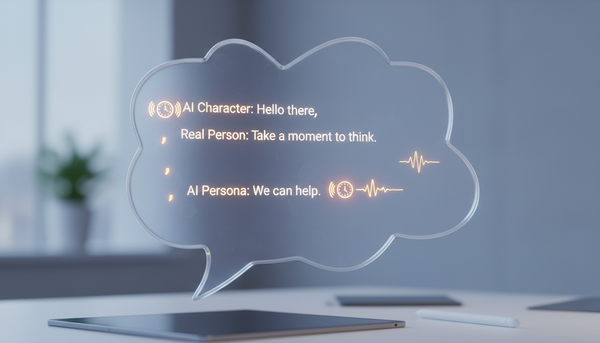
Sample Interactive Script Framework
| Script Segment | Physical Action Prompted | Goal / Purpose |
|---|---|---|
| "Oh, hi [Child's Name]! I see you there! Give me a big wave!" | Child waves back to the screen | Establishes immediate personal connection |
| "I heard you are turning four today. That is so cool! Can you jump up and down four times?" | Child jumps four times | Matches developmental milestones with physical play |
| "Awesome job! Now go give your mommy/daddy a high-five, and have the best birthday ever!" | Child high-fives parent and moves away from screen | Creates an immediate exit transition from the screen |
Build Gentle Anticipation Before Pressing Play
Surprising a young child requires a different set of rules than surprising an adult. While planning a surprise for a friend with a personalized character video often involves secret timing and comedic delivery, introducing a video to a preschooler requires a much softer, more structured approach. Over-hyping the moment can lead to sensory overload, leaving a shy or sensitive child feeling anxious or overwhelmed by the sudden appearance of a loud character.
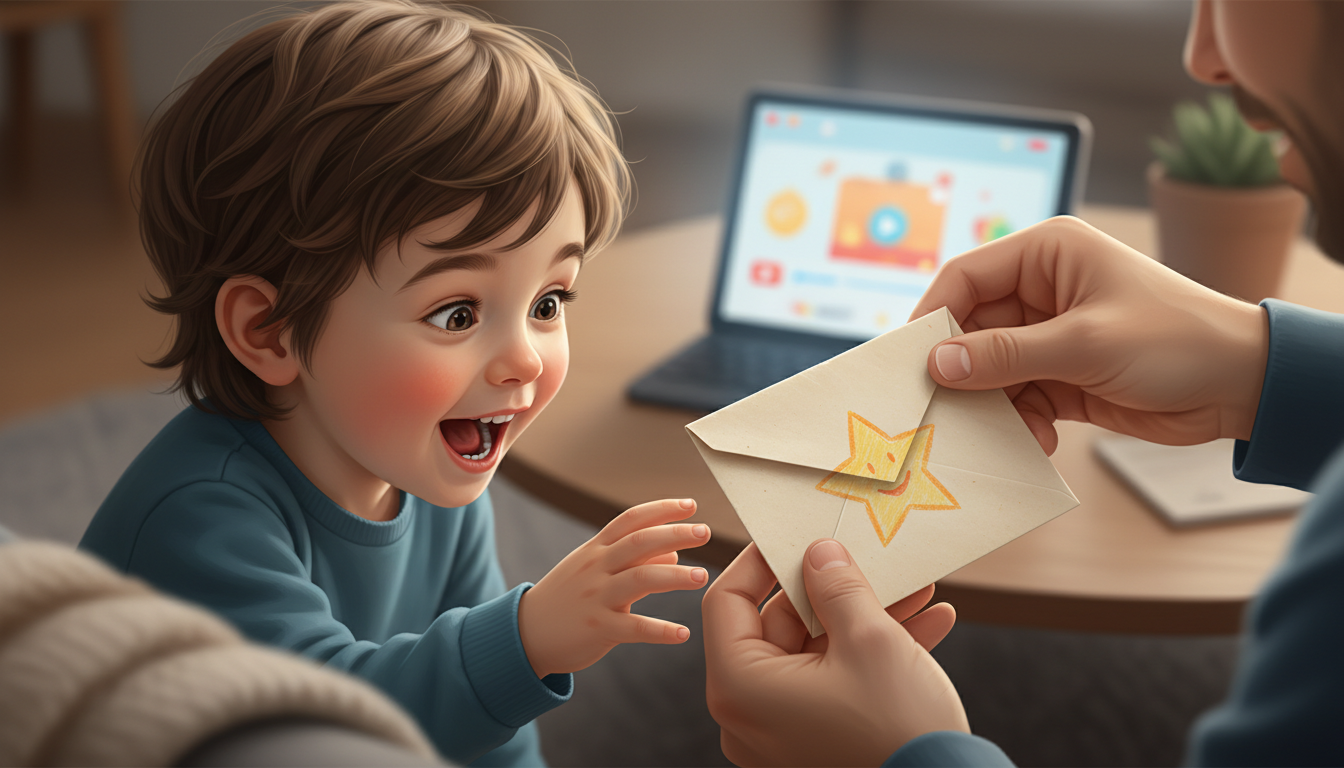
Instead, build gentle anticipation. You can create a physical "clue" to set the stage. For instance, tell your child that a special digital postcard has arrived in the family's email inbox from a friendly character. You might even hand them a small paper envelope with a star drawn on it to represent the "key" to opening the message. Set up the viewing screen in a comfortable, quiet room free of glare, and sit close together so they feel safe and secure before you press play.
Co-View the Video to Guide Their Reaction
Never simply hand a tablet or phone to a preschooler and walk away. Co-viewing is essential for helping young children process what they are seeing. Because young children cannot read, choosing a virtual character video over a text greeting ensures they can fully connect with the message through voice, motion, and color. They rely entirely on your facial expressions and verbal cues to understand how to react.
As the video plays, watch your child's face and actively guide their response. Repeat the character's prompts out loud to encourage participation. If the character says, "Give me a big wave," you should wave enthusiastically and say, "Look, he's waving at you! Can you wave back?" This active reinforcement helps bridge the gap between the digital character and the child's physical environment.
Be prepared for your child to immediately ask to watch the video again. Preschoolers love repetition because it helps them process new information. However, to prevent a screen-time meltdown, set a clear limit before you start. Tell them, "We are going to watch this special message two times, and then we will put the screen to sleep."
Transition Smoothly Back to Real-World Play
The transition away from the screen is the most common point for tantrums. To make this seamless, use the character's final lines as a springboard for an offline activity. If the character told them to go play outside or eat their lunch, immediately stand up and say, "The character said it's time for our backyard adventure! Let's go!"
You can also provide a physical keepsake to bridge the digital experience to the physical world. Printing out a simple coloring page of the character or handing them a physical toy of that character gives them something tangible to hold. Once the video is over, firmly establish the boundary that the screen is "sleeping" and needs to rest, redirecting their focus entirely to their new physical game or coloring project.
What should I do if my preschooler gets scared of the character video?
Some preschoolers may find large cartoon faces or unfamiliar voices intimidating. If your child clings to you or looks worried, pause the video immediately. Reassure them that it is just a friendly cartoon on a screen, and offer to watch it together later or simply describe what the character said instead of forcing them to watch.
How many times should I let my child watch the personalized video in one sitting?
Two to three times is usually the sweet spot. This allows them to process the message and enjoy the surprise without getting overstimulated. Always set a clear boundary before pressing play, such as saying, 'We will watch this twice, and then the tablet goes to sleep.'
Can I use Fanfun to make a video for a group of preschoolers, like a classroom?
Yes! When writing a script for a group, use inclusive terms like 'all my friends in Room 3' or 'the whole preschool class' rather than individual names. Keep the physical prompts simple and cooperative, like asking everyone to stand up and do a silly dance together.