How to Create a Personalized Video Message from an Anime Character
Want to surprise a fellow fan with a custom greeting from their favorite anime icon? Learn how to script authentic, lore-accurate dialogue and use AI tools to generate personalized video messages in minutes.
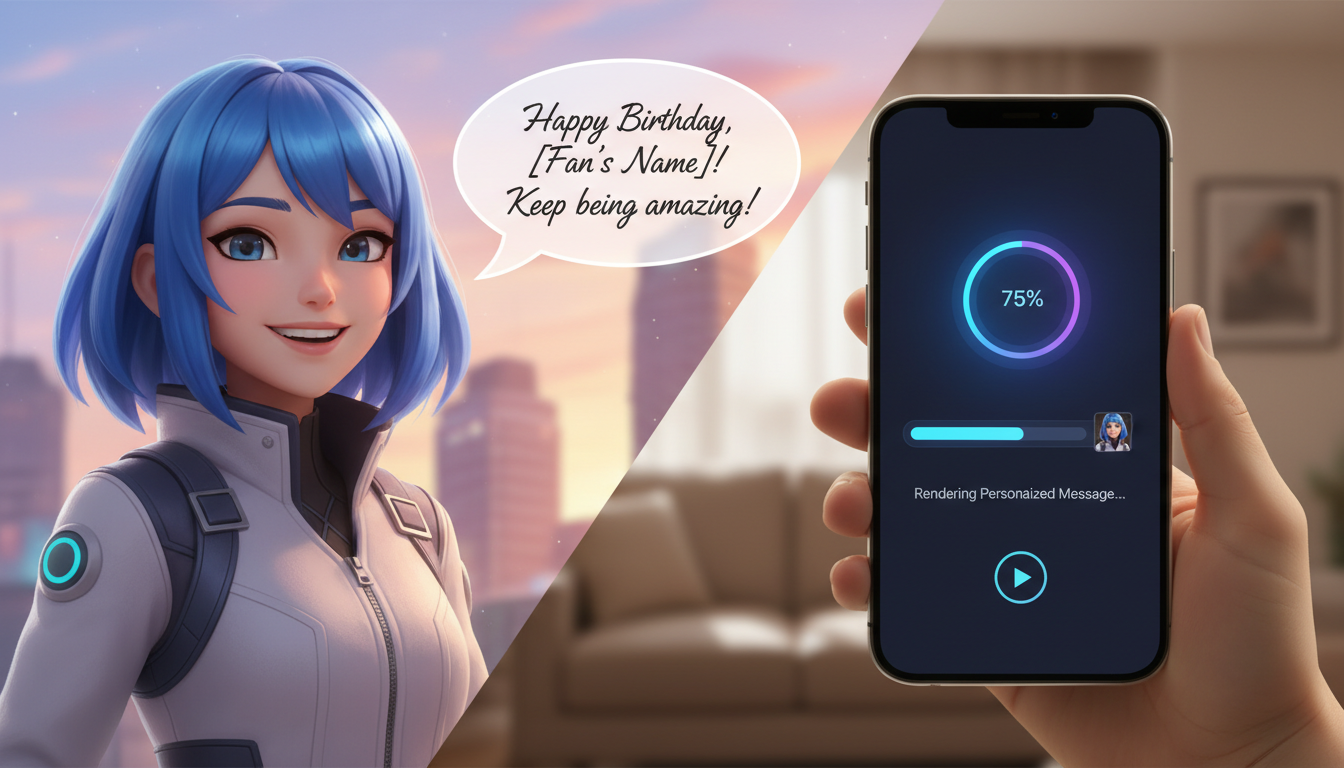
To create a personalized video message from an anime character, you can use an AI video generator like Fanfun to select an anime-inspired persona, input a custom script, and render a high-quality video in minutes. While traditional platforms rely on booking real actors who rarely voice fictional personas for individual fan requests, AI interpretations allow you to generate custom scripts instantly. For the best results, success depends on tailoring the script to match the character's specific lore, speech quirks, and emotional tone, while using phonetic spelling to guide the AI's pronunciation.
The Anatomy of an Authentic Anime Character Video
An authentic anime character message relies heavily on details. In traditional media, voice actors bring characters to life under strict studio direction. With AI tools, you act as the director. Rather than expecting a generic text-to-speech tool to understand the nuances of anime culture, you must format your input to reflect the character's established personality.
Using Fanfun's AI interpretations of popular personas provides an instant, accessible alternative to booking platforms. However, because these are AI interpretations rather than live voice actors, the quality of the final video hinges on your script structure. A great AI video combines a recognizable vocal tone with highly specific character lore, ensuring the greeting feels personal and authentic to the fandom.
How to Script Lore-Accurate Dialogue
Fandom is defined by the details. If a cool, stoic anti-hero suddenly sounds overly cheerful or uses generic corporate greetings, the illusion is broken instantly. To write a script that sounds like it came straight from an official episode, you need to dissect the character's speech patterns.
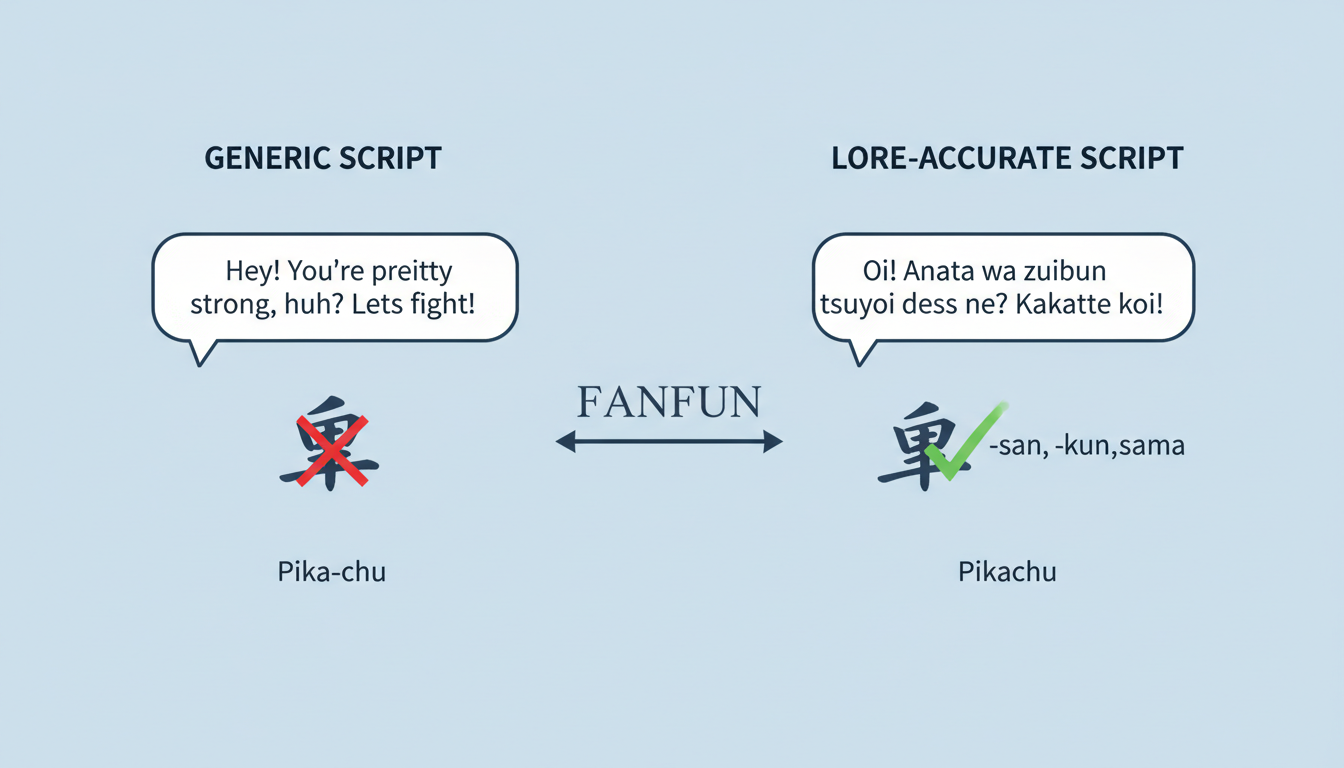
Consider these three pillars when drafting your script:
- Verbal Tics and Honorifics: Incorporate signature catchphrases or Japanese honorifics (such as "-kun," "-chan," or "-sama") that the character regularly uses in the subtitled or dubbed versions of their show.
- The Emotional Baseline: Match the character's attitude. A tsundere character should sound slightly reluctant or defensive before offering a compliment, while an energetic protagonist should jump straight into the excitement.
- Phonetic Adjustments: AI voice engines sometimes struggle with Japanese names, fictional attacks, or fantasy locations. Spelling these terms phonetically ensures smooth pronunciation.
If you are drafting a message for a special occasion, you can refer to our guide on scripting fictional character birthday videos for structured template ideas that balance character lore with personal details.
The table below illustrates how minor adjustments can transform a generic greeting into a lore-accurate script optimized for an AI voice generator. Note: These scripts are illustrative examples designed to show formatting techniques.
| Character Archetype | Generic Script (Avoid) | Lore-Accurate Script (Recommended) |
|---|---|---|
| The Grumpy Rival | "Happy birthday, John. I hope you have a great day and get lots of presents." | "Hey, Jawn... don't think this means we're friends, but happy birthday. Just make sure you keep training, or I'll leave you in the dust." |
| The Energetic Protagonist | "Hello, Sarah. Congratulations on graduating from college. You did a good job." | "Believe it! Sah-rah, you actually finished school! That's awesome! Let's celebrate with a giant bowl of ramen!" |
| The Cool Mentor | "Hi, David. Good luck with your job interview tomorrow. You will do fine." | "Yo, Dah-vid. Take a deep breath. You've done the training, now just show them what you can do. I know you've got this." |
Step-by-Step Guide to Generating Your Anime Video
Once you have refined your script, generating the video on Fanfun takes only a few minutes. Follow this step-by-step workflow to bring your concept to life:
Step 1: Select Your Anime Persona
Browse the character library on Fanfun and select the anime-inspired persona that fits your message. Each persona features a distinct vocal style trained to interpret scripts in that character's signature tone.
Step 2: Input Your Custom Script
Paste your drafted script into the generator. Be sure to replace complex spellings with phonetic equivalents (for example, use "Sahs-kay" instead of "Sasuke" or "Jawn" instead of "John") to prevent the AI from stumbling over unusual vowel combinations.
Step 3: Preview and Refine
Listen to the pacing of the generated audio. If a sentence sounds too rushed, add commas or periods to force the AI to pause naturally. Adjusting punctuation is the easiest way to control the dramatic timing of the delivery.
Step 4: Export and Share
Once you are satisfied with the generation, render the final video. From there, you can download the file to share in group chats, post on social media, or send directly to a friend. This process is highly versatile; you can use it to surprise a friend with a personalized character video as a unique gift, or even to create a personalized meme video with a custom AI voice for your online community.
Before You Generate: A Quick Scripting Checklist
Before hitting the generate button, review your script against this quick checklist to ensure maximum authenticity:
- [ ] Are all Japanese names and terms spelled phonetically?
- [ ] Did you include at least one signature catchphrase or verbal tic?
- [ ] Is the emotional tone consistent with the character's personality?
- [ ] Have you added commas or periods to create natural pauses in the speech?
Can I use these videos for commercial promotions?
Fanfun's character library and AI video generators are designed for personal creative uses, entertainment, gifts, and memes. Because fictional anime characters are protected by copyright, using AI interpretations of these characters to promote a commercial product or brand is not permitted without explicit licensing agreements from the rights holders.
How do I fix mispronounced anime names in the voiceover?
The most effective way to fix mispronunciations is to spell the words phonetically. Break the name down into syllables based on how they sound rather than how they are written. For example, write "Kakashi" as "Kah-kah-shee" or "Tsunade" as "Sue-nah-day" in your script input.