
How to Write Phonetic Spellings for Dutch Names in Text to Speech
Standard AI speech engines may struggle with unique Dutch vowels like 'ij' and 'ui'. Use this practical translation guide and phonetic cheat sheet to help your favorite AI characters pronounce Dutch names naturally.
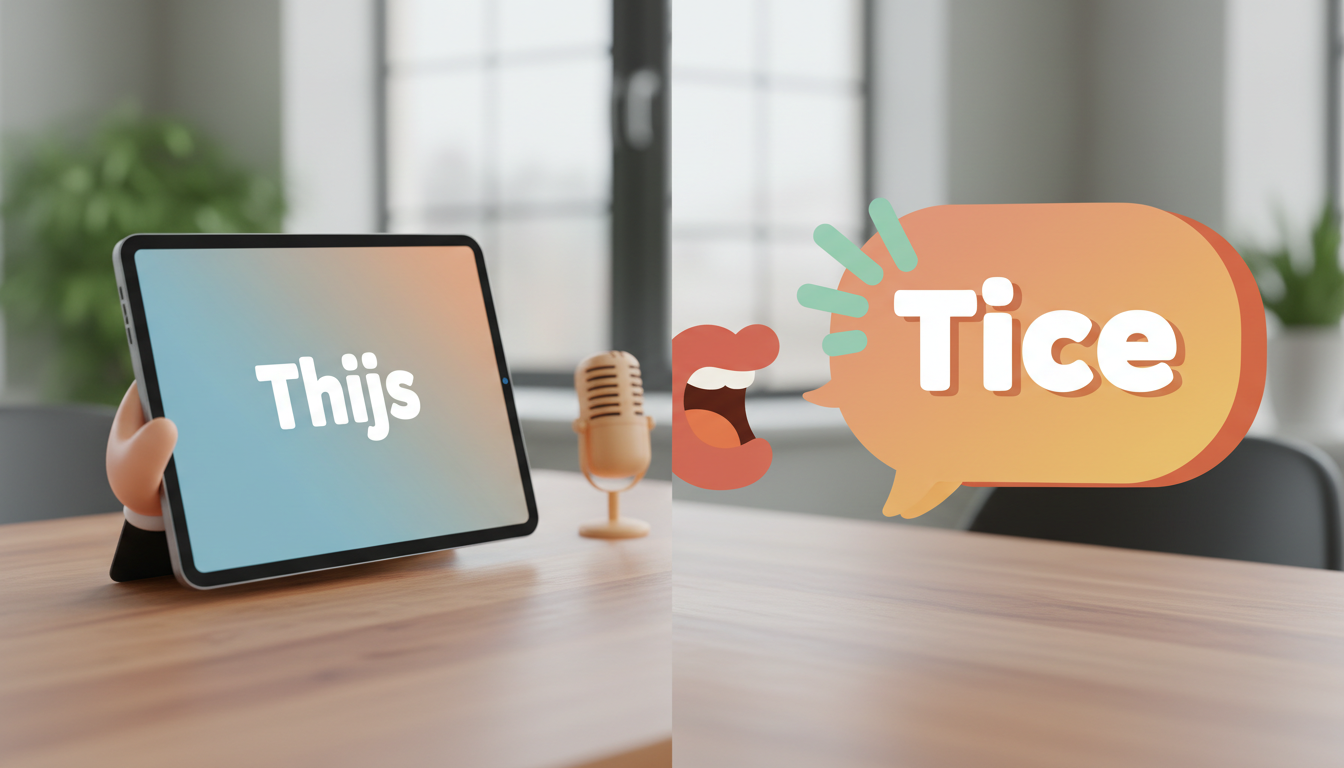
To get English-centric text-to-speech (TTS) engines to pronounce Dutch names correctly, you can rewrite them phonetically using English-equivalent spelling patterns. When standard AI voice models encounter unique Dutch vowel clusters like "ij", "ui", and "oe", they may mispronounce them. By mapping "ij" to "ay", "oe" to "oo", and using spacing tricks for prefixes like "van der", you can guide AI characters to speak Dutch names with warmth and respect. While synthetic voices cannot perfectly replicate a native regional accent, these practical workarounds help reduce mispronunciations in your custom voice notes and video greetings.
Why Dutch Names Trip Up Speech Synthesis Engines
Dutch orthography is beautiful, but it contains linguistic friction points that standard AI voice generators may not handle automatically. When an AI speech synthesis engine encounters a Dutch name, it may apply English phonetic rules, which can lead to unexpected pronunciations when it meets unfamiliar vowel combinations.
For example, the Dutch "ij" can look like two separate letters to an English-centric model, which might read it as a hard "idg" or a long "ee". Similarly, the Dutch "ui" is a complex diphthong that synthetic voices may flatten or split into an awkward "oo-ee" sound. Consonants also present a challenge: the characteristic throaty Dutch "g" and the "sch" cluster are sometimes flattened into hard English "g" or "sh" sounds. While AI voices cannot perfectly replicate native regional accents, strategic phonetic spelling helps them sound natural, warm, and highly recognizable.
The Dutch Vowel and Consonant Translation Guide
To help the AI voice engine navigate these hurdles, you can translate Dutch spelling patterns into phonetic English equivalents. Use this translation framework to adjust your scripts before generating speech:
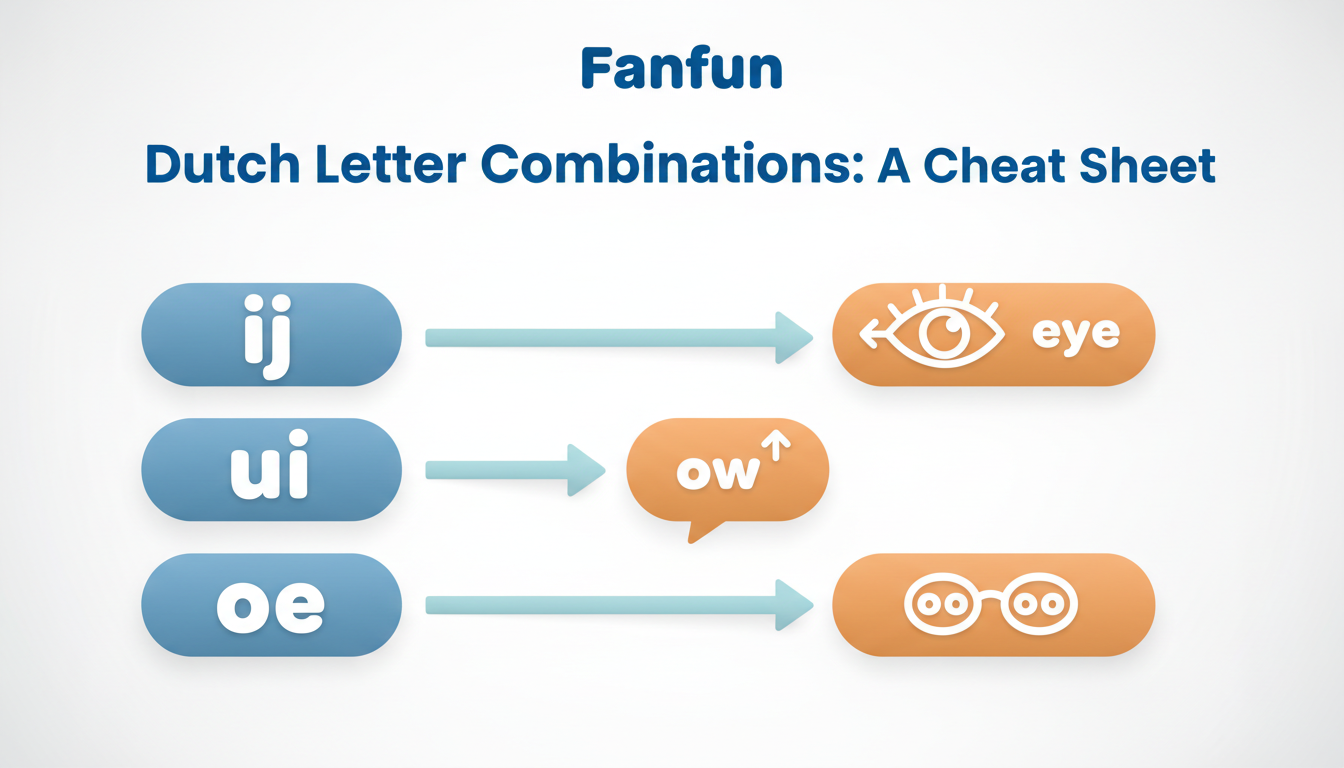
- The "ij" sound: This sounds close to the English word "eye" or "ice". Map "ij" to phonetic spellings like "ay" or "eye". For example, the name Thijs should be written as "Tice" or "Tyce".
- The "ui" sound: This is notoriously difficult for English engines. A close approximation is "oy" or "ow". For the surname de Bruijn, try spelling it phonetically as "de Brown" or "de Broyn".
- The "oe" sound: In Dutch, "oe" sounds like the "oo" in "cool". To prevent the AI from saying "oh-ee", rewrite names like Snoek as "Snook".
- The soft "j": The Dutch "j" sounds like the English "y". If you leave it as a "j", the AI will use a hard "j" sound (like in "judge"). Rewrite Jan as "Yan" and Annetje as "Ah-net-yeh".
Phonetic Cheat Sheet for Common Dutch Names
When working with unique first names and complex family names, a side-by-side comparison helps you see exactly how to adjust your input. Much like learning how to use phonetic spelling for French names in text to speech, mastering Dutch names is all about finding the closest English phonetic equivalents.
Below is a quick-reference table for some of the most common Dutch first names and surnames. If you are looking for broader strategies for unusual naming conventions, you can also consult our guide on phonetic spellings for unique names in AI voice generators.
| Original Dutch Name | Phonetic Spelling for TTS | Approximate English Pronunciation |
|---|---|---|
| Anneliese | Ah-neh-leesa | Ah-neh-lee-sah |
| Geert | Hert (or Gairt) | Hairt / Gairt |
| Katrien | Kah-trene | Kah-treene |
| Sanne | Sahn-nuh | Sahn-nuh |
| de Jong | duh Yong | duh Yong |
| van der Meer | vahn der Mair | vahn der Mair |
When dealing with prefixes like "van der" or "de", spacing and capitalization play a huge role in pacing. To prevent the AI from rushing through the surname, you can learn how to handle complex last names in synthetic speech by using deliberate spaces and punctuation breaks.
Testing and Refining Your Script on Fanfun
At Fanfun, we love helping you create highly personalized, playful AI character video messages and voice notes. Because our digital personas are creative approximations rather than native Dutch speakers, taking a moment to test and refine your script makes a world of difference in the final output.
Before you generate your full voice note or video gift, you can test your phonetic spellings in a short chat message or voice note. Start by typing a short sentence containing your phonetic name. If the voice sounds too rushed or runs the prefix into the surname, you can use simple punctuation hacks. Adding a comma or a hyphen (for example, writing "vahn der, Mair" or "vahn-der-Mair") can help the AI character pause naturally, giving the name the weight and rhythm it deserves. With a tiny bit of phonetic tweaking, your custom greetings will sound natural and respectful.
How do I get an AI voice to pronounce the Dutch 'g' sound?
Because the throaty Dutch 'g' sound does not exist in English, standard AI voice models may not replicate it perfectly. A practical workaround is to substitute it with an 'H' or a soft 'G' sound (for example, writing Geert as 'Hert' or 'Gairt') to keep the pronunciation natural and recognizable.
Should I capitalize phonetic spellings in my text-to-speech script?
Yes, capitalization can sometimes signal the AI engine to emphasize a specific syllable. However, the most effective way to guide pronunciation is through phonetic spelling and punctuation (like hyphens or commas) rather than relying solely on capital letters.
Why does the AI voice pause weirdly between 'van' and the rest of a Dutch last name?
AI speech synthesis engines can sometimes treat short prefix words like 'van' or 'de' as separate clauses or abbreviations. To help resolve this, you can try hyphenating the prefix to the main name (such as 'vahn-der-Mair') to encourage the AI to read the entire surname as a single, fluid phrase.



