
How to Spell German Surnames Phonetically for AI Voice Generators
Struggling with how AI voice generators mispronounce German names? Learn how to convert complex vowels, umlauts, and consonant clusters into English phonetics for perfect digital greetings.

To get AI voice generators to pronounce complex German surnames correctly, you must translate the name's spelling into English phonetic equivalents. Because standard text-to-speech models default to English spelling-to-sound rules, they often mispronounce German letter combinations like the double vowel "ie" or the letter "z". Replacing the original spelling with a phonetic translation—such as writing "Tsim-mer-mahn" instead of "Zimmermann"—safely guides the AI to the correct pronunciation. While modern AI voices are highly sophisticated, they require this manual guidance to deliver natural-sounding names in personalized digital greetings.
The AI Pronunciation Gap: Why German Names Trip Up Voice Generators
AI voice generators are incredibly advanced, but they typically default to English pronunciation rules when parsing standard text. When an English-trained voice model encounters a German surname, it attempts to apply English phonics. This leads to common errors, such as pronouncing the German "z" as a soft buzz instead of a sharp "ts" sound, or reversing the vowel sounds in "ie" and "ei" combinations.
If you want to write phonetic spellings for unique names in AI voice generators, you will find that phonetic translation is the most reliable workaround for these systemic text-to-speech limitations. When customizing a personalized video message or voice note on Fanfun, getting a recipient's name right is crucial. A mispronounced name immediately breaks the illusion of a custom greeting from their favorite AI character, whereas a perfectly pronounced German surname makes the message feel genuinely thoughtful and polished.
The German-to-English Phonetic Cheat Sheet
Just like our guides on phonetic spelling for Italian names and phonetic Portuguese surnames for AI voices, German has specific pronunciation rules that translate poorly into standard English text-to-speech engines. To help you bypass these defaults, we have compiled a quick-reference guide for converting German vowels, umlauts, and tricky consonants into phonetic English equivalents.
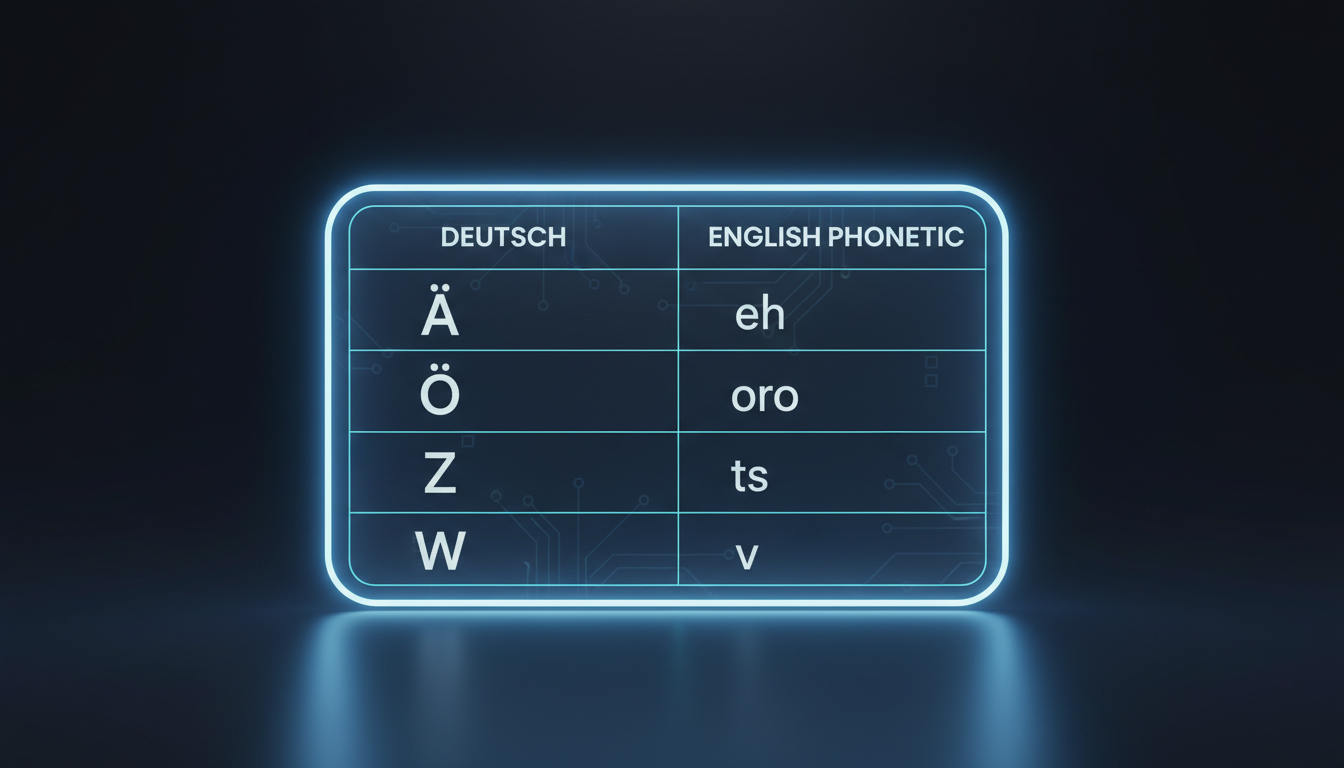
| German Pattern | English Phonetic Sound | German Example | Phonetic Input for AI |
|---|---|---|---|
| Ä / ae | eh (as in "bet") | Jäger | Yeh-ger |
| Ö / oe | ur / uh (as in "burn") | Schöne | Shur-neh |
| Ü / ue | oo / ee (blend of both) | Müller | Mool-ler / Mih-ler |
| ei | eye (as in "bite") | Pfeiffer | Fye-fer |
| ie | ee (as in "meet") | Rieder | Ree-der |
| z | ts (as in "cats") | Zimmermann | Tsim-mer-mahn |
| w | v (as in "vine") | Wagner | Vahg-ner |
| v | f (as in "fine") | Vogel | Foh-gel |
| sch | sh (as in "shoe") | Schneider | Shnye-der |
Step-by-Step: Deconstructing Complex German Surnames
To transform any complex German surname into an AI-ready script, follow this three-step decision framework:
- Isolate the syllables: Break the name down into its natural spoken parts (e.g., Schneider becomes Schnei-der).
- Swap the tricky letters: Use our cheat sheet to replace problematic German characters with English sounds (e.g., "sch" becomes "sh", and "ei" becomes "eye").
- Read it aloud in a flat English accent: Pronounce your phonetic spelling exactly as a native English speaker would read it. If it sounds correct, your AI voice model will likely pronounce it correctly too.
Example 1: Zimmermann
The German "z" is pronounced as "ts", and the "a" is a short, open sound. To prevent the AI from saying "Zim-mer-man" with a buzzing "z", write it as Tsim-mer-mahn.
Example 2: Müller
The umlaut "ü" is notoriously difficult for English-trained models. Depending on the specific AI character voice you choose, you may need to experiment. Try writing Myool-ler or Mih-ler to see which style sounds more natural in the final generation.
Example 3: Pfeiffer
The initial "p" is silent, and the "ei" diphthong must sound like "eye". To avoid the AI saying "P-feiffer" or "P-fiffer", simplify the spelling entirely to Fye-fer.
Testing and Refining Your Script on Fanfun
Once you have drafted your phonetic spellings, it is time to test them. On Fanfun, you can use the voice note tool to generate a quick, downloadable MP3 preview of your script before committing to a full video gift. This preview allows you to hear exactly how the AI character's voice handles the name.
If the pronunciation sounds correct but a bit rushed, try using punctuation to adjust the rhythm. Adding a hyphen (e.g., "Tsim-mer-mahn") or a comma after the name can give the voice model a natural moment to breathe. Once the name sounds perfect, you can weave it into a larger, engaging message. For inspiration on how to structure your greeting, explore our tips on writing an encouraging motivational script for your video.
How do I handle the German double-S (ß) character in AI scripts?
The German double-S, or Eszett (ß), should be replaced with a double "ss" or a single "s" in your phonetic script. For example, if a surname is "Groß", write it as "Grohs" or "Gross" to ensure the AI voice generator pronounces the long vowel and the soft sibilant sound correctly.
Does capitalization matter when writing phonetic spellings for AI voices?
Generally, capitalization does not change the core pronunciation of phonetic spellings, but it can affect the AI's pacing. Some voice models interpret fully capitalized words as acronyms or words that require extra emphasis, which can cause a choppy delivery. It is safest to use standard sentence capitalization or lowercase letters for your phonetic substitutions.