
How to Create Personalized Video Greetings for Long-Distance Family Members
Standard video calls can feel like a chore. Learn how to design, script, and send playful, custom digital character greetings that bring laughter and warmth to your faraway relatives.
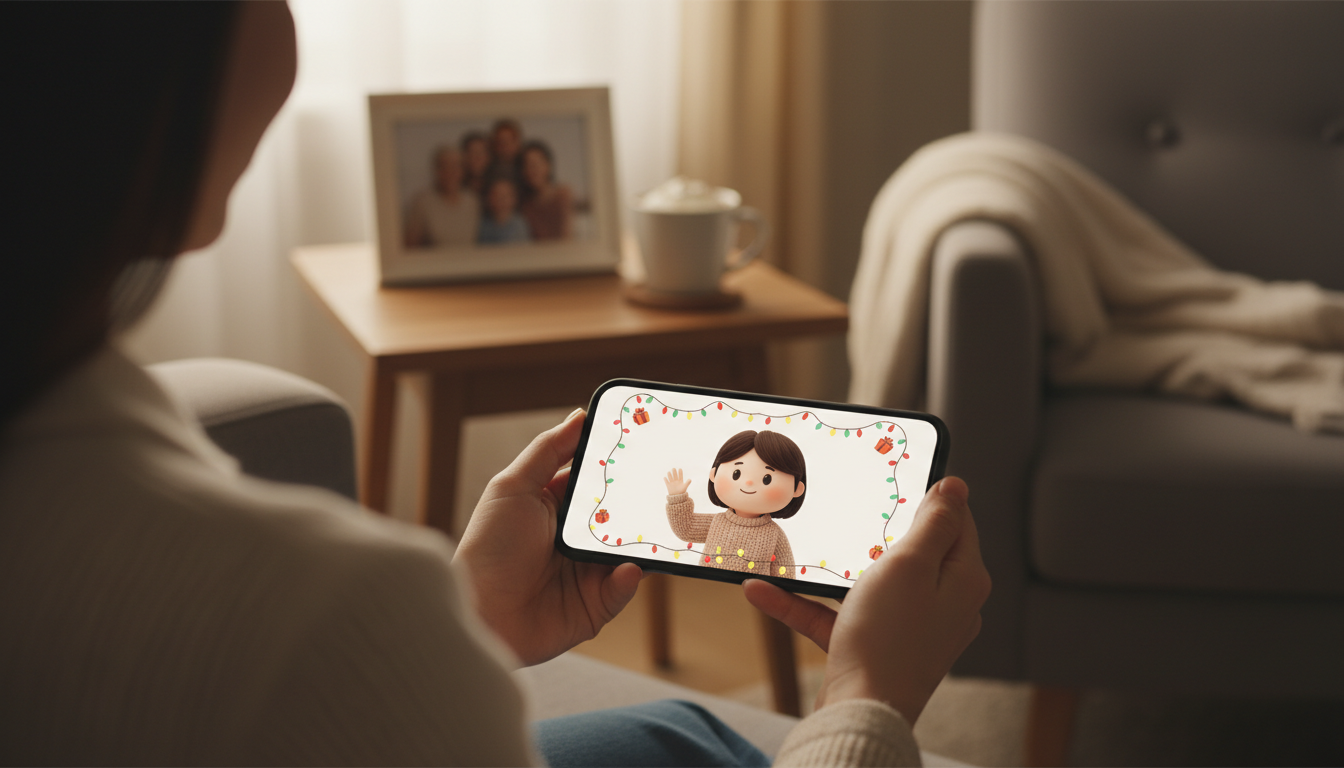
Personalized video greetings are a highly engaging way to stay connected with long-distance family members, offering a playful alternative to standard group texts or exhausting video calls. By using custom digital characters—like an animated favorite or a fun personality—you can deliver short, custom-scripted messages packed with family inside jokes. While these AI-generated voices are creative, lighthearted tools rather than perfect human replicas, they inject instant surprise and warmth into family group chats.
Why Digital Video Greetings Beat the Standard Group Text
Maintaining close bonds across time zones is hard. While weekly video calls are valuable, they can sometimes feel like scheduled chores, and standard group texts often lack emotional spark. Custom digital character video messages break this monotony by introducing an element of surprise. Instead of another plain text, imagine your family members opening a video of an animated character speaking directly to them, referencing specific inside jokes from your last family reunion.
It is important to set clear expectations: these custom greetings utilize AI character personas rather than real-person recordings. They are designed to be playful, creative, and highly entertaining tools rather than flawless, identical voice clones. When you use Fanfun to draft, preview, and generate these short video gifts, the goal is to spark joy and laughter, bridging physical miles with shared humor. Explore our guide on creating virtual character videos for long-distance relationships to see how digital characters keep bonds strong.
Three Creative Scenarios for Faraway Relatives
To get the most out of your digital greetings, match the character style to your family member's personality. Here are three creative ways to structure your messages:
1. The Encouragement Boost
Perfect for students facing finals or younger cousins playing in a big championship game. Pair an encouraging, helpful character like Doraemon with lighthearted, supportive advice to help them destress and feel your support from afar.
2. The Milestone Celebration
For grandparents or parents celebrating a birthday or anniversary, choose a classic personality or well-known public figure to deliver a warm, nostalgic message. If you are planning a message for the festive season, check out these holiday dialogue templates for custom AI character video greetings.
3. The Sibling Banter Exchange
Keep childhood humor alive by sending your siblings a roast or an inside joke delivered by a funny, sarcastic animated character. This is a quick, low-pressure way to say you are thinking of them without needing to coordinate busy schedules for a live call.
| Family Dynamic | Recommended Archetype | Starter Script Template |
|---|---|---|
| Young Cousin or Student | Friendly Animated Character | "Hey [Name]! Good luck on your exam tomorrow. I would lend you my secret gadgets, but I know you have got this on your own!" |
| Grandparent or Parent | Classic Personality | "Happy Birthday, [Name]! Sending you love all the way from [City]. We hope your day is as legendary as you are." |
| Sibling or Close Cousin | Sarcastic/Funny Character | "Hey [Name], just checking in to remind you that I am still the favorite child. Hope you are having a great week in [City]!" |
Drafting and Sharing Your Video Message
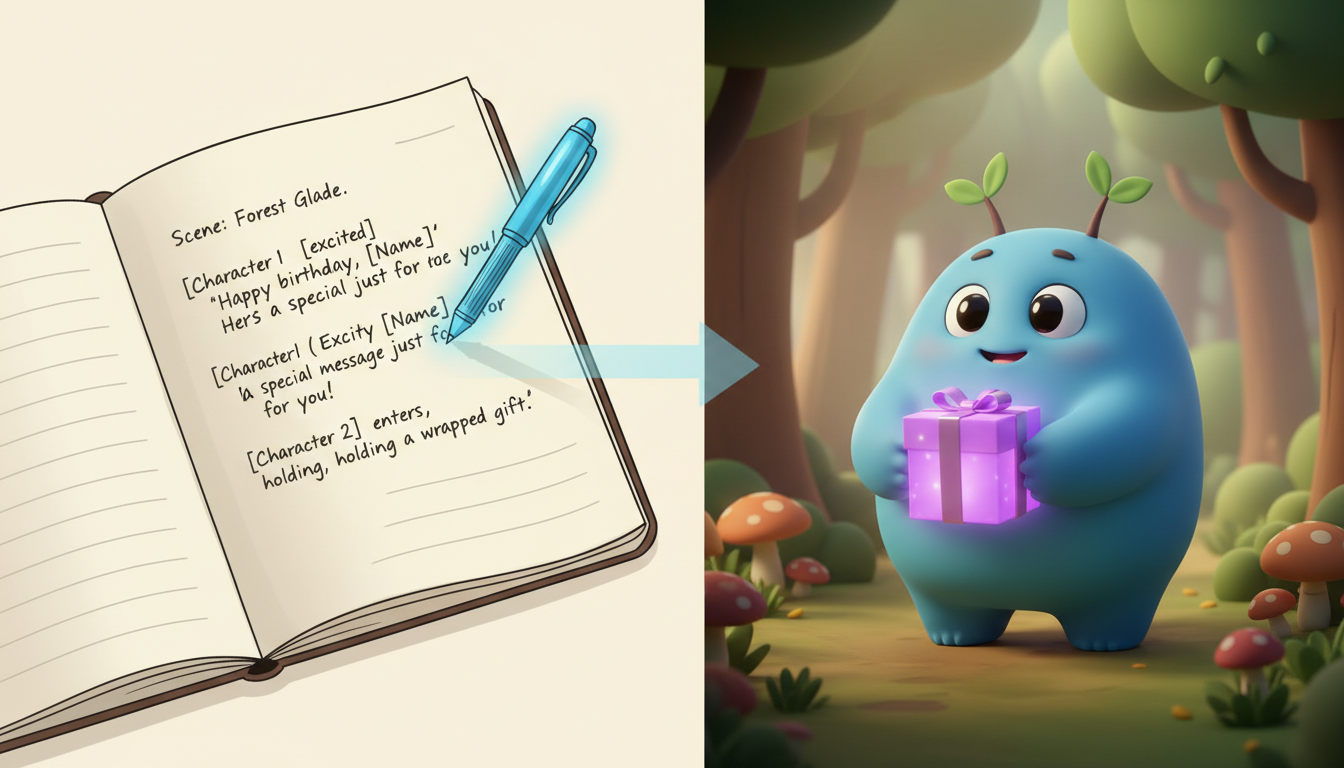
Creating your video on Fanfun is a straightforward process, and a few quick tips can help you craft an engaging message. First, keep your scripts under 30 seconds. On Fanfun, one video credit covers up to 30 seconds of speech, which is an ideal length to keep the pacing punchy and engaging on a mobile screen.
Second, consider spelling tricky names phonetically. AI voice generators can sometimes struggle with unusual names, slang, or specific inside jokes. If a name might be difficult, try spelling it phonetically (for example, writing 'A-lux' instead of 'Alex' or 'Sio-bhan' instead of 'Siobhan') to help the system pronounce it correctly in the generated video.
Your Quick Video Greeting Checklist
- Script Length: Keep it under 30 seconds to fit within one Fanfun credit.
- Phonetic Spelling: Adjust tricky names or slang in the script so the AI pronounces them correctly.
- Review Script: Double-check your spelling and phrasing before generating.
- Download and Save: Save the final MP4 file to your local drive or cloud storage.
Once your video is generated, you can access it from your email or the 'My creations' section. From there, you can share it with your family via your preferred messaging apps. To make sure these digital keepsakes are preserved for years to come, read our walkthrough on how to archive digital video greetings for long-term storage. This ensures your family can look back on these hilarious, heartwarming videos during future in-person reunions.
How long should a family video greeting be?
We recommend keeping your video greeting under 30 seconds. This helps keep the message punchy and fits within a single Fanfun video credit, which covers up to 30 seconds of speech.
Can I use my family's unique inside jokes in the script?
Absolutely! Incorporating specific names, locations, and inside jokes is what makes these video greetings so special. Just be sure to double-check your script and use phonetic spelling for any unique slang or names to help with pronunciation.
Do I need a paid account to try making a character message?
You can start exploring Fanfun for free, which includes three voice replies a day to chat with characters. Creating downloadable MP3 voice notes uses your voice-note character allowance, while video gifts require video credits, both of which are available on our flexible monthly or yearly paid plans.



