Beyond the Flat Read: The Fanfic Author’s Guide to Directing Multi-Voice Audiobooks with AI
Don't settle for robotic text-to-speech. Discover how to step into the director's chair, cast distinct character voices, and produce professional-grade multi-voice podfics using AI.

For years, the podfic community has been one of fandom's most dedicated, labor-intensive corners. Translating a 100,000-word slow-burn epic from the page to an audio format traditionally meant one of two things: a single, heroic narrator attempting to voice twenty different characters, or a dry, robotic text-to-speech app that completely kills the emotional tension. When a tender moment between rival wizards is read with the same cadence as a microwave manual, the magic of the story evaporates instantly.
But the creative landscape is shifting. Instead of settling for flat, single-voice reads, creators are stepping into the director's chair. By leveraging advanced AI voice technology, fanfic authors can now cast distinct, highly expressive voices for every character in their ensemble. This guide will show you how to move beyond passive text-to-speech and treat your favorite stories like premium audio dramas, produced right from your laptop.
The Podfic Revolution: Why Fan Fiction Deserves More Than a Flat Read
Traditional audiobooks rely heavily on the vocal gymnastics of a single narrator. While professional voice actors can pull this off, the average fan creator doesn't have a soundproof booth, a expensive microphone, or the vocal range to seamlessly switch from a gravelly anti-hero to a bright, energetic sidekick. This is where the concept of the "directorial approach" comes in. By using tools like Fanfun’s AI Voice Generator, you aren't just reading text—you're casting a play.
When you learn how to transition from simple narration to a fully realized audio drama, you unlock a new layer of emotional immersion. Fandom thrives on subtext: the unspoken tension in a pause, the slight tremor of panic in a villain's voice, or the warm, teasing tone of a childhood friend. A flat read flattens these dynamics. A multi-voiced AI production, however, preserves them, making the listener feel like they are sitting in the room with the characters.
Casting Your Fictional Ensemble: Choosing the Right Voices
Casting is the foundation of any great audio drama. Your first step is separating the narrator from the cast. The narrator is the anchor of your audiobook; they require a grounding, neutral, and consistent tone that guides the listener through the setting and action without overshadowing the dialogue. The characters, on the other hand, need highly distinct vocal profiles that reflect their personality, background, and emotional range.
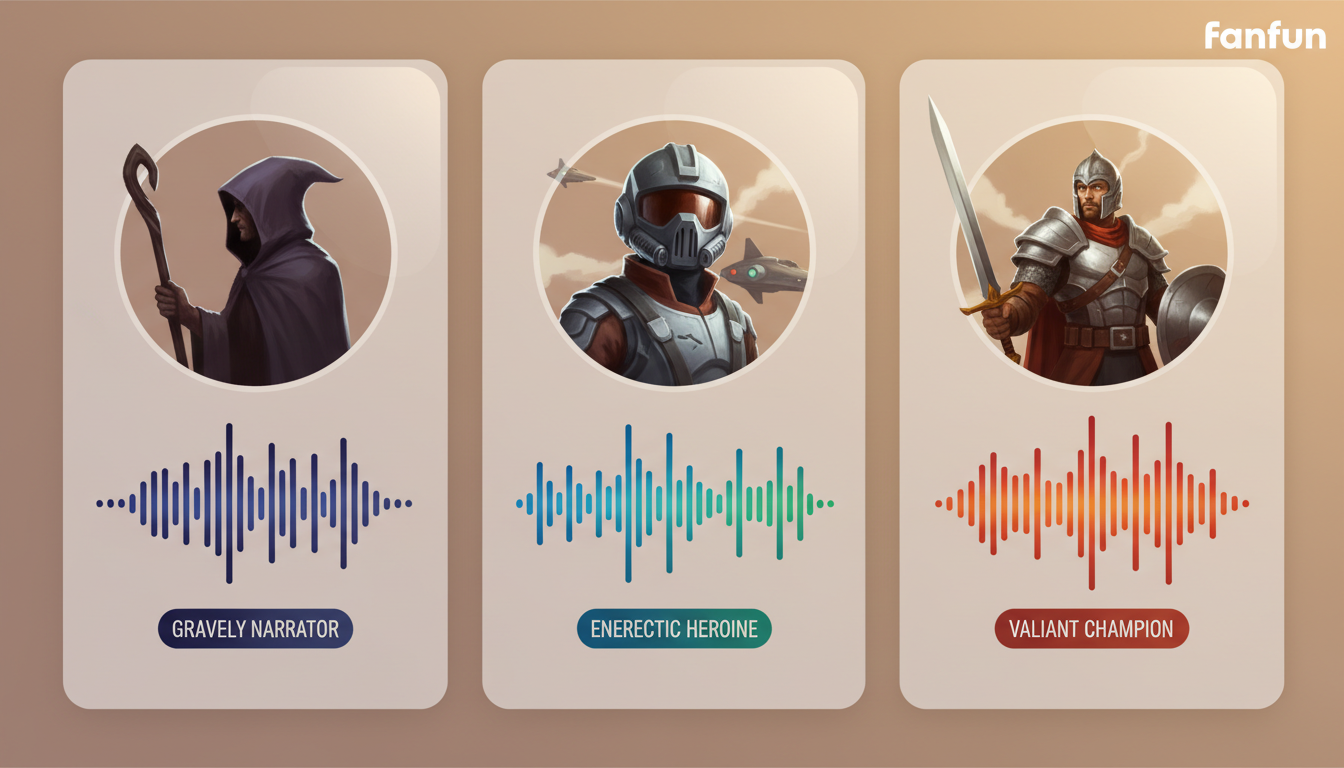
Using Fanfun's diverse character library, you can browse and test different vocal archetypes to find the perfect fit. Instead of treating these voices as static assets, think of them dynamically. You are essentially treating your AI voice profiles as interactive character companions, studying their natural cadences, pitches, and emotional ranges to see how they play off one another in a scene.
Matching Vocal Textures to Archetypes
To build a compelling cast, you must match vocal textures to the psychological profiles of your characters. Consider these pairings when building your ensemble:
- The Brooding Anti-Hero: Requires a lower pitch, a slightly gravelly texture, and a slower, more deliberate delivery. Think of a voice that sounds like it carries the weight of the world, where pauses are heavy and words are chosen carefully.
- The Comic Relief: Demands a brighter, higher-pitched tone with rapid-fire delivery and highly varied inflection. This voice should feel light, bouncy, and easily excitable.
- The Regal Mentor: Needs a smooth, warm, and highly stable mid-range tone. The delivery should be measured, calm, and authoritative, conveying wisdom without aggression.
The Script-to-Speech Translation Framework
The biggest mistake new podfic directors make is copy-pasting raw fanfic text directly into an AI voice generator. Written prose and spoken audio are two entirely different mediums. In a written story, dialogue tags like "he whispered angrily" or "she sighed, looking away" tell the reader how to interpret the line. In an audio drama, the voice generator must perform the anger or the sigh, and the explicit tag should often be cut entirely to avoid repetitive, clunky narration.
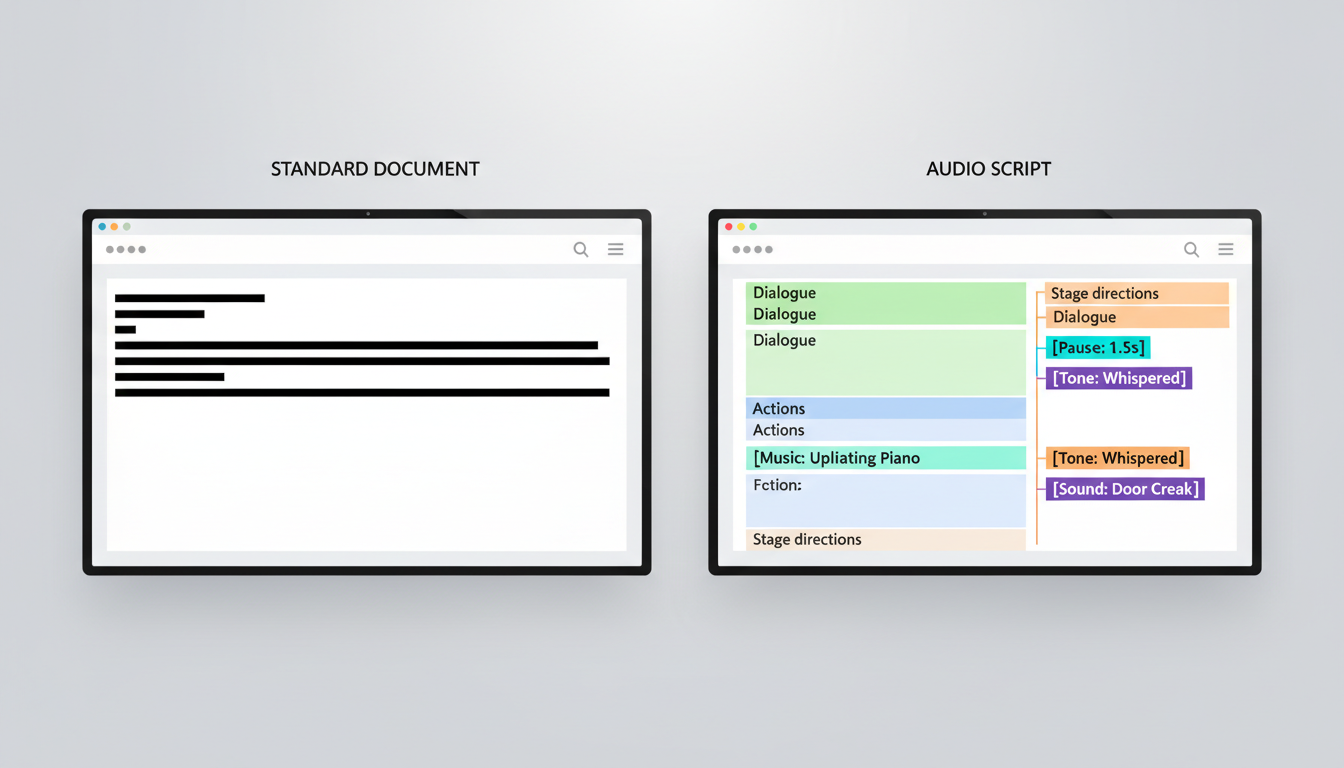
To make this process seamless, you need to translate your written fanfic into an AI-optimized script. This involves separating dialogue into individual lines for each voice generator, adding performance markers, and removing redundant tags. Here is a side-by-side comparison of how to transform a standard fanfic scene into a production-ready script:
| Original Fanfic Text | AI-Optimized Audio Script | Directorial Notes |
|---|---|---|
| "I can't do this anymore," Leo whispered, his voice cracking. "It's too dangerous." | Leo (AI Voice): "I can't... do this anymore. [Pause] It's too dangerous." | Remove "Leo whispered, his voice cracking" and use ellipses and a pause marker to force the AI to slow down and create tension. |
| "Then let me come with you!" Maya demanded, stepping closer. | Maya (AI Voice): "Then let me come with you!" | Remove "Maya demanded, stepping closer" as the energetic voice delivery and spatial sound design in post-production will convey her movement. |
| "No," he said flatly. "You stay." | Leo (AI Voice): "No. You... stay." | Split the dialogue into distinct beats. Use a period after "No" to force a hard stop. |
Pacing, Pauses, and Punctuation: Directing the AI Performance
AI voice generators are incredibly smart, but they don't automatically know the subtext of your scene. To get a truly human-like performance, you have to actively direct the AI using punctuation, pacing, and phonetic spelling. Punctuation isn't just for grammar anymore; in the world of AI voice generation, punctuation is your primary tool for controlling timing and emotion.
For example, if you want a character to hesitate, don't just write "I don't know." Write "I... don't know" or even "I. Don't. Know." for a highly dramatic, emphasized delivery. Em-dashes (—) are perfect for representing sudden interruptions, while extra periods can force the AI to drop its pitch and bring a sentence to a definitive, quiet close. By mastering pacing and narrative tone to avoid a flat, robotic delivery, you can transform a standard text-to-speech reading into a deeply moving performance.
Phonetic spelling is another essential hack, especially in fantasy or sci-fi fandoms. If your character is named "Aeliana" and the AI keeps mispronouncing it as "Ay-lee-ah-nah" instead of "Ah-lee-on-uh", spell it phonetically in the text box (e.g., "Ahleeahnah"). The same goes for highly specific jargon or slang—don't hesitate to spell things wrong visually if it makes them sound right audibly.
Assembling Your Audio Masterpiece: Mixing and Layering
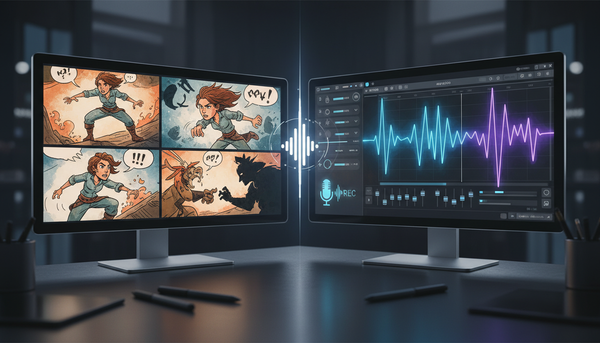
Once you have generated your individual dialogue lines and narrator tracks, it's time to bring them into a Digital Audio Workstation (DAW). Free tools like Audacity, GarageBand, or Reaper are perfect for this. The secret to a professional-sounding podfic isn't just clean voice tracks—it's how you layer and mix them to create a believable acoustic space.
Start by creating separate tracks for your narrator, each main character, and your ambient background sounds. If your scene takes place in a rainy city, a subtle loop of rain falling on pavement running quietly in the background will instantly glue your voice tracks together, masking any slight differences in the AI-generated audio environments. Use volume automation to "duck" your background music and ambient tracks, ensuring they swell during dramatic pauses but drop down to a whisper when a character is speaking.
The Ultimate Podfic Production Checklist
Before you publish your finished project to platforms like AO3, YouTube, or SoundCloud, run through this production checklist to ensure a polished final product:
- Step 1: Script Prep. Strip out redundant dialogue tags and replace them with punctuation-based pacing cues.
- Step 2: Voice Generation. Generate each character's lines separately using Fanfun, saving files with clear, organized names (e.g.,
Scene1_Leo_Line3.wav). - Step 3: Assembly. Import files into your DAW and align them on the timeline, leaving natural gaps (0.5 to 1.5 seconds) between speakers to mimic natural conversation.
- Step 4: Ambience & Music. Add a low-volume ambient track and a music track. Set music volume to -25dB to -30dB during dialogue so it never overpowers the voices.
- Step 5: Master and Export. Apply a subtle limiter to prevent clipping, export as a high-quality MP3 (192kbps is standard for audiobooks), and tag your metadata properly.
Is it legal to turn someone else's fan fiction into an AI audiobook?
In the fandom community, the golden rule is always to ask for permission. Many fanfic authors are thrilled to have their work adapted into a podfic, but you should always reach out to them on platforms like AO3 or Tumblr first. When publishing, clearly credit the original author and link back to their work. Respecting creative ethics is central to the fandom community.
How do I make two AI voices sound like they are having a natural conversation?
The key is manual timing in your DAW. Instead of generating the entire conversation in one block, generate each character's lines separately. When you place them on your timeline, leave slight overlaps or pauses. For instance, a character interrupting another should start speaking a fraction of a second before the other's waveform completely ends.
What is the best free software for mixing my AI voice tracks together?
Audacity is the most popular, completely free, open-source audio editor available for Windows, Mac, and Linux. GarageBand is another excellent, user-friendly free option for Mac users. If you want more professional control over mixing and volume automation, Reaper offers a highly generous, fully functional free trial.
How do I handle fictional or fantasy words that the AI voice generator mispronounces?
Use phonetic spelling. Break the word down into simpler, real-world sounds. For example, if the AI struggles with "Mithril," try typing it out as "Mith-rill" or "Myth-ril" until the generator pronounces it correctly. It may look strange in the text box, but the output audio is all that matters.