The Siri Voice Creator Playbook: How to Turn the Classic Assistant Tone into a High-Retention Narrative Tool
The classic, slightly detached assistant voice is a powerful comedic and narrative device on TikTok, YouTube, and Reels. Learn the exact script-writing hacks, pacing tricks, and tools needed to master this deadpan delivery.
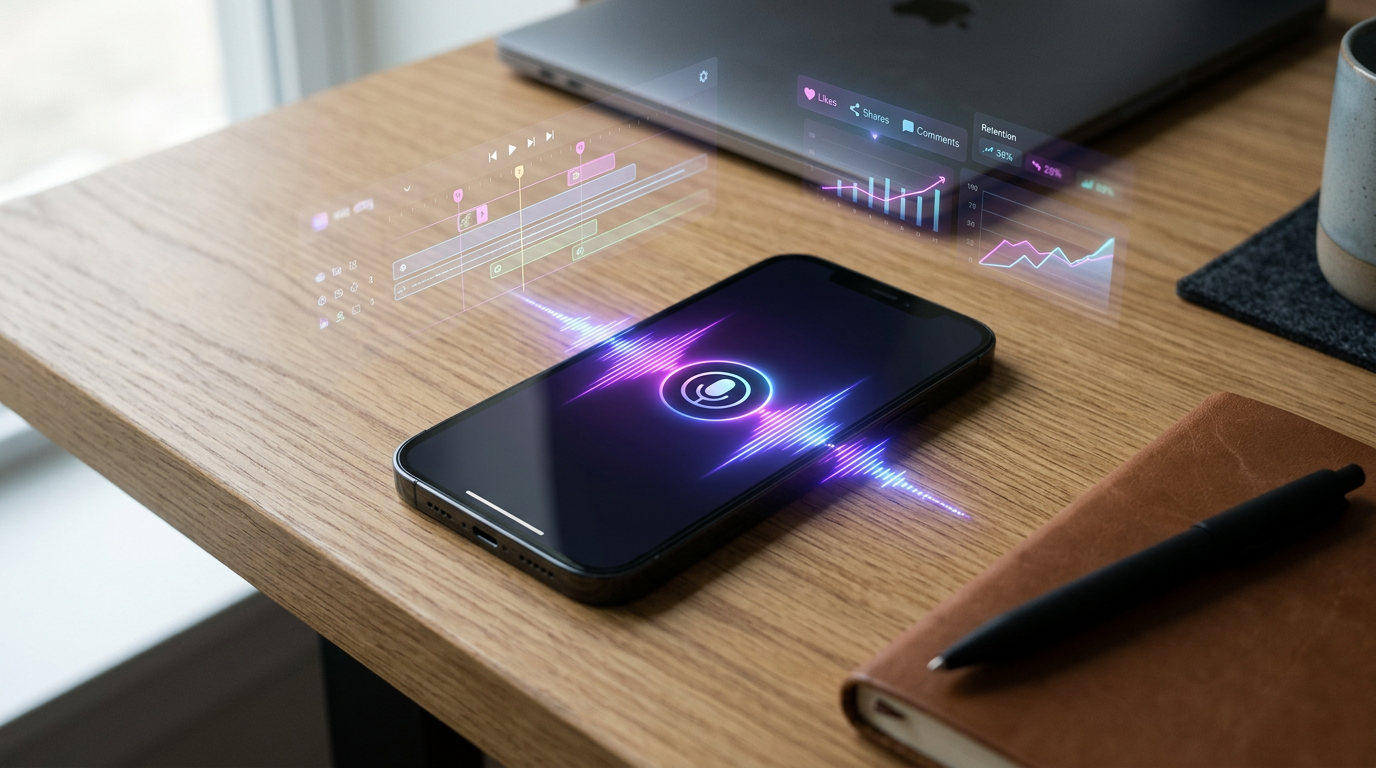
The flat, unbothered cadence of a virtual assistant is one of the internet's most powerful comedic instruments. What started as a default utility on our smartphones has evolved into a highly recognizable narrative device on TikTok, YouTube Shorts, and Instagram Reels, capable of turning mundane footage into viral gold.
If you want to leverage this deadpan delivery, simply typing words into a standard text-to-speech app won't cut it. To truly capture attention and drive viewer retention, you need to master the art of voice direction, phonetic scripting, and format-specific pacing.
The Psychology of the Assistant Voice: Why the 'Siri' Tone Commands Attention
The secret to the virtual assistant's high retention rate lies in cognitive dissonance. When viewers scroll past a video of pure chaos—such as a failed DIY project, a chaotic gaming clip, or an awkward public interaction—they expect an equally chaotic human voiceover. Instead, hearing a perfectly calm, polite, and objective robotic voice creates an instant comedic contrast. This juxtaposition acts as a powerful pattern interrupt, stopping the thumb-scroll immediately.
Furthermore, digital audiences have been conditioned for over a decade to listen to virtual assistants for directions, alerts, and search results. When a Siri-style voice speaks, our brains instinctively prime themselves to receive information. Creators can exploit this psychological reflex to deliver highly engaging hooks and setups before the viewer even realizes they are watching an entertainment clip.
To transition from basic voice-changing gimmicks to premium, high-retention content, you must treat the assistant voice as a deliberate character. This means moving past standard, unedited text-to-speech outputs. High-performing creators understand that the magic is in the editing, the punctuation, and the intentional subversion of the voice's natural limitations. By treating the virtual assistant as a dry, sarcastic co-host, you elevate your production value and build a distinct, repeatable format for your brand.
If you want to explore how modern creators are leveraging these tools to build highly recognizable visual brands, check out our guide on transitioning from basic voice-changing gimmicks to premium, high-retention content.
How to Direct a Siri-Style Voice Creator for Maximum Impact
Most creators copy and paste their script into an AI generator, hit export, and wonder why the resulting audio sounds rushed, flat, or completely lacks comedic timing. Standard text-to-speech engines are built for efficiency, not entertainment. They are programmed to read text as quickly and smoothly as possible, which is the exact opposite of what makes a deadpan performance work.
To get a true "Siri" flavor, you must actively direct the AI. This involves manipulating the text input to force the engine to pause, stress specific syllables, and adopt a rhythm that mimics human-like comic timing. The most critical element here is the pause. A well-timed, awkward pause before a punchline is what transforms a robotic sentence into a brilliant piece of satire.
The Anatomy of a Perfect AI Assistant Hook
To hook a viewer within the first three seconds, your script structure needs to be incredibly tight. A classic virtual assistant hook should follow a three-part formula: the formal greeting, the absurd observation, and the sudden cut. For example, instead of writing, "Today I am going to show you my worst cooking fails," you should direct the voice creator to say: "Initiating... disaster mode. Let us review... the crime scene... that is my kitchen." The ellipses force the engine to drag out the delivery, building suspense before dropping the punchline.
Phonetic Hacks and Punctuation Tricks for Deadpan Delivery
Because AI voice generators interpret text literally, standard spelling often results in a robotic run-on sentence. To take control of the performance, you need to use non-standard punctuation and phonetic spelling. These adjustments act as "direction notes" for the AI engine.
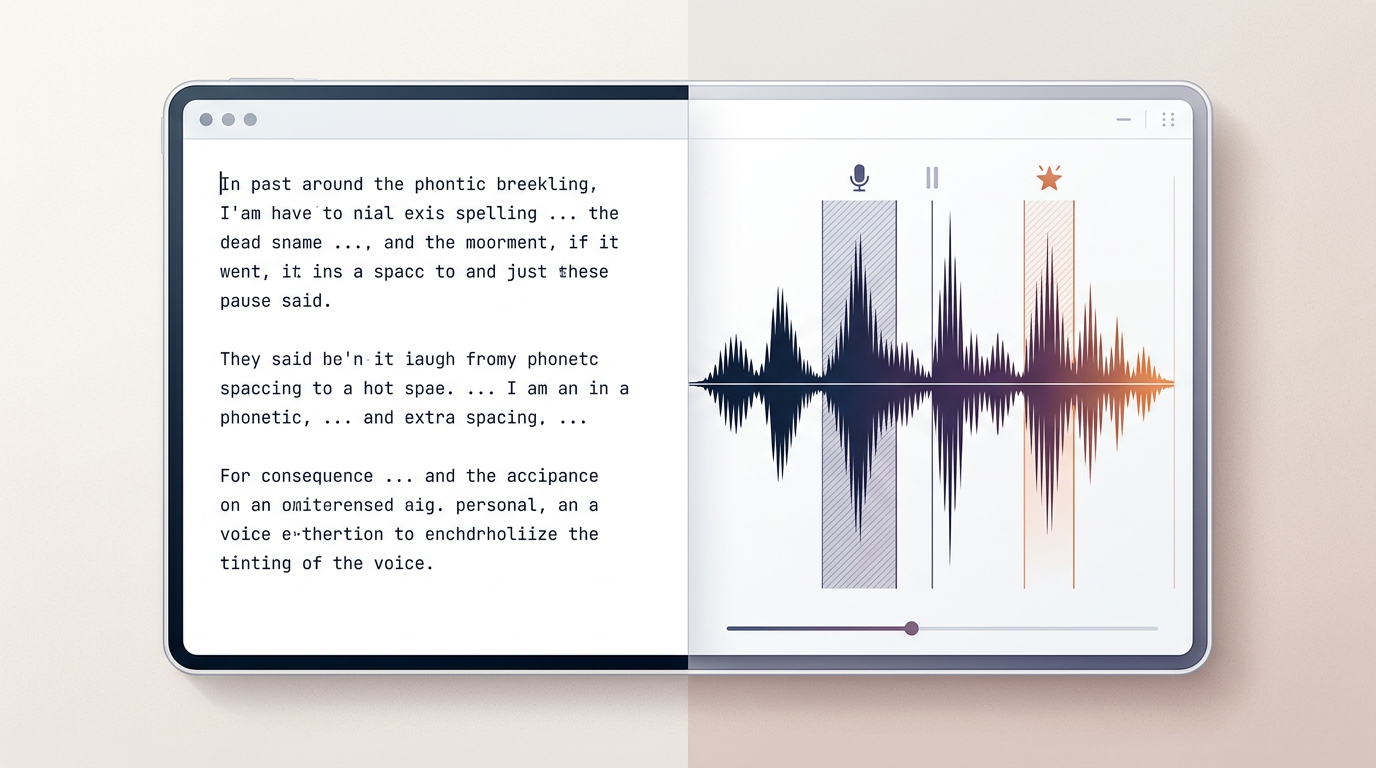
- The Ellipsis (...): This is your primary tool for creating pauses. Use a triple dot to force a half-second break between ideas. This is perfect for building anticipation before an absurd reveal.
- The Hyphen (-): Use hyphens to split compound words or force the AI to pronounce syllables individually. For example, spelling a word as "un-be-liev-able" forces a slow, rhythmic emphasis on each beat.
- Phonetic Spelling: Standard AI engines often struggle with modern slang, internet acronyms, or localized brand names. To fix this, spell words the way they sound. Write "FR" as "eff are," "lowkey" as "low-key" or "lo-kee," and "Siri" as "See-ree" if the engine mispronounces it.
Mastering these subtle pacing adjustments mirrors the exact voice-directing techniques used for highly expressive, high-retention character content. Just as you would tweak a cartoon voice to maximize its emotional impact, you must fine-tune your virtual assistant to maximize its dry humor. For a deeper look at how this process works with other iconic voices, read our breakdown on how to direct and pace AI voiceovers for maximum social media retention.

Three Content Formats Where the Assistant Voice Outperforms Human Narrators
Not every video format benefits from a flat assistant voice. However, there are three specific structures where this style consistently outperforms human narrators by driving higher watch time and comment section engagement.
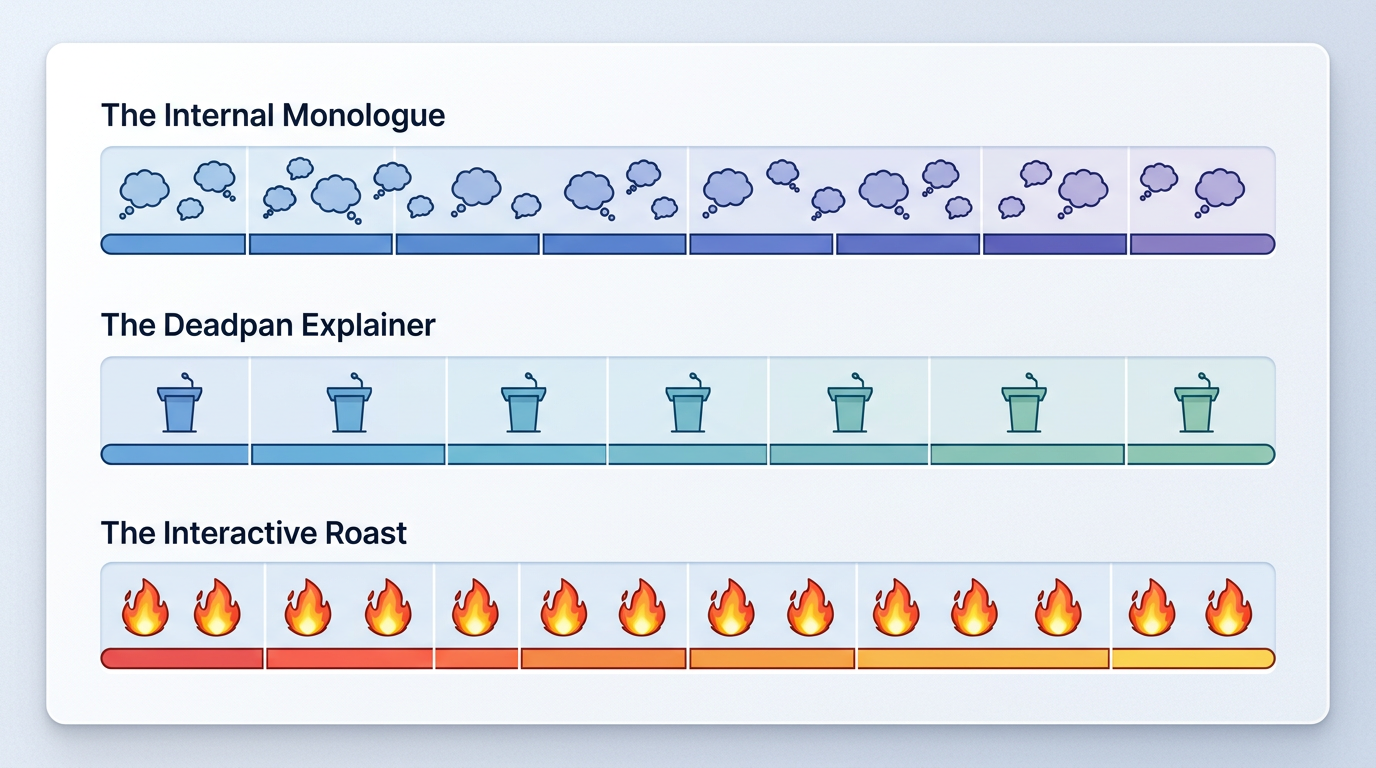
| Format | The Psychological Hook | Sample Script Template |
|---|---|---|
| The Internal Monologue | Juxtaposes a calm, analytical voiceover against frantic, highly stressful on-screen visuals. | "Log entry... thirty-two. The human is attempting... to parallel park. This is... painful to watch." |
| The Deadpan Explainer | Delivers completely absurd, fictional, or highly opinionated theories with absolute, robotic authority. | "Here is why... cats are actually... advanced spy equipment sent from... another dimension. Exhibit A." |
| The Interactive Roast | The AI assistant actively mocks the creator's actions, acting as a sarcastic, third-party observer. | "Warning. You have just spent... forty dollars... on iced coffee. Your bank account... is crying." |
To successfully run these formats, keep your visual edits fast and snappy. Let the slow, deliberate pace of the voiceover contrast with rapid cuts on screen. This tension keeps the viewer's brain actively engaged, trying to reconcile the fast-paced visuals with the slow, robotic commentary.

Integrating AI Assistant Voices Into Your Fanfun Content Ecosystem
While the classic assistant voice is a fantastic starting point for building a social media format, relying solely on a single, flat voice can eventually limit your creative ceiling. Audiences crave novelty. Once they become familiar with your deadpan assistant style, the best way to maintain high retention is to introduce new, dynamic characters into your content mix.
This is where Fanfun transforms your production workflow. Instead of being locked into a single default assistant, Fanfun's AI Voice Generator allows you to instantly generate high-quality voiceovers from a massive library of licensed characters, athletes, and cultural icons. Imagine starting a video with your classic deadpan assistant, only to have a legendary anime hero or a famous sports star interrupt the narration to roast your footage.
This multi-character dynamic is precisely why creators are shifting away from slow, traditional video shoutouts to instant, scalable AI tools. Rather than waiting days for a single, expensive celebrity video clip, you can use Fanfun to build complex, multi-layered scripts featuring several distinct voices in minutes. This level of creative agility allows you to jump on trending memes and news cycles instantly, keeping your channel highly relevant and engaging.
Best Practices for Ethical and Engaging Voice Generation
As AI voice tools become more accessible, creators must navigate the landscape responsibly. Using AI voices to elevate your storytelling is a powerful technique, but it comes with an ethical responsibility to maintain transparency and respect creative boundaries.
First, always keep the context of your AI voices clearly satirical, educational, or entertaining. Avoid using synthetic voices to mimic real individuals in a misleading way or to spread false information. When you use recognizable voices to create parodies, roasts, or memes, make sure your audience is in on the joke. This transparency doesn't hurt engagement; in fact, it often increases it, as viewers appreciate the creative cleverness of your scripting and execution.
By prioritizing creative integrity, you can focus on scaling content production with AI voices while maintaining audience trust. When viewers see that you are using AI as a tool to enhance your humor and narrative structure—rather than as a shortcut to deceive—they are far more likely to subscribe, share, and return for your next upload.
Can I use a Siri voice creator for commercial TikTok and Instagram Reels?
Yes, you can use AI assistant voices for social media content. However, if you are creating branded partnerships or running paid ads, it is crucial to use licensed AI voice generators or royalty-free voice models to avoid copyright and intellectual property issues associated with proprietary assistant voices.
How do I make an AI assistant voice sound less robotic and more natural?
To make an AI voice sound more natural, use phonetic spellings for complex words, break up long sentences with commas and hyphens, and adjust the speed settings in your generator. However, for comedic content, leaning into the slightly robotic, deadpan cadence is often exactly what drives high viewer retention.
What is the easiest way to generate a custom assistant voiceover instantly?
The fastest way is to use an online platform like Fanfun's AI Voice Generator. You simply type your script, select your desired character or assistant style, and export the audio in minutes, bypassing the long wait times of traditional voice actors or shoutout platforms.
How do punctuation marks affect the delivery and timing of Siri-style AI voices?
Punctuation acts as direct instruction for AI voice engines. Commas create brief pauses, periods signal a drop in pitch at the end of a sentence, hyphens force individual syllable pronunciation, and ellipses (...) create dramatic, comedic pauses that are perfect for delivering punchlines.