The Meme Audio Playbook: How to Direct Text-to-Speech into Gold-Standard Comedy Clips
Most text-to-speech memes fail because creators treat AI like a passive typewriter rather than an actor. Discover the scripting hacks, voice-selection strategies, and directing techniques needed to turn dry text into high-retention, comedic audio masterpieces.
The internet's comedic landscape is built on sound. From TikTok trends to YouTube Shorts, the right audio track can turn a throwaway joke into a cultural phenomenon that defines a digital subculture. But while many creators turn to AI voice generators to bring their scripts to life, most end up with flat, robotic voiceovers that kill the comedic timing before the punchline even lands.
The secret to viral comedy isn't just finding a good voice—it’s treating the AI like a voice actor rather than a passive typewriter. By understanding how to write scripts that force natural pauses, manipulate pitch, and leverage recognizable archetypes, you can turn basic text-to-speech outputs into gold-standard audio memes that keep viewers from scrolling past.
The Anatomy of a Viral Audio Meme: Why Flat Text-to-Speech Fails
The era of the boring, monotone robotic voiceover is officially over. Audiences have developed a sophisticated ear for content; they can spot low-effort, default text-to-speech (TTS) within the first half-second of a video. When a voice sounds entirely artificial, it triggers immediate scroll-away behavior. To capture attention, creators must transition from basic text conversion to deliberate audio direction.
Comedy relies entirely on subverting expectations. This subversion is achieved through micro-adjustments in pacing, sudden pitch shifts, and precise character choices. A joke that kills on paper will completely bomb if delivered at a uniform speed with zero emotional inflection. Standard, out-of-the-box TTS software ruins jokes because it is programmed for efficiency—it wants to get from the beginning of the sentence to the end as quickly and cleanly as possible. It ignores the critical "comediс beat"—the pregnant pause right before a punchline that builds tension and delivers the payoff.
To fix this, you must understand that the AI is not reading your mind; it is only reading your characters. If you do not explicitly direct the vocal performance through your text input, the generator will default to its safest, most sterile delivery. Great audio memes require a deliberate mismatch between the voice's natural tone and the absurdity of the words being spoken.
The Voice-to-Archetype Match: Choosing the Right Persona for Your Joke
Before you type a single word into a generator, you must select the right vocal vessel for your joke. In comedy, casting is everything. The same script can go from hilarious to completely nonsensical depending on the archetype you assign to it.
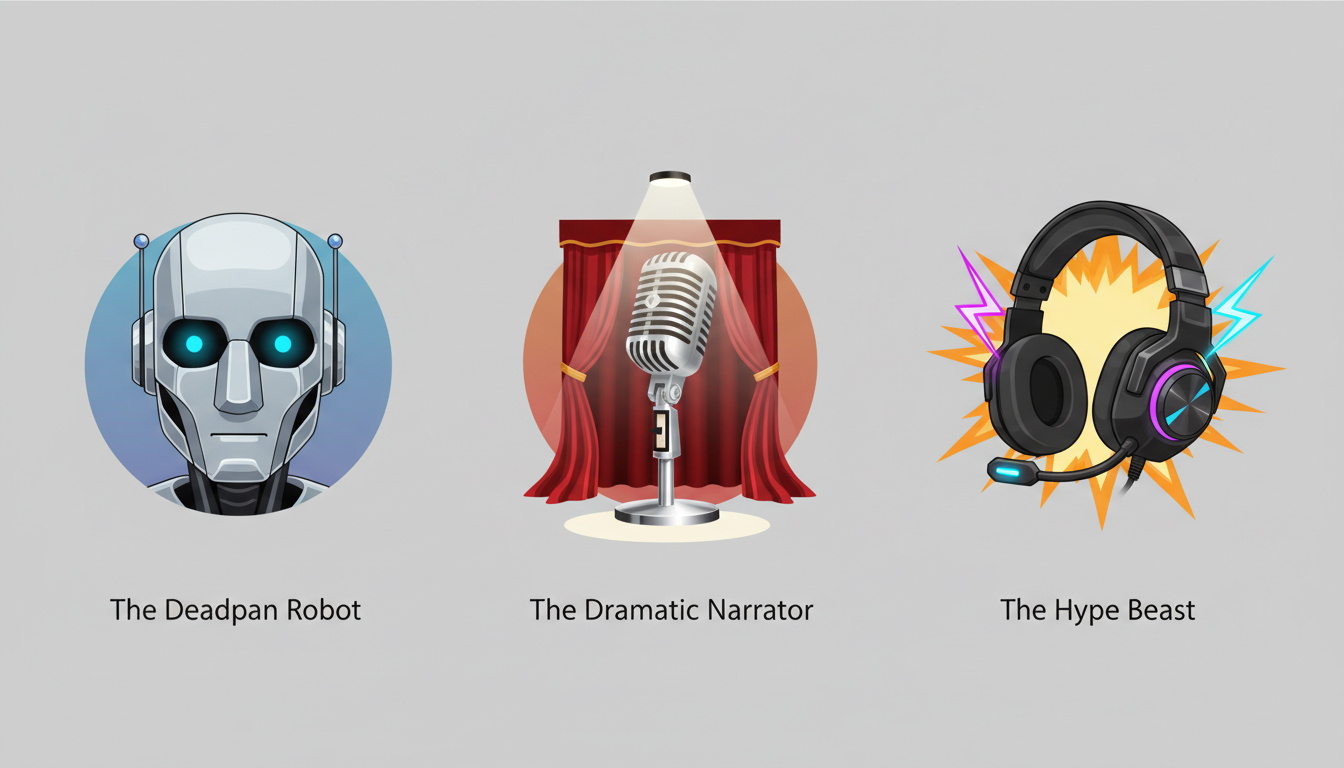
Here are the three primary comedic voice archetypes that dominate modern social media feeds:
- The Deadpan Assistant: This is the classic, emotionless, clinical voice. The humor here comes from the stark contrast between a highly emotional, unhinged, or absurd script and a completely flat, robotic delivery. If you are writing a chaotic copypasta or a bizarre confession, this is your go-to. To truly master this, you can analyze the mechanics of leveraging classic assistant tones for narrative humor to understand how deadpan delivery magnifies absurd situations.
- The Dramatic Narrator: Think of a deep, booming, cinematic voice suitable for a movie trailer. Using this archetype to narrate completely mundane, everyday situations—like someone struggling to open a bag of chips or washing a single fork—creates instant mockumentary gold.
- The Hype Beast: High-energy, fast-paced, and highly expressive. This archetype is perfect for injecting chaotic energy into reaction videos, gaming clips, or fast-cut memes where the audio needs to match a high visual frame rate.
The Meme Archetype Match Matrix
Use this simple framework to match your script's energy with the correct vocal profile:
| Script Style | Ideal Voice Archetype | Comedic Effect |
|---|---|---|
| Absurd, unhinged rant or copypasta | Deadpan Assistant / Robot | Irony, emotional detachment |
| Mundane daily tasks, minor inconveniences | Dramatic Movie Narrator | Grandiosity, mockumentary tension |
| Fast-paced gaming, high-action chaos | Hype Beast / Energetic Commentator | Urgency, adrenaline, chaos |
The Directing Blueprint: Scripting Hacks for Comedic Timing
When using an AI voice generator, you aren't just a writer; you are a director. If you want to avoid the robotic monotone that plagues bad memes, you must learn the art of mastering the art of directing an AI voice generator beyond standard text-to-speech traps. You must feed the AI a highly customized script designed to trick the synthesizer into producing human-like cadence.
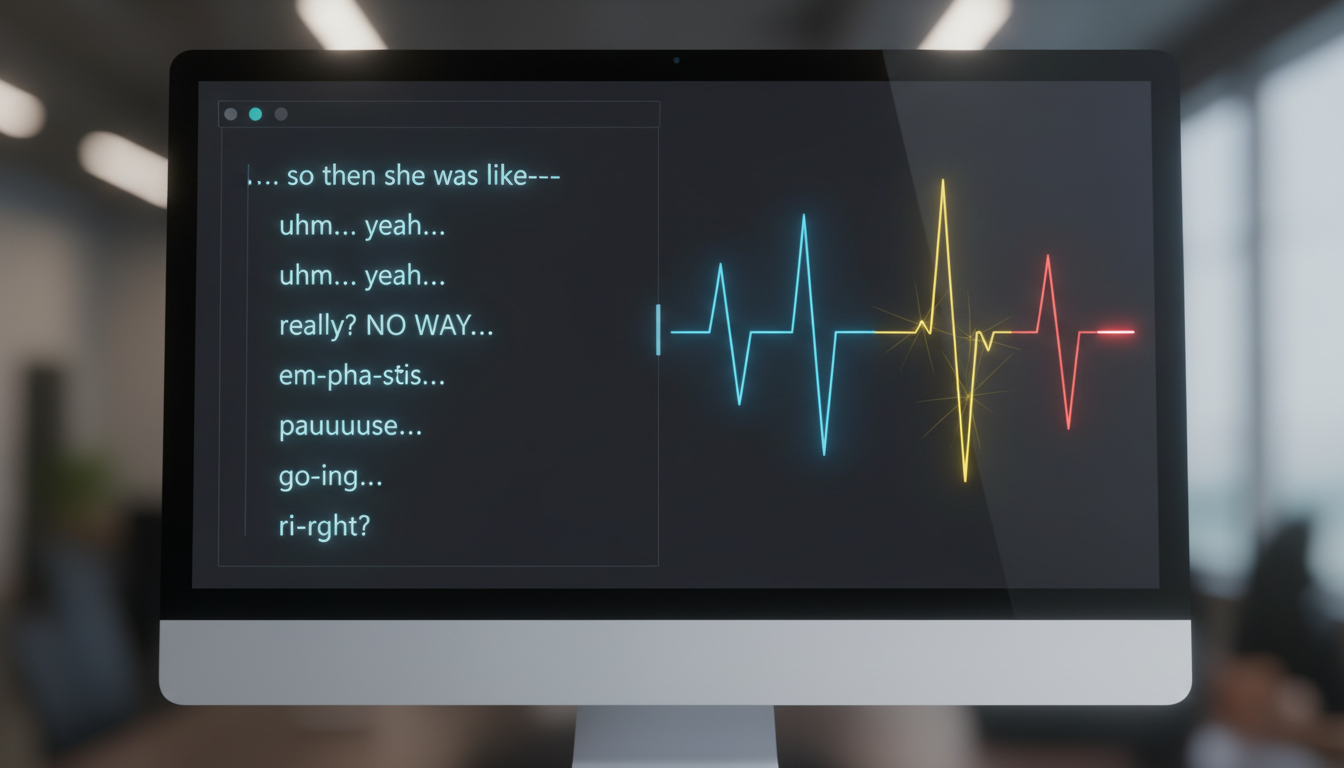
The first tool in your directing kit is punctuation gymnastics. Standard punctuation rules do not apply when you are writing for AI audio. To force the generator to pause, sigh, or change pitch, you need to use punctuation as a timing map. For example, a single comma creates a brief, natural breathing space. An ellipsis (...) forces a longer, dramatic pause that can build tension before a punchline. A dash (—) can simulate a sudden, abrupt interruption, cutting off a word mid-syllable for comedic shock.
The second tool is the emphasis trick. If you want the AI to shout, whisper, or linger on a word, standard spelling won't cut it. Capitalizing whole words can signal the model to increase its volume or pitch. Spacing out letters (e.g., "W H A T") or duplicating vowels (e.g., "nooooo") forces the engine to drag out the pronunciation, perfectly mimicking a dramatic sigh or realization.
Phonetic Spelling and Pronunciation Hacks for Internet Slang
AI voice models are trained on massive corpuses of standard language, which means they are notoriously terrible at pronouncing modern internet slang, regional dialects, or highly specific meme vocabulary. If you type "bussin," "rizz," or "bruh" into a standard generator, it may deliver a stiff, overly formal pronunciation that completely kills the vibe.
To bypass this, write phonetically. Instead of "bussin," try typing "bus-in." Instead of "bruh," write "brrr-uh" or "bruhh." If you want a character to sound incredibly confused, don't just write "What did you say?" Try "Wut... did u... sayyy?" Experiment with spelling variations until the preview sounds exactly like the spoken dialect you are aiming for. Treat the text box as a phonetic canvas rather than a spelling bee.
The Creator's Cheat Sheet: Punctuation and Formatting Hacks
To help you quickly format your scripts for maximum comedic impact, bookmark this cheat sheet. It demonstrates how to translate your creative intent into specific text inputs that modern AI engines can interpret.
| Creative Intent | Script Input Example | Vocal Output Result |
|---|---|---|
| Dramatic Pause / Realization | "Wait... what?" or "And then... silence." | A calculated, tense pause before continuing the sentence. |
| Sudden Interruption / Cut-off | "I was going to—" or "No, stop—" | An abrupt halt to the vocalization, mimicking being cut off. |
| Exaggerated Disbelief / Whining | "Whyyyyy would you do that?!" | Elongated vowel sound with a rising, frantic pitch at the end. |
| Whispering / Internal Monologue | "(quietly) oh no" or "(whispering) run" | Many modern models will lower their volume and adopt a breathy tone. |
| Awkward Stutter | "I- I don't know about that." | A realistic vocal hitch that breaks up the perfect flow. |
Additionally, do not shy away from incorporating non-verbal sound cues directly into the text box. Words like "sigh," "gasp," or "tsk" enclosed in brackets or parentheses can sometimes trigger the AI to produce those exact sound effects, depending on the sophistication of the voice generator you are using. If the AI cannot generate these natively, leave a blank space in your script and layer those sound effects in manually during post-production.
Leveraging Fanfun's Character Library for Instant Cultural Relevance
While generic voices can be manipulated to sound decent, they ultimately lack the immediate hook of a cultural icon, anime hero, or sports legend. When a viewer scrolls onto your video, hearing a highly recognizable voice immediately triggers familiarity and curiosity. This is where leveraging a specialized platform like Fanfun completely changes the game.
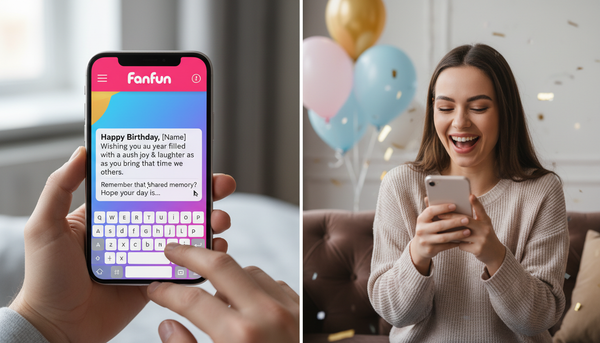
Fanfun offers a massive, growing roster of licensed and original AI personas, allowing creators to generate custom video messages, roasts, promos, and memes featuring their favorite stars instantly and affordably. Instead of settling for a generic, robotic text-to-speech voice, you can use Fanfun's AI voice generator to craft high-impact, personalized content that sounds like a cultural icon. Whether you're scripting a custom birthday wish, a friendly roast, or an absurd anime crossover, the platform's character library gives your content instant cultural relevance.
One of the most powerful workflows for creators is using Fanfun's two-way interactive AI chat to brainstorm and test comedic concepts before generating the final audio. You can have a live, back-and-forth conversation with an AI persona to see how they naturally phrase words, capture their unique slang, and test jokes in real time. Once you have a script that lands, you can generate the final audio clip in minutes. For gaming creators, pairing these iconic voices with fast-paced gameplay is the ultimate cheat code for turning raw clips into high-retention highlights with dynamic commentary.
Post-Production Polish: Merging Audio Clips with Visuals for Maximum Retention
Once you have generated your gold-standard comedic audio, your job is only half done. The final step is pairing that audio with visuals that enhance, rather than distract from, the comedic timing you worked so hard to direct.
First, use visual cues to emphasize the AI's comedic pauses. If there is a dramatic pause in your audio (like a "Wait... what?"), match that pause with a sudden visual zoom, a screen shake, or by cutting the video to black for a split second. These visual micro-punches signal to the viewer's brain that a punchline has landed, doubling the impact of the joke.
Second, pay close attention to your audio mixing. To hide minor AI vocal artifacts or slight unnaturalness, layer a low-volume background music track underneath the voiceover. A subtle, royalty-free sitcom laugh track, a dramatic orchestral swell, or even a goofy cartoon sound effect can mask synthetic imperfections while establishing the exact mood of your meme. Keep the background music around -15dB to -20dB so it never competes with the clarity of your voiceover.
Finally, optimize your export settings for your target platform. TikTok, Instagram Reels, and YouTube Shorts prioritize clear, loud audio. Export your final video with audio settings set to AAC, Stereo, and a minimum of 320 kbps. Always preview your draft on a mobile device with both headphones and phone speakers to ensure the voice remains crisp, clear, and perfectly timed against the visual edit.
How do I make an AI voice generator sound genuinely angry or excited for a meme?
To inject emotion like anger or excitement into an AI voice, use formatting hacks in your script. Capitalize entire words to simulate shouting, use multiple exclamation marks, and stretch out vowels (e.g., "NOOOOO, why would you do that?!"). Additionally, make sure to choose an energetic or dramatic voice archetype from the Fanfun library, as models trained on high-energy delivery handle these emotional cues much better than deadpan assistant voices.
Why does my text-to-speech audio sound so robotic and how do I fix it?
Standard text-to-speech sounds robotic because it reads text at a uniform speed with no natural pauses or pitch variation. You can fix this by directing the voice: use ellipses (...) for dramatic pauses, dashes (—) for sudden cut-offs, and phonetic spellings (like "bus-in" instead of "bussin") to get natural pronunciation. Layering a subtle background music track also helps mask minor synthetic artifacts.
What are the best punctuation hacks to force natural pauses in AI voices?
The most effective punctuation hacks are ellipses (...) for long, dramatic pauses, commas (,) for brief breaths, and em-dashes (—) to simulate sudden interruptions or mid-word cuts. You can also use double question marks (??) to force a rising, confused pitch at the end of a sentence.
Can I use Fanfun to generate custom character voices for social media memes?
Yes! Fanfun is specifically designed for this. You can access a massive library of licensed and original AI personas, including cultural icons, anime characters, and sports stars. You can use these voices to generate customized roasts, memes, and video messages instantly, and even use the interactive AI chat to brainstorm and test your scripts before generating the final audio.