The Shoutcast Upgrade: How to Use AI Voice Generators to Turn Raw Gaming Clips into High-Retention Highlights
Ditch the default, monotone TikTok voice. Learn how to script, direct, and mix high-energy AI voiceovers that transform raw gaming clips into high-retention social media hits.
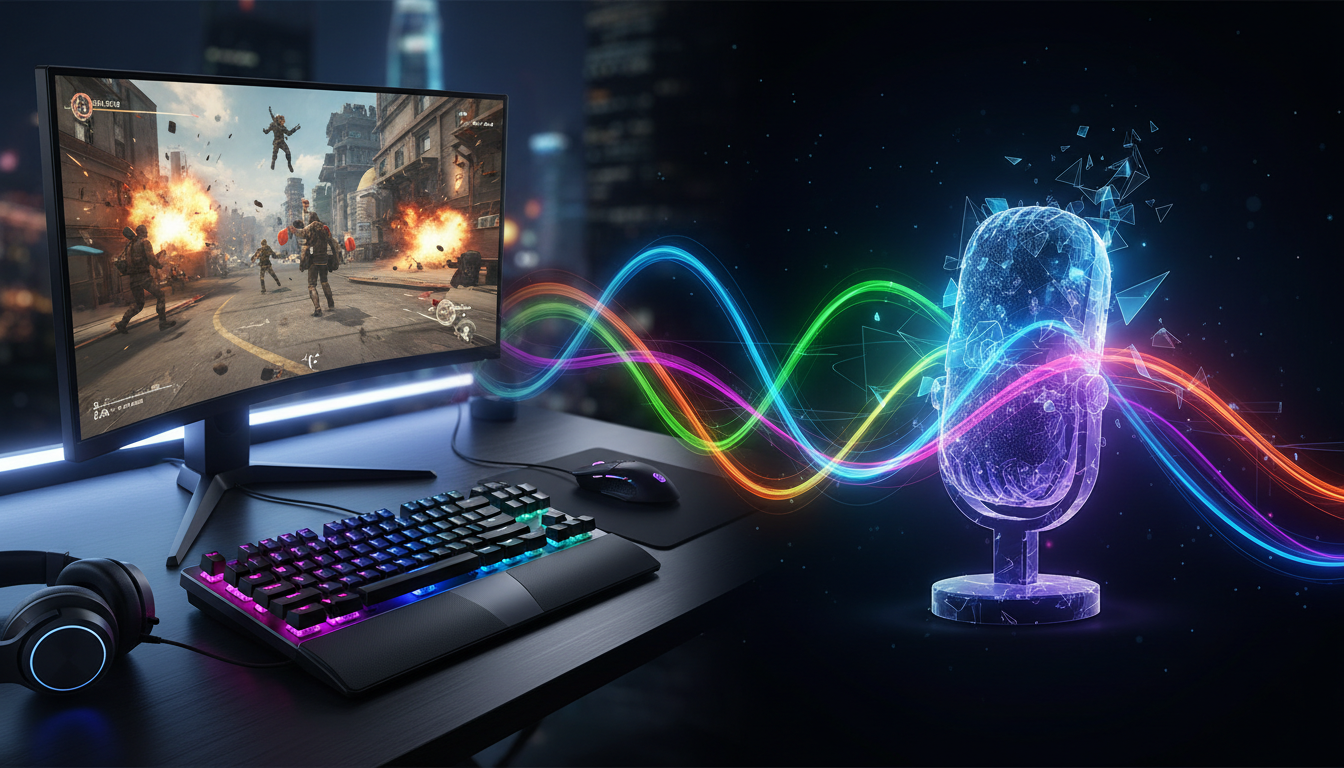
Raw gameplay footage is no longer enough to stop the thumb-scroll on TikTok, YouTube Shorts, or Instagram Reels. When every second creator is posting a clean triple-kill or a hilarious physics glitch, the visual alone loses its novelty within the first three seconds of playback.
The real differentiator isn't just your mechanical skill—it is your audio identity. While generic, robotic text-to-speech voices have dominated short-form feeds for years, they have quickly become white noise that viewers actively swipe past. To capture attention in today's hyper-competitive gaming feeds, smart creators are shifting toward high-octane shoutcasting, dramatic character narrations, and stylized voiceovers. By leveraging Fanfun's AI Voice Generator, you can transform a standard highlight reel into an immersive, cinematic event narrated by iconic character archetypes.
The Death of the Monotone Let's Play: Why Highlights Need a Voice Identity
The landscape of gaming content has undergone a massive structural shift. The era of the unedited, 40-minute passive Let's Play has largely been replaced by fast-paced, highly edited vertical clips. In this micro-content economy, you have less than two seconds to convince a viewer not to swipe away. If your clip begins with silence, generic royalty-free electronic music, or a lifeless, default robotic voiceover, you are giving the audience an immediate excuse to leave.
Traditional text-to-speech engines fail because they lack emotional context. They cannot build tension before a crucial headshot, nor can they deliver a sarcastic punchline when a grenade bounces off a doorframe and kills the player. They sound sterile. To command attention, your gameplay clips need a distinct voice identity that matches the energy on screen.
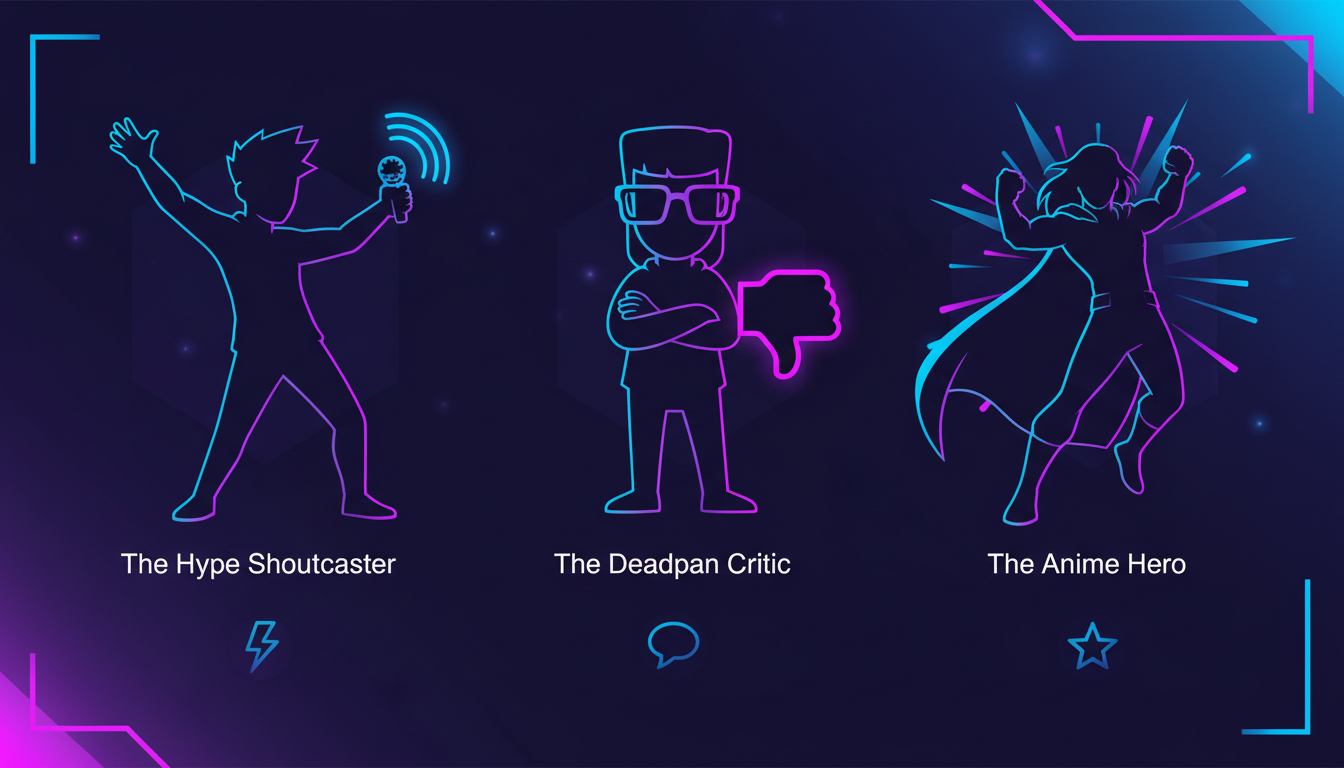
By casting specific character archetypes to narrate your plays, you instantly elevate the production value of your content. Instead of acting as a passive observer, the voice acts as a dynamic co-host. Whether you are using a grizzled space marine to narrate a tactical shooter play or an energetic anime hero to hype up an impossible clutch, a stylized voice creates an immediate emotional hook. Fanfun’s platform allows you to bypass the massive hurdle of hiring expensive voice talent, letting you generate custom, character-driven scripts in minutes.
Scripting for the Clip: Matching Voice Archetypes to Gameplay Moments
Great voiceovers start with a deep understanding of the relationship between audio and visual pacing. You cannot use the same vocal style for a methodical tactical walkthrough in Valorant as you would for a chaotic, physics-defying fail in Grand Theft Auto V. The voice must mirror, or intentionally subvert, the action on screen.
When scripting your highlights, write specifically for the ear, not the eye. Keep your sentences short, punchy, and rhythmic. Avoid passive language. Instead of saying, "The enemy team was pushing our site and then I shot them," write, "Five seconds left. No shields. They pushed. I didn't blink." This creates natural spaces for the AI voice generator to breathe and build tension.
The Anatomy of a 15-Second Gaming Hook
To maximize your viewer retention, structure your short-form script around three distinct phases:
- The Hook (0.0 - 1.5 seconds): Establish the stakes immediately. Give the viewer a reason to watch until the end. (e.g., "They said this weapon was completely useless. They were wrong.")
- The Context (1.5 - 10.0 seconds): Deliver rapid-fire narration that explains the conflict or build-up. Keep the adjectives highly descriptive and aligned with your chosen character's personality.
- The Payoff (10.0 - 15.0 seconds): Deliver the punchline, the shoutcast scream, or the smug victory line right as the visual climax occurs on screen.
The Voice Archetype Matrix
To help you align your gameplay moments with the perfect vocal delivery, use the decision framework below. This matrix maps common gaming scenarios to specific scripting goals and character archetypes, helping you choose the right creative direction for every edit.
| Gameplay Scenario | Voice Style | Scripting Goal | Character Archetype |
|---|---|---|---|
| The Clutch Play (e.g., 1v5 defuse, perfect parry) | High-energy, breathless, rapid-fire | Build epic stakes and intense, live-broadcast urgency | The Hype Esports Caster |
| The Epic Fail (e.g., glitch, self-inflicted explosion) | Deadpan, sarcastic, dry, slightly disappointed | Maximize comedic contrast against the visual disaster | The Cynical AI Critic |
| The Strategy Guide (e.g., hidden map spots, optimal builds) | Authoritative, clear, confident, slightly smug | Deliver complex tips with immediate competitive credibility | The Master Tactician |
| The Lore Deep-Dive (e.g., hidden Easter eggs, dark backstories) | Cinematic, gravelly, slow, atmospheric | Create mystery, narrative depth, and theatrical tension | The Grizzled Veteran |
When executing comedic clips, the contrast between a tragic visual failure and a deadpan voice is highly effective. You can learn more about perfecting these comedic beats by discussing how to structure comedic timing and punches for short-form video formats to ensure your humor lands precisely on the beat.
Directing the AI: Pacing, Punctuation, and Pronunciation
Generating a high-impact voiceover is more than just typing text into a box and hitting export. To make an AI voice sound like a professional voice actor, you must learn to "direct" the generator using advanced text manipulation. AI voice models read punctuation as physical directions; understanding this allows you to control the cadence of the performance.
Use these formatting techniques to control the pacing of your generated audio:
- Ellipses (...) for Hesitation: If you want the voice to pause dramatically before a big reveal, insert an ellipsis. Writing "He was standing... right behind me" forces a realistic, tense pause.
- Dashes (—) for Abrupt Interruptions: To simulate sudden panic or a cut-off thought, use a dash. "Just need to reload—oh no, run!" creates a natural shift in vocal momentum.
- Capitalization for Emphasis: While some engines ignore casing, many advanced models interpret capitalized words as cues to increase volume or add sharp vocal emphasis. Use this sparingly on key action verbs.
- Phonetic Spelling: AI models occasionally struggle with gaming jargon, slang, or fictional character names. If the generator mispronounces a word, spell it out phonetically. For example, write "nerf" as "nurff" to elongate the vowel, or "clutch" as "klutsh" to force a sharper, harder ending consonant.
For a deeper dive into these text-manipulation strategies, check out our guide explaining how to master pacing and punctuation when directing digital voice actors. Adjusting these subtle variables prevents your voiceover from sounding like a flat, robotic read, transforming it into a dynamic performance. Additionally, if your content leans into high-energy, chaotic multiplayer moments, you can benefit from learning how to channel chaotic, high-retention energy into your gaming content to keep your audience engaged from the very first frame.
Audio Layering 101: Mixing AI Voices with Game SFX and Music
Even the most realistic AI voiceover will sound amateurish if it is simply slapped on top of a video track without proper audio mixing. In professional video editing, the voice must sound integrated into the game's acoustic environment. It should feel like the narrator is sitting in a broadcast booth or speaking through a high-end comms headset, not floating awkwardly over the top of the video.
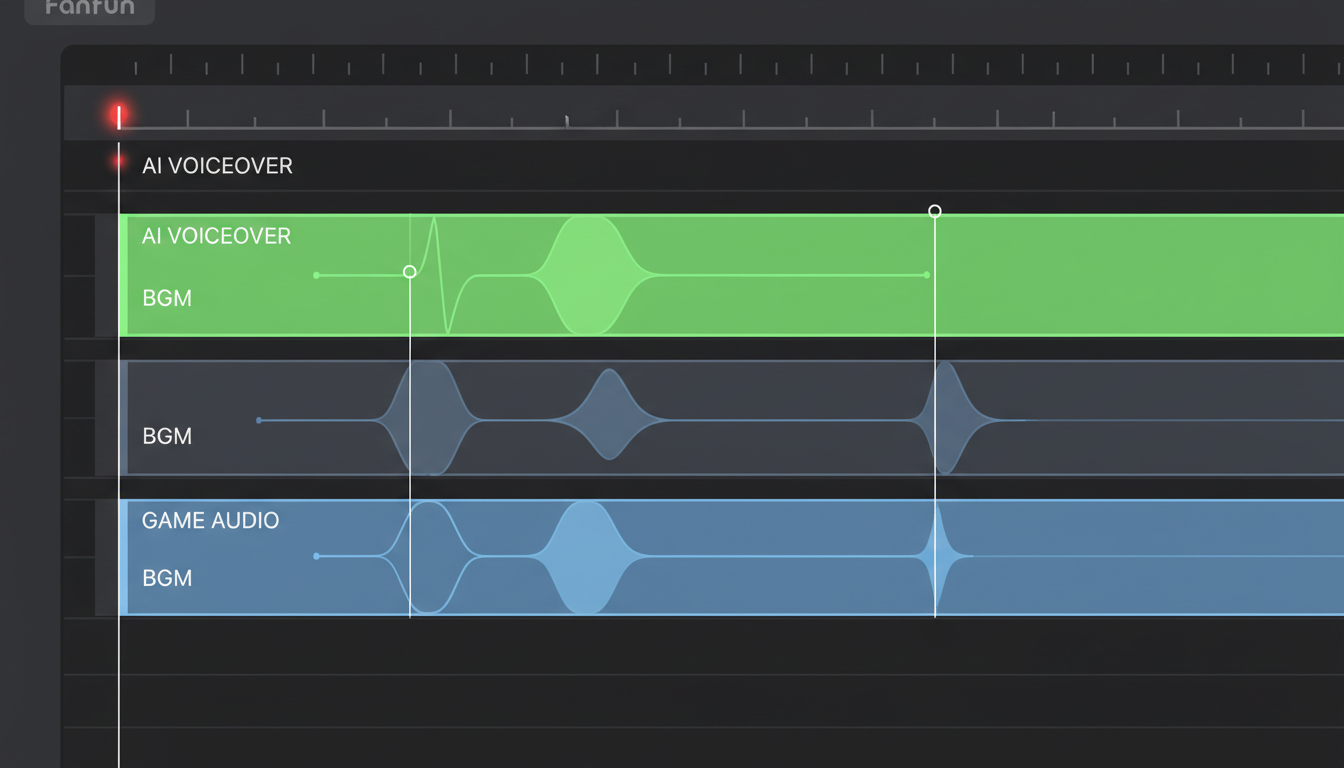
Follow this three-step technical workflow in your editing software (such as CapCut, Premiere Pro, or DaVinci Resolve) to achieve a clean, professional mix:
1. Implement Audio Ducking
Audio ducking automatically lowers the volume of your background tracks (gameplay audio and music) whenever the voiceover track is active. Set your background music to duck by 3dB to 5dB when the AI narrator speaks. This ensures that rapid gunfire, explosions, or heavy basslines do not drown out key narrative details, maintaining clear speech intelligibility.
2. Apply Frequency Carving (EQ)
The human voice typically lives in the mid-range frequencies, specifically between 1kHz and 3kHz. To make your AI voice cut through a busy game mix, apply a subtle parametric EQ to your gameplay audio track. Create a gentle dip (about -2dB) in the 1kHz to 3kHz range on the game track. This carves out a dedicated "frequency pocket" for the AI voice to sit in without altering the overall perceived volume of the game.
3. Add Environmental Effects
To make a character voice sound authentic to the game's setting, apply subtle environmental effects. If the voice is representing an in-game teammate, apply a high-pass and low-pass filter to mimic a radio or walkie-talkie transmitter. If the character is a dramatic narrator, add a tiny touch of room reverb to give the voice physical scale and presence.
By mastering these basic mixing steps, you can prevent audio clutter and keep your viewers focused on the narrative. For a complete breakdown of advanced audio editing techniques, consider building a professional audio toolkit designed to maximize viewer retention.
The High-Retention Gaming Clip Checklist
Before you render your final video and upload it to your social channels, run through this quick quality assurance checklist to ensure your audio and visuals are perfectly optimized for maximum viewer retention:
- Is the hook delivered within the first 1.5 seconds? Ensure the viewer knows exactly what the clip is about before they have a chance to swipe away.
- Does the AI voice's emotional tone match the visual action? Double-check that your voice archetype matches the energy of the gameplay (e.g., high-energy shoutcasting for clutches, deadpan sarcasm for fails).
- Are the game's sound effects audible without drowning out the narration? Verify that your audio ducking is properly configured so that key sound cues (like footsteps or reload sounds) are heard without masking the voiceover.
- Did you use phonetic spelling to correct mispronounced terms? Listen closely to any gaming-specific slang, weapon names, or character names to ensure they sound natural and correct.
- Are the captions synced perfectly with the vocal delivery? Ensure your on-screen text matches the exact cadence and pauses generated by the AI voice.
How do I make an AI voiceover sound natural for a gaming video?
To make an AI voiceover sound natural, focus on punctuation and phonetic spelling. Use ellipses (...) to create dramatic pauses, dashes (—) for sudden interruptions, and spell out gaming slang phonetically (e.g., writing "noob" as "newb" or "buff" as "buhff") to force the correct vowel elongation. Additionally, always use audio ducking in your editing software to lower background game sounds when the voice speaks, which mimics a professional live broadcast setup.
What is the best way to sync AI narration with fast-paced gameplay clips?
The best method is to edit your gameplay video first to establish the visual pacing, then write a highly specific script based on the exact timestamps of the action. Generate the AI voiceover in small, digestible sentences rather than one long block of text. This allows you to cut, move, and align individual audio files perfectly with specific frames, such as matching a shoutcast scream to the exact millisecond a headshot lands.
Can I use AI voice generators for commercial gaming promos or sponsored streams?
Yes, but you must ensure you are using a platform that permits commercial use of its generated voices. Fanfun provides a library of original and licensed AI personas that creators can use to scale their content, create sponsored promotional clips, and build unique brand assets affordably and instantly without copyright issues.
How do I fix mispronounced video game terms in an AI voice generator?
If an AI voice struggles with specific video game terms, fictional character names, or slang, use phonetic spelling. Break the word down into its basic phonetic sounds. For example, if the generator mispronounces "Chocobo," try typing it as "Choke-oh-bo." If it struggles with "nerf," try "nurff." Experiment with spelling variations until the vocal engine outputs the correct pronunciation.