
How to Write a Medieval Knight Congratulations Script for a Virtual Character Video
Transform modern milestones into legendary victories. Use our customizable medieval knight script template and AI-friendly styling tips to create a fun, virtual character video message.
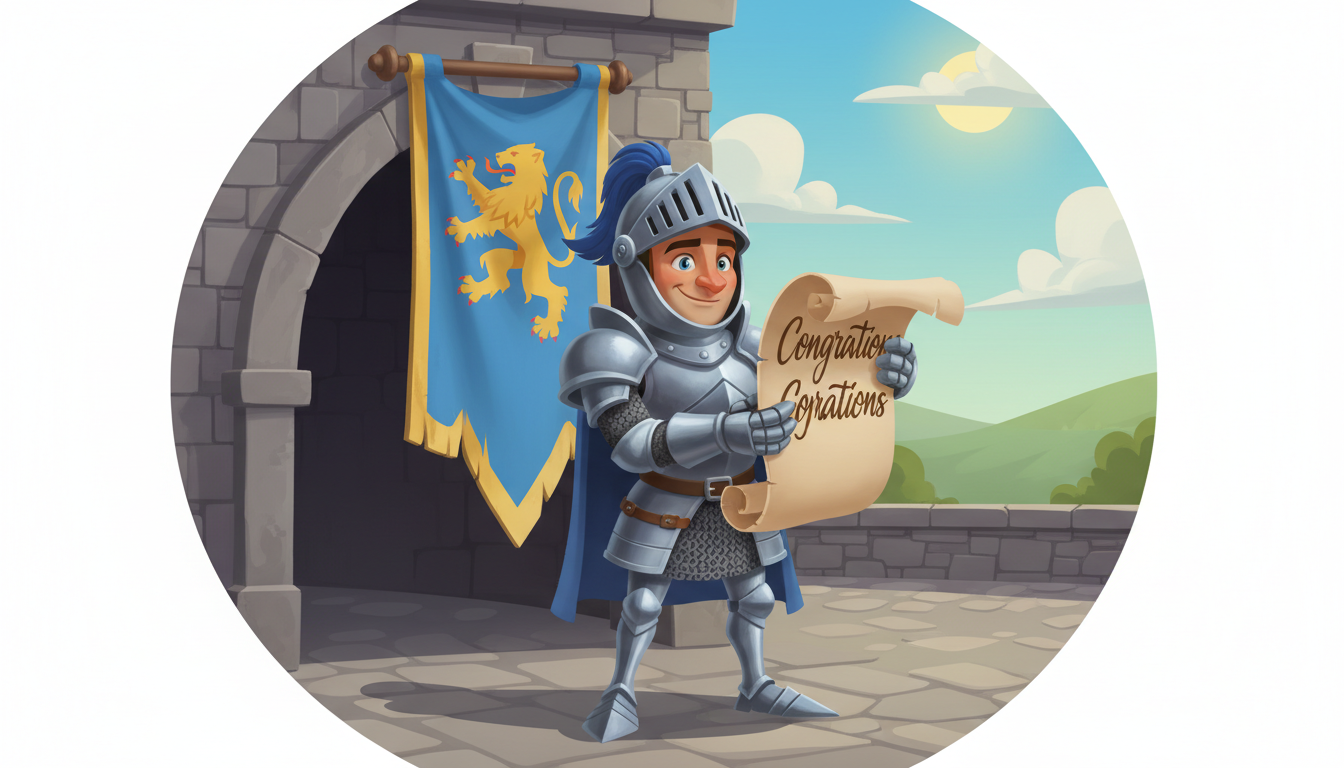
Writing a medieval knight congratulations script for a virtual character video is a fantastic way to turn a friend's modern milestone into an epic, legendary quest. By using a virtual character platform like Fanfun, you can have one of the available AI characters deliver a playful, knight-themed script to celebrate a victory. These AI-generated videos offer a highly personalized touch; while the voice model may not perfectly mimic a live-action Hollywood actor, it delivers an entertaining and memorable performance that feels far more thoughtful than a standard text message.
Slaying the Achievement Dragon: Why a Knight Persona Works
The classic knight archetype is a perfect fit for modern celebrations because it dramatically reframes everyday achievements. Whether someone is finishing a grueling semester, landing a promotion, or surviving a tough project, casting them as a heroic warrior adds an instant layer of humor and grandeur. Utilizing a virtual character video on Fanfun gives your gift a high-effort, custom-made feel without requiring any actual video editing skills. The secret to making this theme work is matching the epic, theatrical tone of a knight with clear, easy-to-pronounce text that helps the AI voice generator deliver a smooth performance.
The 30-Second Knight Congratulations Script Template
On Fanfun, a standard video credit covers up to 30 seconds of speech, which translates to roughly 65 to 75 words at a natural, majestic speaking pace. Keeping your script within this range ensures the character delivers their lines with the proper theatrical weight without getting cut off at the end. Here is a customizable, fill-in-the-blank template designed to fit this timing perfectly.
The Template:
"Hark! Let the trumpets sound across the realm! Raise your chalices for [Name], henceforth known as [Noble Title]! By royal decree, we celebrate your glorious victory in [Achievement]. The legendary dragon of [Challenge] has been slain by your hand! Your bravery inspires the entire kingdom. Go forth in triumph, and may your future quests be filled with gold and glory!"
A Worked Example: Knighting the New Manager
To see how easily this template adapts to a professional milestone, look at how we can translate a corporate promotion into a tale of battlefield glory. By swapping dry office jargon for fantasy equivalents, you keep the message lighthearted and highly engaging. Explore our tips on humorous script writing for virtual characters to add more comedic flair to your knight's speech.
The Script in Action:
"Hark! Let the trumpets sound across the realm! Raise your chalices for Daniel, henceforth known as Sir Daniel of Marketing! By royal decree, we celebrate your glorious victory in ascending to Creative Director! The legendary dragon of the Q3 campaign has been slain by your hand! Your bravery inspires the entire kingdom. Go forth in triumph, and may your future quests be filled with gold and glory!"
How to Style and Pace Your Medieval Script for AI Voices
While it is tempting to use authentic Middle English spellings, keeping your text simple and standard can help prevent pronunciation issues. To make sure your medieval knight sounds natural, follow these simple formatting rules:
- Avoid archaic spelling: Write "thee" or "thy" if you want a classic feel, but avoid confusing terms like "ye olde" or complex Shakespearean contractions that might cause the AI to stumble.
- Use punctuation to structure your thoughts: Standard punctuation like commas and periods helps break up long sentences, which can make the overall delivery feel more natural and easier to follow.
- Stick to recognizable fantasy terms: Words like "realm," "quest," "triumph," and "dragon" are highly recognizable and read beautifully by voice engines.
Read our guide on writing custom congratulations prompts to learn how to tailor your message for different milestones. If you are celebrating an academic milestone, you can also explore our graduation virtual character script templates.
Medieval Translation Reference Guide
Use this decision table to quickly swap out real-life milestones for epic medieval equivalents in your custom script.
| Modern Milestone | Medieval Equivalent |
|---|---|
| Job Promotion | Ascending to the High Council / Elevated to Grand Commander |
| Finishing a Marathon | Conquering the Sixty-League March |
| Passing a Difficult Exam | Slaying the Scroll of Trial |
| Buying a House | Securing a Mighty Stone Fortress |
How long should a medieval knight script be?
For a standard 30-second virtual character video on Fanfun, aim for 65 to 75 words. This allows the AI voice to speak with a slow, dramatic, and heroic cadence without running out of time.
Can I use authentic Old English words in my AI script?
It is best to stick to modern spelling for old-fashioned words. While terms like "thee," "thy," and "hark" work great, avoiding complex, archaic spellings can help prevent potential pronunciation issues.
How do I share the finished knight video with the recipient?
Once Fanfun generates your video, it will arrive in your email inbox and appear in your creations tab. From there, you can download the file and send it via your favorite messaging app or share the link directly.



