
How to Introduce a Virtual Character Video Message to Your Toddler
Introducing a digital character message to a young child requires a gentle touch. Learn how to prepare, show, and discuss an animated video greeting to ensure your toddler feels safe, engaged, and delighted.
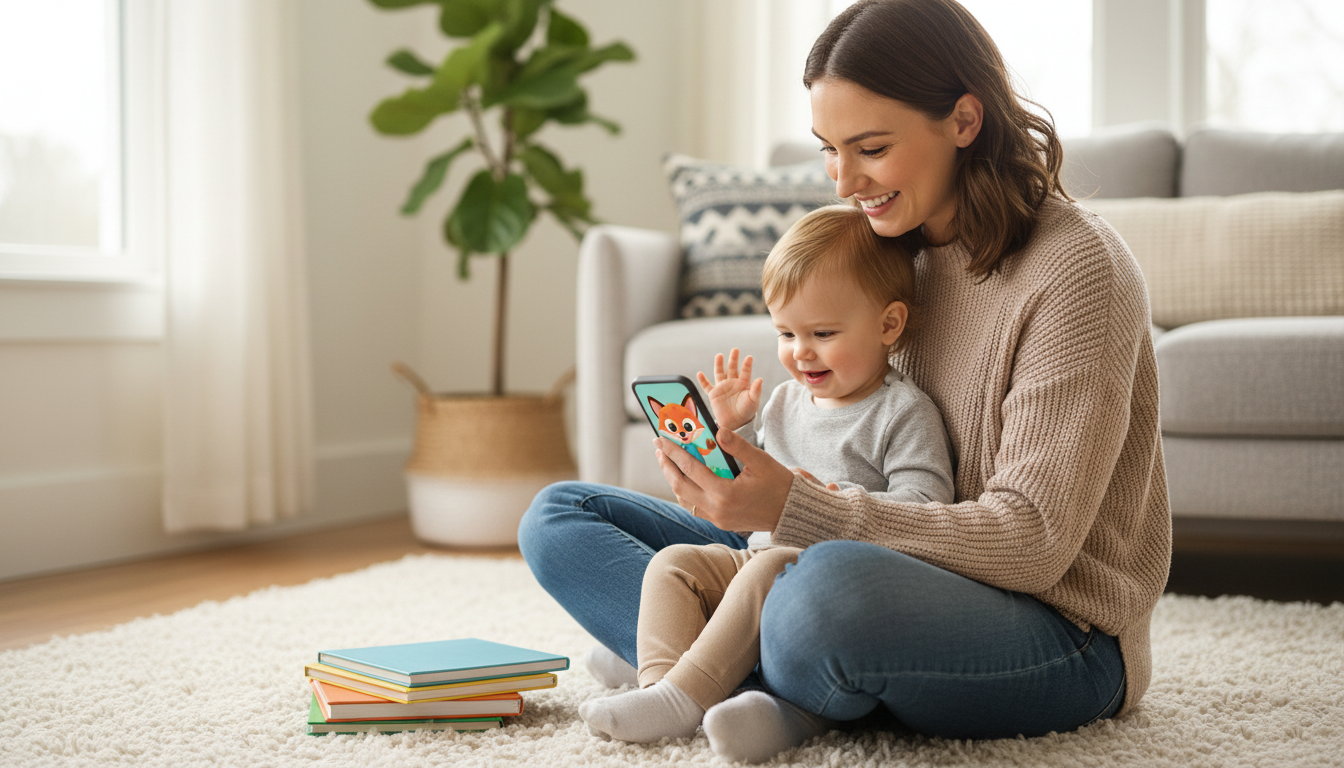
To introduce a virtual character video message to a toddler, sit closely together, explain who is on the screen before pressing play, and keep the volume at a moderate, gentle level. Because young children aged one to three process digital media through their physical surroundings, handing them a cold screen without context can startle or confuse them. Introducing the message with physical warmth and parental guidance ensures they feel safe and excited to see their favorite animated friend.
Why the 'Warm Intro' Matters for Toddlers
Toddlers live in a highly tactile, physical world. When a digital character on a screen suddenly addresses them by name, it can be a magical moment—but without the proper introduction, it can also be slightly startling. Young children rely heavily on their parents' emotional cues to determine if a new situation is safe. If you simply hand over a smartphone with a talking character, your toddler might feel overwhelmed by the direct address.
This is where a "warm intro" makes all the difference. By framing the video as a friendly, shared moment, you bridge the gap between their physical environment and the digital screen. Using Fanfun, you can create custom, 30-second character-style video messages that are perfectly sized for a toddler's brief attention span. These short video greetings use playful AI-generated voices to approximate beloved animated personalities, offering a delightful and artistic way to share a smile rather than a perfect, hyper-realistic recording.
Step 1: Craft a Toddler-Friendly Script
When drafting your script, simplicity is your best friend. A toddler's working memory and attention span are still developing, so a long, complex story will quickly lose their interest. Keep your message under 30 seconds to ensure they stay engaged from start to finish.
Focus on familiar, comforting concepts. Mentioning their favorite toy, a pet, or a daily routine helps them connect the character's words to their real life. Because these videos use AI voice generators, keep your language simple and phonetic to ensure the voice sounds clear and natural. For more detailed tips on structuring your text, you can learn how to structure a heartfelt virtual character message script.
Illustrative Script Template
Here is an illustrative example of a script designed for a two-year-old. You can customize this template to fit your child's favorite things:
"Oh, hi [Child's Name]! It’s me, [Character Name]! I heard you and your little dog [Pet's Name] had so much fun playing with blocks today. Remember to eat your yummy broccoli at dinner, okay? Sending you a great big hug! Bye-bye!"
Step 2: Choose the Right Device and Environment
The physical environment plays a massive role in how your toddler receives the video. A giant, booming television screen can feel imposing and loud to a small child. Instead, opt for a cozy smartphone or tablet held securely in your hands. This keeps the experience personal, close, and easy to pause if they need a moment to process.
Before you show them the video, make sure you have a smooth playback experience. We highly recommend that you download your virtual character video to your iPhone camera roll or mobile device beforehand. This prevents sudden buffering lag or internet drops from interrupting the magic and distracting your child.
Choosing the Right Setting
Where you show the video matters just as much as how you show it. Consider the differences between an intimate home setting and a busy social gathering:
| Viewing Environment | Pros | Cons & Challenges | Best Practice |
|---|---|---|---|
| Quiet Living Room | Low sensory distraction, cozy lap seating, easy to hear and discuss. | None; highly recommended for a first viewing. | Sit together on the couch with a moderate volume level. |
| Birthday Party Setting | Fun group energy, shared celebration. | High ambient noise, easy for the toddler to get overwhelmed or distracted. | If you are setting up a virtual character screen at a party, present the video in a quieter side-room first before sharing it with the larger group. |
Step 3: The Co-Viewing Playbook (Before, During, and After)
Co-viewing—the practice of watching media actively together with your child—is the gold standard for early childhood media consumption. It turns passive screen time into an interactive, educational, and bonding experience. Use this three-part playbook to guide your session:
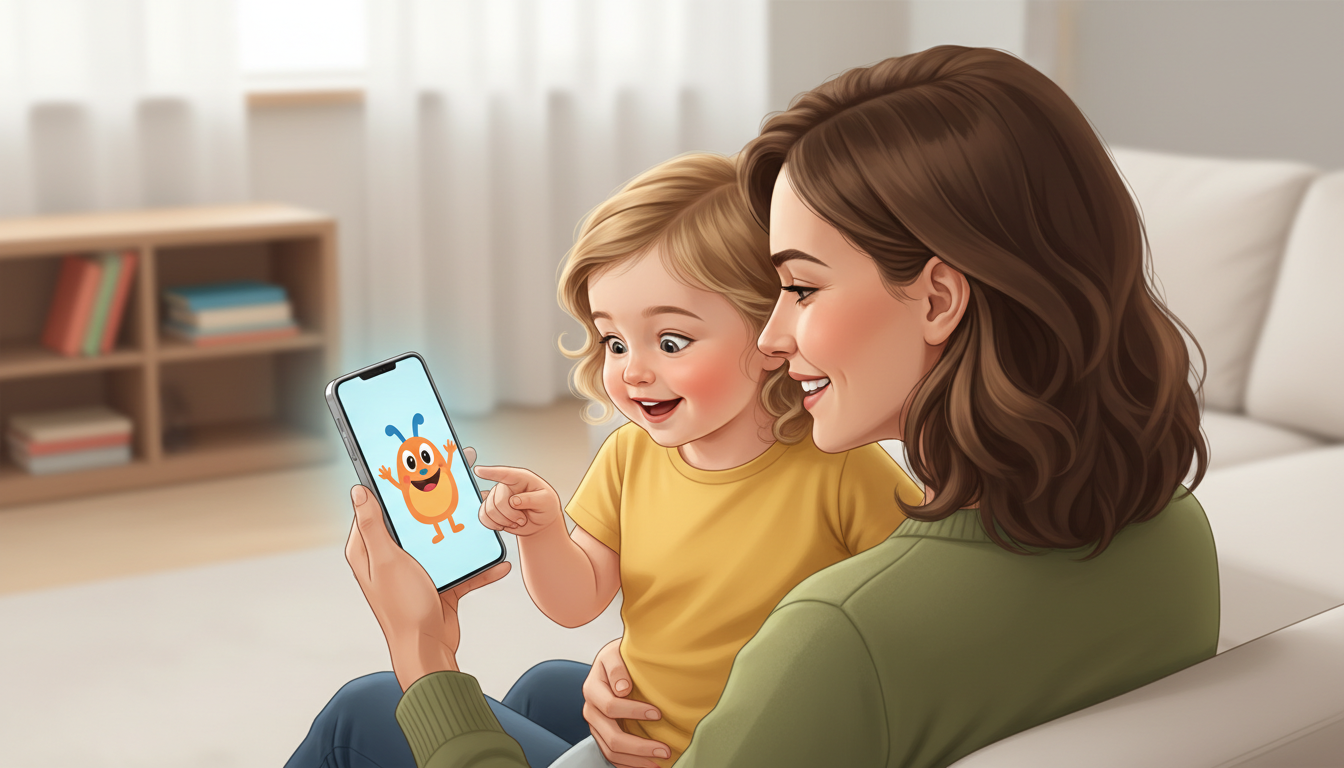
Before: Set the Stage
Build gentle anticipation before you press play. Give your toddler a physical cue and frame the character as a friendly guest. You might say: "Look, our friend Hello Kitty sent us a special hello on my phone! Would you like to see her wave at us?" This prepares them for what is about to appear on screen.
During: Stay Present and Point
As the video plays, watch your toddler's facial expressions. Point to the screen and narrate the action to help them process what they are seeing. Say things like, "Look, she is wearing a pretty pink bow!" or "Did you hear that? She said your name!" This active participation helps them connect the audio and visual elements.
After: Talk About It
Once the video ends, don't immediately tuck the phone away. Ask simple, open-ended questions to help them digest the experience. Keep questions concrete: "What color was the background?" or "Did the character wave bye-bye?" This reinforces their comprehension and lets them know it was a safe, happy event.

Managing Expectations: AI Personas vs. Real Life
As parents, we often dream of capturing that perfect, viral-ready reaction video where our child squeals with delight. However, toddler reactions are beautifully unpredictable. Your child might look away, try to grab the phone to press the buttons, or simply stare blankly while they process the visual information. All of these reactions are entirely normal and healthy.
Remember that Fanfun's video creations are playful, artistic interpretations of popular personalities, designed to bring a touch of fun to your family's routine. Do not force your child to smile for a camera or react on command. Focus instead on the shared quiet joy of the moment. Often, a toddler's favorite part of a virtual message is asking to watch it ten times in a row over the next week—allowing them to find comfort and familiarity in the repetition.
What should I do if my toddler gets scared of the character?
If your toddler seems startled or upset, turn off the video immediately and comfort them physically. Do not force them to watch. You can try introducing the character's voice as a simple audio-only file first, or watch the video yourself while letting them observe your happy, relaxed reaction from a safe distance.
How many times should I let my toddler replay the video?
Repetition is a key way toddlers learn and process new information, so wanting to watch the video multiple times is completely normal. However, to prevent overstimulation, it is helpful to set a gentle boundary beforehand, such as: "We will watch our video two times, and then we will put the phone away to play with blocks."
Can I use these videos to help with toddler routines like brushing teeth or bedtime?
Yes! Because toddlers respond well to gentle consistency, having a favorite character offer a friendly reminder can make daily routines more engaging. Keep the script positive and encouraging, focusing on the fun of the routine rather than making it feel like a strict command.



