
How to Customize a Fictional Avatar Video Greeting
Discover the art of crafting a personalized fictional avatar greeting. Learn how to match character personas, write natural scripts, and share high-quality video files.
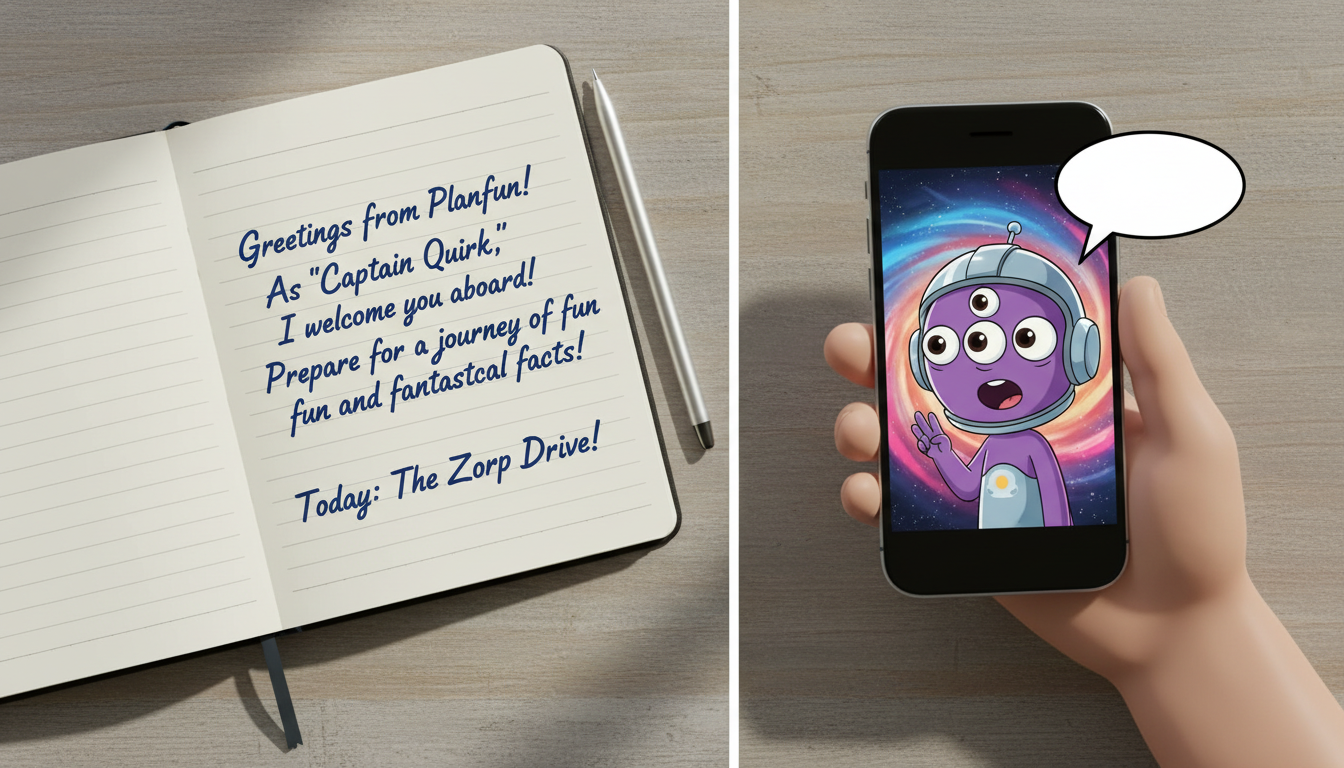
Customizing a fictional avatar video greeting involves selecting a character that resonates with your recipient, writing a script that mimics their signature catchphrases, and pairing the message with a matching visual backdrop. Because AI-generated characters on platforms like Fanfun are playful, stylized representations rather than flawless human deepfakes, the key to a memorable greeting lies in leaning into the character's unique quirks and keeping the message concise.
The Key Elements of a Personalized Avatar Video
A successful virtual greeting relies on a clear match between the character's known traits and the recipient's personal inside jokes. Instead of trying to make the avatar sound like a generic announcer, the message should feel like a natural extension of that character's fictional universe. AI-generated characters are playful, stylized representations rather than perfect deepfakes; leaning into their unique quirks rather than expecting flawless realism makes the gift far more entertaining and authentic.
When planning your video on Fanfun, keep in mind that a standard video credit covers up to 30 seconds of speech. Coniciseness is essential for keeping the pacing engaging. A brief, high-energy message of 15 to 30 seconds is much more impactful than a drawn-out speech that might cause the AI voice generator to lose its natural rhythm.
Step 1: Choose a Character That Fits the Occasion
The first step is selecting an avatar from the roster that aligns with the tone of your message and the recipient's personal tastes. Match the genre of the occasion to the character's persona to ensure the greeting lands well:
- Animated Characters: Best for lighthearted fun, childhood nostalgia, or whimsical birthday wishes. Characters like Doraemon or Peter Griffin bring immediate playfulness to the message.
- Public Figures and Personalities: Ideal for dramatic advice, humorous pep talks, or mock-serious milestones. A virtual version of an athlete or historical figure can deliver motivational advice with a humorous twist.
Before committing to a script, take the time to review the sample videos on Fanfun. Listening to these samples helps you understand the character's specific vocal cadence, tone, and speed, which will guide how you write your message.
Step 2: Write a Script Tailored to the Avatar's Voice
To make the avatar sound natural, write your script specifically for their established personality. Incorporate signature catchphrases, verbal pauses, or famous speaking habits early in the text. Keep the script concise, ideally under 500 characters, to ensure the AI voice generator maintains a natural, engaging rhythm without rushing through the lines.
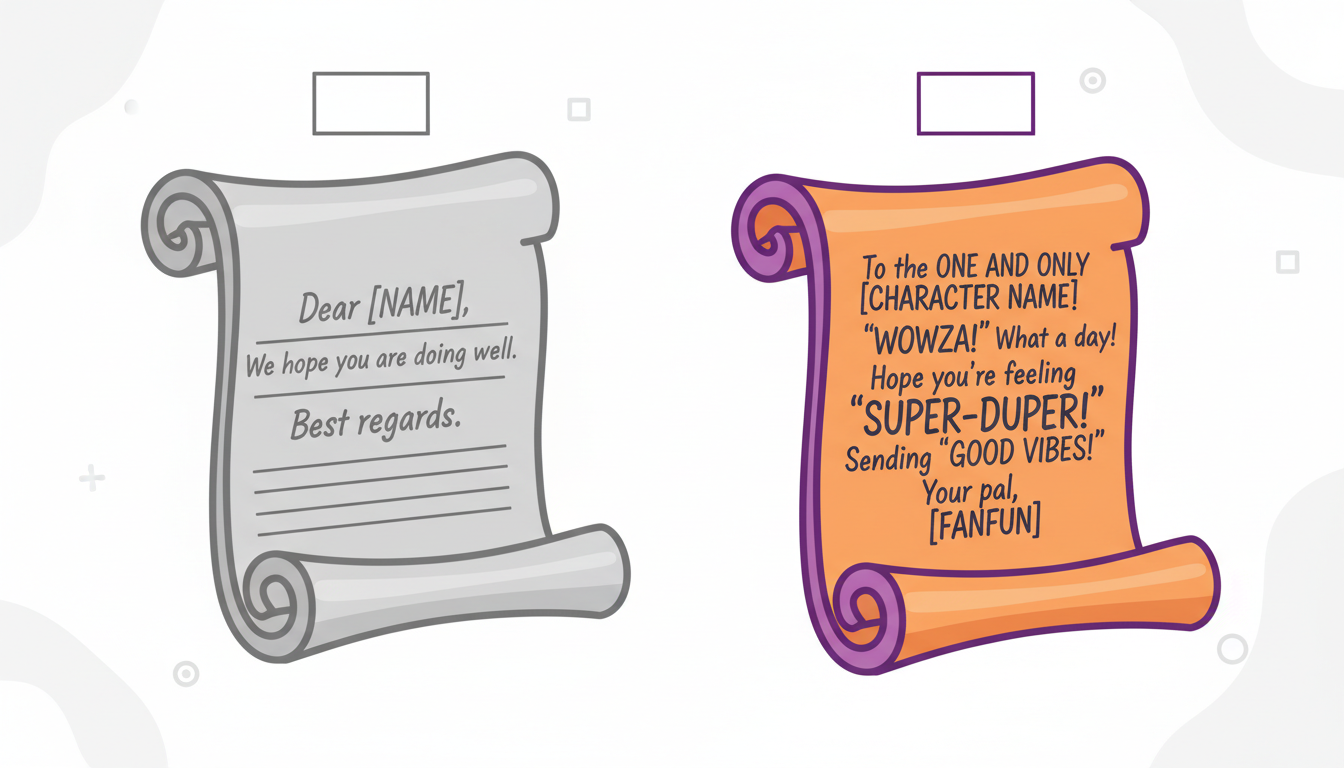
For structured milestones like retirements, birthdays, or promotions, refer to our guide on structuring a virtual character script for specific milestones to help format your message effectively. Additionally, avoid complex phonetic spellings unless they are absolutely necessary to guide the pronunciation of unique names or inside jokes.
| Generic Script (Avoid) | Character-Specific Script (Recommended) |
|---|---|
| "Happy birthday, Alex! I hope you have a great day today and eat lots of cake. Best wishes from your friend." | "Hey Alex! One page at a time! I'd lend you my Memory Bread for your big day, but you've got this on your own. Have an awesome birthday!" |
Step 3: Select a Scene and Prepare for Delivery
Once your script is finalized, select a background scene or video template that complements the script's setting. For example, choose a festive, colorful backdrop for birthdays, or a relaxed, minimalist setting for a casual check-in. The visual environment helps set the context and makes the stylized avatar feel more integrated into the message.
After the video renders, download the finished file directly to your device. Downloading the file preserves its original resolution, ensuring you do not lose visual quality by relying on low-quality screen recordings. When you are ready to share the video, consider your delivery method. If you plan on sending large video files over text message, use a cloud link or a dedicated file-sharing service to avoid carrier compression that can blur the video.
Alternatively, consider saving your custom video to Google Drive. This creates a permanent, high-quality archive that is easy to share via email, messaging apps, or direct links, ensuring your recipient can enjoy their personalized avatar greeting in its best possible quality.
How long does it take to generate a customized avatar video?
Generation times vary depending on server load and script length, but most standard video greetings on Fanfun render within a few minutes. You will receive an email notification with the completed video as soon as it is ready.
Can I edit the script after the video has been generated?
Once a video is generated, the script cannot be edited retroactively because the AI renders the audio and video together. If you need to make changes, you will need to adjust your text and generate a new video using your available credits.
What should I do if the AI mispronounces a specific name in my script?
If the AI struggles with a unique name, try spelling it phonetically in your script (for example, writing "Ah-lex" instead of "Alex" or "Lee-lah" instead of "Lila"). Testing short variations in a standard voice note first can help you find the correct phonetic spelling before rendering the final video.



