The Starship Director: How to Shape and Direct Sci-Fi Character Voices with AI
Ditch the cheap robot filters. Learn how to use pacing, deliberate scripting, and simple post-processing to shape cinematic, organic-synthetic AI voices for your next sci-fi project.
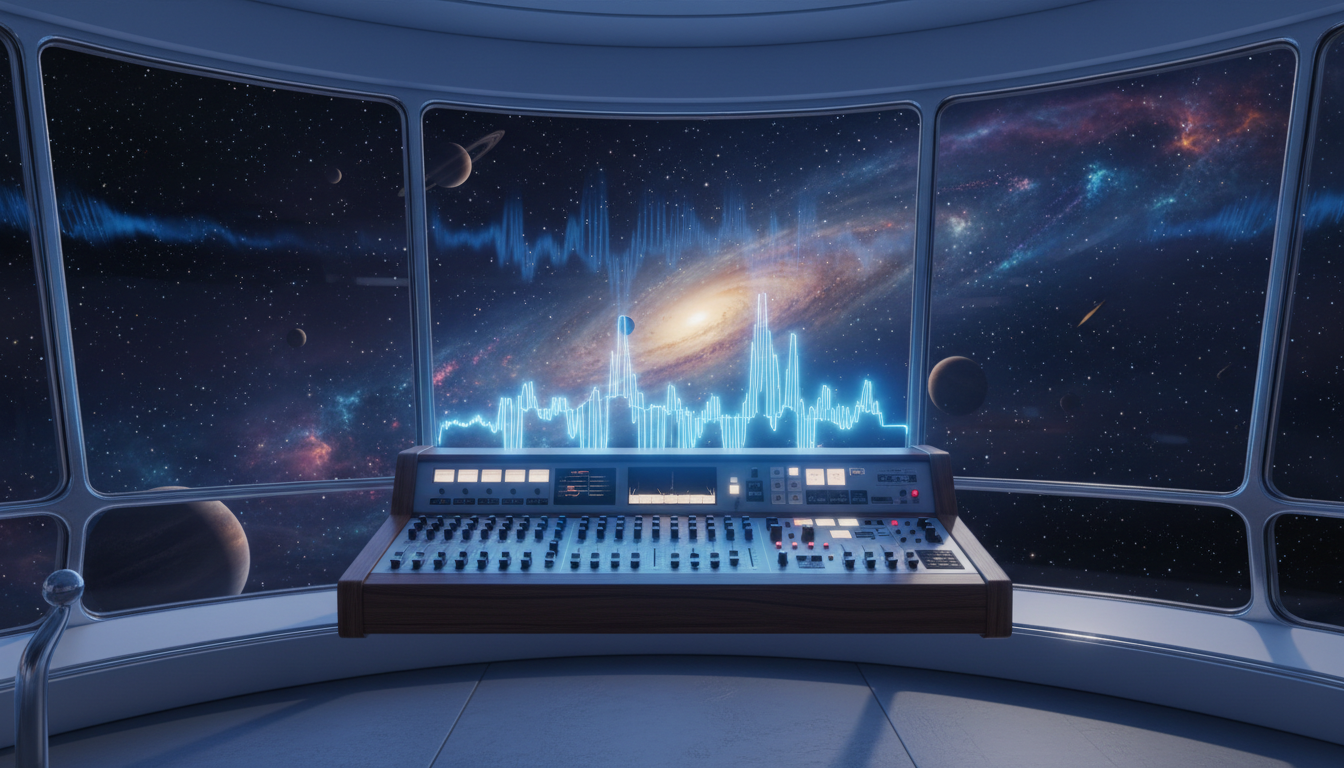
Think of your favorite sci-fi worlds. What makes them feel alive isn't just the glowing starships or neon-lit skylines—it's the soundscape. Yet, many indie creators ruin their hard-earned visual immersion by slapping a cheap metallic flanger over a standard voiceover and calling it a robot. A generic, buzzy filter strips away the emotional weight of a scene, leaving your audience detached from the characters.
Building a cinematic sci-fi universe requires distinct vocal personalities, deliberate pacing, and smart scripting. Modern AI voice generators have completely changed the game, allowing creators to bypass expensive studio setups and direct highly nuanced, organic-synthetic voices that sound like they belong in a million-dollar space opera. By understanding how to write for these engines and apply light post-processing, you can construct a rich, believable galaxy directly from your desktop.
The Sci-Fi Vocal Spectrum: Beyond the Generic Robot Filter
Traditional sound design often relies on heavy-handed digital effects like ring modulators or extreme chorus filters to make a voice sound "futuristic." While this worked in the era of early television, modern audiences expect a more sophisticated approach. When every synthetic character sounds like a malfunctioning microwave, you lose the tension, humor, and drama that drive a compelling narrative.
The industry has shifted toward "organic synthetic" voices—characters that sound human but carry subtle, unsettling, or highly advanced vocal signatures. Think of the dry, deadpan humor of TARS in Interstellar, or the calm, terrifyingly polite authority of HAL 9000 in 2001: A Space Odyssey. These voices are compelling because they retain their dynamic range, emotional depth, and conversational flow. They feel like real entities with distinct motivations, not just audio effects.
Using an AI voice generator allows you to capture this organic synthetic quality. Instead of fighting with voice actors who might not grasp the specific, cold cadence of a quantum supercomputer, you can act as the director. You control the exact pacing, emphasis, and tone, shaping a cohesive universe of characters that interact seamlessly with one another.
Four Core Sci-Fi Archetypes and How to Script Them
To build a diverse sci-fi world, you need to move past a one-size-fits-all vocal style. Different factions, technologies, and backgrounds require distinct speech patterns. Below are four essential sci-fi archetypes and the specific scripting techniques needed to bring them to life using AI voice engines.
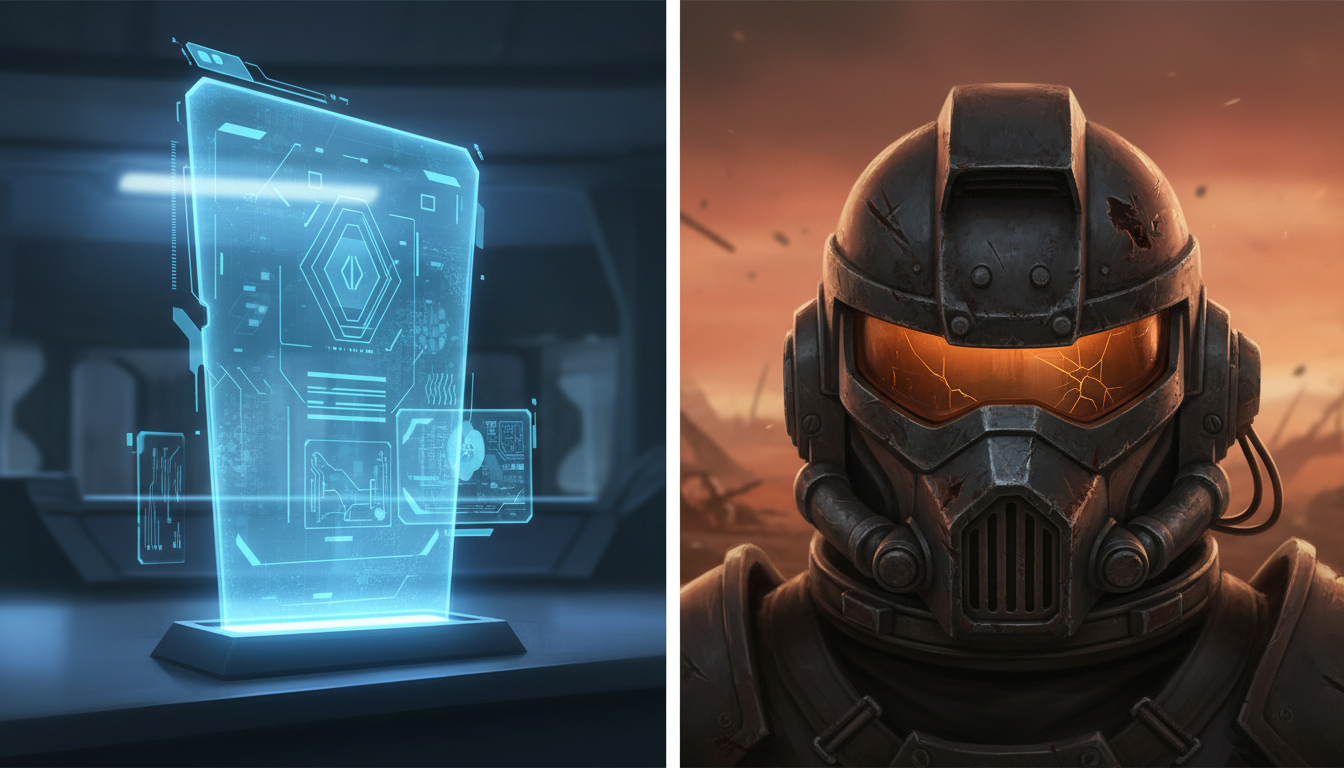
The Cold, Omniscient Ship AI (The "HAL" or "MUTHUR" Style)
The ship's computer should sound impossibly calm, even during a hull breach. To achieve this, write dialogue that completely avoids contractions. Use "I cannot" instead of "I can't," and "we will" instead of "we'll." This lack of contractions immediately signals a non-human, rule-based intelligence. Keep the vocabulary polite, clinical, and slightly detached. For example: "Warning. Life support systems will fail in forty-two seconds. Please prepare for atmospheric decompression."
The Gritty Outer-Rim Smuggler
This character represents the lived-in, dirty side of sci-fi. Their voice should have a gravelly texture, colloquial pacing, and sudden shifts in volume. When scripting a smuggler, use fragmented sentences, slang, and self-corrections. Introduce natural, conversational pauses. For a deeper dive into crafting natural, high-impact dialogue that translates perfectly to synthetic voices, check out our guide on writing AI character dialogue. A line like, "Look, kid... the hyperdrive is held together by spit and prayer. Don't touch that switch," works beautifully because it gives the AI engine room to breathe and inject personality.
The Ancient, Non-Human Oracle
An ancient alien or synthetic oracle should sound slow, rhythmic, and heavy. To direct this voice, use poetic syntax and unusual word orders. Keep the sentences long and flowing, punctuated by deep pauses. By structuring the text to force the AI generator into a slower cadence, you simulate a creature that operates on a completely different timeline than humans. Example: "Before your stars were born, we watched the dust gather. We will watch it scatter once more."
The Hyperactive Tech Companion
This is your fast-talking drone, repair bot, or eager young engineer. The voice needs rapid-fire delivery, sudden pitch spikes, and self-interruptions. Script this character with plenty of dashes, exclamation points, and sudden shifts in topic to force the AI engine to shift gears mid-sentence. For example: "Oh! The shield generator is—wait, no, that's the garbage disposal. My mistake! Fixed it!"
The Sci-Fi Prompting and Pacing Framework
AI voice generators are incredibly sensitive to punctuation and spelling. You can use this to your advantage to dictate the exact flow, rhythm, and mechanical quirks of your sci-fi characters. By using specific formatting tricks, you can bypass the limitations of standard text-to-speech and direct the engine to perform complex vocal maneuvers.
If you are aiming for a more comedic or fast-paced sci-fi project, our character meme blueprint offers excellent tips on pacing and directing AI voices for viral appeal. For dramatic, world-building projects, use the following formatting table to master the physics of sci-fi dialogue:
| Punctuation / Trick | Vocal Result | Sci-Fi Script Example |
|---|---|---|
| Ellipses (...) | Simulates a processing delay or a calculated pause. | "Scanning database... No matches found." |
| Hyphens (-) | Creates a sudden, glitchy restart or self-correction. | "System error. Re-re-routing power now." |
| Capitalization (ALL CAPS) | Signals the engine to apply sharp emphasis or volume. | "Do NOT open that airlock door." |
| Phonetic Spelling | Forces unique alien accents or synthesized mechanical sounds. | "The zzzzt-pulse is offline, Captain." |
Beyond punctuation, pay attention to the "unspoken" elements of synthetic speech. A highly advanced AI doesn't react instantly in the way a human does; it retrieves data. Placing a deliberate ellipse at the very beginning of a prompt (e.g., "... Processing. Access granted.") forces the generator to create a beat of silence before speaking, perfectly mimicking the internal calculations of a spaceship's main computer.
Simple Post-Processing Tricks to Ground Your AI Voices
Once you have generated your clean AI voice tracks, you can use simple, free audio editing software like Audacity, GarageBand, or CapCut to place those voices directly into the physical space of your sci-fi world. This step is crucial for making the audio feel integrated with your visual assets.
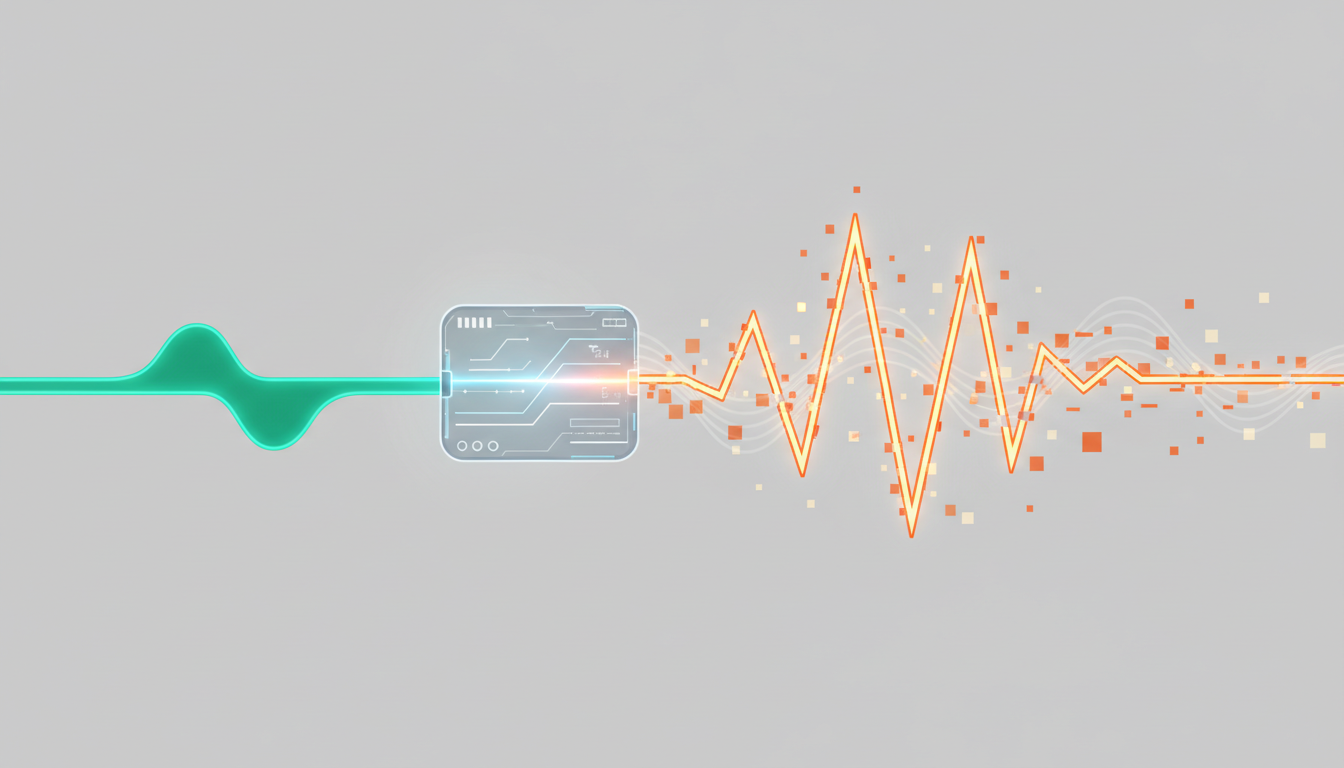
To learn more about mixing your newly generated voices with sound effects and music tracks, explore our step-by-step guide to high-impact fan dubbing. In the meantime, here are three essential post-processing recipes to try:
- The "Radio Comms" Effect: To simulate a helmet intercom or shortwave radio, apply a Bandpass Filter. Cut out all frequencies below 400 Hz and above 3000 Hz. This removes the deep bass and crisp highs, leaving a tinny, mid-range-heavy sound that immediately evokes a space suit transmitter. Add a touch of white noise in the background for extra grit.
- The "Hologram" Effect: To make an AI voice sound like a glowing, projected hologram, apply a subtle, short delay (around 30 to 50 milliseconds) with 1 or 2 feedback repetitions. Combine this with a high-frequency plate reverb to make the voice sound like it is bouncing off the metallic walls of a spaceship bridge.
- The "Glitch" Effect: To simulate a damaged transmitter or a corrupted AI core, zoom in closely on your audio track. Manually cut out tiny fragments of the soundwave (about 10 to 30 milliseconds in length) and either delete them to create sudden drops, or duplicate them back-to-back to create a mechanical, stuttering glitch.
Bringing Your Universe to Life Instantly with Fanfun
Traditional audio production is slow, expensive, and rigid. If you want to change a single line of dialogue in a sci-fi game or audio drama, you have to book a voice actor, wait for their schedule to clear, and pay for another studio session. Fanfun eliminates this friction entirely, acting as the ultimate creative sandbox for sci-fi storytellers.
With Fanfun, you can instantly test your dialogue using a diverse library of pre-built character templates. If you are writing a scene involving an eccentric alien trader or a cold military commander, you don't have to build the voice from scratch. You can simply select a fitting template, input your script, and hear the results in seconds.
Furthermore, you can use Fanfun's AI Chat feature to roleplay directly with your sci-fi personas. If you are struggling to write dialogue for a rogue AI, start a conversation with the AI persona on Fanfun. Let the AI respond to your prompts, and use its unexpected phrasing, mechanical vocabulary, and natural speech patterns to write your final script. This instant, affordable iteration loop gives you the freedom to experiment, refine, and build immersive, multi-character sci-fi worlds at a fraction of the traditional cost.
How do I make an AI voice sound like a robot without sounding cheap?
Instead of relying on heavy digital filters like flangers or ring modulators, focus on scripting and pacing. Write dialogue that avoids contractions, keep the delivery flat and rhythmic, and insert deliberate pauses (using ellipses) to simulate processing time. If you want to add a mechanical texture, use a very subtle, short delay or a high-pass filter rather than drowning the voice in metallic distortion.
Can I use AI voice generators to create unique alien languages?
Yes. By using phonetic spelling in your text prompts, you can force the AI voice generator to pronounce made-up words and alien dialects. Try combining unusual consonant clusters (like "kr'tah" or "xylos") with punctuation marks to guide the engine's pronunciation and create a completely original extraterrestrial tongue.
What is the best way to simulate a radio transmitter or helmet comms effect?
Use a bandpass filter in your audio editing software to cut out frequencies below 400 Hz and above 3000 Hz. This removes the natural bass and treble of the human voice, leaving the narrow mid-range frequencies typical of walkie-talkies, space suit intercoms, and military radio systems.
How do I control the emotion and pacing of a sci-fi AI voice?
You can control the delivery by manipulating punctuation. Use ellipses (...) for thoughtful or calculating pauses, hyphens (-) for sudden interruptions or glitches, and ALL CAPS to signal emphasis. Adjusting the speed slider on your voice generator by just 10% can also drastically change the mood, making a voice sound more urgent or calmly authoritative.