The Instant Standing Ovation: How to Direct a Custom AI Congratulations Video That Actually Gets Kept
Ditch the logistical nightmare of group video montages and the slow wait times of traditional celebrity shoutouts. Learn how to direct, script, and generate a hyper-personalized, high-impact AI congratulations video featuring iconic characters in under five minutes.
Milestones deserve more than a generic "Congrats!" text or a hastily signed card that will inevitably end up in the recycling bin. Yet, the traditional alternatives are a logistical headache—either you spend weeks chasing down busy friends for shaky, poorly lit smartphone clips to stitch into a messy montage, or you pay hundreds of dollars for a real-life celebrity video that arrives days after the actual event has passed.
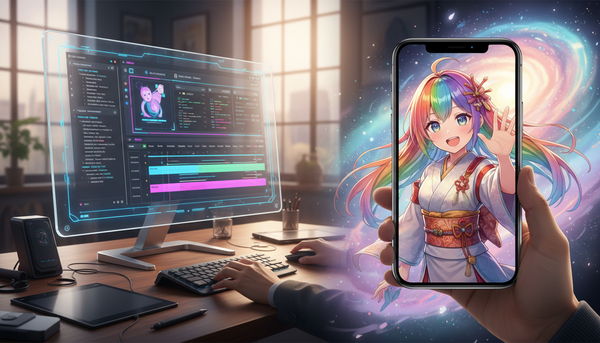
There is a faster, more memorable way to celebrate the people who matter to you. By stepping into the director's chair with Fanfun's instant AI video generator, you can craft hyper-personalized, culturally relevant milestone toasts featuring legendary athletes, iconic anime heroes, and beloved cultural figures in under five minutes.
The Death of the Group Montage: Why Traditional Congratulations Videos Fall Flat
We have all been there: you are tasked with organizing a group video for a coworker's departure or a friend's milestone birthday. You send out the invites, beg people to upload their clips, and end up with a collection of vertical videos with terrible wind noise, awkward pauses, and mismatched resolutions. By the time you edit it together, the final product feels more like a chore to watch than a heartfelt gift. Group montages suffer from coordination friction, leaving the organizer stressed and the recipient sitting through minutes of repetitive "Happy Birthday!" wishes.
Traditional celebrity shoutout platforms promised to solve this, but they introduced a different set of problems. They are expensive, often costing hundreds of dollars for a single 30-second clip. Worse, you are at the mercy of the celebrity's schedule, meaning your video might arrive late. You are also locked into rigid scripts, and you cannot ask a real-life actor to step out of their real-world persona to deliver a hyper-specific inside joke or speak in the voice of a fictional character. This is why creators and fans are moving beyond traditional, real-life celebrity shoutouts to embrace virtual icons.
With Fanfun, the dynamic shifts from passive waiting to active creative direction. Instead of hoping a real-life star reads your script correctly next week, you can generate a high-production video in minutes. You gain full creative control over the tone, pacing, and vocabulary, making it possible to deliver a personalized, hilarious, or deeply inspiring message on demand. This creative control is also why people are ditching traditional cards during the holidays, opting instead to direct personalized holiday video messages online to beat the seasonal wait times.
Step-by-Step: Directing Your First AI Congratulations Video
Creating a memorable video on Fanfun does not require a background in video editing or prompt engineering. The platform is designed to turn your ideas into polished video messages instantly. By following a structured approach, you can ensure your final video feels like a high-end, customized production.
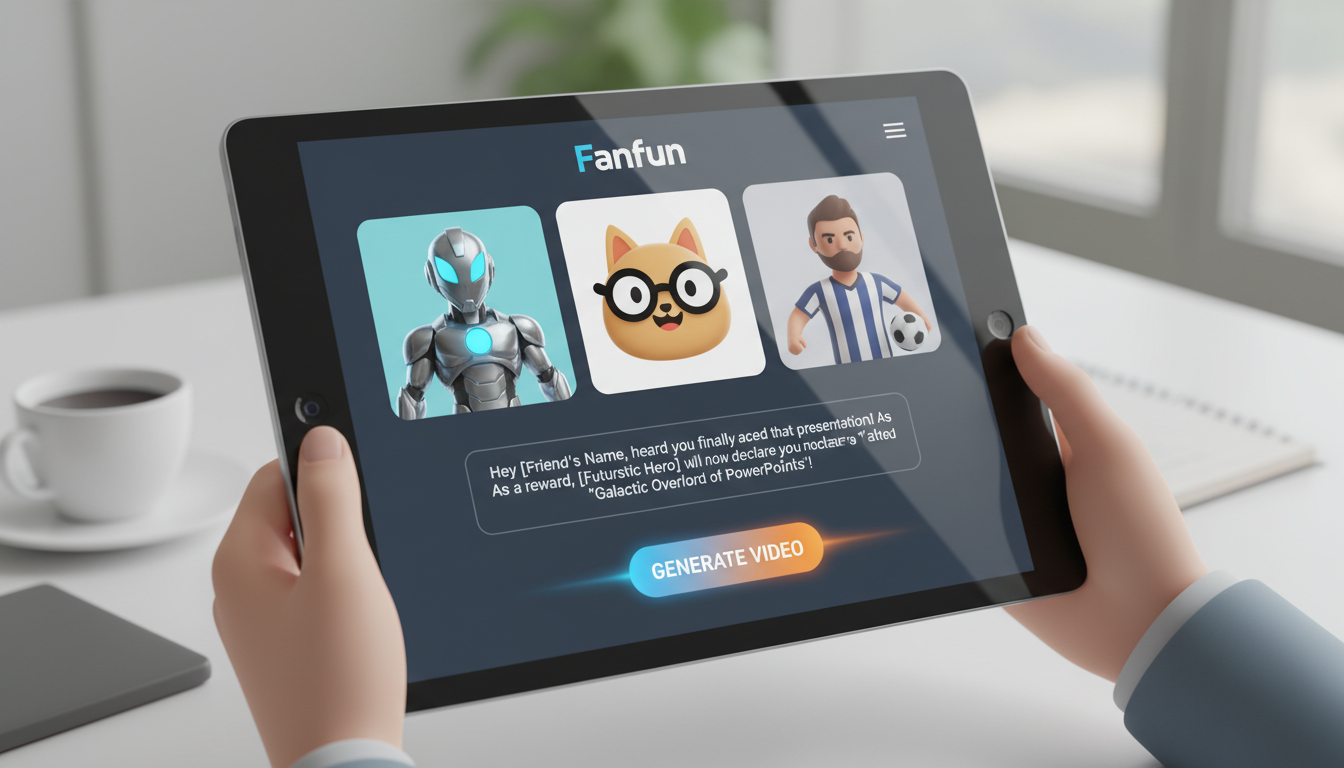
Step 1: Choose your persona. Start by browsing the Fanfun Character Library to find the figure that matches the recipient's specific fandom. Whether they are a die-hard sports fan who would love a hype speech from a legendary coach, an anime enthusiast who wants to hear from their favorite hero, or a gamer who appreciates a classic cartoon icon, matching the persona to the recipient's interests is the foundation of a great video.
Step 2: Define the tone. Before writing a single word, decide the emotional goal of the message. Is this a heartwarming tribute for a wedding, a high-energy hype-up for a graduation, or a lighthearted, sarcastic roast for a retirement? The persona you choose will help carry this tone, but your script will do the heavy lifting.
Step 3: Draft the script. This is where you bring the personalization. Keep the script concise—typically between 60 to 120 words is the sweet spot for a punchy, high-impact message. Focus on details that only you and the recipient would know, which immediately proves the video was made specifically for them.
The Setup: Navigating the Fanfun Creator Studio
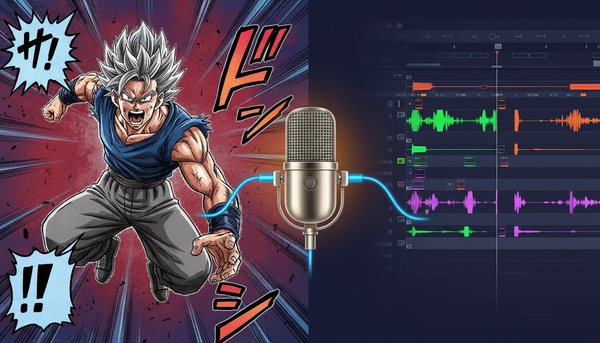
Once you have selected your character inside the Fanfun platform, you will enter the creator workspace. Here, you will find options to input your script, select the vocal style, and preview the delivery. Take a moment to explore the voice modifier settings. Some characters have multiple emotional profiles—ranging from casual conversation to high-energy shouting—allowing you to match the visual energy of the character with the exact vocal delivery your script demands.
The Anatomy of a Perfect Congratulations Script
A great AI-generated video relies heavily on structured writing. If you write a generic script, you will get a generic video. To make the message truly stand out, you need to structure your dialogue around three key pillars: the hook, the pivot, and the sign-off. If you need deeper guidance on structuring your dialogue, check out our detailed blueprint on how to script and direct an AI congratulations video.
- The Hook (0-5 seconds): Grab attention immediately. Do not start with "Hello, I was asked to make this video." Instead, have the character address the recipient by a nickname or mention a highly specific personal habit right away.
- The Pivot (5-20 seconds): Connect the character's famous lore, catchphrases, or worldview to the recipient's real-life milestone. If a friend just got promoted, have an anime warrior compare the corporate promotion to unlocking a new power level or surviving a grueling battle.
- The Call to Action/Sign-off (20-30 seconds): End with a high-energy, memorable congratulations that feels authentic to the character. Use their signature catchphrase to seal the message with authority.
The Creative Playbook: Matching the Persona to the Milestone
Different life milestones call for different creative approaches. To help you choose the right direction, here is a playbook for matching milestones with the perfect AI character and script angle.

For weddings and engagements, you want a charismatic or dramatic character who can deliver an unforgettable toast. This video can be played during the rehearsal dinner or the reception itself. To make it work, integrate the partner's name, how they met, or a humorous habit they have agreed to tolerate for the rest of their lives. For a complete strategy on this, consult the ultimate wedding congratulations video playbook.
For graduations and academic achievements, look to inspiring anime heroes or legendary cartoon characters. This mirrors how educators are building character-first classrooms to make lessons stick—by leveraging the inherent authority and emotional weight of beloved figures to celebrate milestones. Frame the graduation not just as an end, but as the beginning of a grand quest or a new season of an epic adventure.
For career promotions and retirements, lean into authoritative sports icons or legendary coaches. Use locker-room speech tropes, calling out the recipient's specific work achievements as "game-winning plays" and celebrating their transition to the "hall of fame."
| Milestone | Ideal AI Persona Type | Sample Script Hook |
|---|---|---|
| Wedding / Engagement | Charismatic Hero / Dramatic Narrator | "I heard you finally convinced [Name] to lock it down..." |
| Graduation | Inspiring Anime Protagonist / Cartoon Icon | "Training arc complete! Your real adventure starts today..." |
| Career Promotion | Legendary Sports Coach / Tech Visionary | "The board called a timeout just to look at your sales numbers..." |
| Milestone Birthday | Humorous / Sarcastic Icon | "Another year older, and still haven't figured out how to cook..." |
Directing vs. Just Typing: How to Get the Best Performance
To turn a standard text-to-speech generation into a natural, expressive performance, you must think like a director. AI voice models interpret text based on how it is written, meaning you can use formatting tricks to guide the character's pacing, emphasis, and pronunciation.
First, use phonetic spelling for unusual names, regional slang, or inside jokes. If the AI struggles with a name like "Siobhan," spell it out phonetically as "Shi-vawn" in your script. The same goes for corporate acronyms or local landmarks—spell them how they sound, not how they are written.
Second, treat punctuation as your stage directions. A comma tells the AI to take a brief, natural breath. An ellipsis (...) creates a dramatic pause, perfect before delivering a punchline or a big reveal. Exclamation points add volume and energy, while question marks naturally raise the pitch at the end of a sentence. Experiment with these elements to control the rhythm of the delivery.
Distribution: How to Deliver Your Video for Maximum Impact
Once your Fanfun video is generated, the final step is presenting it to the recipient. The delivery method can elevate the video from a fun digital surprise to the highlight of the entire celebration.
If you are hosting a live event, consider the live reveal. Event producers frequently use this tactic to break up long speeches or inject energy into a room. You can learn how to seamlessly inject instant AI video messages into live events and gatherings to surprise your guests during a dinner toast or a retirement party.
For digital deliveries, timing is everything. Instead of simply emailing a raw file link, embed the video into a collaborative digital group card where friends and family can leave text messages alongside your high-production video. Alternatively, send it directly via text message at an unexpected moment—like the morning of their big presentation or right as they wake up on their birthday—to kick off their day with an unforgettable laugh.
How do I make sure the AI pronounces difficult names or inside jokes correctly?
The secret lies in phonetic spelling. AI voice models read text exactly as it sounds, not necessarily how it is spelled. If you have a name like "Siobhan," write it as "Shi-vawn" in your script. For unique inside jokes or slang, spell them out syllable-by-syllable, and use punctuation like commas or ellipses (...) to force natural pauses and correct emphasis.
Can I use these videos for commercial promotions or corporate events?
Yes! Fanfun is highly popular for corporate milestones, retirements, and product promotions. Because you can control the script entirely, you can easily weave in brand messaging, product names, or office inside jokes. Check our character licensing terms within the library to ensure your chosen persona is cleared for commercial use.
How long does it take to generate a video on Fanfun?
Unlike traditional platforms where you have to wait days or weeks for a real-life celebrity to record your message, Fanfun generates your custom video instantly—usually in under five minutes. This makes it perfect for last-minute gifts, sudden promotions, or spontaneous celebrations.
What makes Fanfun different from traditional celebrity video platforms?
Traditional platforms limit you to real-life celebrities who are often expensive, slow to respond, and bound by rigid boundaries. Fanfun gives you instant access to a vast library of fictional characters, anime heroes, and cultural icons. Plus, you have 100% creative control over the script, allowing you to craft highly specific, interactive, and affordable messages on demand.