The Event Producer’s Cheat Code: How to Inject Instant AI Video Messages Into Live and Hybrid Gatherings
Tired of dry keynote speakers and predictable event icebreakers? Discover how event producers are using instant AI video messages to surprise crowds, roast hosts, and rescue engagement on the fly.
Event planners know the exact moment the room's energy begins to sag. It usually happens right after the main course is cleared, during a dry slide deck, or when an well-meaning guest takes the microphone for an unscripted, twenty-minute toast. Traditional live entertainment is a massive gamble: you either pay thousands of dollars for a predictable cover band, or you cross your fingers that your speaker doesn't put the crowd to sleep.
The modern alternative isn't another standard photo booth or a generic slideshow. Savvy event producers are turning to instant AI video messages to inject high-energy, hyper-personalized moments of surprise directly into their programs. By utilizing Fanfun’s instant generation platform, you can summon custom video greetings from iconic AI interpretations of beloved characters and celebrity personas to shock, delight, or roast your audience on demand—without the budget-busting fees or weeks of waiting.
Beyond the Phoned-In Toast: Why Live Events Need Instant Video Interventions
Traditional event icebreakers are broken. Whether it is a corporate retreat, a milestone birthday, or a wedding reception, the options have historically been limited. You could hire local talent, play a pre-recorded slideshow that everyone has already seen, or spend thousands of dollars on booking platforms trying to secure a 15-second shoutout from a retired athlete.
The legacy celebrity booking model is fundamentally incompatible with modern event production. It is plagued by rigid script approvals, exorbitant costs, and multi-day lead times. If you want a celebrity to congratulate your sales team on beating their Q3 targets, you have to submit a request weeks in advance, hope they do not decline, and accept whatever generic, half-hearted video they record on their phone while sitting in traffic. There is no room for spontaneous inside jokes, real-time cultural references, or last-minute adjustments.
This is where Fanfun shifts the paradigm. By leveraging advanced AI voice and video generation, event planners can bypass the gatekeepers and create highly tailored media assets in a matter of minutes. If you need to know how to execute high-stakes celebrity greetings with zero-day turnaround, the answer lies in instant AI platforms that put creative control entirely in your hands. You write the exact words, select the ideal persona, and download a broadcast-ready file instantly, allowing you to match the precise vibe and humor of your specific crowd.
4 High-Impact Event Triggers for Instant AI Video Messages
Successfully deploying an AI video message at a live event is all about timing. You cannot simply play a clip randomly and expect it to land. You need to identify the natural transitions in your event timeline where the audience's attention is either wandering or needs a focal point. Here are four high-impact triggers where a custom video message can completely transform the room's energy:
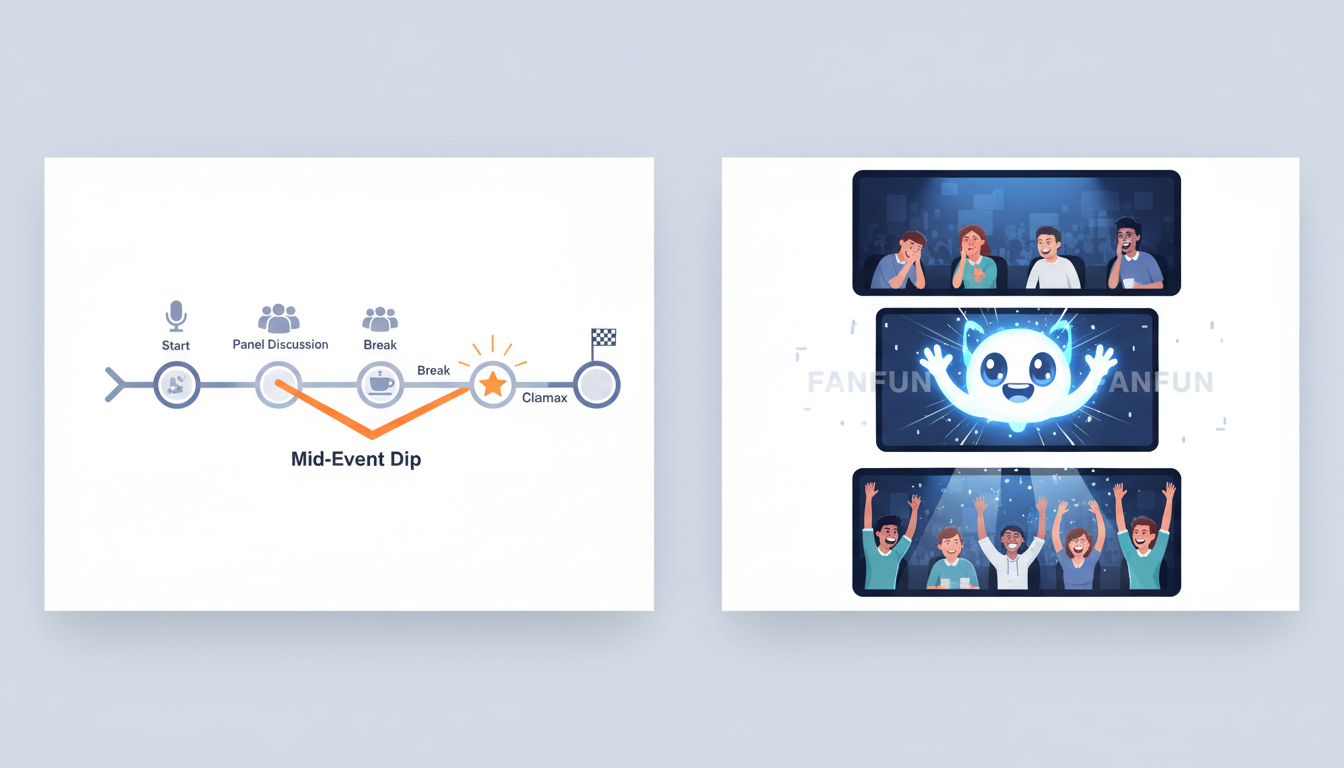
- The Opening Icebreaker: Set the tone before the first speaker even takes the stage. Imagine starting a tech conference with an AI-generated greeting from a legendary sci-fi character welcoming attendees, calling out the event's wifi password, and playfully teasing the keynote speaker.
- The Post-Lunch Energy Rescue: Every event producer dreads the 1:30 PM slump. After a heavy lunch, the crowd is sluggish. This is the perfect moment to flash a surprise video on the main projection screens. A booming pep talk from an AI sports icon can instantly wake up the room and get people laughing.
- The Milestone Roast: For retirement parties, weddings, or landmark birthdays, a generic toast rarely does justice to the guest of honor. An AI video message packed with highly specific inside jokes about their odd habits, favorite catchphrases, or office reputation feels incredibly personal and custom-made.
- The Hybrid Bridge: Keeping remote attendees engaged during a hybrid event is notoriously difficult. By leveraging instant video greetings to hijack attention at virtual events, you can create a shared laughing point that unites both the physical room and the virtual chat stream.
The Event Scripting Framework: Balancing Inside Jokes with Pacing
The magic of an AI video message is not just the visual delivery; it is the writing. Because you have total control over the script, you have the power to make the video feel unbelievably authentic. However, with great creative freedom comes the temptation to over-write. To keep your live audience engaged, you must balance specific inside jokes with tight, rapid-fire pacing.
Keep your generated videos under 60 seconds. In a live environment, a minute feels like an eternity if the content drags. Focus on two or three highly specific details rather than trying to recount a long, complicated story. Mentioning the name of the venue, a specific department's budget mishap, or the groom's obsession with his lawnmower will instantly signal to the audience that this video was created specifically for this exact moment. To ensure your message lands perfectly, consider structuring scripts to break the screen barrier, making the AI persona speak directly to the physical space of the room.
What Flops vs. What Kills: The Live Event Scripting Matrix
To help you draft your script, use this decision framework to ensure your content is optimized for a live, reacting crowd:
| Element | What Flops (Avoid This) | What Kills (Do This) |
|---|---|---|
| Length | 2 to 3 minutes of slow, rambling monologues. | 30 to 45 seconds of punchy, high-energy delivery. |
| Specificity | Generic wishes ("Have a great annual meeting!"). | Hyper-local details ("Good luck surviving the Q3 audit under Sarah's watch"). |
| Tone | Overly formal, sounding like a standard corporate press release. | Playful, self-aware, and tailored to the persona's distinct voice. |
| Call to Action | Ending on a flat note or fading out quietly. | A strong punchline or an explicit cue for the crowd to cheer or raise a glass. |
Technical Execution: How to Cue and Project Your Video Without a Hitch
Even the most brilliant script will fall flat if the audience cannot hear the punchlines. Unlike viewing a video on a smartphone or laptop, presenting media in a cavernous ballroom, a crowded restaurant, or a noisy outdoor venue presents unique technical hurdles. You must prepare your AV setup to deliver maximum impact.
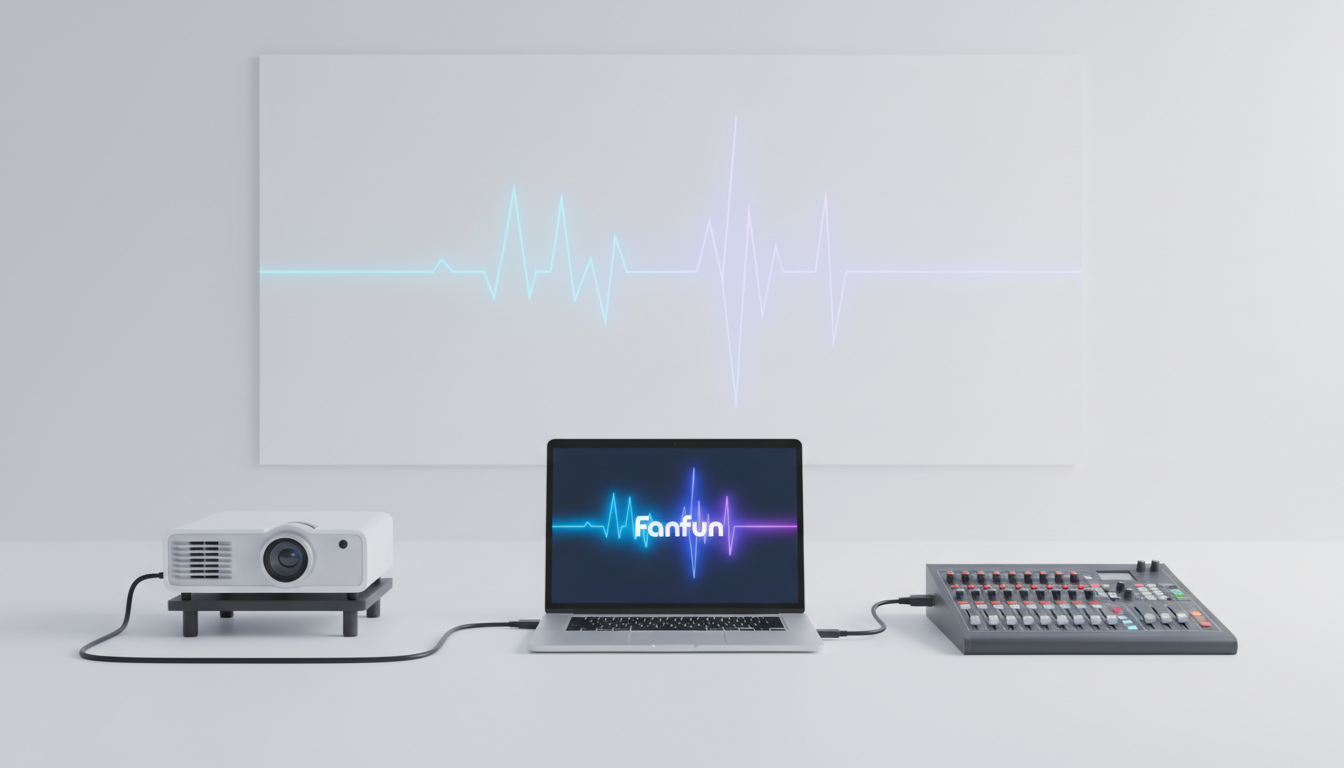
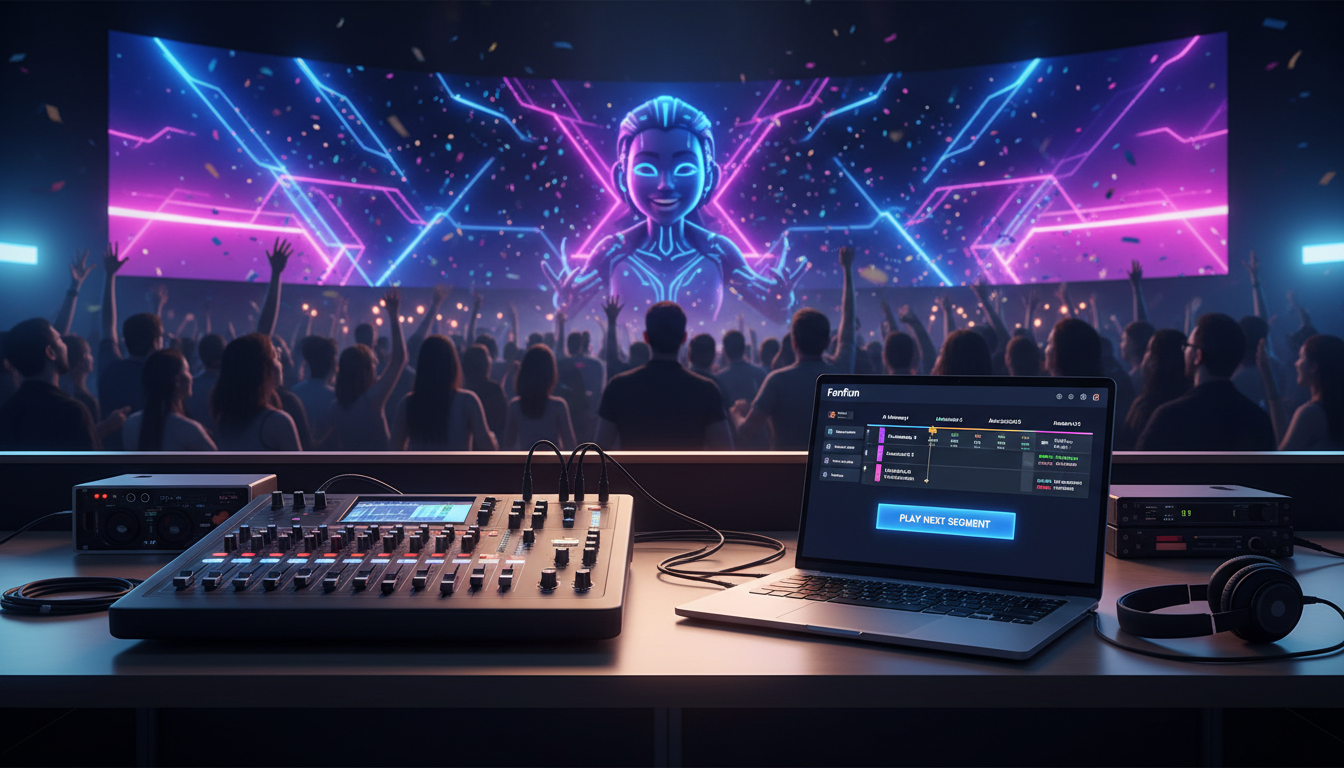
First, prioritize audio clarity over everything else. AI-generated voices rely on subtle inflections and character-specific cadences to sound authentic. If your venue's sound system is muddy, those nuances will get lost in the ambient crowd noise. Ensure your audio is routed directly through the house PA system rather than relying on a microphone picking up sound from a laptop speaker. Always run a dedicated sound check before guests arrive, playing the video at the actual volume level you plan to use during the show.
Second, manage your media files locally. While streaming directly from the cloud is convenient, live event Wi-Fi is notoriously unreliable. Always download your generated MP4 files from Fanfun directly onto your presentation machine. Keep a backup copy on a USB drive plugged into a secondary laptop. If your main presentation software freezes, your AV technician can switch inputs instantly and play the local file without the audience ever realizing there was a glitch.
The Last-Minute Savior: Handling Late-Breaking Event Changes Instantly
Every experienced event producer knows that no plan survives contact with the actual event day. Speakers get stuck at airports, schedules run behind, award categories change, and unexpected inside jokes emerge during the pre-event cocktail hour. In the past, video assets had to be finalized days or weeks in advance, rendering them useless for reacting to real-time event dynamics.
Because Fanfun generates highly realistic video and voice assets in minutes, you can use the platform as an active, real-time production tool. If your keynote speaker's flight is delayed by two hours, you do not have to let the crowd sit in awkward silence. You can quickly jump onto the platform, draft a hilarious script explaining the delay through a beloved pop-culture character, generate the video, and hand it to your AV team to play as a buffer.
This rapid-turnaround capability transforms video from a static presentation element into a living, breathing part of your event's programming. When you are navigating instant video platforms under tight deadlines, speed is your greatest asset. Instead of panicking over schedule changes, you can confidently turn unexpected disruptions into the most memorable, highly talked-about highlights of the entire night.
How do you play a custom video at a live wedding reception without awkward transitions?
The best way to play a custom video at a wedding reception is to cue it up immediately following a natural transition, such as right after the maid of honor's speech or just before the cake cutting. Work with your DJ or AV team to ensure they have the downloaded MP4 file loaded on their presentation software, rather than streaming it. Have the host or DJ introduce the video as a "special surprise guest who couldn't make it tonight" to build anticipation before dimming the lights and hitting play.
Can I generate a personalized celebrity video message on the same day as my event?
Yes, absolutely. Unlike traditional booking websites where you must wait days or weeks for a celebrity to record a clip, Fanfun allows you to generate high-quality AI video messages in just a few minutes. This makes it incredibly easy to create content on the fly, adapt to last-minute scheduling changes, or incorporate inside jokes that happened earlier that same day.
What is the best way to script an AI video roast so it doesn't feel mean?
To keep an AI roast lighthearted and fun, follow the "compliment sandwich" rule: start with a warm introduction, insert one or two highly specific, gentle jabs (such as their coffee addiction or their love for bad puns), and end on a genuinely positive note wishing them well. Avoid deeply sensitive topics, and focus instead on shared, relatable quirks that the entire room can laugh at together.
Do I need professional AV equipment to show an AI video at a corporate event?
While a professional projector and a dedicated house sound system will always yield the best results, you do not need enterprise-grade gear. The most critical element is clear audio. As long as your laptop is connected to a decent external speaker or PA system and the screen is large enough for the room to see, the high-quality rendering from Fanfun will look and sound great.