Beyond the Zoom Wave: How to Use Instant AI Video Greetings to Hijack Attention at Virtual Events
Ditch the boring icebreakers. Discover how to use instant, highly personalized AI video greetings and interactive character chats to capture and keep attention at your next virtual event.
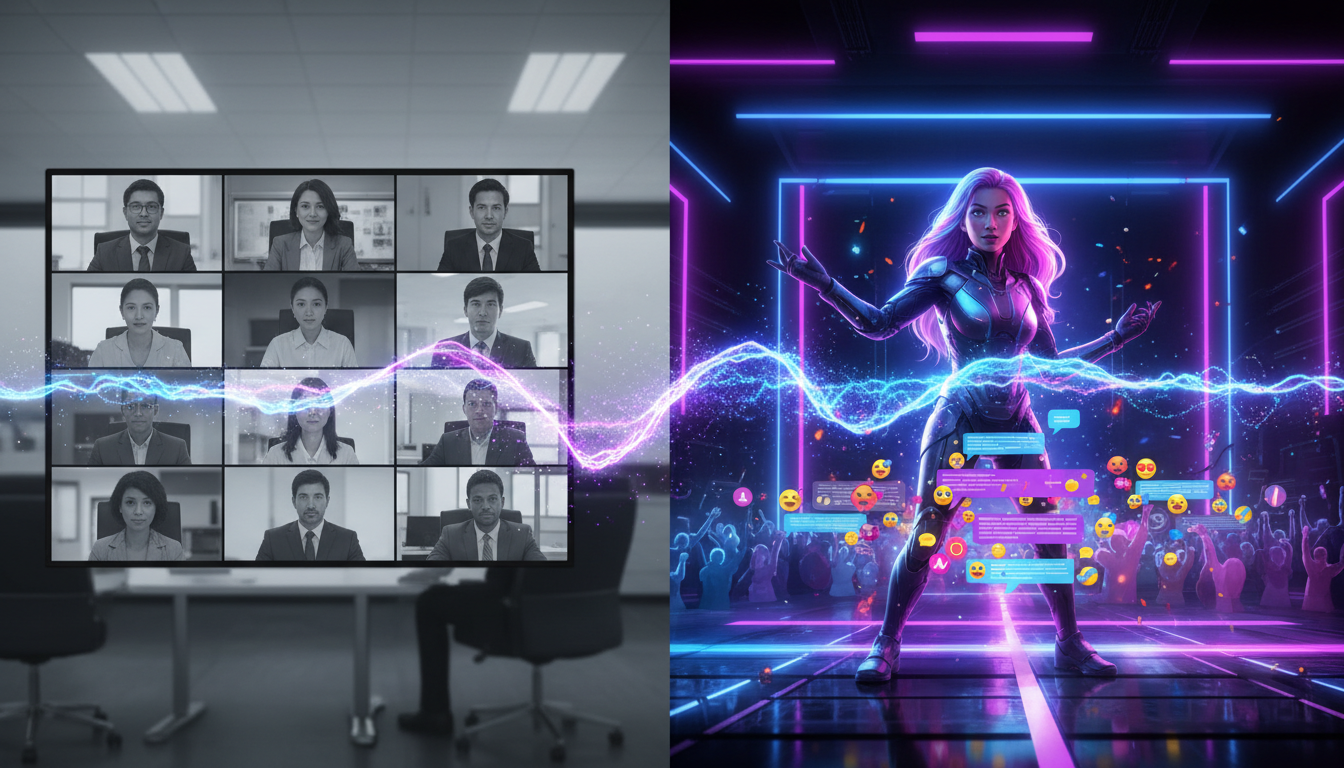
We have all experienced the collective dread of the standard virtual event opener. You log in, wait for the participant count to tick upward, and watch the host desperately plea for attendees to "tell us where you are tuning in from in the chat." This predictable, low-energy ritual signals to your audience that they can safely minimize the window, open another browser tab, and relegate your hard-earned event to background noise.
To capture attention in a crowded digital landscape, your virtual events need theatricality. By leveraging Fanfun's instant AI video greetings, creators, marketers, and event organizers can shatter the monotony of digital conferences. Instead of relying on passive slides, you can inject unexpected celebrity energy, personalized humor, and high-production value into your programming on demand.
The Virtual Event Crisis: Why 'Zoom Fatigue' is Actually a Scripting Problem
The term "Zoom fatigue" is often used to describe physical exhaustion from video calls, but in the context of virtual events, it is actually a failure of engagement design. When every webinar, team celebration, and digital summit follows the exact same visual and narrative template, the human brain naturally defaults to autopilot. Psychologists call this habituation—when a stimulus is highly predictable, we stop paying attention to it.
To break this trance, event producers must deploy a "pattern interrupt." A pattern interrupt is an unexpected event or behavior that completely disrupts a person's habitual line of thought. A slide deck with bullet points is not a pattern interrupt; a highly personalized video greeting from a legendary cultural icon addressing your specific audience by name is.
Historically, securing this level of star power required booking platforms like Cameo. However, traditional celebrity videos are plagued by bottlenecks: they are expensive, require days or weeks of lead time, and offer zero flexibility if your event schedule shifts at the last minute. Fanfun solves this problem by offering an instant, affordable, and highly customizable AI video alternative. You can generate custom messages featuring AI interpretations of iconic characters and celebrities in minutes, allowing you to react to live event dynamics in real time.
The Event Opener: Crafting High-Impact Celebrity-Style Intros
The first 60 seconds of your virtual event dictate whether your audience stays engaged or drifts away. Instead of kicking off with a dry housekeeping slide, start with a high-energy, customized video greeting that sets a bold tone. By matching the right AI character voice to your industry, you establish immediate authority or lighthearted rapport.
For example, a tech workshop might benefit from an iconic anime character introducing the host as if they were preparing for an epic battle. A high-stakes corporate sales kickoff, on the other hand, could open with a legendary sports coach giving a fiery locker room pep talk to the specific regional teams in attendance.
The 45-Second Icebreaker Blueprint
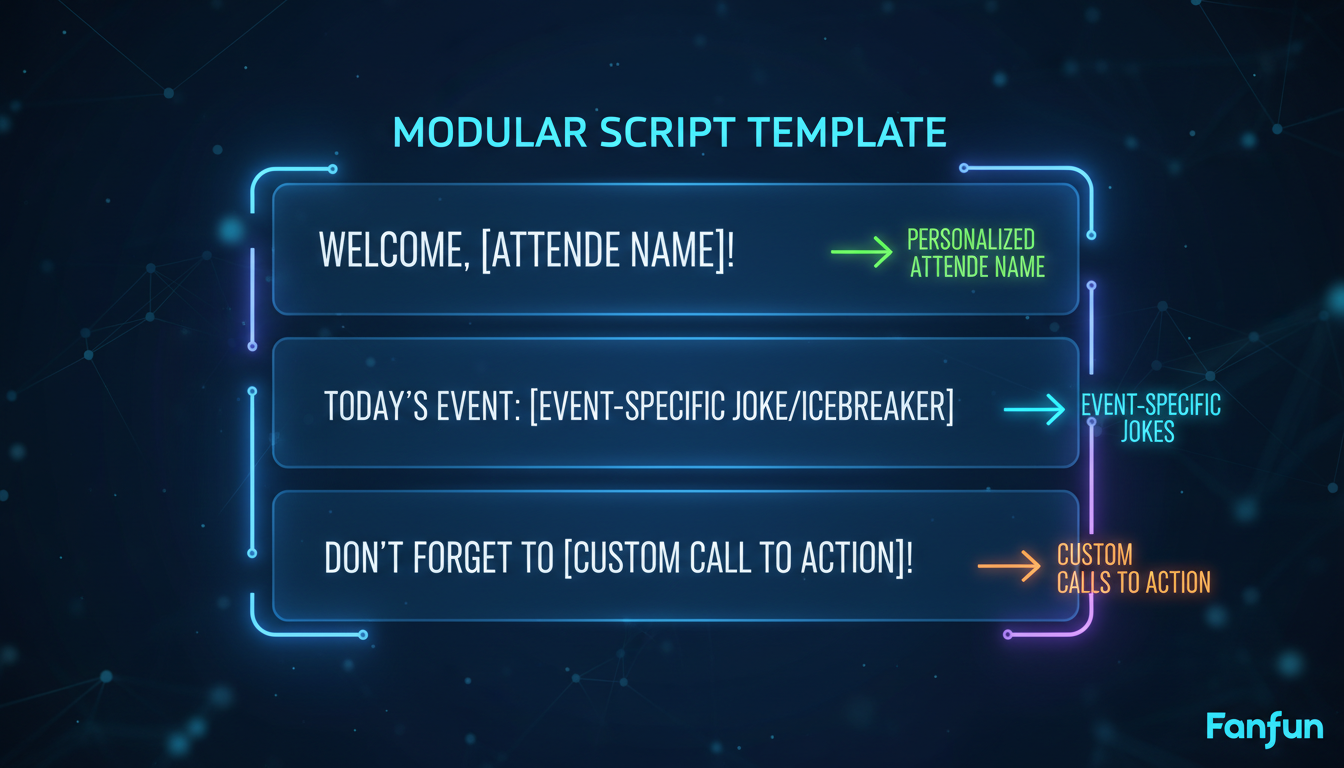
To maximize the impact of your opening video, keep it tight, punchy, and highly contextual. When designing these segments, structuring high-conversion video scripts to hook an audience is essential to prevent early drop-offs. Use this modular four-part structure to script your opening AI video greeting:
- The Hook (0–10 Seconds): The character immediately calls out the specific group or event name with high energy. ("Listen up, Acme Corp marketing squad! I see you sitting there in your home offices...")
- The Event Context (10–25 Seconds): Mention the specific goals, challenges, or inside jokes of the company or industry. ("I know Q3 was a grind, and those spreadsheets aren't going to fill themselves...")
- The Speaker Hype (25–35 Seconds): Build massive credibility for the upcoming human presenter. ("But you've got the legend, Sarah, stepping up to the mic today to show you how it's done.")
- The Call to Action (35–45 Seconds): A direct command to focus and participate. ("Put down the coffee, close Slack, and pay attention. Let's go!")
Mid-Event Intermissions: Injecting Friendly Roasts and Milestones
Even the most compelling presentations suffer from mid-event energy slumps. Around the 30-to-45-minute mark, audience focus naturally declines. This is the perfect moment to inject a mid-event intermission that uses humor as a bonding mechanism. Rather than a standard "five-minute bio break," use this time to celebrate team milestones or execute a good-natured roast of the leadership team.
A personalized AI video roast breaks up dense technical information and builds a shared cultural moment among attendees. Imagine an iconic movie villain appearing on screen to jokingly criticize the engineering team's obsession with minor code bugs, or a beloved cartoon character congratulating a specific employee on their five-year work anniversary.
The Anatomy of a Safe Corporate Roast
While roasts are highly engaging, they require careful calibration in a professional setting. To ensure your humor brings the team together rather than causing friction, master how to script a good-natured roast that lands perfectly. Keep these three rules in mind:
- Punch Up, Not Down: Direct the sharpest jokes at leadership, systemic industry quirks, or shared, harmless challenges (like long meetings), rather than junior staff members.
- Focus on Public, Positive Quirks: Celebrate known, endearing habits—such as a manager's love for a specific coffee brand or their signature catchphrase.
- End on a Sincere High Note: Always transition from the joke to genuine appreciation for the team's hard work and dedication.
Interactive Backchannels: Pairing Video Greetings with Live AI Chats
The main stage video stream is only half of the virtual event experience. To truly eliminate passive viewing, you must create interactive backchannels where attendees can participate directly. During networking breaks, panel transitions, or Q&A sessions, don't let your chat room go quiet.
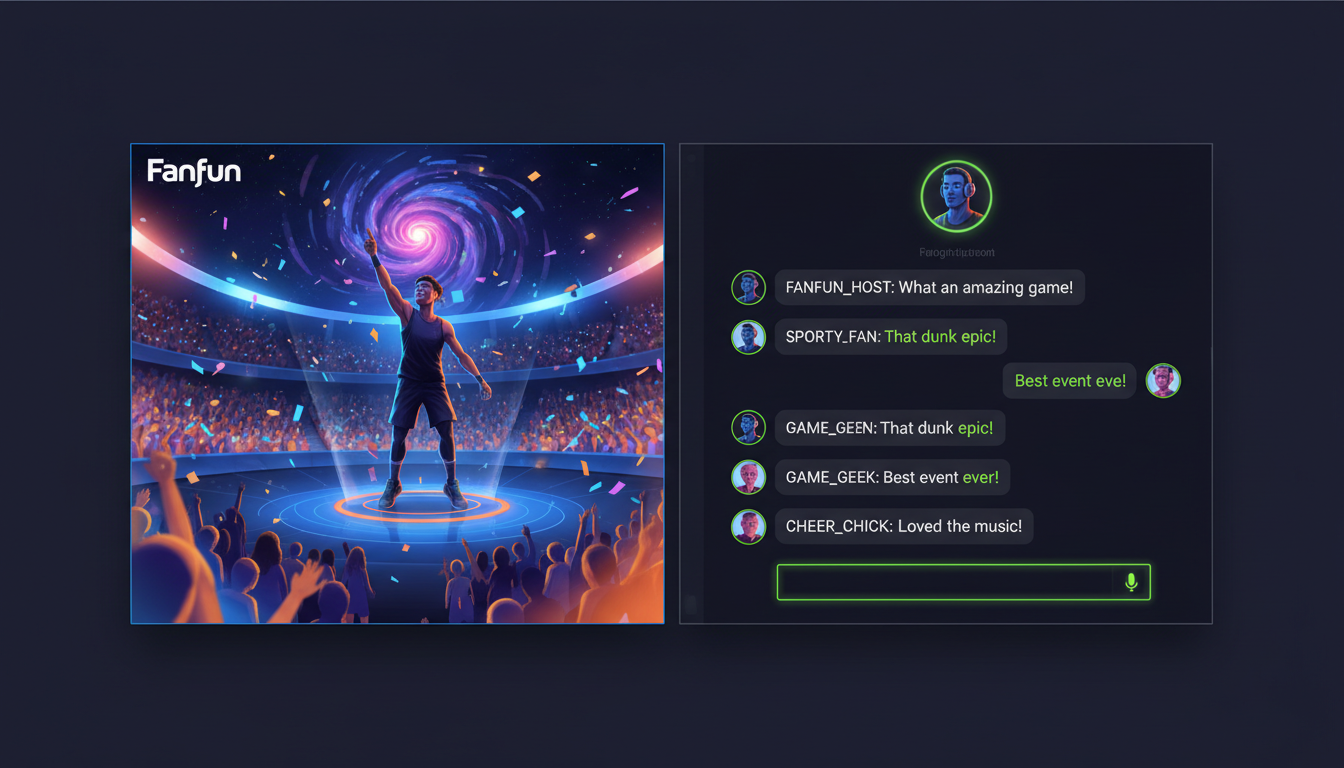
Instead of leaving attendees to chat amongst themselves, you can introduce an interactive AI character to the event portal. Fanfun's AI Chat tool allows you to deploy virtual icons directly into your event's digital spaces. Attendees can interact with these personas in real time, asking them questions related to the event topic or seeking personalized motivation.
For instance, if you are running a sports-themed marketing summit, you can direct your audience to a sidebar chat featuring an AI sports star. Attendees can ask for quick strategy tips, receive custom pep talks, or engage in playful banter during session breaks. Event organizers are seeing incredible engagement metrics by directing interactive AI character chats to act as virtual co-hosts, answering questions and keeping the community active while the main stage speakers prepare for the next session.
The Virtual Event Playbook: Comparing Video Greeting Formats
To help you choose the right approach for your next digital gathering, let's look at how Fanfun's instant AI video greetings compare to traditional video elements on key event-planning metrics:
| Metric | Traditional Cameo Bookings | Pre-recorded Stock Videos | Fanfun Instant AI Videos |
|---|---|---|---|
| Delivery Speed | Slow (3 to 7 days) | Instant (pre-made) | Instant (minutes) |
| Cost per Video | High ($100 - $1,000+) | Low ($10 - $50) | Very Low (Scalable plans) |
| Personalization Depth | Medium (limited prompt space) | None (generic greetings) | High (custom scripts, names, inside jokes) |
| Scalability | Low (one-off requests) | High (generic distribution) | Infinite (create dozens of variations instantly) |
The Event Planner's Deployment Checklist
Before your next virtual event, use this quick checklist to ensure your AI video elements are properly integrated into your technical run-of-show:
- [ ] Define the Tone: Match your selected AI character to your audience demographics (e.g., retro cartoon characters for millennial nostalgia, sports stars for sales teams).
- [ ] Gather Insider Details: Collect 2-3 specific company jokes, acronyms, or milestone achievements to feed into the generator for deep personalization.
- [ ] Test the Audio Mix: Ensure your virtual event platform (Zoom, Webex, Hopin) is configured to share computer sound when broadcasting the video greeting.
- [ ] Prepare the Backchannel: Set up your live chat links so attendees can transition smoothly from watching the video to chatting with the virtual persona.
- [ ] Have a Real-Time Backup: Keep the Fanfun generator open during the live event to quickly spin up a reactive video if a major, unexpected moment occurs on stage.
How do you make a virtual event more interactive?
To make a virtual event truly interactive, transition from passive broadcasting to active participation. You can achieve this by introducing real-time pattern interrupts like personalized AI video greetings, live polls, and interactive backchannels where attendees can chat directly with virtual AI characters during session breaks.
What are some creative ways to introduce speakers online?
Instead of reading a standard bio slide, use an AI video generator to have an iconic character or celebrity introduce your speaker. This builds massive hype, adds a touch of humor, and instantly captures the audience's attention right before the presentation begins.
How long should a virtual event video greeting be?
Keep your virtual event video greetings between 30 and 45 seconds. This is the sweet spot for delivering a high-energy hook, establishing context, and presenting a clear call to action without slowing down the momentum of your live schedule.
Can I use AI-generated celebrity videos for corporate events?
Yes. When used as creative parodies, event icebreakers, or motivational team-building tools, AI-generated celebrity videos are highly effective for corporate events. They offer an affordable, scalable, and instant alternative to hiring real-world talent for short, internal presentations.