The Virtual Party Playbook: How to Script and Deploy Instant AI Video Messages to Break the Screen Barrier
Screen fatigue is the silent killer of virtual events. Discover how to deploy strategically timed, hyper-personalized AI video messages to disrupt the monotony of the video grid and keep your guests laughing.
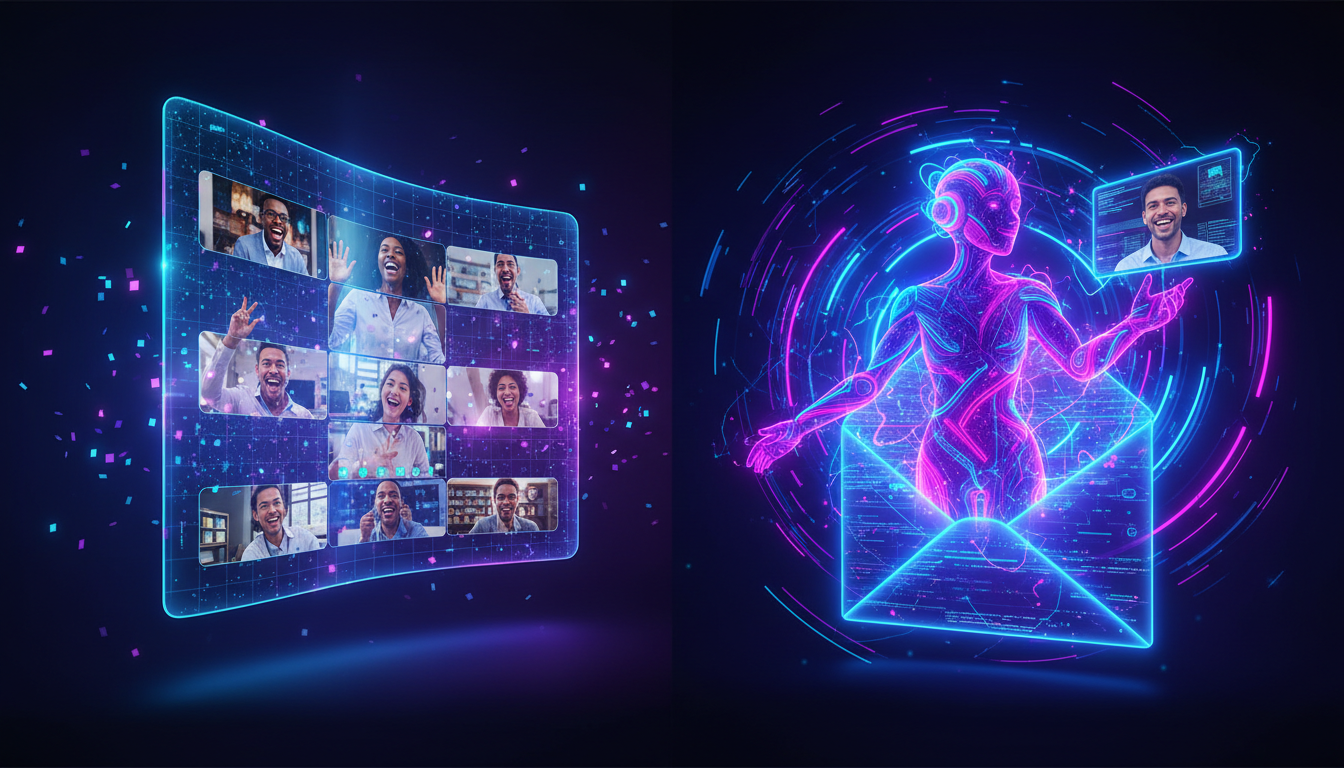
We have all sat through the awkward silence of a virtual gathering that ran out of steam. Despite the host’s best efforts, remote happy hours, digital birthday parties, and virtual team-builders frequently devolve into a predictable sequence of polite nodding, muted mics, and people secretly checking their phones. The problem isn’t a lack of goodwill; it’s the inherent friction of the digital grid, which demands constant active participation just to keep a basic conversation afloat.
To break this digital paralysis, modern event hosts are turning away from forced icebreakers and leaning into high-energy, passive entertainment. By injecting strategically timed, hyper-personalized AI video messages into the agenda, you can instantly disrupt screen fatigue, shift the room’s energy, and give your guests a genuine, shared moment of laughter. This guide outlines the exact playbook for scripting, timing, and deploying these virtual intermissions to make your next online gathering unforgettable.
The Virtual Party Problem: Why Standard Icebreakers Fail (and How 'Event Spikes' Save Them)
Traditional virtual icebreakers fail because they put guests on the spot. Asking a remote team of tired developers to share their “most unusual hobby“ or forcing family members to play another round of generic trivia requires high cognitive effort. Instead of building energy, these activities drain it. The moment the activity ends, the room plunges back into a quiet lull. Slideshows and passive presentations aren't the answer either; they simply turn a social gathering into a unidirectional lecture.
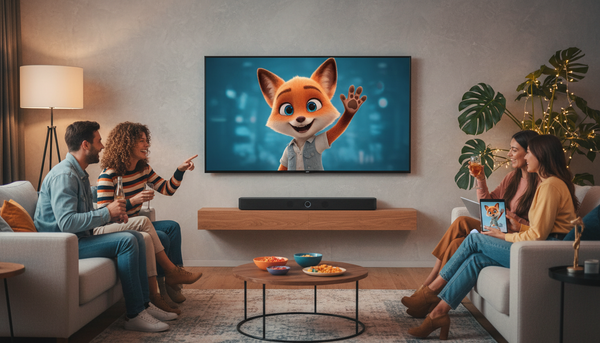
The solution lies in creating "event spikes"—short, high-impact disruptions designed to reset the room's attention span. An event spike acts as a pattern interrupt. It breaks the monotony of the standard video grid by introducing an unexpected, highly engaging element that requires zero social effort from the guests. They simply get to watch, react, and laugh together.
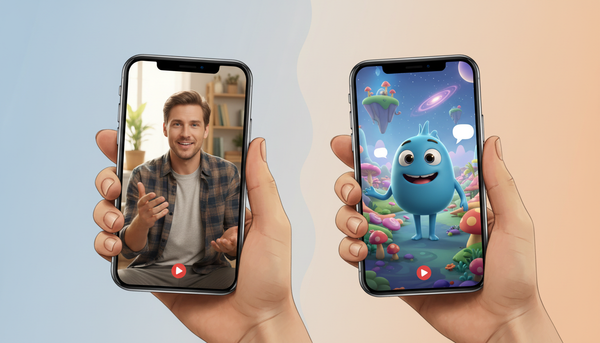
Historically, securing a custom celebrity shoutout to serve as an event spike was a logistical nightmare. It required booking platforms with days or weeks of lead time, high price tags, and no guarantee that the creator would deliver the video before the party started. Fanfun solves this friction entirely. By offering an instant AI personalized video platform, hosts can generate custom messages from iconic characters and cultural figures in minutes. This speed allows hosts to react to real-time party dynamics, creating custom content on the fly that perfectly matches the mood of the room.
Designing the Perfect Video Interlude: A Framework for Virtual Party Formats
Not all virtual parties share the same dynamic, which means your video interventions need to be tailored to the audience. A corporate retirement party requires a different tone and timing than a late-night Discord gaming session. To ensure your video spike lands with maximum impact, you must match the video style to the specific energy slump of your event format.
The table below outlines how to map common virtual events to their ideal AI video interventions and optimal drop times:
| Event Type | Common Energy Slump | Ideal AI Video Style | Optimal Timing |
|---|---|---|---|
| Kids' Birthday Party | 15-minute mark (distraction, chaotic cross-talk) | Fictional character greeting (e.g., Doraemon, anime heroes) | Mid-party transition (right before cake or games) |
| Remote Team Happy Hour | 30-minute mark (work talk starts creeping back in) | Lighthearted roast of the team or manager | The 20-minute mark (to pivot away from work discussions) |
| Discord / Community Game Night | Between-match lobbies (silent waiting screens) | Meme-format hype video or trash-talk challenge | The opening hook (to set a competitive, fun tone) |
| Milestone Celebration (e.g., Anniversary) | Late-stage lull (conversations winding down) | Nostalgic, celebrity-style tribute or warm toast | The closing toast (to end the night on a high note) |
For children's parties, maintaining order over a video call is famously difficult. Standard party games fall flat when kids talk over each other. Introducing a beloved fictional character, like Doraemon, who addresses the birthday child and their friends by name, immediately commands the room’s attention. This transition gives parents a structured window to transition the kids into the next activity without losing control of the call.
The Art of the Mid-Party Roast and Character Cameo
One of the most effective event spikes is the mid-party roast. When executed correctly, a lighthearted comedic burn acts as an incredible equalizer. It breaks down professional hierarchies in corporate settings and brings long-distance friend groups closer together by celebrating their shared history and quirks.
Mastering the Virtual Roast
The key to a successful roast is balancing humor with inclusivity. It should never feel mean-spirited or leave a guest feeling isolated. Instead, focus on universally recognized, gentle pain points: a manager’s obsession with spreadsheets, a friend’s notorious habit of arriving ten minutes late to every video call, or a running joke about a failed gaming strategy. If you are unsure of the boundaries, look into how to structure a sharp, comedic burn that keeps everyone laughing without crossing the line into discomfort.
Furthermore, utilizing fictional characters adds an extra layer of magic that traditional celebrity booking platforms simply cannot replicate. If your guest of honor is an avid anime fan, a gamer, or obsessed with classic cartoons, having a customized video featuring their favorite pop-culture icon addressing their specific inside jokes is incredibly memorable. This level of customization transforms a standard greeting into a highly shareable, personalized piece of media.
The "Zero-Hour" Scripting Blueprint: How to Write for Maximum Impact
To ensure your AI-generated video lands perfectly, you must write a script optimized for the virtual medium. Online attention spans are incredibly short. A long, rambling monologue will cause your guests to tune out, defeating the purpose of the event spike.
Keep your scripts tight by adhering to the 30-Second Rule. A 30-second video is long enough to deliver three distinct, personalized punchlines but short enough to keep the pacing brisk. Structure your script using this simple three-part formula:
- The Hook (0-5 seconds): The character immediately calls out the guest of honor or the group by name, establishing instant personalization.
- The Meat (5-20 seconds): Deliver the core inside joke, regional slang, or corporate jargon. Be highly specific. Mentioning a specific Slack channel name or a local coffee shop makes the video feel authentic.
- The Outro (20-30 seconds): A quick, high-energy sign-off, toast, or call to action that transitions back to the live host.
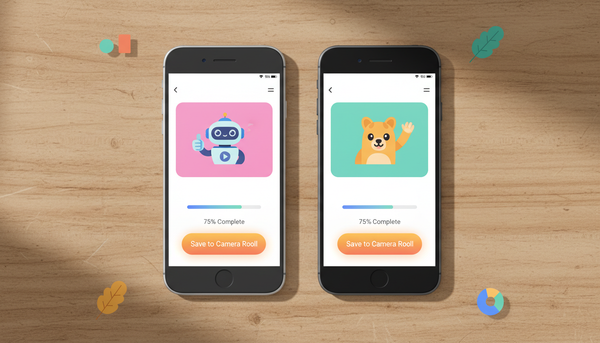
If you find yourself organizing an event at the last minute, do not panic. You do not need days of prep time. Using Fanfun's real-time tools makes navigating instant video platforms without the wait-time anxiety simple, allowing you to draft, generate, and review your custom video intermission in under ten minutes before your call begins.
The Meme Factor: Leveraging Viral Formats for Remote Communities
For digital-first spaces like Discord servers, Slack channels, and Twitch streams, highly polished, formal videos often fall flat. These communities thrive on internet culture, quick humor, and viral formats. To capture their attention, your event spikes should lean heavily into meme-style content.
Meme-format personalized videos act as cultural currency within remote groups. When an AI video generator delivers a hilarious, self-referential meme featuring a recognizable voice, it immediately gets shared, clipped, and pinned. It transforms from a temporary party moment into an ongoing community asset that lives on in chat channels long after the live call ends.
There is a deep psychological appeal to these formats. Standard corporate messages feel transactional, but a personalized meme feels exclusive. It shows that the organizer truly understands the community's unique culture and is willing to co-create fun experiences with them. Understanding this dynamic is crucial for understanding why memeable, personalized video formats drive massive engagement across modern digital spaces, helping brands and community leaders foster genuine loyalty.
A Step-by-Step Checklist for Launching Your First AI Video Intermission
To execute a flawless video reveal during your next virtual event, follow this step-by-step checklist:
- Gather the Raw Material: Two days before the event, quietly collect inside jokes, correct name pronunciations, and specific character preferences from your core group. Keep it a secret from the guest of honor.
- Draft and Generate: Use Fanfun's AI platform to write and generate your video. Listen to the voice output to ensure the pacing, tone, and pronunciation of names are correct. Adjust the spelling phonetically if necessary (e.g., writing "Siobhan" as "Shi-vawn").
- Optimize Your Technical Setup: Before logging into the virtual call, open the video file in a dedicated media player. When sharing your screen on platforms like Zoom, Microsoft Teams, or Discord, make sure to check the boxes for "Share Sound" and "Optimize for Video Clip" to prevent lag and audio desync.
- Set the Stage: Do not just play the video out of nowhere. Introduce it with a brief, high-energy setup. For example: "Before we move to our next game, we actually have a surprise guest who wanted to hop on the call and say a few words..."
- Distribute the Digital Favor: Immediately after the reveal, drop the download link or video file directly into the chat box so guests can save, rewatch, and share it on their own social channels.
How do I share a personalized video during a Zoom or Teams call without lag?
To avoid lag, open the video file locally on your computer using a media player rather than playing it from a web browser. When you click "Share Screen" in Zoom or Teams, look for the settings at the bottom of the sharing window and check the boxes for "Share Sound" and "Optimize for Video Clip." This ensures the platform allocates enough bandwidth for smooth playback.
Can I get a personalized celebrity video instantly for a last-minute virtual party?
Yes. Traditional booking platforms can take days or weeks, but Fanfun's instant AI personalized video platform allows you to generate high-quality custom video messages from a wide variety of characters and celebrity personas in just a few minutes. This makes it perfect for zero-hour party planning.
What are some good virtual party ideas that don't feel awkward?
The best virtual parties rely on short, high-energy "event spikes" rather than continuous forced participation. Try incorporating a 30-second AI-generated roast of your team leader, hosting a rapid-fire meme bracket, or dropping a surprise character cameo to break up the standard video grid conversation.
How do I write a script for an AI video generator that sounds natural?
Keep your script under 30 seconds and focus on a three-part structure: a quick hook calling out the person by name, one or two highly specific inside jokes or local references, and a high-energy call to action or toast. Use phonetic spelling for complex names to ensure perfect pronunciation.