The Death of the Default Voice: How TikTok Creators Are Using Character Synthesis to Stop the Scroll
The era of the generic 'Jessie' voiceover is over. Discover how top TikTok creators are using highly stylized character voice synthesis to capture attention, nail comedic timing, and build unforgettable digital brands.
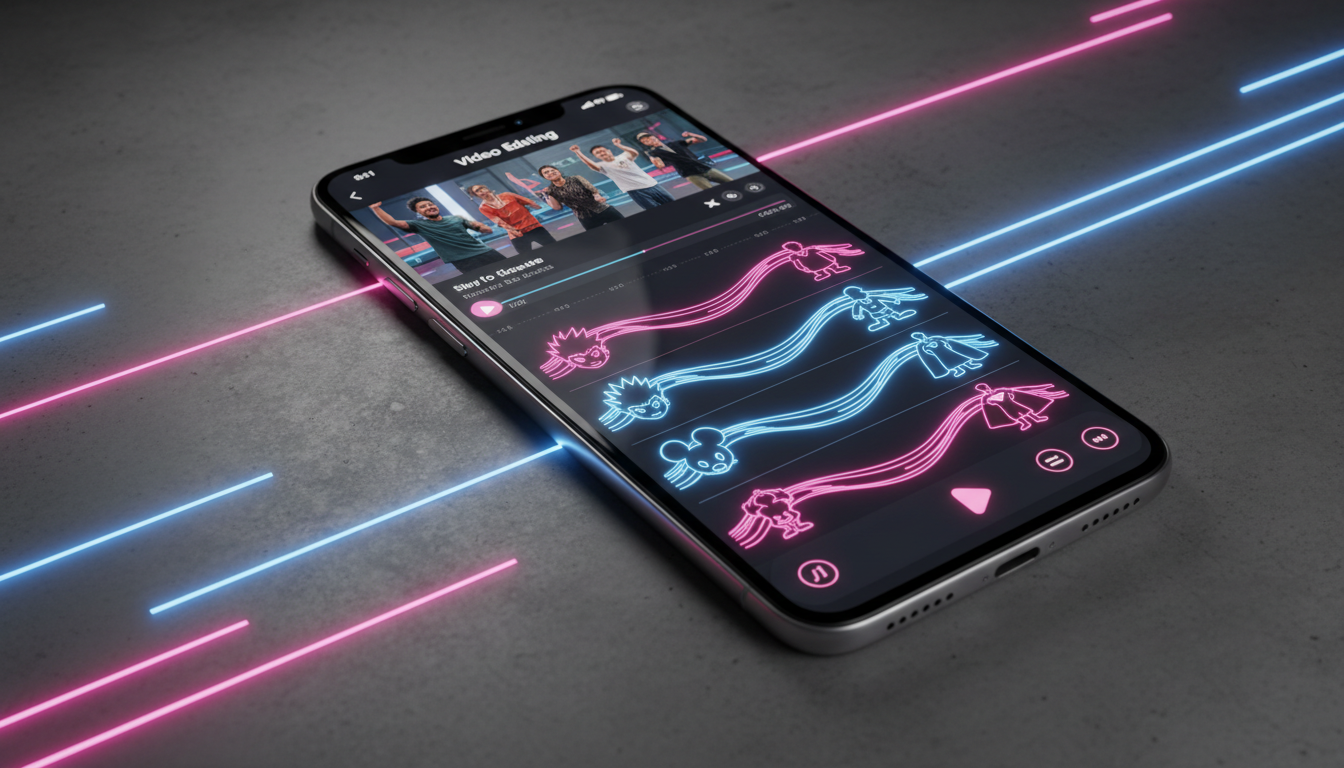
The moment a user scrolls onto a video and hears 'Jessie'—the cheerful, hyper-compressed default TikTok text-to-speech voice—their thumb is already moving to swipe away. What was once a novel accessibility tool has transformed into an auditory trigger for low-effort content, causing viewers to mentally check out before the first frame even registers on their screens.
To survive on the For You Page (FYP), creators must treat audio as a primary hook rather than an afterthought. By replacing overused platform defaults with stylized, high-fidelity character voice synthesis, you can disrupt the user's scrolling pattern, inject instant personality, and build a highly recognizable brand identity from the very first syllable.
Why TikTok's Default Voices Are Killing Your Retention Rate
In short-form video, cognitive bias plays a massive role in user behavior. When a viewer encounters a default text-to-speech voice, their brain instantly associates it with low-effort compilation channels, dropshipping ads, or automated Reddit-reading accounts. This association creates an immediate barrier to engagement. The user doesn't swipe away because of your visual content; they swipe because the audio track has preemptively flagged the video as unoriginal.
The science of auditory novelty explains why changing your audio design can completely reverse this trend. The human brain is wired to pay attention to unexpected stimuli. When an audience hears a highly distinct, expressive, or recognizable character voice instead of a generic robotic tone, it triggers a pattern interruption. This brief moment of cognitive friction forces the user to pause, evaluate the context, and stay engaged long enough for your visual hook to land.
This is where leveraging specialized tools becomes essential. By utilizing Fanfun's AI Voice Generator, creators can instantly move away from platform-native limitations. Instead of relying on the same five voices shared by millions of accounts, you can access an extensive library of licensed personas and fictional characters, giving your content an immediate competitive edge. For a deep dive into mastering the basic mechanics of short-form audio direction, check out our guide on directing a TikTok AI voice generator for high-retention content.
The Character Casting Matrix: Matching Voice to Niche
Choosing the right voice is not just about finding something that sounds cool; it is about matching the exact psychological profile of your target audience. A mismatch between your content's visual aesthetic and its vocal delivery can alienate viewers. To help you navigate this, we have broken down the three core vocal archetypes for short-form video.
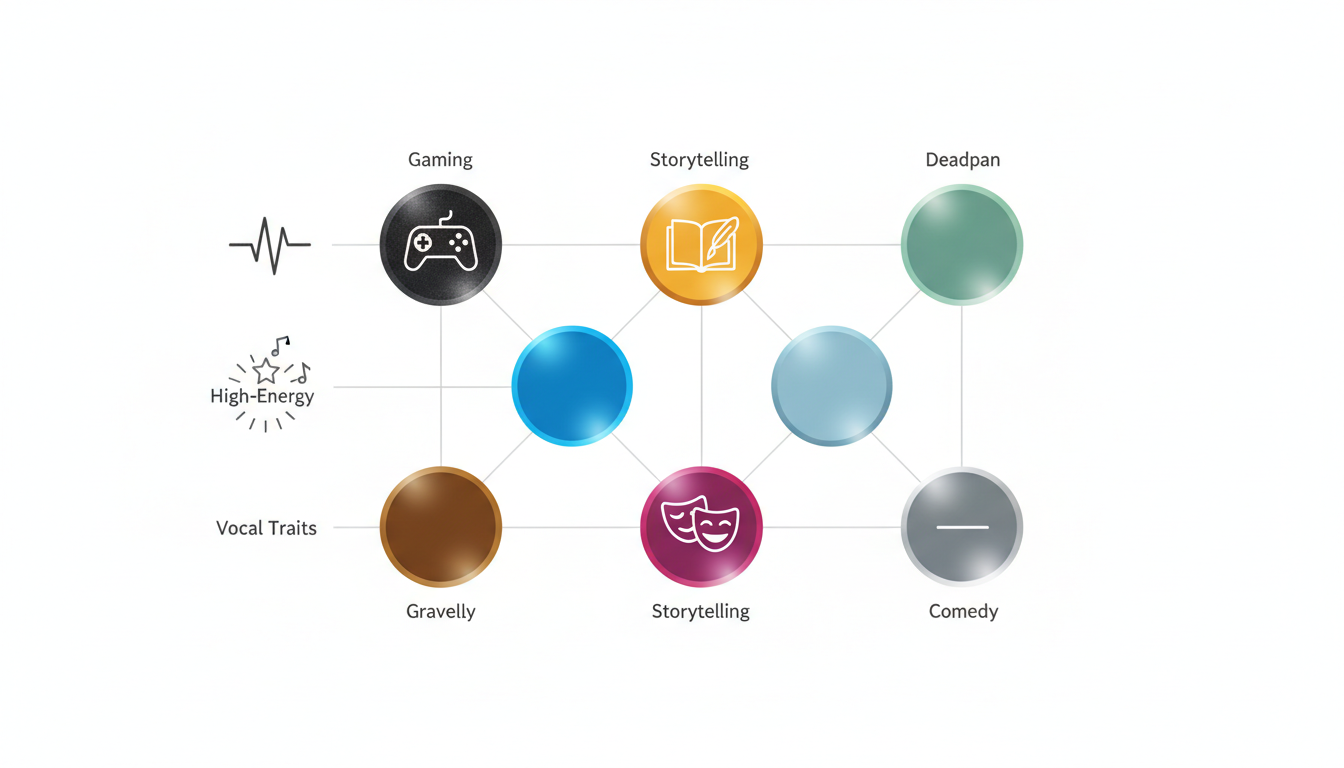
Vocal Archetypes in Action
- The Hype-Man: High-energy, fast-paced, and slightly chaotic. Perfect for keeping viewers engaged during rapid-fire transitions or high-stakes challenges.
- The Deadpan Realist: Dry, sarcastic, and completely unimpressed. This archetype works wonders for commentary, self-deprecating humor, and subverting expectations.
- The Epic Narrator: Deep, resonant, and cinematic. Ideal for lore explanations, high-concept storytelling, or adding dramatic gravity to mundane situations.
To help you select the ideal texture for your channel, consult the Character Casting Matrix below:
| Content Niche | Vocal Archetype | Optimal Voice Texture | Audience Psychological Trigger |
|---|---|---|---|
| Gaming & Let's Plays | The Hype-Man | Raspy, energetic, fast-talking | Adrenaline, urgency, shared excitement |
| Commentary & Satire | The Deadpan Realist | Monotone, dry, slightly gravelly | Relatability, intellectual irony, humor |
| Lore & Storytelling | The Epic Narrator | Deep, resonant, slow cadence | Awe, curiosity, cinematic immersion |
| Product Reviews / Tech | The Professional Enthusiast | Clear, articulate, mid-range pitch | Trust, authority, casual expertise |
By consistently using a specific vocal archetype, you build long-term audio branding. Over time, your followers will recognize your videos instantly—even if they are looking away from their phones when your content appears on their feed.
The Comedy Formula: Timing, Texture, and Tone
Comedy on TikTok lives and dies by timing. When you rely on standard, flat voice synthesis, your jokes often fall flat because the software lacks the nuance to deliver a punchline. Great comedic creators understand that the funniest moments often come from the contrast between what is seen and what is heard.
Pairing absurd, high-energy visuals with a completely deadpan, dry character delivery creates an immediate comedic disconnect that keeps viewers watching. For example, showing a chaotic, failing DIY project while a sophisticated, aristocratic AI voice calmly describes the 'masterpiece' creates instant humor. You can also leverage character flaws, intentional pauses, and unique vocal textures to elevate a simple script into an engaging, multi-layered performance.
To understand how professional comedic timing translates to digital media, read our analysis of how character comedy serves as a blueprint for modern creators. By studying how physical actors manipulate their vocal delivery to build tension and release, you can better structure your AI scripts to mimic those natural comedic beats.
Directing the AI: How to Script for Character Synthesis
Writing for an AI voice engine requires a fundamentally different approach than writing for a human reader. A human actor will automatically infer where to pause, which words to emphasize, and how to adjust their pitch based on context. An AI, however, requires precise directing through formatting and punctuation.
To get a realistic, expressive performance from your chosen character voice, implement these practical punctuation hacks:
- Use ellipses (...) for dramatic pauses: Instead of writing 'He was gone,' write 'He was... gone.' This forces the synthesis engine to create a natural breath and build suspense.
- Use em-dashes (—) for abrupt shifts: If a character is interrupted or changes their train of thought, an em-dash forces a sudden stop or shift in vocal direction.
- Spell phonetically to correct pronunciation: If the AI struggles with a specific brand name, slang term, or local pronunciation, spell it out phonetically (e.g., writing 'fantom' instead of 'phantom' or adjusting vowels to force a specific accent).
- Capitalize for emphasis: Some synthesis models respond to ALL-CAPS words by increasing volume or adding vocal stress, which is perfect for highlighting key punchlines or hooks.
When structuring your video, the first three seconds are critical. Write opening lines that are specifically tailored to the unique personality of your selected voice. If you are crafting complex story-driven videos, explore our blueprint on how to cast and direct a character AI voice generator for narrative content.
The Creator's Toolkit: Step-by-Step Character Voice Integration
To take your production value to the next level, you need a streamlined workflow that allows you to generate, export, and edit your synthesized audio without slowing down your content pipeline. Here is the step-by-step technical process for integrating custom character voices into your mobile editing suite.
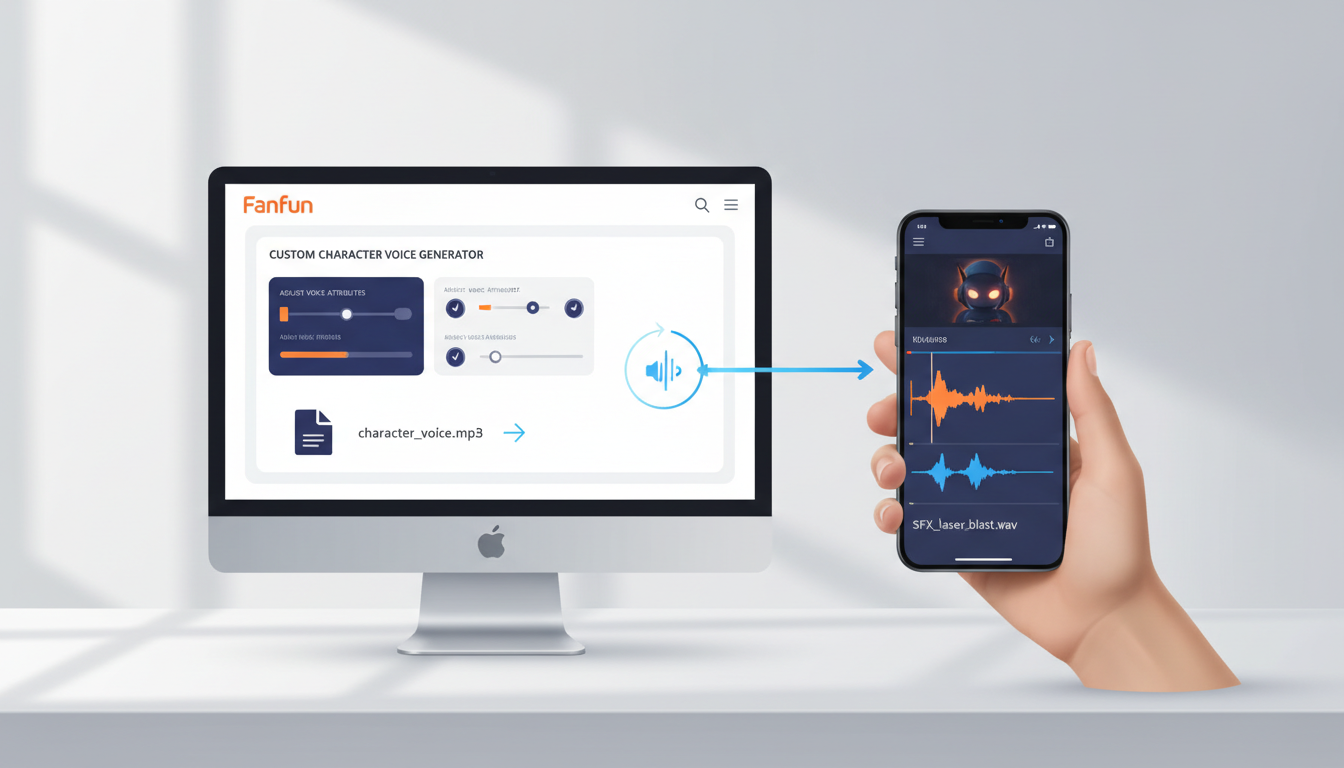
- Generate on Fanfun: Input your directed script into the Fanfun AI Voice Generator. Select your target character voice, adjust any available tone settings, and generate the audio.
- Export High-Fidelity Files: Download the generated audio in a high-fidelity format (such as WAV or high-bitrate MP3) to ensure the vocal texture remains crisp after social media compression.
- Import to Your Editor: Open your mobile video editing suite (such as CapCut, Premiere Rush, or VN Video Editor) and import your audio track alongside your raw video footage.
- Sync and Align: Align the audio track with your visual cuts. Ensure that the vocal pauses match the visual transitions to maintain a tight, engaging pace.
The Mobile Audio Optimization Checklist
Before you hit upload, run through this quick checklist to ensure your audio sounds professional on phone speakers:
- Enable Audio Ducking: Ensure your background music automatically lowers by 3dB to 6dB whenever the character voiceover is active.
- Apply High-Pass Filtering: Cut out frequencies below 80Hz to remove any muddy low-end rumble that might distort small phone speakers.
- Check the Volume Balance: Your main voiceover should peak between -6dB and -3dB, while background music should sit comfortably between -18dB and -22dB.
- Add Ambient Sound Effects: Layer subtle foley sounds (like keyboard clicks, wind, or paper rustling) beneath the AI voice to ground it in the visual environment.
Ethical Synthesis: Navigating the New Era of Creator Audio
As AI voice synthesis becomes a standard tool in the creator economy, platforms and audiences are demanding higher standards of transparency and ethics. Understanding how to navigate this landscape is crucial for protecting your channel's longevity and ensuring you remain eligible for monetization programs.
Major platforms like TikTok have updated their guidelines to favor original, high-value content. Accounts that rely on low-effort, automated cloning of real individuals without permission frequently face shadowbans, demonetization, or complete account suspension. This is why utilizing legally compliant, stylized character synthesis is the safest path forward. Discover why more creators are moving away from photorealistic clones and turning to stylized voice synthesis to establish their unique creative voice.
Fanfun is committed to creative ethics, offering a curated library of licensed and original AI personas. This ensures that when you build your brand's voice on our platform, you are doing so on a secure, compliant foundation that won't put your brand deals or creator fund eligibility at risk. As a best practice, consider adding a simple tag in your video description or a subtle on-screen watermark indicating the use of AI character styling—this builds trust with your audience while celebrating the creative technology behind your content.
How do I get custom character voices on TikTok instead of the default ones?
To get unique character voices, generate your voiceover using Fanfun's AI Voice Generator, export the high-quality audio file (MP3 or WAV), and import it into your video editor (like CapCut or Premiere) before uploading the finished video to TikTok. This bypasses the overused default platform voices entirely.
Will using AI character voices affect my eligibility for the TikTok Creator Rewards Program?
No, as long as your content is original, high-quality, and edited by you. TikTok's guidelines target low-effort, automated, or spammy content. Using stylized character voices from a secure platform like Fanfun to enhance your original storytelling and editing actually helps boost your retention rates, which is a key metric for monetization.
How can I make my synthesized character voice sound more realistic and less robotic?
You can dramatically improve the natural flow of synthesized voices by using punctuation hacks. Insert ellipses (...) for natural pauses, use em-dashes (—) for sudden shifts in tone, and spell difficult words phonetically. Additionally, mixing the voice with background music and subtle sound effects helps ground the audio in your video's environment.
Is it legal to use AI character voices in sponsored TikTok videos and brand deals?
Yes, provided you are using licensed or original personas from a platform that secures creative rights. Fanfun's library of licensed and original AI personas allows creators to confidently produce content for brand collaborations, promos, and commercial projects without worrying about copyright infringement.