The Audio Alchemist: 5 Creative Text-to-Speech Use Cases That Bypass the Studio Bottleneck
Bypass traditional studio bottlenecks with creative text-to-speech. Explore five production-ready use cases and a practical framework to direct AI voices for natural, dynamic, and high-impact audio storytelling.
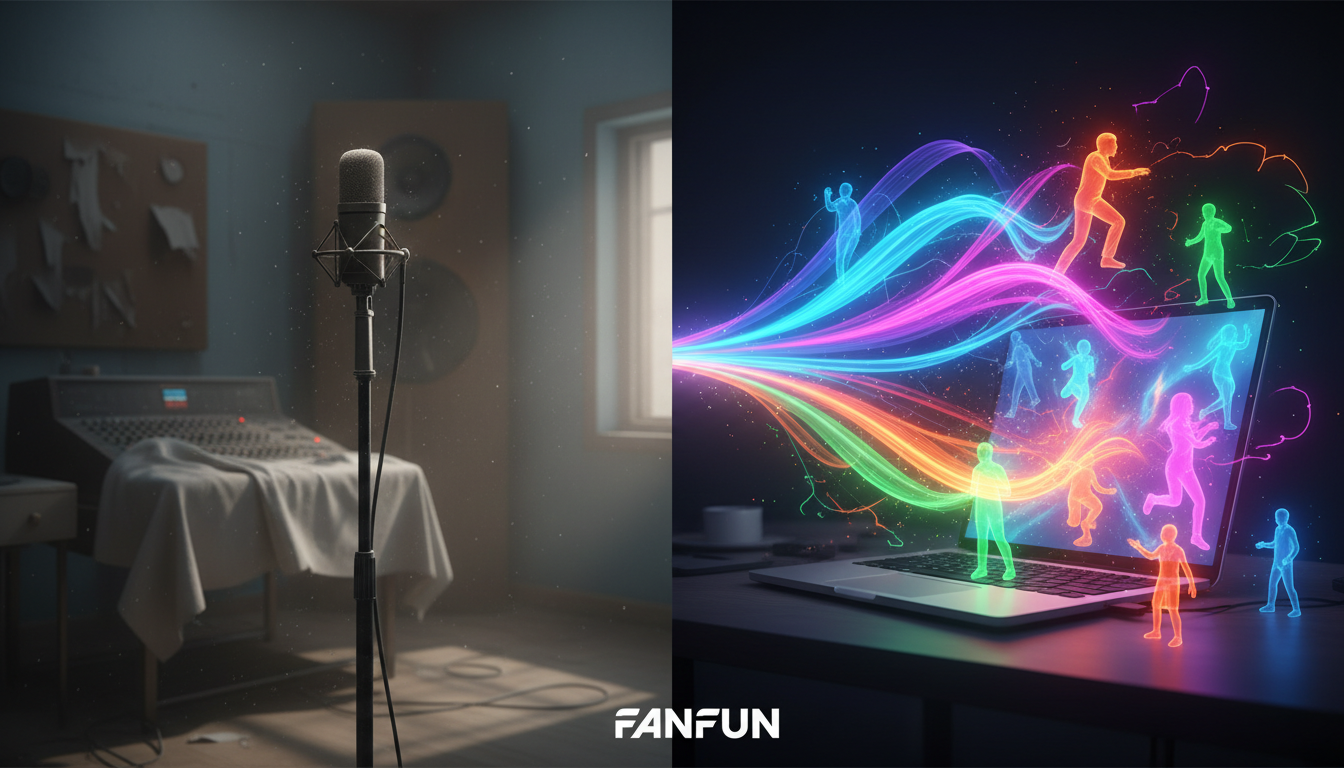
The traditional voiceover pipeline is fundamentally broken for fast-moving creators. Between booking a voice actor, waiting days for the first draft, and negotiating rates for simple script revisions, a single audio bottleneck can stall an entire production schedule. This friction kills creative momentum and makes real-time, reactive content near-impossible to produce at scale.
Text-to-speech (TTS) technology has quietly crossed a critical threshold, moving from a sterile accessibility utility into an active creative medium. By treating the TTS engine as a virtual actor rather than a passive reader, creators, marketers, and developers can prototype narratives, scale personalized campaigns, and build high-retention social content in minutes instead of weeks.
The Death of the Flat Read: Why Creative Text-to-Speech is the New Storyboarding
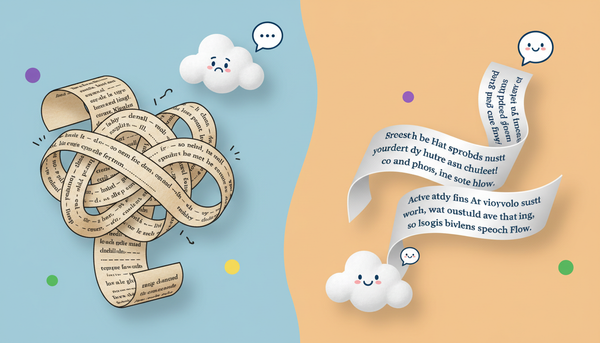
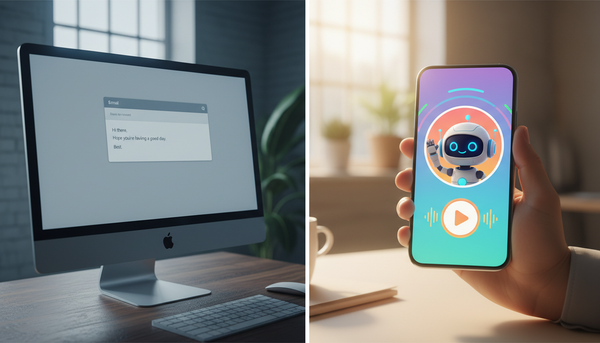
For years, synthetic voice technology was relegated to reading instruction manuals and automated phone menus. It was characterized by a flat, robotic monotone that immediately signaled to the listener that no human was behind the microphone. Today, modern AI audio engines analyze context, punctuation, and sentence flow to inject nuanced inflection, realistic pauses, and emotional resonance into the performance.
This shift has birthed "voice-first prototyping." Instead of sketching storyboards visually first, writers and directors can now build an audio storyboard to test dialogue pacing, comedic timing, and script flow in real time. If a joke falls flat or a transition feels clunky, you can rewrite the line and regenerate the audio in seconds. This rapid iteration allows creative teams to lock in their narrative structure before committing budget to animators, video editors, or live-action sets.
At Fanfun, we believe in democratizing this creative process. By providing instant access to a diverse roster of licensed and original AI personas, Fanfun eliminates the traditional barriers of voice production. Creators are no longer limited by their own vocal range or the high cost of studio hire; instead, they have an entire virtual voice cast ready to perform on demand, allowing them to focus entirely on storytelling and execution.
5 High-Impact Creative Use Cases for Modern Audio Engines
To move past the basic voiceover, creators need to look at text-to-speech as an active participant in their content strategy. Here are five practical, production-ready use cases that leverage advanced audio engines to drive engagement and streamline workflows.
1. Interactive Social Roasts & Call-and-Response
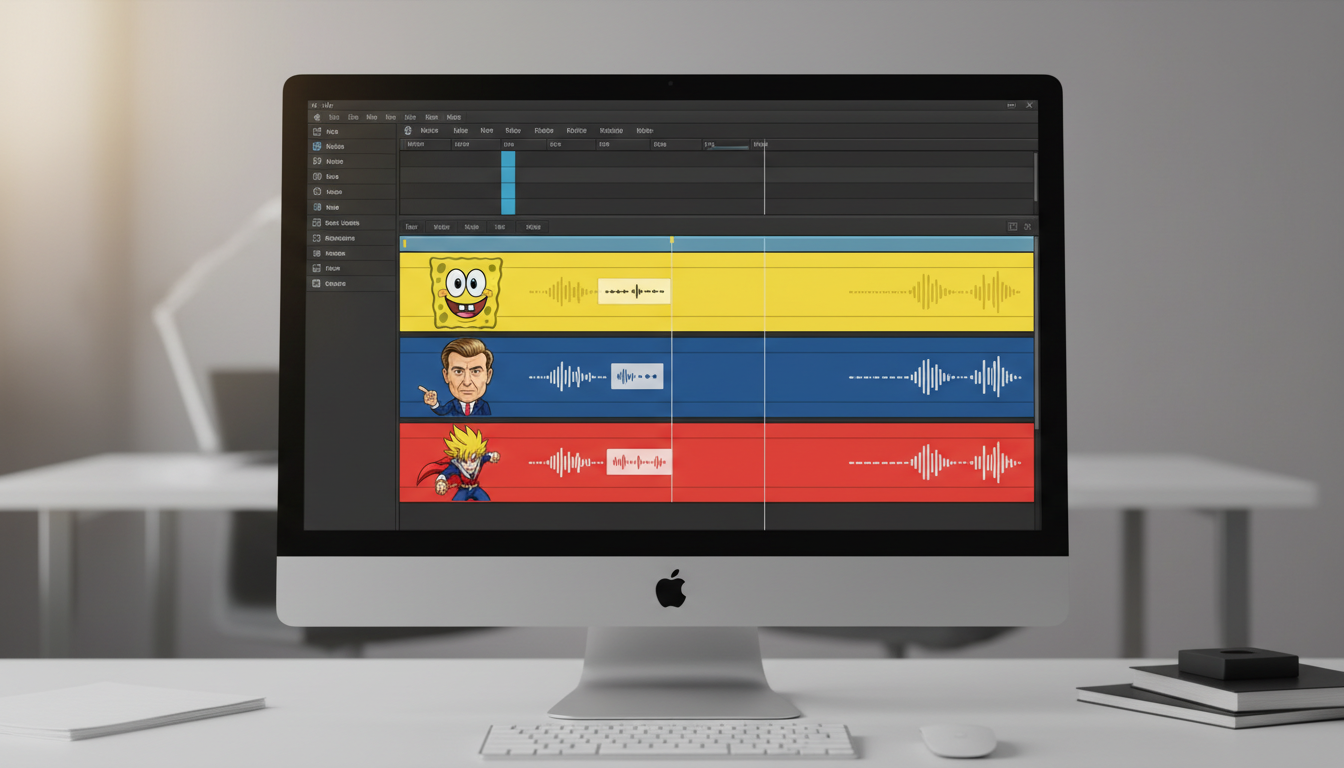
Social media audiences crave active participation over passive consumption. Creators can run highly engaging campaigns by encouraging their audience to submit comments, questions, or prompts, which are then read aloud and reacted to by a stylized AI character voice. For example, leveraging Spongebob text-to-speech for high-engagement content strategies allows brands and creators to tap into deep-seated internet culture, transforming standard comment sections into dynamic, iterative comedy routines that drive massive algorithmic reach.
2. Multi-Character Storyboarding and Audio Fiction
Creating narrative podcasts, audio dramas, or animated shorts usually requires a massive cast of voice actors. With modern TTS, you can assign distinct vocal archetypes to different characters to build rich, multi-layered worlds. This allows independent writers to produce fully realized audio plays, testing the chemistry between characters and refining the narrative arc before investing in expensive studio sessions or final animation frames.
3. Hyper-Personalized Gift Messages and Memes
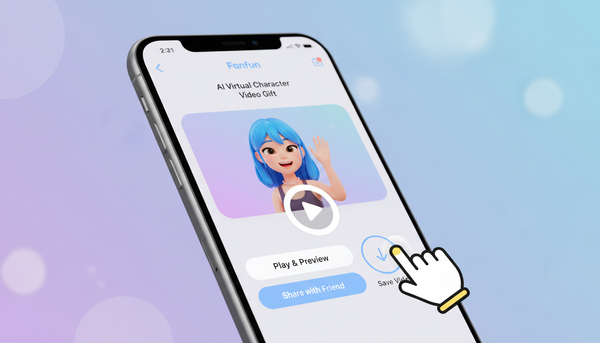
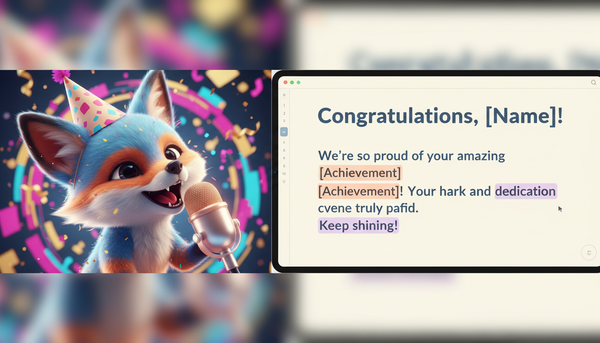
Personalization is the ultimate retention hook, but scaling it manually is impossible. Using Fanfun's instant generation capabilities, creators and gift-buyers can generate custom birthday wishes, tailored roasts, and hyper-specific inside jokes featuring beloved character voices. This turns a generic greeting into a highly shareable, culturally relevant digital keepsake that feels deeply personal to the recipient.
4. Scalable Ad Promos with Contrarian Voice Casting
To stand out in saturated social feeds, marketers must disrupt expectations. One of the most effective ways to do this is through contrarian voice casting—pairing unexpected voices with unexpected scripts. Imagine a hard-hitting, high-energy fitness supplement ad narrated by a calm, soft-spoken cartoon archetype, or a whimsical children's toy promo delivered with the dramatic gravitas of a historic leader. This auditory cognitive dissonance immediately stops the scroll and dramatically boosts viewer retention.
5. Educational Gamification & Historical Re-enactments
Dry facts and textbook passages become unforgettable when delivered by compelling personas. Educators, museum curators, and app developers can use stylized AI voices to narrate historical journals, explain complex scientific principles, or guide users through gamified learning modules. Hearing a historical figure explain their own battle tactics or a whimsical character break down a math problem makes educational content significantly more digestible and entertaining.
Deep Dive: Setting Up the Multi-Character Storyboard
Building a multi-character scene using text-to-speech requires a deliberate production workflow to ensure the final audio sounds like a natural, living conversation rather than a sequence of isolated voice clips.
The Contrast Mapping Technique
To make a dialogue-heavy scene work, you must map out contrasting vocal registers. If both characters speak at the same tempo, pitch, and energy level, the conversation will feel flat and artificial. Pair an energetic, fast-talking character with a slow, deliberate, low-register authority figure. This vocal contrast keeps the listener's brain engaged and clearly defines who is speaking without requiring constant visual cues.
To execute this workflow effectively, follow these three steps:
- Generate Individual Stems: Do not attempt to generate a full dialogue script in a single text block. Instead, write and generate each character's lines individually. This gives you complete control over the performance of each specific line.
- Layer in Your Editor: Import these individual audio stems into a multi-track video editor (like Premiere Pro, CapCut, or DaVinci Resolve) on separate, dedicated tracks. Label Track 1 for Character A and Track 2 for Character B.
- Introduce Conversational Friction: Real people do not wait for a perfect silence before they speak. When directing text-to-speech for character-driven narratives, overlap the audio tracks slightly. Let Character B begin their first syllable just as Character A finishes their final word to simulate natural interruption and fast-paced banter.
The Director's Framework: Moving Beyond the 'TTS Trap'
The biggest mistake creators make when using AI voice generators is writing text exactly as it is spelled in standard English. While grammatically correct, this forces the AI engine to read with formal, mechanical precision, immediately breaking the illusion of natural speech. This is known as the "TTS Trap."
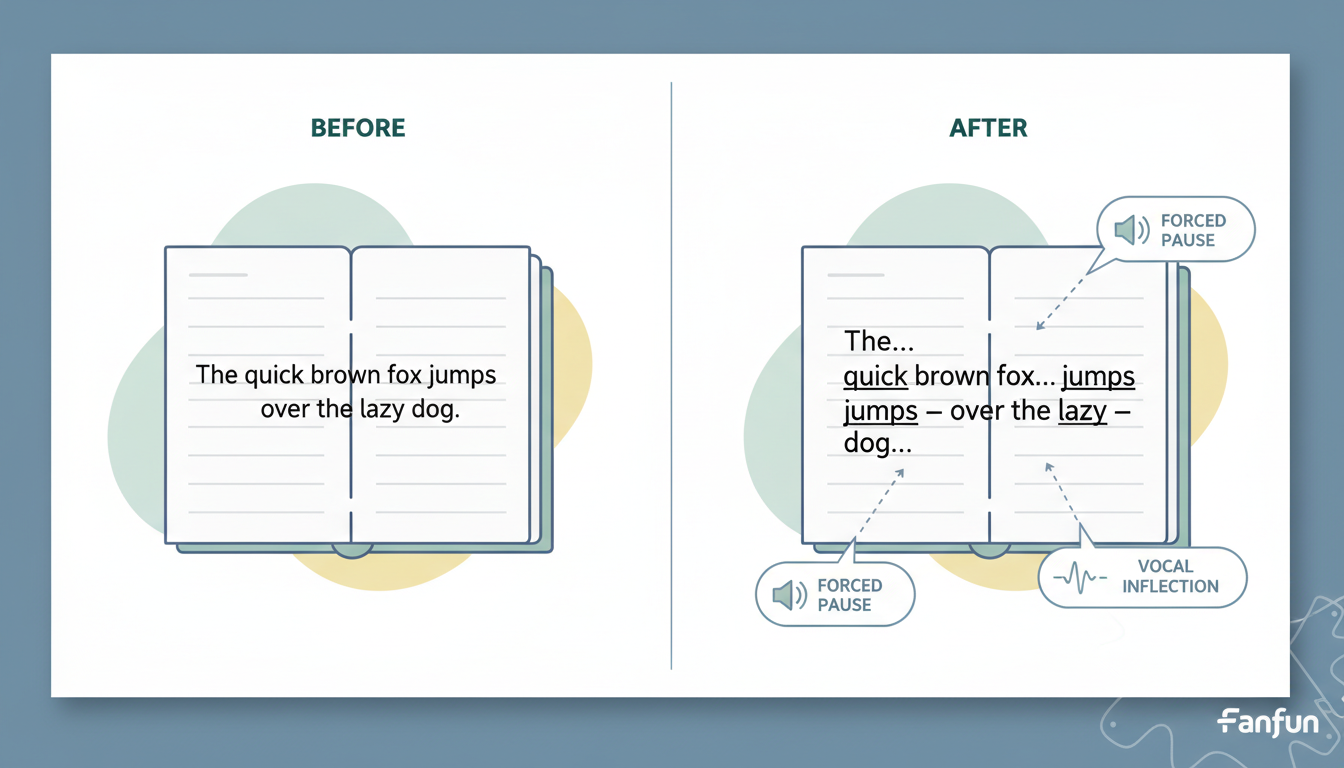
To get a human-like performance, you must actively direct the engine by avoiding the common text-to-speech traps that make audio sound flat. Use phonetic spellings to capture casual, conversational pronunciations. For example, write "gonna" instead of "going to," "whaddya" instead of "what do you," or "prolly" instead of "probably." Additionally, use punctuation strategically to control the pacing: ellipses (...) force natural, contemplative pauses, em-dashes (—) create abrupt halts or sudden shifts in thought, and strategic line breaks force the engine to take a breath.
Use the comparison table below to guide your script writing:
| Intended Emotion / Tone | Standard Text Input (Do Not Use) | Optimized "Directed" Input (Use This) |
|---|---|---|
| Casual Agreement | "Yes, I think that is probably a very good idea." | "Yeah... I think that's... prolly a really good idea." |
| Interrupted / Flustered | "Wait, what are you doing? Stop that right now." | "Wait— whaddya doing? Stop... stop that right now!" |
| Hesitant / Nervous | "I do not know how to explain this to you." | "I... I don't really know... how to explain this to ya." |
| High-Energy Pitch | "Get ready for the biggest sale of the summer." | "Get ready... for the BIGGEST sale... of the summer!" |
How to Choose Your Voice Persona: Matching Tone to Audience Intent
Choosing the right voice is a psychological exercise. Highly recognizable or nostalgic voices evoke instant emotional responses, which is critical for capturing attention in the first three seconds of a social video. When directing celebrity text-to-speech for high-impact campaigns, the goal is to leverage existing cultural associations to make your message resonate immediately with your target demographic.
However, creators must balance novelty with brand safety. Using unverified or poorly synthesized voices can lead to ethical gray areas and inconsistent audio quality. Fanfun's curated, ethically grounded character library provides creators with high-quality, reliable vocal options that capture the essence of beloved archetypes without sacrificing production standards. By selecting the right voice persona and applying the director's framework, you can turn flat text into audio gold, bypassing the studio bottleneck entirely.
How do I make text to speech sound more natural and less robotic?
To make text-to-speech sound natural, avoid writing in perfect textbook grammar. Use phonetic spellings (like "gonna" or "shoulda"), insert ellipses (...) to create natural pauses, and use em-dashes (—) to simulate sudden interruptions or shifts in tone. Splitting your text into smaller paragraphs also forces the AI engine to take realistic breaths between sentences.
Can I use creative text to speech for commercial social media ads?
Yes, but you must ensure you have the rights to the voices you are using. Fanfun offers a curated library of original and licensed character voices specifically designed for creators and marketers to use safely in their promotional content without running into intellectual property issues.
What are some unique ways creators are using AI voices on TikTok and Reels?
Creators are using AI voices to run interactive call-and-response videos, where they have a specific character voice read and react to funny comment sections. They are also utilizing "contrarian casting"—such as having a cute cartoon voice narrate a intense workout video or a historical leader review modern video games—to stop users from scrolling past their ads.
How do I write scripts specifically for character text to speech engines?
When writing for character TTS, write for the ear, not the eye. Read your script out loud first and type it exactly how you say it, including stutters, sighs, and casual contractions. Break the script down into individual lines for each character so you can generate them as separate audio stems, giving you maximum control over the pacing and mix in your editing software.