
How to Get a Virtual Character to Read a Bedtime Story
Want to make bedtime magical? Learn how to write cozy 30-second micro-stories and use Fanfun to get your child's favorite virtual character to read them.
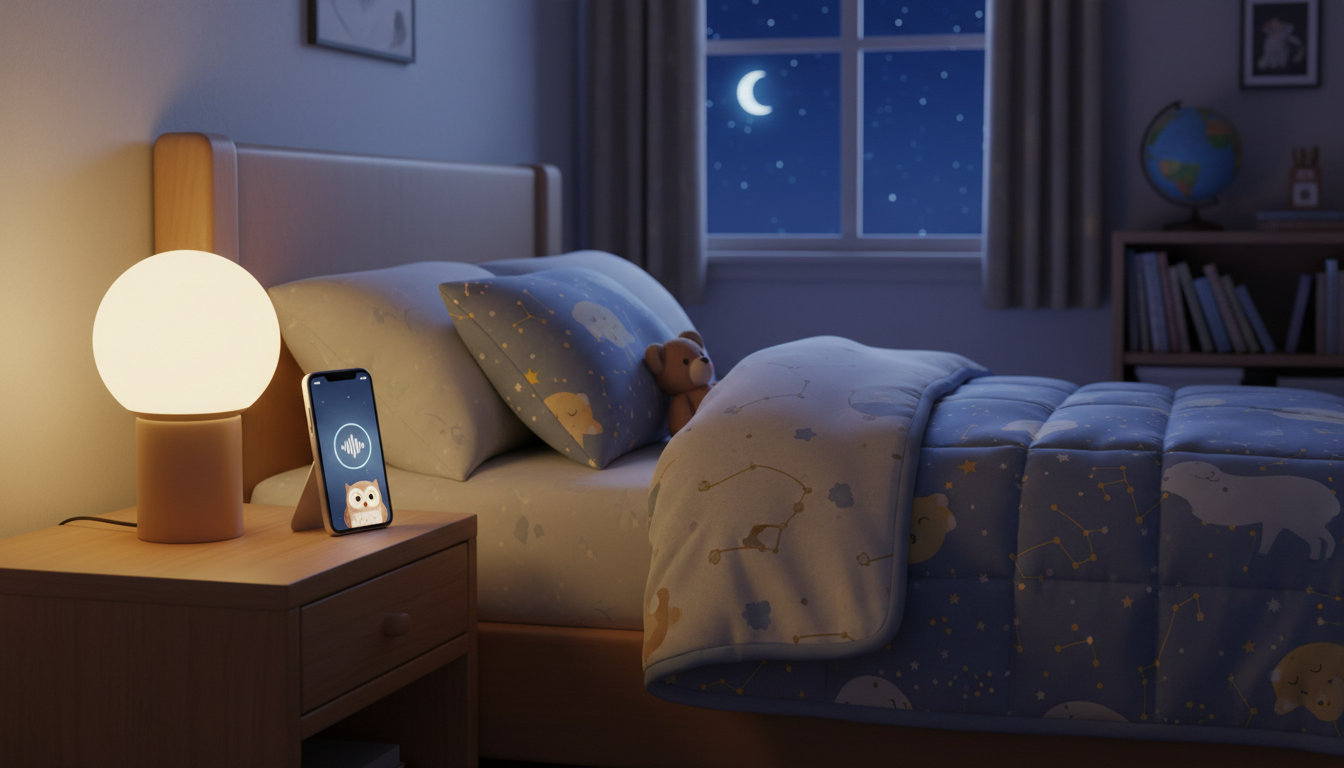
Getting a virtual character to read a bedtime story is a magical way to wind down the night, but the secret lies in keeping it short and highly personalized. Because of AI voice processing limits and rendering times, you cannot easily have an AI persona read a full-length, multi-chapter book. Instead, the best approach is to generate a cozy 30-second "micro-story" or personalized sleep-time check-in on Fanfun. By tailoring a short script with your child's name, their favorite toy, and a gentle reminder to sleep, you can create a memorable bedtime routine using either a downloadable voice note or a custom video message.
The Secret to Bedtime AI Stories: Think Micro-Tales
Let's address the technical realities upfront. AI voice synthesis is designed for bite-sized, high-impact entertainment rather than hours-long audiobooks. On Fanfun, a standard voice note is capped at 500 characters, and a single video credit covers up to 30 seconds of spoken dialogue. While this might seem brief, a 30-second personalized story is actually the sweet spot for a young child's bedtime attention span.
A generic reading of a standard fairy tale can feel flat. But when an AI persona like Santa Claus or Doraemon mentions your child's specific day—like building a tall Lego tower or finding a cool leaf at the park—the message becomes incredibly engaging. It shifts the experience from passive listening to active delight, helping them feel special right before they close their eyes. Remember, these virtual voices are playful, creative tools meant for personalized fun, not flawless human-grade narrators, so keeping the stories short and sweet yields the best results.
How to Write a 30-Second Bedtime Script
Writing for an AI voice requires a slightly different approach than writing for the page. Because AI voices read text exactly as written, you need to build natural pauses into your script. Punctuation is your best friend here: use commas, ellipses (...), and dashes to tell the AI voice generator where to pause and breathe.
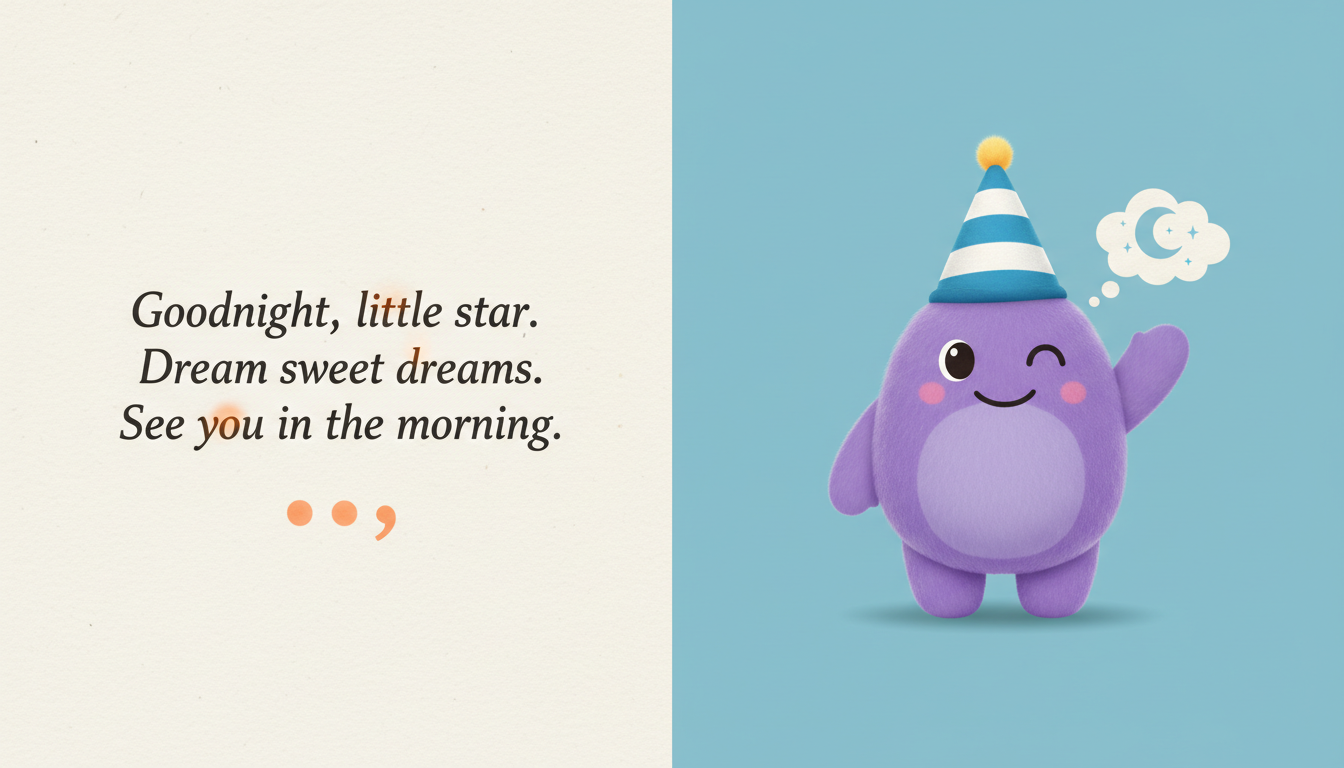
To help shape the delivery, you can learn how to direct virtual characters to read your text, which offers tips on adjusting punctuation to influence the pacing and tone of the reading. If you are struggling to come up with a cozy plot or want to test how your character might describe a magical dream world, you can use our guide on how to stress-test story plots and dialogue using character AI chat to quickly outline your micro-story.
Editable Bedtime Micro-Story Template
Here is a customizable, 450-character bedtime script template designed to fit perfectly within Fanfun's voice-note limits. You can swap out the bracketed details to match your child's day:
"Hey there, [Child's Name]! It’s your pal, Doraemon. *yawns* Whew, what a busy day of adventures! I heard you did an amazing job cleaning up your [Favorite Toy] today. That is super cool! But now, the stars are shining, and even my gadgets are powered down for the night. Let's tuck those blankets in real tight... take a deep breath... and dream of flying through the clouds. Sleep tight, buddy. Goodnight!"
Step-by-Step: Generating Your Bedtime Story on Fanfun
Once your script is ready, Fanfun offers two main formats to bring your micro-story to life. Depending on your child's bedtime habits, you can choose between a screen-free audio experience or a short visual greeting.
Option 1: The Voice Note (MP3)
This is the simplest, screen-free option. It is ideal if you want to keep mobile devices out of sight before sleep.
- Go to your chosen character's page on Fanfun (such as Doraemon, Hello Kitty, or Santa Claus).
- Select the Voice Note tab.
- Paste your custom script (up to 500 characters) into the box.
- Generate and download the MP3 file to your device.
You can play this audio file directly from your phone, cast it to a smart speaker in your child's room, or save it to a bedtime playlist.
Option 2: The Video Gift
If your child responds well to visual cues before turning off the lights, a video message is a wonderful choice.
- Select the Video Gift tab on your chosen character's page.
- Choose a cozy, appropriate video template scene.
- Enter your custom bedtime script and your email address.
- Generate the video and retrieve the completed file from your inbox or the "My Creations" tab.
Format Comparison: Voice Note vs. Video Gift
| Feature | Voice Note (MP3) | Video Gift (MP4) |
|---|---|---|
| Best For | Screen-free wind-down routines | Visual, immersive bedtime greetings |
| Character Limit | Up to 500 characters | 30 seconds of speech per credit (longer scripts use more credits) |
| How to Play | Downloadable MP3; play via phone or smart speaker | Stream or play via email link or "My Creations" |
| Cost | Included in free and paid allowances | Uses video credits (failed generations are automatically refunded) |
Bedtime Routines and Long-Distance Sharing
Integrating these short character messages into a consistent routine makes them highly effective bedtime cues. Rather than a random novelty, try using them as a gentle incentive for healthy habits.
The "Reward" Routine: Tell your child that their favorite character has sent a special goodnight check-in, but it can only be played after their teeth are brushed, pajamas are on, and they are tucked under the covers. This turns a nightly transition into an exciting, cooperative game.
Bridging the Distance: For traveling parents, co-parents in split households, or long-distance family members, bedtime can feel lonely. Sending a custom virtual character video saying, "Your dad asked me to wish you sweet dreams all the way from his trip!" is a comforting way to stay connected. You can read our tips on creating virtual character video messages for long-distance relationships to see how these greetings keep families close.
Can I have the character read a full-length published book?
No. Standard AI voice generators, including Fanfun, have character and duration limits (such as 500 characters for voice notes and 30-second blocks for video credits). Trying to read a full book would exceed these technical limits and feel unnatural. Instead, create a short, personalized "micro-story" that mentions your child's name and favorite things to make a massive impact in just 30 seconds.
How can I play the generated bedtime story for my child without showing them a screen?
The best way to keep bedtime screen-free is to use Fanfun's Voice Note feature. This generates a downloadable MP3 file. Once downloaded, you can play it directly from your phone with the screen turned face-down, cast it to a smart speaker in your child's bedroom, or add it to a local audio playlist.



