
The Voice Director's Playbook: How to Get Virtual Characters to Read Your Text with Real Emotion
Stop treating text-to-speech tools like simple software configurations. Learn how to format scripts, direct virtual personas, and use platforms like Fanfun to turn flat text into emotionally rich character performances.
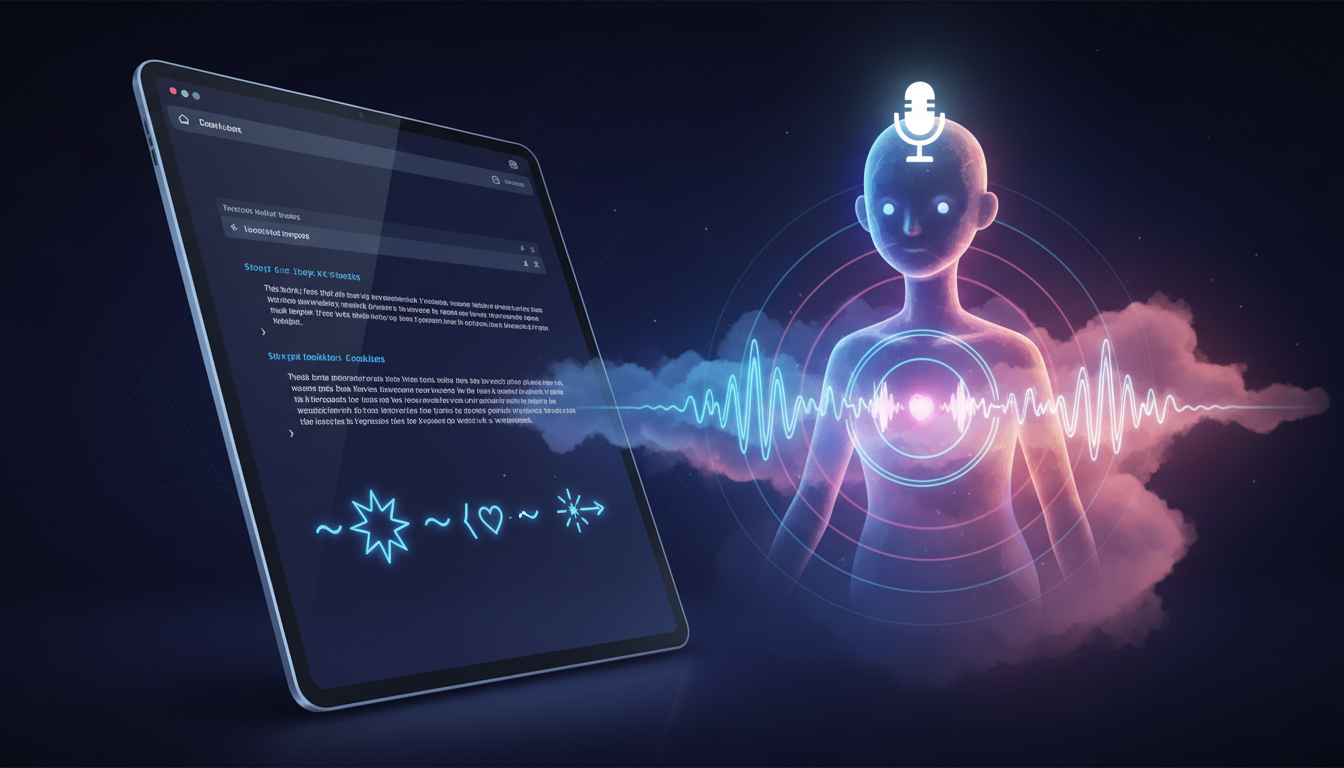
Most content creators treat text-to-speech tools like a basic software configuration task. They paste a block of copy into a text box, select a generic voice, hit generate, and hope for the best. The result is almost always a flat, robotic reading that instantly disconnects the audience from the content, signaling that no real care went into the production.
To get a virtual character to read your script with genuine emotion, you have to stop thinking like a software operator and start thinking like a voice director. Modern AI voice engines are highly contextual, meaning they respond to the punctuation, spelling, and structural cues embedded directly in your script. By mastering a few simple formatting techniques and choosing the right digital personas on platforms like Fanfun, you can transform sterile text into a performance filled with the exact cadence, attitude, and charm of an iconic character.
The Illusion of Life: Why Standard Text-to-Speech Fails Character Voiceovers
Traditional text-to-speech (TTS) systems were designed for functional utility, not emotional expression. Think of GPS navigation systems or automated customer service lines; their primary goal is pronunciation accuracy and clarity. To achieve this, legacy systems strip away the very elements that make human speech compelling: breathing pauses, micro-inflections, shifts in pitch, and emotional subtext. They treat language as a sequence of phonemes to be assembled rather than a story to be told.
When you are trying to create a high-impact video intro, a personalized birthday roast, or a dynamic social media promo, standard TTS fails because it doesn't "act"—it merely reads. A fictional character or celebrity avatar needs to sound like they have an active agenda, a distinct personality, and a specific relationship with the listener. They need to sound excited, sarcastic, conspiratorial, or deeply moved depending on the context of the sentence. Without these emotional layers, the viewer's brain instantly flags the audio as synthetic, leading to lower retention and engagement.
Modern AI voice engines interpret text contextually rather than word-by-word. This means that the way you write and format your script directly dictates the emotional output of the voice. If you write a flat sentence, you will get a flat performance. If you write with built-in dramatic beats, phonetic emphasis, and tailored pacing, the AI has the contextual clues it needs to deliver a lifelike, expressive performance that captures the true essence of the character.
Step 1: Choosing the Right Virtual Persona for Your Script
Before you type a single word, you must align your script's objective with the correct vocal archetype. A common mistake is trying to force a single virtual voice to handle every type of content. A dry, academic script read by an energetic cartoon voice will feel jarring and out of place, unless you are deliberately aiming for comedic irony. Conversely, a high-stakes action sequence read by a slow, soothing narrator will drain all the excitement from your project.
When planning your content, first analyze the core goal of your script. Is it a high-energy birthday roast designed to tease a friend? A dramatic story narration meant to build suspense? Or a casual, conversational social media promo? Matching the script's emotional baseline to the native personality of your chosen character ensures the performance feels natural from the very first syllable. Leveraging established character libraries, like Fanfun's roster of licensed and original AI personas, allows you to instantly tap into pre-existing audience familiarity and emotional connection. Learn more about matching your writing style to a virtual personality in our guide to scripting virtual personalities for maximum impact.
Matching Tone to Archetype
To help you select the ideal voice for your next project, consider these three primary character archetypes and their ideal script matches:
- The Hype-Man: Characters with high energy, rapid pacing, and expressive pitch shifts. Best for high-energy promos, dynamic video intros, and celebratory shoutouts. They excel at building excitement and grabbing immediate attention.
- The Wise Mentor: Characters with a slower, deliberate cadence, lower pitch, and warm, authoritative tones. Ideal for educational content, narrative video essays, and dramatic storytelling where credibility and gravitas are required.
- The Chaotic Best Friend: Characters with sarcastic inflections, irregular pacing, and expressive sighs or laughs. Perfect for self-deprecating memes, playful roasts, and casual community engagement where authenticity and humor are key.
Step 2: Formatting Text for AI Pronunciation and Pacing
Once you have selected your virtual persona, the script itself becomes your primary tool for directing the performance. You cannot simply copy and paste standard written prose and expect a cinematic voiceover. You must format the text specifically for the ear, using punctuation and phonetic spelling as your director's baton. For a deeper dive into guiding vocal nuances, check out our guide on mastering the art of directing text-to-speech tools.
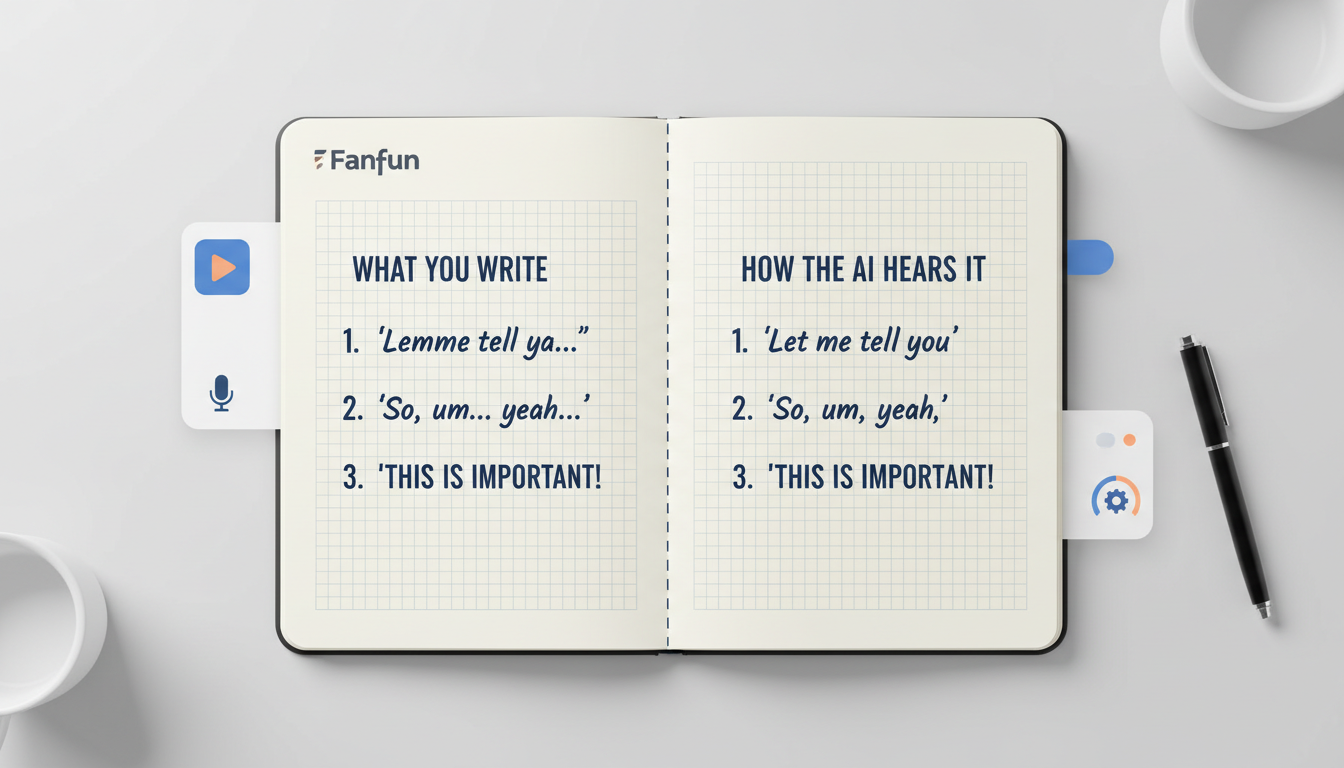
Punctuation marks act as direct commands to the AI voice engine. For example, an ellipsis (...) signals a dramatic pause or a moment of hesitation, allowing the virtual character to "breathe." Hyphens can be used to slow down the delivery of specific words, while exclamation points trigger pitch shifts and increased energy. If the AI struggles with a unique name, technical term, or brand name, do not hesitate to use phonetic spelling hacks. If you want the AI to pronounce "Penelope" perfectly and it keeps stumbling, try spelling it phonetically as "Pen-el-o-pee" in your script.
To help you format your scripts effectively, use this quick-reference punctuation cheat sheet:
| Punctuation / Formatting | Vocal Effect | Example Script Text | Resulting Delivery |
|---|---|---|---|
Ellipsis (...) | Creates a 1-2 second pause for suspense or breathing room. | "I have a secret... but you can't tell anyone." | A conspiratorial, whispered pause before the secret is revealed. |
Hyphens (-) inside words | Forces the AI to enunciate and slow down the delivery of the word. | "That was absolutely spec-tac-u-lar." | Deliberate, emphasized pronunciation of each syllable for impact. |
Capitalization (UPPERCASE) | Signals high energy, increased volume, or sharp emphasis. | "Do NOT touch that button!" | A sudden spike in intensity on the capitalized word. |
Question Mark followed by Exclamation (?!) | Triggers a rising pitch with a tone of disbelief or shock. | "You did what?!" | An expressive, incredulous exclamation with high emotional resonance. |
Step 3: Directing the Performance (The Fanfun Approach)
Many advanced voice-cloning platforms require hours of tedious editing, manual pitch-curve adjustments, and expensive subscription tiers just to get a single usable sentence. This level of complexity often paralyzes creators who need to move quickly and scale their content production.
Fanfun takes a fundamentally different approach by focusing on instant, high-fidelity AI interpretations of iconic figures and characters. Instead of forcing you to tweak complex audio parameters, Fanfun’s AI voice generator captures the natural cadence, attitude, and personality of your chosen character automatically. The platform acts as an intuitive middleman, translating your formatted text into a fully realized performance in minutes. This makes it an ideal Cameo alternative for creators who need custom, scalable voice and video content without waiting days for celebrity availability.
Furthermore, Fanfun allows creators to build multi-format assets from a single script. You are not limited to static audio files; you can instantly generate personalized video messages, custom roasts, or even engage in two-way interactive conversations with AI personas to test out dialogue ideas. This versatility ensures that whether you are creating a quick meme or a full-scale marketing campaign, your virtual characters deliver consistent, high-retention emotional performances while fully respecting intellectual property and creative ethics.
The Voice Director’s Checklist: Pre-Flight Steps Before You Generate
Before you hit generate on your next project, run through this quick checklist to ensure your script is optimized for the best possible emotional performance:
- Read the script aloud yourself: If you trip over a sentence or run out of breath, the AI voice generator will likely struggle with it too. Break long sentences into smaller, punchier phrases.
- Check the pacing: Have you included ellipses (
...) where natural pauses should occur? Are there commas to separate clauses and prevent the AI from rushing through the text? - Verify phonetic spellings: Are there any brand names, slang words, or non-English terms that might confuse the text-to-speech engine? If so, spell them out phonetically.
- Match the energy: Does the punctuation match the character's archetype? (e.g., Avoid overusing exclamation points for a "Wise Mentor" character, but use them liberally for a "Hype-Man").
From Script to Screen: Creative Workflows for Creators and Marketers
To see how these voice-directing principles translate to real-world success, let’s look at how different industries leverage virtual character performances:
- Social Media Creators: Retaining viewer attention on platforms like TikTok and Instagram Reels is incredibly difficult. By using a highly recognizable character voice to deliver a sharp, formatted hook in the first three seconds, creators can spike their retention metrics and stand out in crowded feeds.
- Gift Buyers: Instead of waiting weeks for a real celebrity to record a generic greeting, gift buyers use Fanfun to generate instant, highly-personalized birthday wishes and roasts. Because the buyer can write highly specific insider jokes and format them for comedic timing, the resulting video feels incredibly personal and genuine.
- Educators and Storytellers: Teachers and educational creators use virtual historical figures or cartoon characters to read lesson materials. A historical speech read by an AI interpretation of a famous figure makes educational content instantly more engaging for students.
If you are struggling to write dialogue that sounds natural for your character, try using character AI chat to brainstorm dialogue and stress-test your script. This allows you to interact with the character persona dynamically, seeing how they respond to different prompts before committing your final text to the voice generator. By combining interactive brainstorming with directed text-to-speech formatting, you can create polished, emotionally resonant content that captivates your audience from start to finish.
How do I make an AI voice sound less robotic when reading text?
To make an AI voice sound natural, avoid standard grammar rules and write for the ear. Use ellipses (...) to add natural pauses for breath, use hyphens to slow down specific words, and write out phonetic spellings for words the AI struggles to pronounce. Additionally, choosing an archetype-specific voice on Fanfun helps match the emotional tone of your script.
Can I make a fictional cartoon character read my custom script?
Yes! Unlike traditional platforms or celebrity video services like Cameo, Fanfun features a growing library of fictional characters and original AI personas. You can input your custom script and have these characters deliver personalized greetings, roasts, or promos instantly.
What is the best way to handle difficult pronunciations or names in text-to-speech?
The most effective method is phonetic spelling. Spell out the word exactly as it sounds rather than how it is written. For example, write "Pen-el-o-pee" instead of "Penelope," or "high-figh" instead of "hi-fi." This bypasses the AI's pronunciation dictionary and forces it to read the phonetic sounds directly.
How does Fanfun differ from traditional text-to-speech software?
Traditional text-to-speech software focuses strictly on functional reading, resulting in flat and robotic delivery. Fanfun uses advanced, context-aware AI interpretations of iconic characters and celebrities to capture natural cadence, emotional subtext, and distinct personality traits. It also supports multi-format creation, allowing you to generate voiceovers, personalized videos, and interactive chat experiences in one place.



