
How to Write a Virtual Character Farewell Script
Say goodbye with a playful, memorable twist. Use our three-part framework and editable templates to write a personalized virtual character farewell message that stands out.

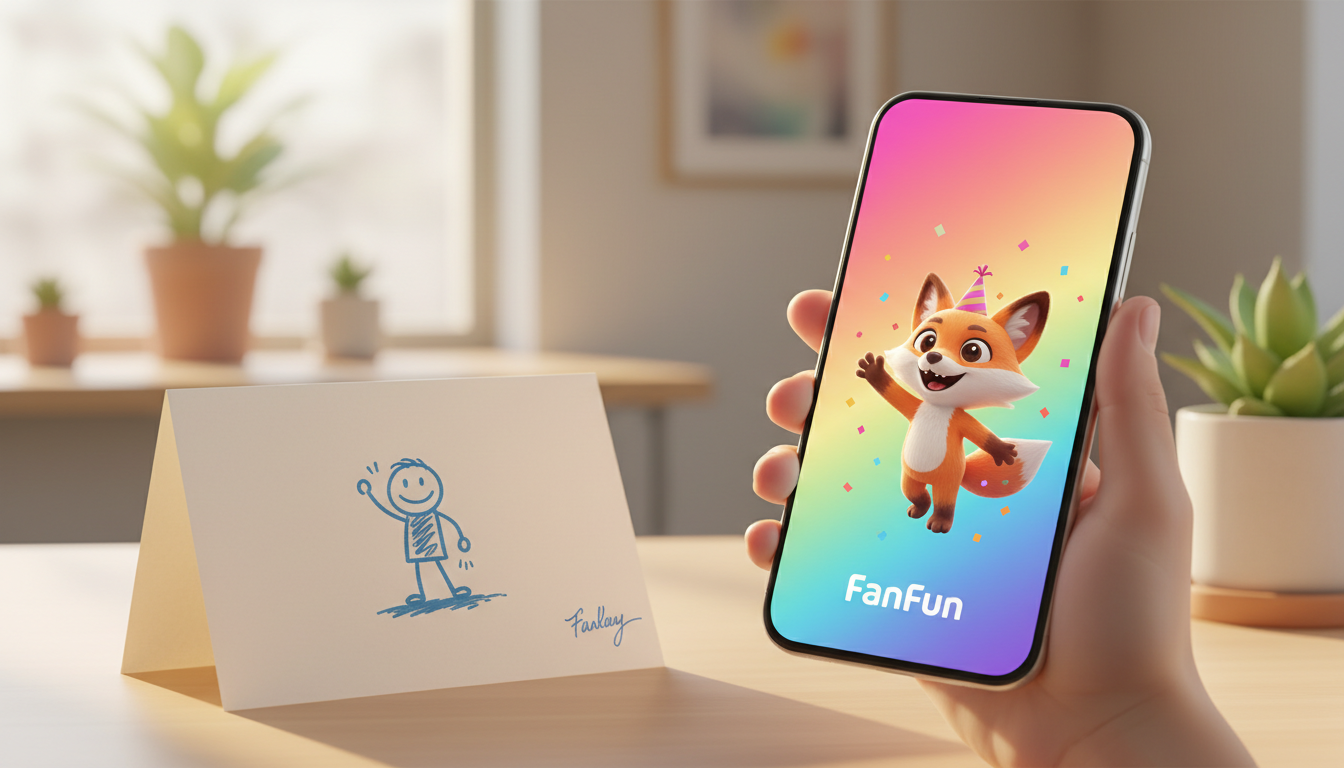
To write an engaging virtual character farewell script, combine a playful character-specific hook with a brief personal memory and a warm, forward-looking send-off. Keeping the message concise, positive, and tailored to the chosen AI persona ensures an energetic delivery that stands out from a standard, static paper card. While these AI-generated messages are playful and creative, remember they are entertaining digital tributes rather than flawless real-person replicas.
The 3-Part Framework for a Great Farewell Script
Saying goodbye to a colleague or friend doesn't have to feel dry or overly somber. Using a virtual character on Fanfun allows you to deliver a lighthearted and memorable tribute. To make the message flow naturally, we recommend using a simple three-part structure:
- The Character Hook: Start with an opening line that fits the character's famous personality or catchphrase. This immediately sets a fun, engaging tone.
- The Personal Core: Dedicate the middle of your script to a specific shared memory, inside joke, or workplace habit. This ensures the message feels genuinely personal rather than generic.
- The Warm Send-Off: End with enthusiastic well-wishes for their next chapter, whether they are starting a new job, moving to a new city, or retiring.
Because AI voices perform best with brief, punchy lines, keeping the script within a tight 30-second limit is key to maintaining high energy. If you are unsure how to pace your message, you can learn how to write a perfect 30-second script to make every word count. A script of about 50 to 70 words is usually the sweet spot for a standard video message.
Customizable Farewell Templates
Below are two editable templates designed for different farewell scenarios. You can copy, paste, and customize these to fit your recipient's personality.
Template 1: The 'Office Legend' Send-Off (Professional yet Playful)
Best for: A departing coworker or manager.
"Hey [Name]! Word around the office is that you are escaping the daily grind for a new adventure. We are going to miss you handling [specific task or running joke, e.g., the Monday morning status meetings] like an absolute champ. Good luck in your next chapter—you are going to crush it!"
Template 2: The 'New Horizons' Farewell (Casual and Warm)
Best for: A close friend who is moving away.
"What is up, [Name]! I cannot believe you are actually moving to [New City]. Who is going to help me [shared activity or joke, e.g., pretend to understand modern art] now? Seriously though, I am incredibly excited for your next big step. Wishing you the absolute best!"
Choosing the Right Template
Use this quick decision table to determine which template fits your situation best:
| Recipient | Primary Tone | Recommended Focus |
|---|---|---|
| Coworker / Boss | Professional & Humorous | Shared projects, office habits, and future career success |
| Close Friend | Casual & Warm | Inside jokes, shared hobbies, and exciting life changes |
Before submitting your script on Fanfun, try reading it aloud at a normal speaking pace. This simple test helps you estimate the timing and ensure the words flow naturally without feeling rushed.
Adapting the Script to Your Chosen Character
The secret to a fantastic virtual character video is aligning your writing style with the persona you select. If you choose an energetic cartoon character, use short, punchy sentences and expressive punctuation. If you select a legendary athlete or public figure, keep the tone encouraging and motivational.
To ensure a smooth, natural-sounding voice generation, avoid overly complex sentences, highly technical jargon, or long strings of abbreviations. If you want to add a playful touch, you can learn how to write a humorous script for a virtual character video to keep the vibe light and fun. Unlike standard welcome back script for a virtual character video or milestone celebrations, a farewell message should strike a balance between a warm send-off and a joyful celebration of the time you spent together.
How long should a virtual character farewell message be?
We recommend keeping your script between 50 and 70 words. This typically translates to about 30 seconds of speech, which keeps the virtual character's delivery energetic and engaging.
Can I use inside jokes that only my team will understand?
Absolutely! Inside jokes make the message feel incredibly personal. Just keep them brief and easy to pronounce so the virtual character can deliver them smoothly.
How do I make sure the AI character pronounces the recipient's name correctly?
If the recipient has a name that is phonetically unusual, try spelling it out phonetically in parentheses or writing it exactly as it sounds to help the voice generator capture the correct pronunciation.



