
How to Plan and Coordinate a Themed Group Video Gift
Ditch the boring, repetitive video montages. Learn how to structure a themed group video gift using creative prompts, smart coordination, and AI character transitions to keep your audience entertained.
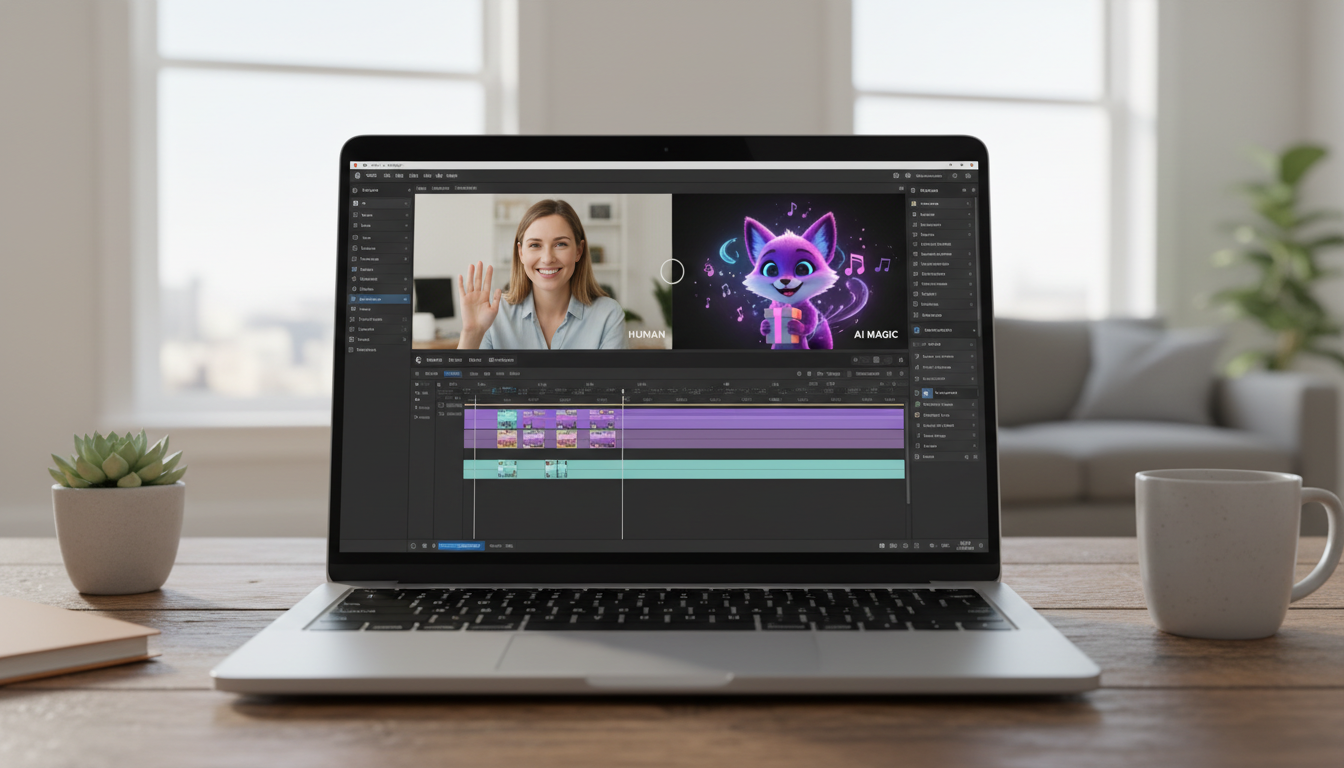
To plan and coordinate a successful themed video message for a group gift, you must replace generic well-wishes with a structured creative concept, specific contributor prompts, and a defined sequence of clips. Instead of letting multiple people record the exact same "Happy Birthday" message from their living rooms, a themed video assigns structured roles to your contributors and uses unexpected elements—like instant AI character clips—to act as transitions and host segments that keep the final edit engaging and cohesive.
The Problem with the Standard Video Montage (and How a Theme Fixes It)
Most collaborative video gifts suffer from severe "montage fatigue." When contributors are simply asked to "send a quick video for Sarah," they almost always default to the same formula: a polite wave, a variation of "hope you have a great day," and a brief pause before ending the recording. When edited back-to-back, these clips quickly become repetitive and challenging to watch for more than a couple of minutes.
A themed video solves this by treating your contributors like cast members in a structured show. By giving everyone a specific prompt, you ensure that each clip brings a fresh perspective, a unique story, or a different comedic angle. To elevate this structure even further, you can introduce custom AI character videos from Fanfun early in the planning process. These instant AI-generated clips can serve as fictional "guest hosts," opening announcers, or comedic transitions that break up the human footage and maintain high energy throughout the video. If you are managing multiple contributors, you can learn how to manage these moving parts in our guide on The Crowd-Sourced Hype Reel: How to Coordinate High-Impact Group Video Gifts Without the Premium Price Tag.
Four Creative Themes for Group Video Gifts
Choosing the right theme depends on the recipient's personality and your group's collective dynamic. Here are four practical, highly engaging themes you can implement for your next collaborative project:
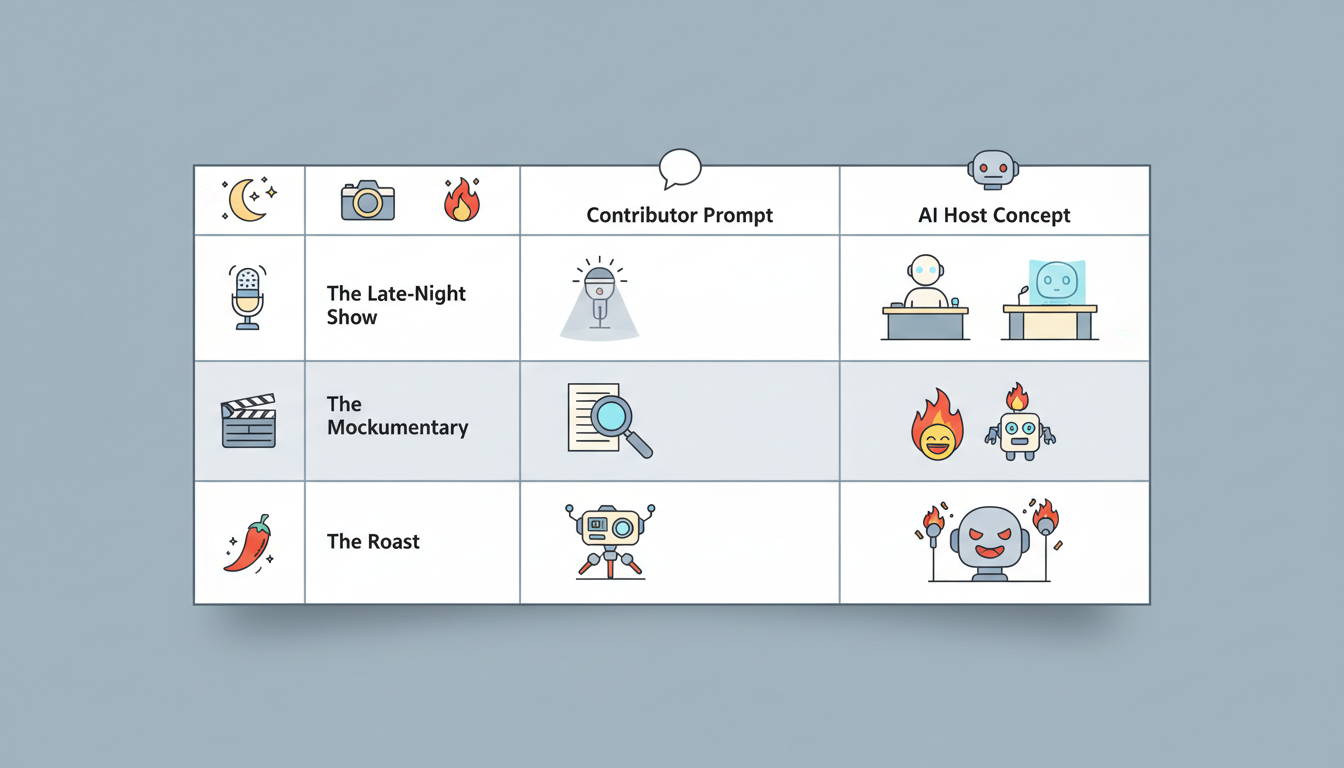
- The Late-Night Show: Frame the video as a late-night talk show dedicated to the recipient. Use an AI celebrity voice clone as the "opening monologue" host to set the stage, then transition to your contributors acting as "field correspondents" reporting on different chapters of the recipient's life.
- The Mockumentary: Styled like direct-to-camera office interviews, contributors share "behind-the-scenes" stories, faux-serious workplace observations, or funny habits of the recipient. This format works incredibly well for retirement gifts or coworker milestones; learn more about this style in The Office Comedy Director: How to Create Actually Funny Video Greetings for Coworkers (Without the Cringe).
- The Hype Reel: A fast-paced, high-octane compilation of rapid-fire questions. Instead of long stories, contributors are asked to give single-word descriptions of the recipient or answer quick "either/or" questions about them.
- The Roast: A lighthearted, affectionate roast where contributors share funny, well-meaning critiques of the recipient's quirks. If you choose this route, ensure you keep things light and professional by following the advice in The HR-Friendly Roast: How to Make a Funny Video Message for a Coworker That Actually Lands.
| Theme | Ideal Tone | Contributor Prompt Example | AI Host Concept |
|---|---|---|---|
| The Late-Night Show | Witty, structured, celebratory | "Report on Sarah's college days as if you are an investigative journalist." | An AI celebrity voice clone introducing the segments. |
| The Mockumentary | Dry, deadpan, humorous | "Describe what it is like to work next to Dave when he hasn't had his coffee yet." | A deadpan AI character narrator setting a dramatic tone. |
| The Roast | Edgy, playful, affectionate | "What is the most ridiculous outfit you have ever seen them wear with absolute confidence?" | A custom AI character delivering a playful opening roast. |
How to Script and Structure Your Run of Show
To keep the final video engaging, you need a clear "run of show"—a structural outline that guides the viewer through the narrative arc. Rather than stitching clips together in the chronological order you received them, group submissions by sub-topic (such as childhood memories, career milestones, or shared inside jokes) to create a natural flow.
Keep these structural guidelines in mind while organizing your timeline:
- Start with a hook: Grab the recipient's attention in the first 15 seconds. Use a high-impact opening to establish the theme immediately; if you want to open with a big reveal, check out our walkthrough on How to Create a Surprise Announcement Video with AI Characters.
- Keep human contributions short: Limit contributors to 20 or 30 seconds per clip. Shorter clips maintain a brisk pace and prevent any single speaker from rambling.
- Incorporate transition slides or character interjections: Use short, 5-to-10-second comedic interjections from an AI character to reset the viewer's attention span between different chapters of the video.
Structuring these elements ahead of time makes the editing phase significantly easier because you already know exactly where each clip fits. For a deeper dive into structuring your narrative arc, read our guide on How to Script and Structure Memorable Video Messages for Special Occasions.
Coordinating Contributors Without the Administrative Headache
The hardest part of organizing a group video is managing the logistics of multiple contributors. Left to their own devices, people will send videos late, record in the wrong orientation, or submit files that are far too long. To avoid these issues, establish clear guidelines from the very beginning.
When reaching out to your group, provide highly specific instructions:
- Give a concrete prompt: Instead of asking for "a nice message," ask them to answer one specific question. For example, "Tell a 30-second story about a time the recipient saved the day."
- Set strict technical requirements: Remind everyone to record horizontally (landscape mode), ensure their face is well-lit by a window or lamp, and minimize background noise.
- Build in a deadline buffer: Always set a firm submission deadline at least five days before you actually plan to edit the video. This leaves plenty of room to follow up with late submitters without stressing over your timeline.
How to Use AI Characters as the Ultimate Framing Device
One of the most effective ways to elevate a DIY group video into a highly polished, memorable production is by using Fanfun's AI video generator to create a cohesive framing device. Instead of relying on plain text transition slides, you can select your favorite character or a custom AI celebrity voice clone from Fanfun's library to act as the video's narrator, master of ceremonies, or surprise guest.
By entering a custom script, you can have the character call out specific inside jokes, introduce the next group of human speakers, or deliver a tailored roast that perfectly matches the theme of your video. Because Fanfun generates these custom videos in minutes, you can also use them to fill unexpected gaps in your timeline or add a last-minute comedic punchline if a contributor drops out at the last second. If you are running close to your deadline, check out The Zero-Day Turnaround: How to Direct an Instant Celebrity Video Message for High-Stakes Moments.
How long should a themed group video gift be?
For most occasions, a final run time of 3 to 7 minutes is the sweet spot. Anything longer than 10 minutes risks losing the viewer's attention, even if the recipient loves the contributors. Keep individual clips around 20 to 30 seconds to maintain a brisk, engaging pace.
What editing software is best for combining multiple video formats?
For beginners, user-friendly tools like CapCut, iMovie, or Canva work exceptionally well for stitching clips, adding transition slides, and overlaying background music. If you need advanced control over audio levels and color correction, professional platforms like Adobe Premiere Pro or DaVinci Resolve are excellent choices.
How can I get quiet or shy contributors to participate in a themed video?
Shy contributors often worry about what to say or how they look on camera. You can make participation easier by offering them highly structured, low-pressure options, such as submitting a 5-second video holding up a funny handwritten sign, or recording a brief voiceover over a favorite photo of them and the recipient.



