
The Crowd-Sourced Hype Reel: How to Coordinate High-Impact Group Video Gifts Without the Premium Price Tag
Ditch the boring digital cards and expensive celebrity bookings. Discover the hybrid stack strategy that combines organic group clips with instant, budget-friendly AI character videos to create a memorable, high-production-value milestone gift.
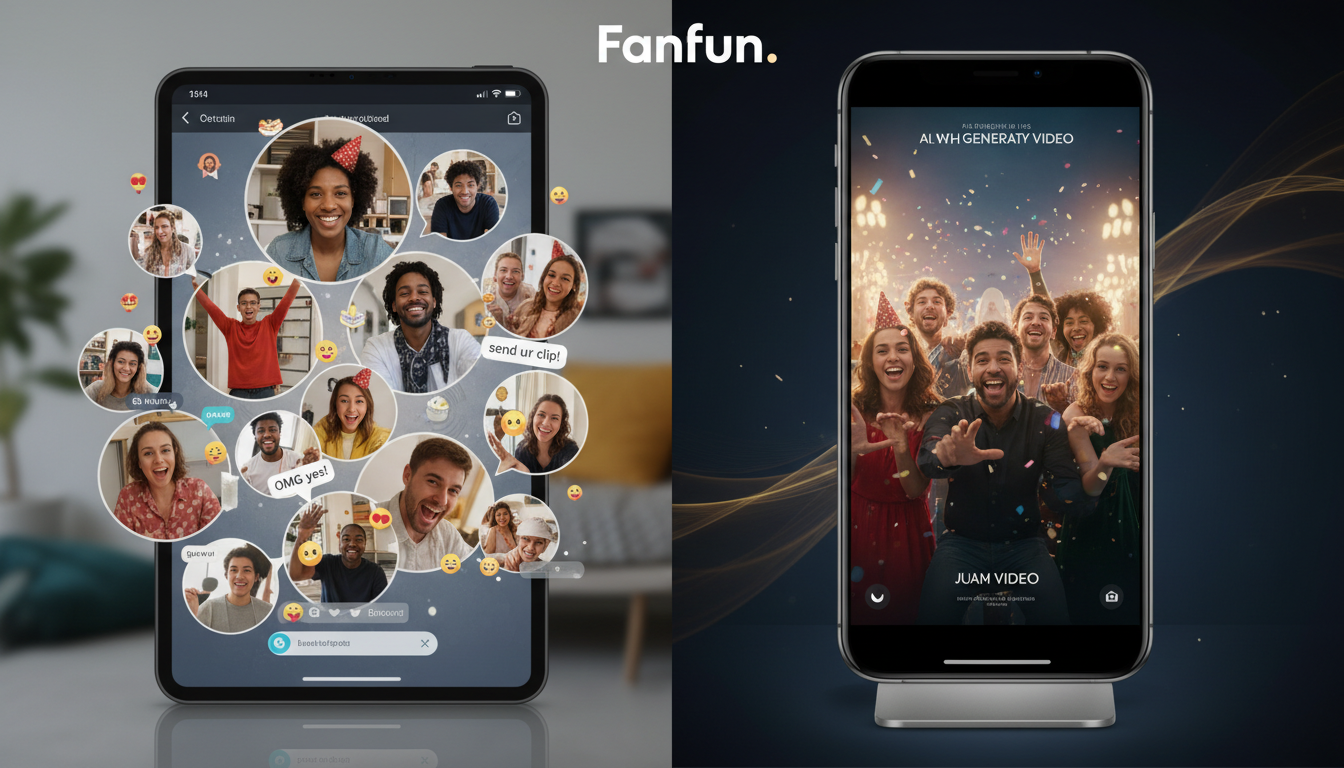
Organizing a group video gift for a milestone birthday, retirement, or farewell is always an excellent idea in theory. But in practice, it usually devolves into a stressful administrative nightmare. You find yourself chasing down late submissions from distant relatives or busy coworkers, only to end up with a collection of low-energy, repetitive clips that feel more like a chore to watch than a celebration.
The alternative has historically been dropping hundreds of dollars on a single, short celebrity shoutout that takes weeks to arrive and might not even hit the right tone. But there is a better way. By combining free collaborative video collection tools with instant, budget-friendly AI character platforms like Fanfun, you can build a high-production-value, cohesive "hype reel" that delivers massive laughs on a tight timeline and budget.
The Group Gift Bottleneck: Why Traditional Video Greetings Stall
The standard workflow for a group video gift is broken. It usually starts with an enthusiastic email or group chat thread, followed by weeks of silence. As the deadline approaches, the organizer is forced to send increasingly desperate reminders. When the clips finally trickle in, they are often plagued by bad lighting, background noise, and a frustrating lack of variety. Everyone ends up saying the exact same variation of "Happy birthday, hope you have a great day!" which makes the final edit feel repetitive and flat.
To inject some excitement, organizers often look toward traditional celebrity booking platforms. However, these services present a massive barrier: cost. Paying $150 to $500 for a single, 30-second video clip is simply not feasible for most group budgets, especially when you have no control over when the creator will actually deliver the file. If the celebrity misses the deadline or declines the request, you are left empty-handed right before the big event.
This is where modern creators are upgrading generic e-cards to high-stakes milestone videos. Instead of relying on expensive, slow-moving traditional services, organizers are turning to instant AI-assisted video platforms. Fanfun offers a fast, affordable alternative where groups can generate personalized video messages from cultural icons, athletes, and fictional characters in minutes. This eliminates the wait times, fits easily within a modest group budget, and gives you complete creative control over the script.
The Collaboration Blueprint: Choosing Your Video Greeting Stack
To create a truly memorable video gift without spending a fortune, you need to use a "hybrid stack." This approach separates the logistics of gathering video clips from the creative process of making the video entertaining. Instead of using a single platform that does everything poorly, you combine a free collection tool with high-impact AI elements.
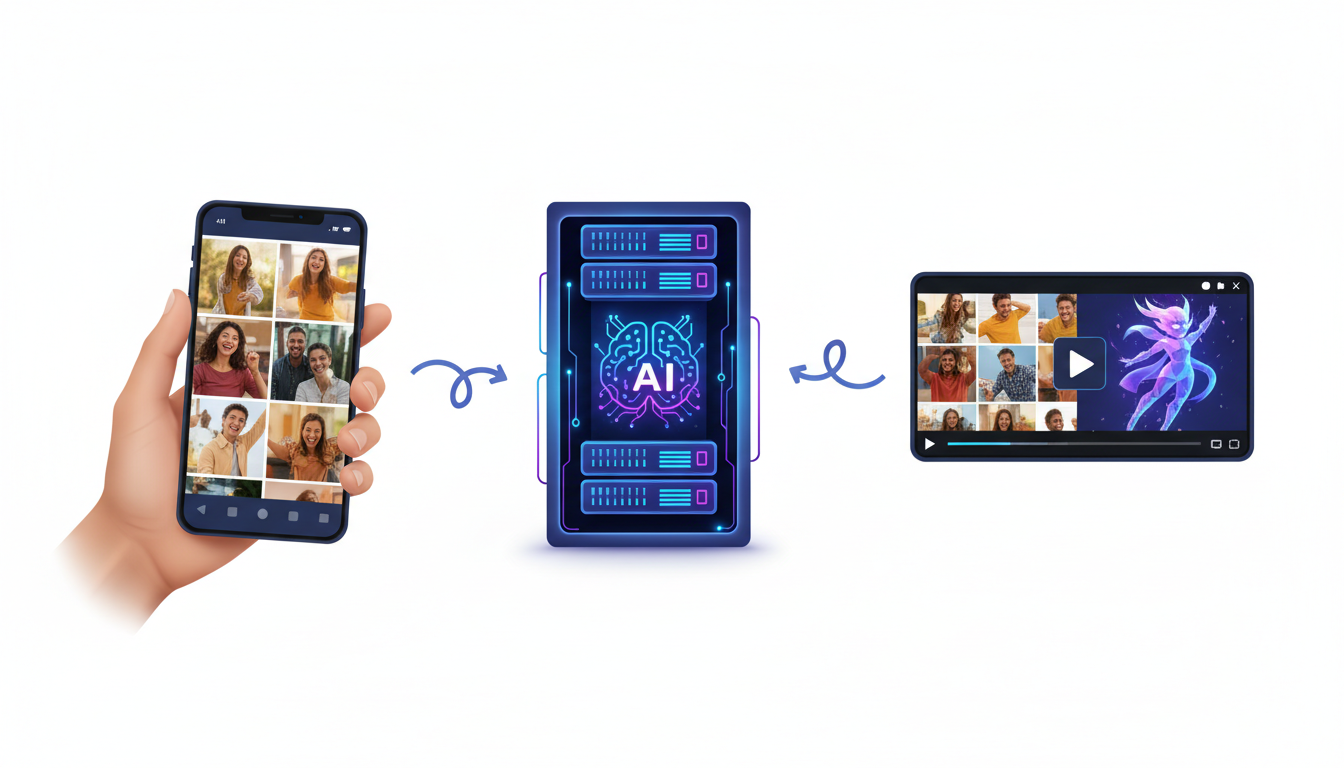
First, use a simple, free collaborative platform (like Memento, Tribute, or even a shared Google Drive folder) to collect raw, heartfelt clips from friends, family, or coworkers. These platforms are excellent for handling the logistics of file uploads, but they lack built-in entertainment value. Left on their own, they produce a dry sequence of talking heads.
Second, introduce the "Hype Layer" using Fanfun. By generating an instant, high-energy celebrity-style intro, a hilarious roast, or a custom voiceover from a fictional character, you instantly elevate the production value. The AI element acts as the structural glue, turning a loose collection of smartphone clips into a cohesive, TV-style broadcast.
| Feature | Standard Group Video Platform | Traditional Celebrity Booking | The Fanfun Hybrid Stack |
|---|---|---|---|
| Cost | Free to $30 | $100 - $500+ | Under $20 total |
| Turnaround Time | Dependent on participants | 5 to 7 days (unreliable) | Instant (minutes) |
| Creative Control | Low (just user clips) | Low (subject to talent approval) | Complete script control |
| Fictional Characters | No | No | Yes (anime, cartoons, icons) |
The Scripting Strategy: How to Keep Group Greetings Cohesive and Funny
The biggest killer of group videos is repetition. If you ask ten people to "send a quick video for Sarah's birthday," you will receive ten videos that say "Hey Sarah, happy birthday, hope you have a great day!" It is boring to edit and even more boring to watch. To fix this, you must act like a producer and assign specific prompts to your contributors.
Instead of open-ended requests, send your group members targeted questions. Ask one person to share a 10-second story about a time the recipient bailed them out of trouble. Ask another to describe the recipient's most bizarre office habit. This structured approach is highly effective when directing funny office greetings that avoid the usual cringe, ensuring that every single clip brings something fresh and entertaining to the final cut.
The Three-Act Structure for Group Hype Reels
To ensure your final video feels like a professional production, organize your timeline into a clear three-act structure:
- Act 1: The Hook (0:00 - 0:30): Start with an unexpected, high-energy AI character video generated on Fanfun. Have a cultural icon, anime hero, or sports legend introduce the video, roast the recipient, and explain why everyone has gathered to make this reel.
- Act 2: The Heart (0:30 - 3:00): Roll through the rapid-fire, prompt-based clips from friends and family. Keep these clips short—no more than 15 to 20 seconds each.
- Act 3: The Punchline (3:00 - 3:30): Close the video with another quick AI character segment that delivers a final joke, a warm wish, or a call to action (like "Now go open your real gift!").
The Budget-Friendly Production Checklist for Group Organizers
To pull this off without pulling your hair out, you need a structured timeline. Working on a tight five-day schedule allows you to maintain momentum and ensure you hit the milestone deadline without last-minute panic.
When preparing the AI-generated portions of your video, you can save a massive amount of time by utilizing structured script frameworks for character shoutouts. This ensures your custom AI segments sound natural, punchy, and perfectly tailored to the recipient's personality.
The 5-Day Group Video Production Timeline
- Day 5: The Launch. Set up your free video collection link. Send out the invitation to your group with specific, assigned prompts and a strict 3-day deadline.
- Day 3: The Reminder & Scripting. Send a friendly reminder to those who haven't submitted. Draft the script for your Fanfun AI character intro and outro segments.
- Day 2: The Generation. Log into Fanfun, choose your character, input your custom scripts, and generate your high-impact video assets instantly.
- Day 1: The Edit. Download all submitted clips and your Fanfun AI assets. Import them into a free editor (like CapCut or iMovie), arrange them according to the three-act structure, and add a background music track.
- Day 0: The Delivery. Export the final video in 1080p and present it to the recipient during the celebration or via a watch link.
During the collection phase, make sure to give your contributors a few basic technical guidelines. Ask them to record in landscape (horizontal) orientation, ensure their faces are well-lit by standing near a window, and find a quiet room to minimize background noise. These minor adjustments make a massive difference in the overall polish of the final edit.
Elevating the Edit: Sound, Pacing, and Polish
The difference between a amateurish compilation and a professional-feeling hype reel lies entirely in the editing. You do not need professional software or advanced design skills to achieve a polished result; you just need to apply a few basic editing principles.
First, use a consistent background music track. Smartphone clips recorded in different environments will have wildly different noise floors and audio qualities. Placing a upbeat, royalty-free instrumental track underneath the entire video at a low volume (around -15dB to -20dB) acts as an acoustic blanket, smoothing out the transitions and masking any distracting background hiss.
Second, keep your transitions quick and punchy. Avoid using cheesy, slow star-wipes or long cross-dissolves between clips. Simple, clean cuts are almost always better. If you want to add some flair, use a quick "whoosh" sound effect paired with a fast slide transition to move from one contributor to the next. This keeps the visual pacing energetic and prevents the viewer from losing interest.
Finally, use custom audio assets to bridge any gaps. If a contributor forgot to submit a video but still wants to be included, you can use Fanfun's AI Voice Generator to create a custom voiceover using a famous character's voice, playing it over a photo of that person. This clever workaround ensures nobody is left out while keeping the entertainment value of your crowd-sourced hype reel incredibly high.
How much do group video gift platforms cost?
Most standard group video collection platforms are either free or cost between $5 and $30 to unlock premium features like unlimited contributors or high-definition downloads. By pairing a free collection tool with an affordable AI video generator like Fanfun, you can create a highly polished, celebrity-style group video for under $20 total.
What is a cheaper alternative to Cameo for group gifts?
Fanfun is the ultimate budget-friendly alternative to Cameo. Instead of paying hundreds of dollars and waiting days for a real celebrity to record a video, Fanfun allows you to instantly generate custom, high-quality video messages and voiceovers from AI versions of cultural icons, athletes, and fictional characters for a fraction of the price.
How do you coordinate a group video greeting last minute?
To pull off a last-minute video gift, set a strict 24-to-48-hour deadline for your group and assign short, 10-second prompts. While waiting for submissions, use Fanfun to instantly generate a high-energy AI character intro and outro. This fills out the video and gives it a highly polished, intentional feel even if you only have a few organic clips.
Can I add fictional characters to a collaborative group video?
Yes! Unlike traditional booking platforms that are limited to real-life celebrities, Fanfun features a diverse library of fictional characters, including popular anime figures, cartoon icons, and cultural personas. You can easily generate custom video greetings or voiceovers from these characters and edit them directly into your collaborative video.



