
How to Write a Sports Achievement Script for a Virtual Character Video
Celebrate a major race, game win, or athletic milestone with a high-energy virtual character video. Use our editable 30-second script template and pacing tips to create a memorable, high-tempo tribute.

To write an impactful sports achievement script for a virtual character video, you need to capture the high-velocity energy of a locker-room speech or a live play-by-play broadcast. Keeping your script under 75 words (approximately 30 seconds of speech) helps fit your message within a standard video credit limit on Fanfun, allowing you to deliver a punchy, high-tempo message. By focusing on specific details—like a game-winning shot or months of early-morning training—you can create a highly personalized, playful tribute on Fanfun that feels genuinely celebratory.
The Anatomy of a High-Energy Sports Script
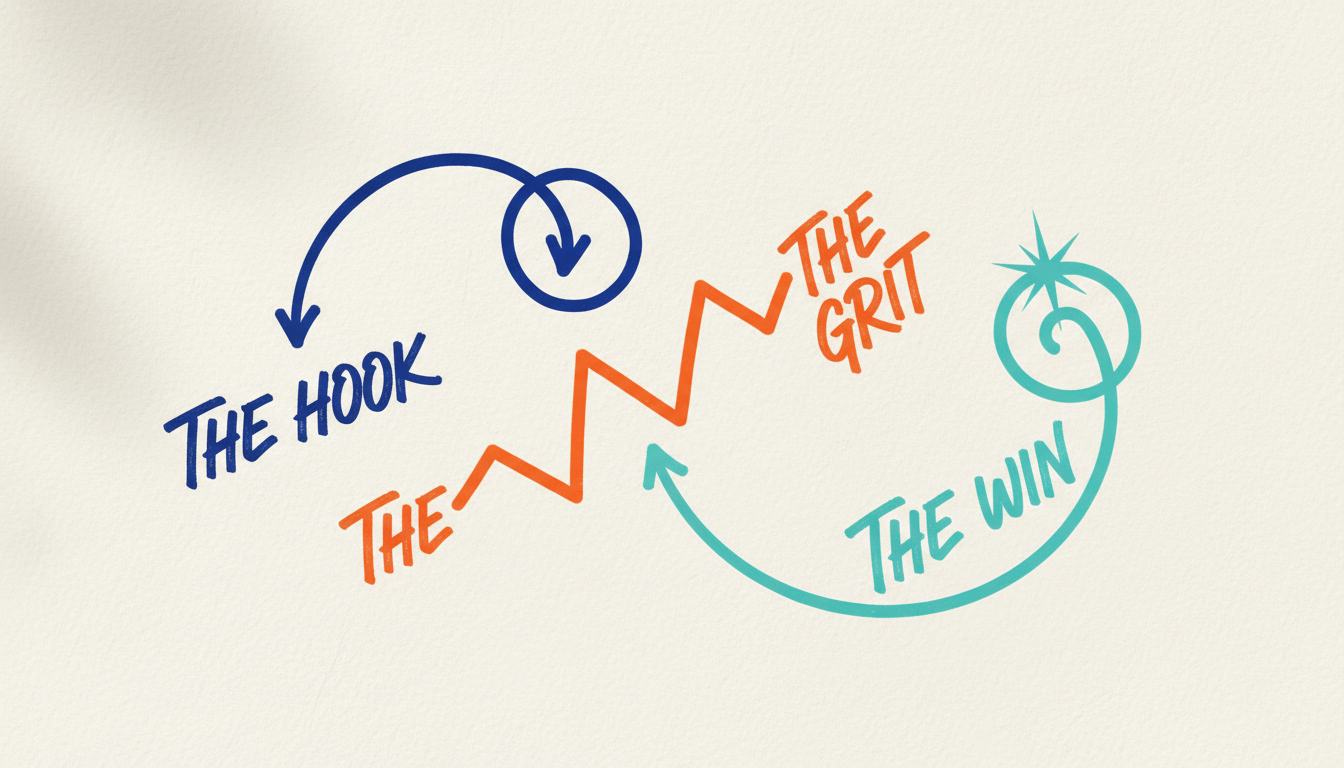
Unlike standard greetings, a sports achievement message relies on momentum. Because you are working with an AI persona rather than a real-person recording, the script needs to do the heavy lifting to convey excitement. A winning script follows three distinct emotional beats:
- The Hook: Start with an explosive opening line that immediately references the specific event, race, or game-winning moment.
- The Grit: Highlight the dedication, early mornings, or tough training sessions that led to this milestone to make the tribute meaningful.
- The Victory Lap: Deliver a strong closing statement that celebrates the win and looks ahead to the next season or athletic challenge.
The 30-Second Sports Victory Template
To keep your video punchy and engaging, aim for a word count of 60 to 75 words. If you need help keeping your message brief, we point readers to our guide on structuring a perfect 30-second script. Below is an editable template optimized for a standard 30-second AI character video on Fanfun.
"Boom! Huge congratulations to [Name] for absolutely crushing the [Event/Game Name]! We all saw you [specific athletic action, e.g., sprint past the finish line / sink that final three-pointer]. All those grueling hours of training paid off, and you proved what champion status looks like. Take a bow, enjoy the victory lap, and get ready to dominate the next challenge!"Adapting the Script for Different Athletic Milestones
Depending on the sport, you will want to adjust the tone of the delivery. For instance, an endurance race calls for a focus on stamina, while a team victory is all about collective effort. Use the table below to decide which style fits your recipient's milestone:
| Style | Best For | Key Vocabulary | Energy Level |
|---|---|---|---|
| Locker Room Hype | Team championships, game wins | Hustle, grind, champion, team, squad | Explosive & intense |
| Play-by-Play Broadcast | Individual races, personal bests | Finish line, record-breaking, pace, stamina | Dramatic & fast-paced |
Example 1: Individual Milestone (Marathon Finisher)
"Unbelievable effort, [Name]! You didn't just run the [City] Marathon; you absolutely conquered it. When you hit mile twenty and kept pushing, that was pure heart. Crossing that finish line at [Time] is a legendary achievement. Rest those legs—you earned every bit of this victory!"
Example 2: Team Championship Win
"Listen up, [Team Name]! You went out there, executed the game plan, and brought home the trophy! That fourth-quarter comeback is going down in the history books. Enjoy the celebration tonight, squad. You proved that teamwork always wins!"
If you want to add some lighthearted banter or playful roasting to your script, feel free to explore our tips on writing a humorous script for virtual characters. While athletic milestones are all about high-energy movement, you can also look at how to structure a virtual character script for a corporate milestone if you are celebrating a business-oriented team win instead of a physical sport.
How do I make sure the AI character pronounces unusual team names or sports jargon correctly?
Use phonetic spelling in brackets or spell out words exactly how they sound. For example, write "Suh-rak-use" instead of "Syracuse" if the synthetic voice struggles with the native spelling.
Can I add sound effects like crowd cheers or stadium horns to the script?
Fanfun's character voice generator reads the text you write as written. While you cannot type sound effects directly into the text generator, you can easily add your own background stadium noise or crowd cheers in a post-production video editor before sharing.



