
The Animation Desk Shortcut: How to Script and Generate Custom Video Messages from Cartoon Characters
Traditional personalized video platforms are limited by real-world human availability. Learn how to write character-accurate scripts, generate custom cartoon video messages in minutes using Fanfun, and polish them for maximum impact.
Imagine wanting to surprise a friend on their birthday with a personalized shoutout, but instead of a B-list reality TV star, you want a legendary anime hero or a beloved cartoon icon. For years, the barrier to getting custom messages from fictional characters was absolute: cartoon icons do not exist in the physical world, and hiring professional voice actors or animation studios is financially impossible for a simple gift, a corporate gag, or a quick social media clip.
That barrier has officially dissolved. With modern AI tools, you can now step into the director's chair and generate highly customized, character-accurate video messages in minutes. This guide walks you through the exact process of scripting, generating, and polishing custom cartoon video messages on Fanfun, turning your creative ideas into high-impact digital content.
The Fictional Frontier: Why Cartoon Messages Beat Real-World Cameos
Traditional personalized video platforms like Cameo are bound by real-world human limitations. You are at the mercy of a celebrity's busy schedule, high price tags, and strict boundaries on what they will or won't say. More importantly, real-world influencers cannot match the deep, nostalgic, and emotional connections that people have with fictional characters. A child doesn't want a message from a retired athlete; they want to hear from a whimsical cartoon guide. An anime fan doesn't want a generic greeting; they want their favorite protagonist acknowledging their inner strength.
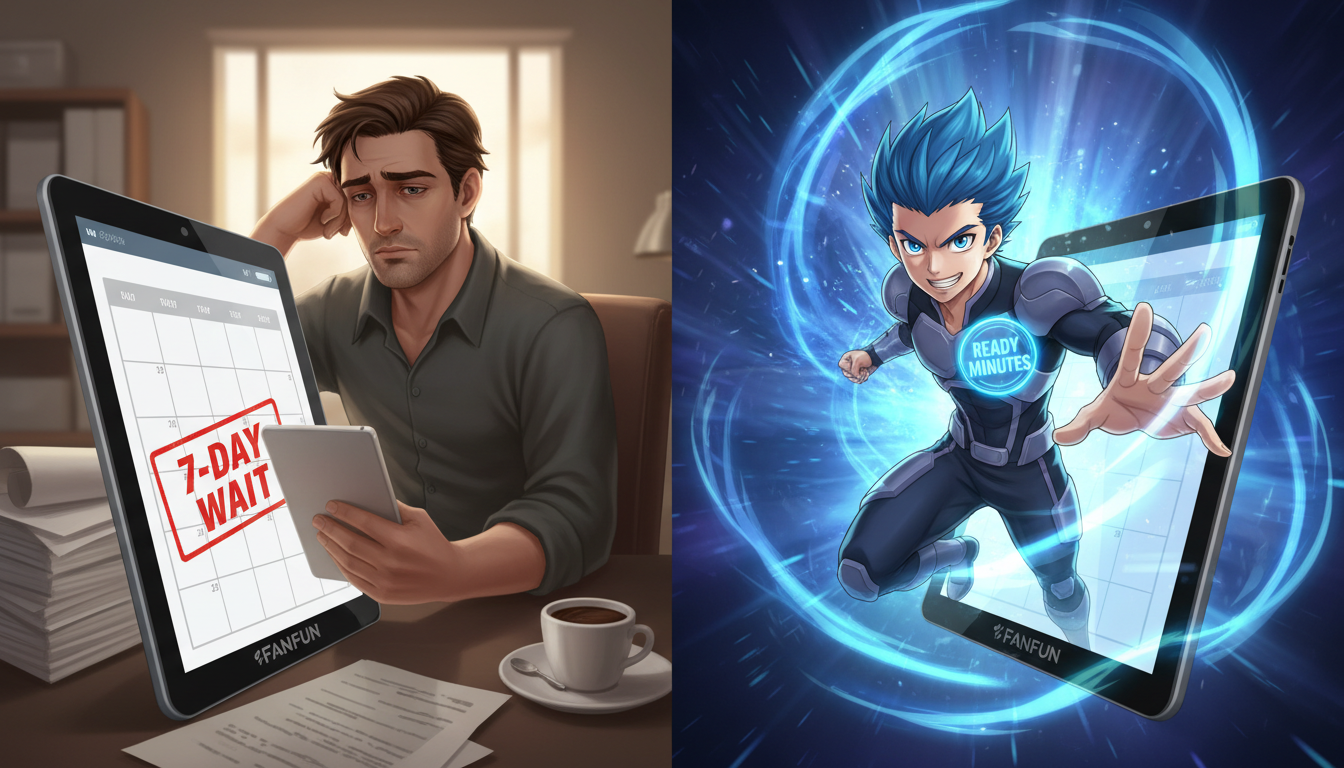
Fanfun bridges this gap by bringing fictional characters to life instantly. Because these characters are powered by advanced AI interpretations, there are no scheduling conflicts, no multi-day wait times, and no creative bottlenecks. Whether you need a quick meme for your social media feed, a personalized roast for a coworker, or a heartwarming birthday message, you can generate it affordably and instantly. This level of creative freedom allows you to tailor the message down to the most inside of inside jokes.

Scripting for Toons: The Rules of Character-First Writing
An AI voice generator is only as good as the script you feed it. If you write a generic, dry message, even the most legendary cartoon voice will sound flat and uninspired. Animation relies on exaggeration, distinct speech patterns, and physical comedy. To make your custom message feel authentic, you must write specifically for the character's unique persona.
Keep the dialogue punchy, physical, and highly expressive. Avoid long, winding sentences that lack personality. Instead, think about how the character moves and reacts while speaking. Whether you are building a solo message or directing the flow and pacing of multi-character scripts, understanding the rhythm of voice synthesis is crucial to maintaining the illusion of life.
Rule 1: Lean into Catchphrases and Verbal Quirks
Every great cartoon character has a verbal fingerprint. This includes signature catchphrases, unique laugh styles, stuttering, or specific exclamation points. When writing your script, place these signature tics strategically at the beginning or end of sentences to instantly anchor the voice in the listener's mind.
Additionally, do not hesitate to use phonetic spelling to guide the AI voice generator. Fictional terms, highly stylized slang, or unique names can sometimes trip up standard text-to-speech models. For example, spelling out a long, drawn-out sigh as "*Siiiiiigh*" or writing a laugh phonetically as "Mwahaha" forces the AI generator to capture the dramatic flair required for an authentic cartoon performance.
Rule 2: Match the Energy to the Occasion
The tone of your script must align with both the character's personality and the purpose of the video. If you are creating a lighthearted roast for a friend, you need to balance the character's iconic traits with playful teasing. If you're targeting a friend's questionable gaming habits or their tendency to run late, crafting custom digital roasts that land perfectly requires blending character lore with lighthearted, non-offensive humor.
Conversely, for a birthday wish or an encouraging pep talk, lean heavily into the character's heroic, enthusiastic, or comforting traits. Make the recipient feel like they are an active part of the character's universe. Let's look at the difference between a generic script and a character-first script:
- Generic Script: "Happy birthday, Sarah! I hope you have a great day and get lots of presents. Good luck with your school exams next week."
- Character-First Script: "Whoa, hold on a second! Is my birthday radar blaring? *Gasp!* It is! Happy birthday, Sarah! I traveled through the time belt just to say: you're going to absolutely crush those exams next week. Just don't forget to pack a gadget or two!"

Step-by-Step: Generating Your Custom Cartoon Video on Fanfun
Creating your custom video message on Fanfun is designed to be seamless, taking you from a blank page to a finished video in a matter of minutes. Here is how to execute it:
- Browse the Character Library: Navigate to Fanfun and explore the growing roster of licensed and original AI personas. Select the cartoon, anime, or gaming hero that best fits your target audience or message theme.
- Input Your Custom Script: Paste your character-first script into the generator. Be sure to use punctuation like ellipses (...) to create natural dramatic pauses, and exclamation marks to inject high energy into the delivery.
- Generate Instantly: Click the generate button. Unlike legacy platforms where you have to wait days for a creator to approve, record, and send your video, Fanfun processes your request instantly.
- Review and Tweak: Listen to the generated output. If a specific word sounds slightly off or the pacing feels too fast, tweak the spelling phonetically or adjust the punctuation, then generate again until the timing is perfect.
Leveling Up: Editing and Layering Audio for a Polished Cartoon Clip
Once you have generated your custom voiceover on Fanfun, you can take the production value a step further. If you are a content creator looking to produce viral-ready social media clips, basic sound design will elevate your video from a simple voice clip to a fully immersive animated scene.

First, add classic cartoon sound effects in post-production. Sound effects like spring boings, swooshes, pop sounds, or record scratches can punctuate key jokes or transitions in your script. Second, layer a subtle, character-appropriate background music track behind the voiceover. A whimsical orchestral track or a high-energy anime synth beat glues all the audio elements together. Taking this extra step is the secret to designing custom audio tracks for high-impact video edits that feel like they were pulled directly from a professional broadcast studio.

Use Cases: From Birthday Surprises to Viral TikTok Memes
Custom cartoon video messages are incredibly versatile, serving different audiences depending on the creative goal. Whether you are a parent looking to delight a child, a gift buyer searching for a unique birthday present, or a marketer aiming for a scroll-stopping social media post, tailoring your approach is key.
| Target Audience | Ideal Cartoon Style | Recommended Script Length | Primary Distribution Channel |
|---|---|---|---|
| Parents & Kids | Friendly, educational, whimsical | 30 to 60 words | Direct download / Private sharing |
| Social Media Creators | High-energy anime, sarcastic, meme-centric | 15 to 45 words | TikTok, YouTube Shorts, Instagram Reels |
| Gift Buyers (Adults) | Nostalgic classics, gaming icons, playful roasts | 50 to 90 words | Email, messaging apps, group chats |
For social media creators specifically, utilizing custom cartoon voices is a powerful way of escaping the trap of generic TikTok text-to-speech voices. Audiences are tired of hearing the same robotic narrators on every single video on their feeds. By using Fanfun to direct custom character voices, you instantly inject personality, nostalgia, and humor into your content, drastically increasing your viewer retention and engagement rates.
Can I make a cartoon character say a custom name in the video?
Yes! Because Fanfun uses advanced AI voice generation, you can input any custom name directly into the script, and the character will say it naturally. If the name has a unique spelling or pronunciation, try spelling it phonetically to ensure perfect delivery.
How long does it take to generate a custom cartoon video message?
Generation takes only a few minutes. Unlike traditional platforms where you have to wait days for a creator to record your request, Fanfun processes your script and delivers your custom video message instantly.
What types of cartoon characters are available for custom messages?
Fanfun features a diverse and growing library of licensed and original AI personas, including beloved anime heroes, gaming icons, and classic cartoon characters designed to fit various themes, from children's birthday greetings to sharp comedic roasts.
Can I use these cartoon character video messages for social media content?
Absolutely! Many content creators use Fanfun to generate highly engaging, unique voiceovers and video clips for TikTok, YouTube Shorts, and Instagram Reels to stand out from standard text-to-speech trends.



