
The Art of the Digital Burn: How to Script and Generate Custom Video Roasts That Actually Land
Want to roast a friend but tired of overpriced, generic celebrity videos? Learn how to script, direct, and generate razor-sharp AI video roasts using Fanfun's instant character platforms.
Roasting is a delicate art form. Done right, a roast is a badge of honor—a highly personalized, hilarious demonstration of affection that highlights someone's weirdest habits and funniest quirks. Done wrong, it is either a toothless, generic platitude or an awkward, mean-spirited insult that ruins the mood of the party. The key to comedic success lies in the hyper-specific details, perfect delivery, and impeccable timing.
For years, getting a personalized video roast meant paying hundreds of dollars on celebrity shoutout platforms, only to wait days for a rushed, phoned-in video from a B-list star who mispronounces your best friend's name. By using Fanfun’s instant AI video and voice generation, you can take full creative control, crafting highly targeted, deeply personalized, and genuinely hilarious roasts featuring iconic characters and celebrity personas—delivered in minutes.
Why Traditional Video Roasts Fall Flat (And the Fanfun Alternative)
Traditional celebrity video platforms are fundamentally broken when it comes to comedy. Because real celebrities are busy and don't know the recipient, they often rely on generic templates. They read a bulleted list of facts you provided in a dry, disconnected tone. There is no comedic timing, no understanding of inside jokes, and very little creative energy. You pay a premium for a name, but the actual content of the video falls flat.
Fanfun shifts the creative control entirely back to you. Instead of hoping a celebrity understands your inside joke about your brother’s terrible fantasy football draft, you write the exact script yourself. You choose the perfect AI persona to deliver it, whether it is an intense sports icon, a beloved cartoon character, or a legendary movie protagonist. This level of customization is what transforms a generic birthday card into a dynamic, transitioning from generic birthday cards to a dynamic, anti-boring birthday video tribute that keeps people laughing.
Because Fanfun generates videos instantly and affordably, you can experiment, iterate, and refine your script until it is perfect. You do not have to worry about a real person refusing to read your script or getting the tone wrong. You are the director, and the AI is your highly cooperative actor, ready to deliver your exact comedic vision on demand.
The Anatomy of a Perfect Roast Script
Writing for an AI voice generator requires a slightly different approach than writing for a live human actor. AI models rely heavily on the structure of your text to determine pitch, emphasis, and pacing. To make your digital burn land with maximum impact, you need to structure your script around a classic comedic formula optimized for synthetic speech.
The foundation of any great joke is the Rule of Three: setup, anticipation, and the punchline. In an AI roast, this translates to establishing a relatable premise, building expectation, and then delivering a sharp twist that the audience doesn't see coming. For example:
“We all know Dave is a massive health nut. He goes to the gym at 5 AM, drinks green smoothies that look like swamp water, and... still gets winded walking up the stairs to get his Uber Eats delivery.”
To make this work in an AI generator, you must use punctuation as your stage directions. Standard text-to-speech engines read straight through clean sentences. To force natural pauses and comedic timing, you need to use commas, ellipses, and exclamation points strategically. An ellipsis (...) tells the AI generator to pause, creating that crucial beat of anticipation before the punchline. Exclamation points increase energy, while question marks introduce a natural rise in vocal pitch.
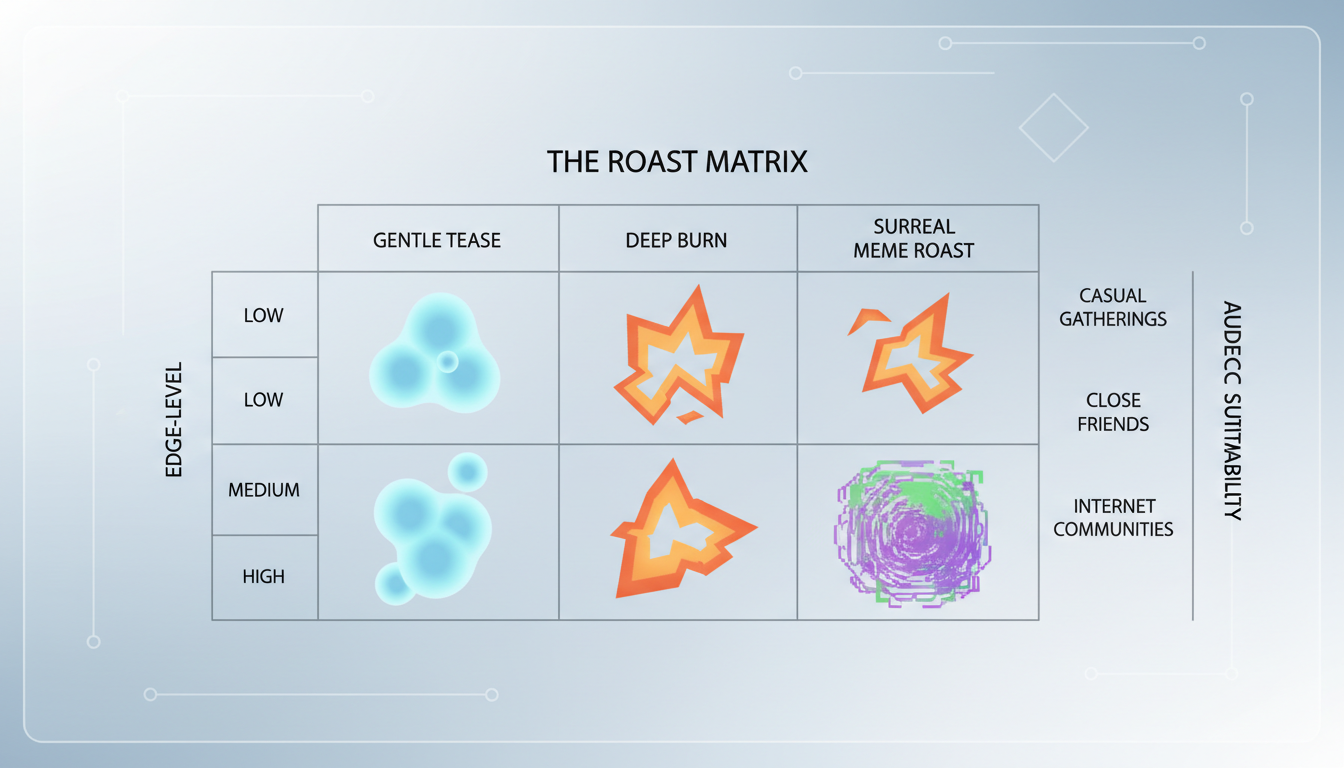
The Roast Matrix
Before you start writing, you need to match your roast style to your target audience. Use the Roast Matrix below to choose the right tone for your video:
| Roast Style | Edge Level | Target Audience | Best AI Persona Style |
|---|---|---|---|
| The Gentle Tease | Mild | Co-workers, parents, sensitive friends | Wholesome cartoon characters, friendly athletes |
| The Deep Burn | Spicy | Best friends, siblings, college roommates | Sarcastic anti-heroes, intense coaches |
| The Surreal Meme Roast | Absurdist | Online communities, gamers, Gen Z | Anime protagonists, dramatic movie narrators |
Structuring Your Script for AI Personas
An incredibly written script will still fall flat if it is delivered by the wrong voice. Voice casting is the secret weapon of digital comedy. You want to match the established cultural tropes of your chosen AI persona to the specific quirks of your target.
Matching Persona Tropes to the Target's Quirks
If you are roasting a friend who is notoriously stubborn and competitive, casting an intense, shouting sports coach to deliver the script makes the joke ten times funnier because the medium matches the message. If you are roasting someone who is overly dramatic about minor inconveniences, having a grim, post-apocalyptic action hero narrate their struggle with a broken coffee machine creates a hilarious comedic contrast. If you want to dive deeper into this process, consider learning how to cast and script custom voice text-to-speech for multi-character edits to expand your creative options.
Pacing and Delivery Cues for Synthetic Speech
When writing your script inside Fanfun, read it out loud to yourself first. If you stumble over a sentence, the AI likely will too. Keep sentences relatively short. If you have an inside joke that uses a highly unusual name or slang term, spell it phonetically in the text input. For example, if your friend's last name is "Featherstonehaugh" (pronounced "Fanshaw"), type "Fanshaw" into the script generator to ensure the AI pronounces it perfectly on the first try.
Step-by-Step: Generating and Layering Your Roast Video
Once your script is polished, it is time to bring your roast to life. The technical process is simple, but adding professional post-production touches is what will make your video truly stand out in the group chat.
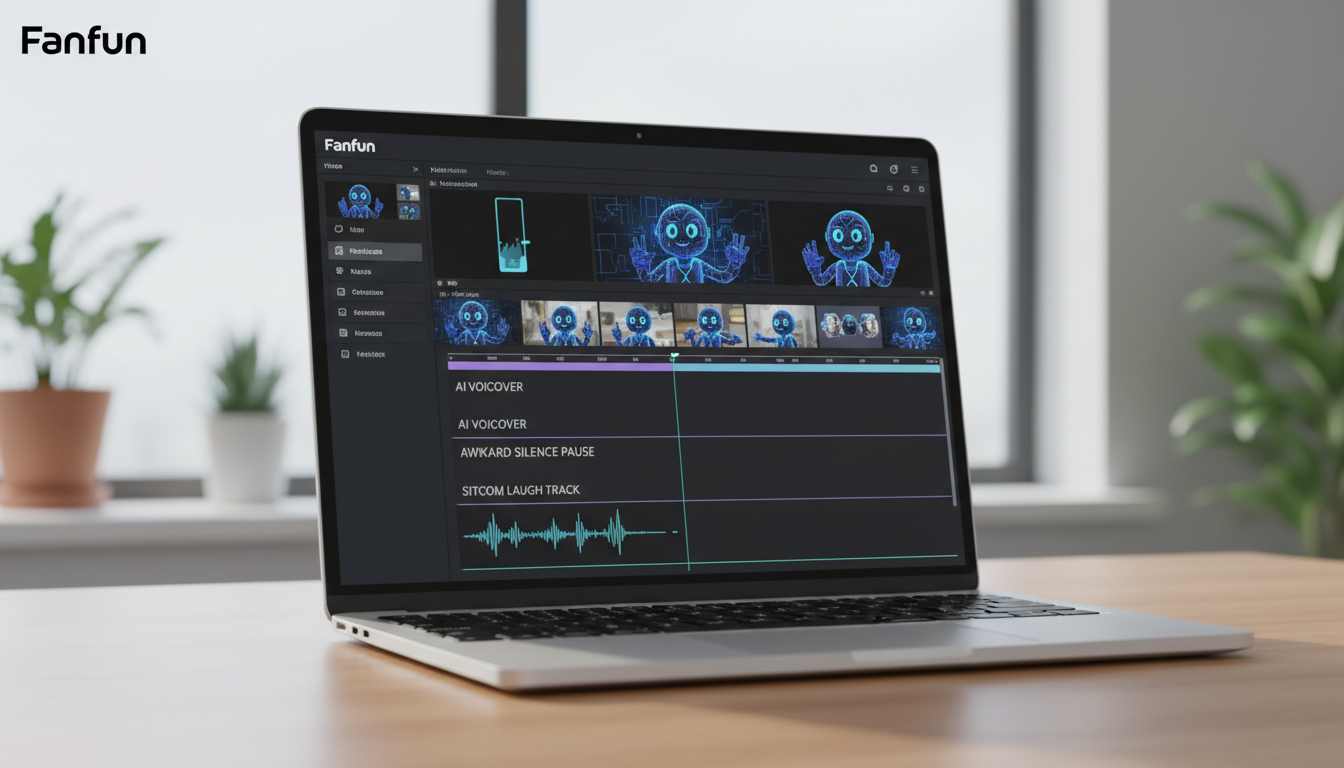
- Generate the Core Asset: Log into Fanfun, select your chosen character persona, paste your structured script into the AI Voice or Video Generator, and hit generate. Within minutes, you will have a high-quality video clip of the character delivering your custom script.
- Bring It Into Your Editor: Download the video file from Fanfun and import it into your favorite mobile or desktop video editor (such as CapCut, Premiere, or iMovie).
- Add Comedic Punctuation: This is where the magic happens. A roast needs reactions. Insert brief pauses in the video timeline to drop in sound effects. A well-timed record scratch when a particularly embarrassing secret is revealed, a sitcom laugh track, or a subtle zoom-in on the character's face during the punchline will dramatically elevate the comedic value.
For creators looking to build highly polished, multi-layered video clips, mastering the perfect sync to layer custom character voiceovers over your video clips is essential. Adding subtle background music—like a dramatic cinematic score under a ridiculous roast—enhances the comedic irony and keeps your audience engaged from start to finish.
The Roast Etiquette: Keeping It Fun, Not Cruel
The ultimate goal of a roast is to bring people closer together through shared laughter, not to alienate or hurt someone. Because AI-generated videos can sound incredibly convincing and carry a lot of comedic weight, you must exercise good editorial judgment when writing your script.
The golden rule of roasting is simple: only roast people who know they are loved. Focus your jokes on choices, funny habits, and lighthearted obsessions rather than unchangeable personal traits or genuine insecurities. Roasting someone for their terrible parallel parking, their obsession with buying overpriced houseplants, or their devotion to a constantly losing sports team is safe, hilarious ground. Roasting someone about deeply personal struggles is not.
To ensure your roast lands perfectly, run through this quick checklist before hitting generate:
- The Affection Check: Does the script end on a positive, warm note that reassures the target you love them?
- The Choice Rule: Are the jokes focused on funny habits and voluntary choices rather than sensitive personal matters?
- The Inside Joke Test: Will the broader audience at the party or in the group chat understand the jokes, or is it too insular?
- The Self-Deprecation Buffer: Have you included a quick self-deprecating nod to show you don't take yourself too seriously either?
By keeping your content creative, punchy, and respectful of Fanfun’s community guidelines, you can harness the power of AI to create unforgettable, laugh-out-loud moments that your friends and family will replay for years to come.
How do I make a celebrity roast video for a friend's birthday?
To make a custom roast video, choose an AI persona on Fanfun that your friend loves. Write a highly personalized script highlighting their funny habits, use strategic punctuation like ellipses (...) for comedic pauses, and generate the video instantly. You can then download and share it directly or edit it further with sound effects.
Can I use AI to generate a custom roast video instantly?
Yes! Unlike traditional platforms where you have to wait days for a creator to record a message, Fanfun allows you to input your custom script and generate a personalized video featuring iconic AI characters and celebrity interpretations in just a few minutes.
What makes an AI video roast funny instead of mean?
A great roast focuses on funny, voluntary choices (like an obsession with air fryers or terrible gaming skills) rather than sensitive personal traits. Ending the roast with a warm, positive birthday wish or statement of appreciation ensures the recipient feels loved, not bullied.
How do I add background music and sound effects to an AI roast video?
After generating your video on Fanfun, download the file and import it into a free video editor like CapCut. You can easily layer sound effects (like record scratches, crickets, or laugh tracks) and low-volume background music to emphasize the punchlines and improve comedic timing.



