
The Anti-Boring Birthday Tribute: How to Direct a Custom Video Roast, Toast, or Meme Reel That People Actually Want to Watch
Most birthday video tributes are well-intentioned but painfully boring. Here is how to structure your video like a professional producer, blend real memories with personalized AI elements, and deliver a fast-paced tribute guests will actually enjoy watching.
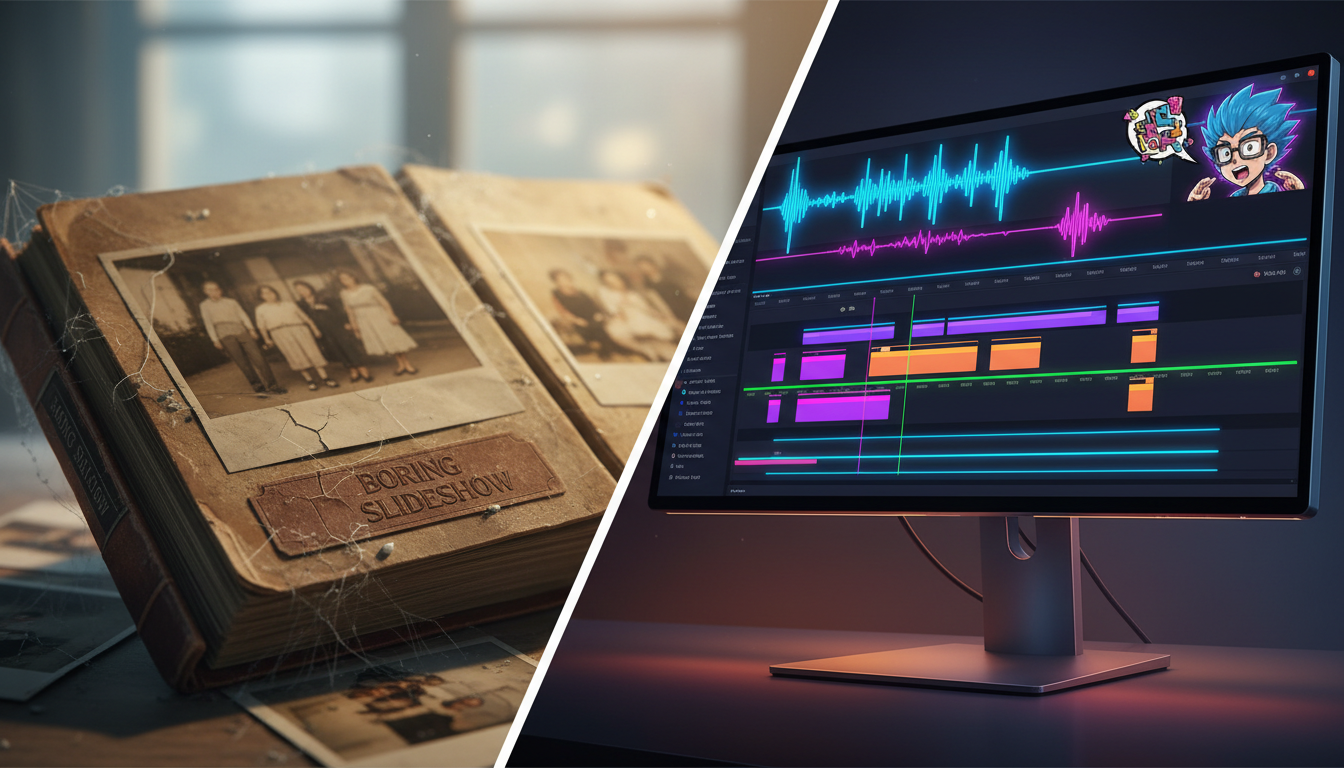
We have all sat through the polite torture of the amateur birthday slideshow. Ten minutes of unedited childhood photos, set to a generic royalty-free acoustic guitar loop, slowly fading in and out while guests check their phones and wait for the cake to be cut. It is a well-intentioned gesture, but as an entertainment product, it is a absolute flatline.
If you are in charge of creating a video tribute for a friend, family member, or colleague, it is time to throw out the old slideshow playbook. By treating your tribute like a short-form entertainment piece—complete with tight narrative pacing, comedic roasts, and unexpected pop-culture cameos—you can create a memorable moment that the room actually wants to watch. If you're looking for a way to break the mold, focusing on modern creative tools is the first step in upgrading your standard birthday e-card approach.
The Death of the Polite Slideshow: Why Traditional Birthday Tributes Fail
The primary reason traditional birthday videos fail is the "polite watch" phenomenon. This occurs when an audience watches a video purely out of social obligation rather than genuine engagement. A chronological dump of ninety photos of someone growing up, while sentimental to the immediate family, lacks the narrative tension required to hold a room's attention. If your video is longer than three minutes and has no comedic relief, unexpected transitions, or narrative hook, you have lost the crowd before the cake is even lit.
High-impact video tributes rely on emotional contrast. A great tribute should make the audience laugh, feel nostalgic, and laugh again in rapid succession. Instead of a passive archive of historical facts, your video should be treated as an active, entertaining narrative. This means prioritizing inside jokes, playful roasts, and unexpected pattern interrupts over a dry timeline of school photos. By shifting your focus from "how much footage can I include" to "how much entertainment can I pack into 120 seconds," you completely redefine the viewing experience.
The Three-Act Structure for a High-Impact Birthday Reel
To keep your audience engaged, you must apply professional storytelling structures to your edit. A hard limit of three minutes is your golden rule. Anything longer belongs on a private drive, not on the party projector. Here is how to map out your timeline using a classic three-act framework.
The Three-Act Breakdown
- Act I: The Hook (0:00 - 0:30) — Start with high energy. Instead of a baby photo, open with a mock breaking news broadcast, a dramatic action-movie voiceover, or a hilarious, confusing clip of the guest of honor. The goal is to immediately signal to the audience that this is not going to be a boring slideshow.
- Act II: The Roast and Toast (0:30 - 2:15) — This is the core of your video. Balance sentimental memories with lighthearted, humorous call-outs from friends and family. Keep video submissions from relatives capped at 10 to 15 seconds each. Edit them back-to-back with quick cuts, grouping them by theme (e.g., "Dave's terrible cooking" or "Dave's questionable fashion choices") rather than chronological order.
- Act III: The Big Finish (2:15 - 3:00) — End on a high-energy peak. This could be a fast-paced montage of group photos set to an upbeat track, a collective shout-out from everyone at the party, or a surprising custom guest appearance that ties the whole narrative together.
How to Inject Pop Culture and AI Personas to Break Up the Monotony
One of the biggest hurdles in creating a group video tribute is the coordination bottleneck. Waiting weeks for distant relatives to send shaky, poorly lit smartphone clips can destroy your production timeline and leave you with low-quality assets. Even when you do get the clips, they often repeat the same generic "happy birthday" wishes, offering little to no comedic value.
This is where Fanfun transforms your creative options. As the leading AI platform for personalized celebrity videos, Fanfun allows you to instantly generate custom messages, roasts, or promos featuring AI versions of cultural icons, athletes, and cartoon characters. Instead of dealing with slow response times or paying thousands of dollars for a traditional celebrity shout-out, creators can learn how to craft custom AI video greetings that outshine standard slideshows instantly.
To maximize the impact of these AI personas, use them strategically as "hosts" or "narrators" to transition between different chapters of your video. For example, you can have an AI sports legend introduce "Act II" by analyzing the birthday boy's legendary athletic failures, or have an anime character roast their terrible gaming habits. When writing scripts for these AI personas, keep the jokes hyper-specific. Reference real, absurd events—like the time Sarah accidentally locked herself out of her own apartment in a Halloween costume—to make the AI integration feel genuinely tailored and incredibly funny.
A Producer's Guide to Audio Pacing: Matching Sound to Visual Transitions
Audio is fifty percent of the viewing experience, yet it is almost always the most neglected element of amateur video edits. Bad sound quality, mismatched volume levels, and generic music tracks will instantly ruin high-quality visuals. To make your birthday tribute feel like a premium production, you must treat your audio track with the same care as your video timeline.
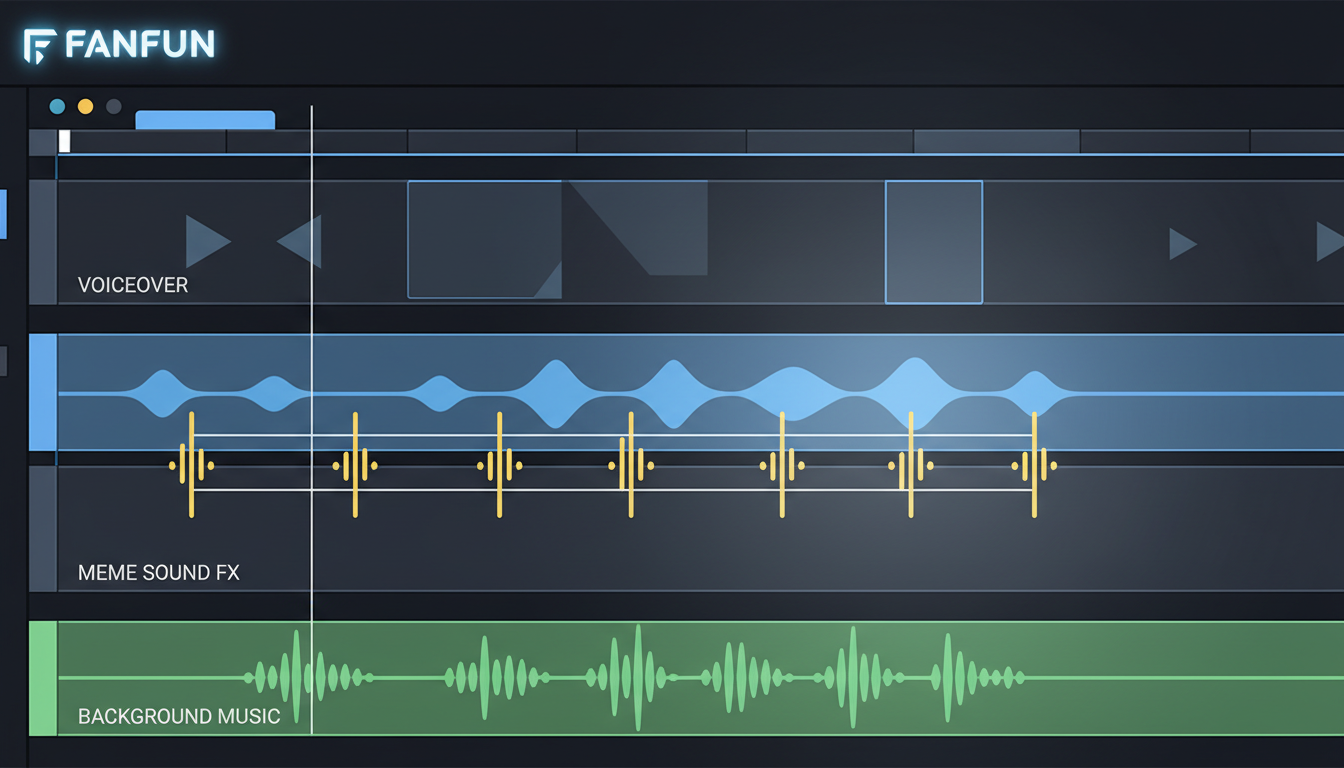
Start by prioritizing audio ducking. When a friend is speaking on screen, your background music must automatically drop to a lower level (around -18dB to -22dB) so the dialogue is crystal clear. When the dialogue stops, the music should swell back up to drive the energy forward. Additionally, you can elevate the comedic timing of your edits by generating custom meme audio assets or classic sound effects to punctuate jokes, awkward pauses, or ridiculous photo reveals.
Pacing is entirely driven by rhythm. When editing your photo montages, ensure that every visual cut lands precisely on the beat of your background track. This creates a subconscious sense of momentum that keeps viewers locked in. If you are using custom voiceovers to narrate your transitions, take the time to study building custom voice tracks that match visual pacing to ensure your timing feels natural, energetic, and professional.
The Ultimate Birthday Tribute Production Checklist
To execute a flawless video project from start to finish, you need a structured workflow. Use this checklist and software comparison to organize your production timeline.
Step-by-Step Production Checklist
- Three Weeks Out: Gather media assets (photos, videos) and set a strict deadline for family video submissions. Write your script and outline the three-act structure.
- Two Weeks Out: Generate your custom AI elements on Fanfun. Write the scripts for your AI narrators or celebrity roasts and download the generated video clips.
- One Week Out: Assemble your rough cut in your chosen video editor. Align your visual transitions to the beat of your background music and apply audio ducking.
- Three Days Out: Export your final video. Test the playback on the actual screen or TV you will be using at the venue to ensure the aspect ratio and volume levels are correct.
Editing Tool Comparison
| Software | Best For | Learning Curve | Key Advantage |
|---|---|---|---|
| CapCut | Fast, mobile-friendly edits & meme integration | Low | Excellent auto-captions and pre-built transitions |
| Canva | Simple photo-heavy layouts | Very Low | Easy drag-and-drop templates for beginners |
| Premiere Rush / iMovie | Multi-track audio control & clean cuts | Medium | Precise timeline editing and volume leveling |
By shifting your perspective from archiving a life to entertaining an audience, you can transform a standard birthday video into the highlight of the night. Keep your pacing tight, leverage the instant creative power of Fanfun to inject unexpected pop-culture moments, and design your audio to keep the room laughing from start to finish.
How long should a birthday video tribute actually be?
The sweet spot for a birthday video tribute is between 2 and 3 minutes. Anything longer than 3 minutes risks losing the attention of the room, especially at a lively party. Keep your edits tight, cut out unnecessary pauses, and prioritize quality over quantity.
What is the easiest way to collect video clips from a large group of people?
Use a centralized shared drive like Google Drive, Dropbox, or a dedicated platform like Vidhug. Send a direct link to your contributors with strict guidelines: tell them to shoot horizontally, keep their clip under 15 seconds, and submit by a hard deadline at least two weeks before the event.
How can I add a celebrity voice or cartoon character to a birthday video on a budget?
You can use Fanfun to instantly generate high-quality AI video messages, roasts, or voiceovers featuring popular characters, athletes, and cultural icons. It is an affordable, instant alternative to traditional celebrity booking platforms, allowing you to customize the script exactly to your inside jokes.
What free editing software is best for making a birthday video compilation?
CapCut is currently the best free editor for both mobile and desktop, offering excellent automated features, text templates, and easy audio editing. For Mac users, iMovie is a highly reliable, free option for clean, simple timeline cutting.



