
The Custom Meme Audio Blueprint: How to Generate Scroll-Stopping Audio Assets for Modern Video Edits
Tired of the Vine boom and generic text-to-speech? This guide shows you how to conceptualize, write, and direct custom AI character voices to create scroll-stopping audio assets for your video edits.
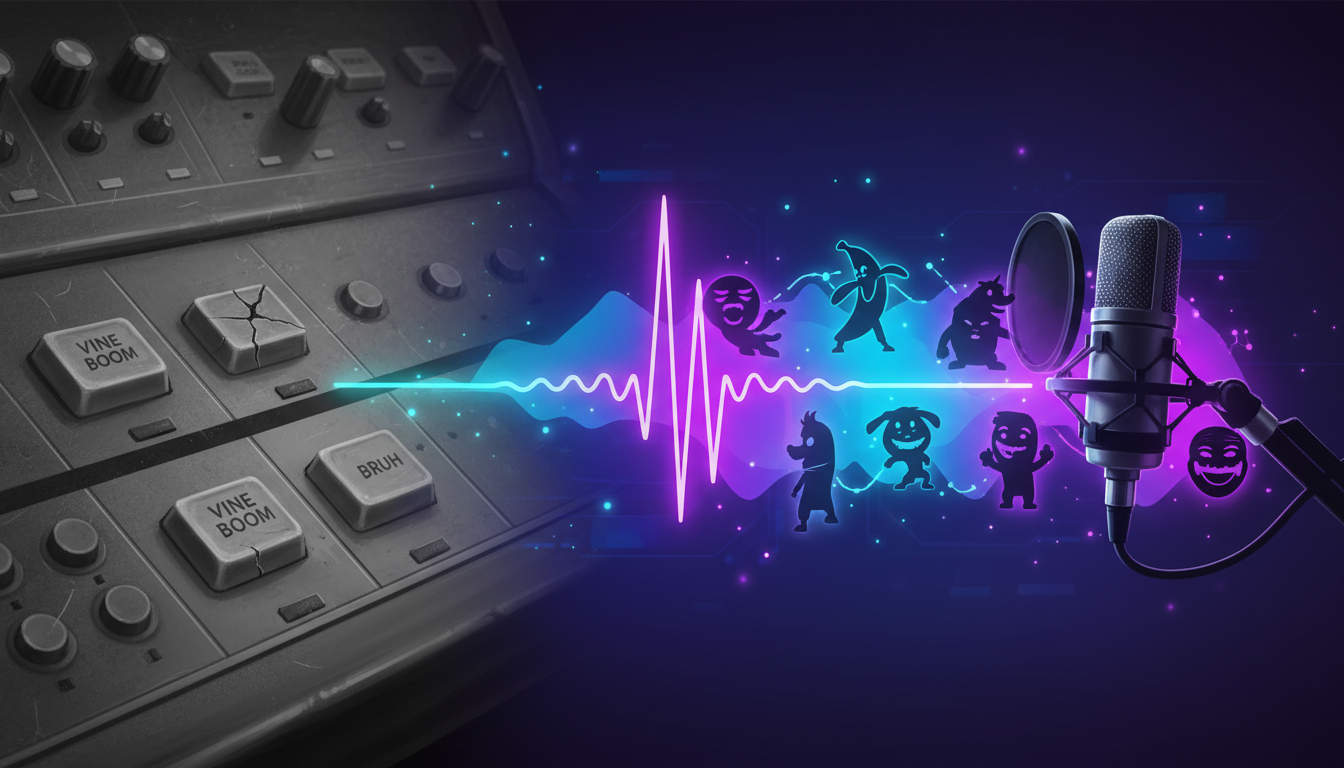
Social media feeds have reached peak sonic saturation. Every third video relies on the exact same high-pitch laugh track, the overused Vine boom, or a generic robotic text-to-speech narrator that completely strips a joke of its comedic potential. When every creator pulls from the same three soundboards, the audience's brain automatically tunes out, treating these elements as background noise rather than a hook.
To break through this wall of passive immunity, modern video editors are turning to bespoke audio assets. Creating original, hyper-specific dialogue with recognizable character voices allows creators to design immediate pattern interrupts that stop the scroll. By leveraging Fanfun's instant AI voice generation, editors can craft custom parodies, unexpected character interactions, and tailored roasts that fit their visual cuts with absolute precision.
The Death of the Stock Meme Sound: Why Custom Audio Wins the Feed
The modern social feed is a battleground for attention, and sound is often the first line of defense. However, reliance on generic soundboards has created a form of auditory fatigue among viewers. When a user scrolls past five consecutive videos using the same robotic text-to-speech voice or a recycled cartoon gasp, they subconsciously categorize the content as low-effort. This mental filter makes it incredibly difficult for your video to convert a casual viewer into an active follower.
Custom audio changes the dynamic by functioning as a pattern interrupt. When a viewer hears a beloved anime hero, an iconic sports legend, or a culturally prominent character saying something hyper-specific to your video's niche—like debating the meta-strategy of a specific video game or roasting a common workplace habit—it instantly breaks their scrolling trance. This unexpected combination of a familiar voice and highly specific, original dialogue signals to the brain that this is fresh, high-effort content.
If you want to move beyond overused assets, learning how to transition from basic soundboards to a dedicated AI meme sound generator for your video edits is the first step toward reclaiming your audience's attention. Instead of forcing your visual edits to conform to the rigid pacing of a pre-existing sound clip, you gain the freedom to build your audio from scratch, placing the comedic timing entirely in your hands.
The Three Pillars of High-Impact Meme Audio
Creating viral-ready meme audio requires more than just picking a cool voice and typing out a standard script. High-impact meme audio relies on a delicate balance between expectation and subversion. If the audio feels too polished or too predictable, it loses its comedic edge. To master this format, you must build your audio assets around three core pillars: script contrast, delivery pacing, and sonic texture.
The first pillar is script contrast—taking a voice that carries immense weight, authority, or nostalgia and forcing it to address the mundane. The second is delivery pacing, which involves manipulating pauses and emphasis to mimic the natural imperfections of human speech. The third is sonic texture, which ensures the voice sounds like it belongs in the environment of your video rather than a sterile recording booth.
Juxtaposition and Comedic Delivery
The core of great meme humor lies in juxtaposition. When writing dialogue for custom character audio, aim to create a stark contrast between the character's established persona and the topic they are discussing. For instance, having an epic, universe-saving anime protagonist passionately debate the nutritional value of fast-food menu items or argue over minor gaming lobby etiquette is inherently funnier than having them say their standard catchphrases.
Additionally, lean heavily into the "Deadpan Rule." AI voice models excel at delivering absurd lines with completely unbothered, flat, or dry expressions. While human voice actors sometimes over-index on performance energy, a slightly detached, matter-of-fact delivery from an iconic character can make a ridiculous statement sound infinitely more hysterical. Let the absurdity of the script do the heavy lifting, and let the voice deliver it with absolute sincerity.
Step-by-Step: Directing AI Voices for Perfect Comedic Timing
Directing an AI voice generator requires a different set of skills than directing a human voice actor. Because the AI interprets text based on patterns and punctuation rather than emotional intent, you have to "code" your script to achieve the correct comedic timing.
To help you get started, follow this step-by-step workflow using Fanfun's AI Voice Generator to craft your assets. For more tailored strategies within specific niches, you can also explore our complete audio playbook for gaming creators to see how these techniques translate to gameplay edits.
Step 1: Write Phonetically for Complex Words. AI models may stumble on niche internet slang, brand names, or colloquialisms. If a word isn't pronouncing correctly, spell it out phonetically. For example, write "dub-ya" instead of "W," or "sus-pect" instead of "sus" if the model needs help with regional accents or abbreviations.
Step 2: Use Punctuation Hacks to Force Pauses. Standard punctuation will produce standard reading speeds. To create comedic pauses, awkward hesitations, or dramatic build-ups, use non-traditional punctuation. Ellipses (...) are perfect for creating a three-second realization pause, while hyphens (-) can simulate a sudden self-correction or stutter.
Step 3: Select the Right Voice Archetype. Match the character’s general energy profile to the visual pacing of your edit. If your video is a fast-paced, high-energy gaming montage, choose a chaotic or hyperactive voice archetype. If your video is a slow-burn, observational comedy sketch, opt for a deadpan or intellectual voice to anchor the visuals.
The Meme Audio Directing Cheat Sheet
To help you troubleshoot and refine your custom audio tracks on Fanfun, use this quick-reference guide to solve common delivery issues instantly.
| Audio Issue | Common Cause | Punctuation & Prompt Fix |
|---|---|---|
| Voice is too fast / rushed | Standard AI pacing with tight punctuation | Insert ellipses (...) or double hyphens (--) between clauses to force the generator to rest. |
| Delivery lacks emotional punch | Sentence structure is too flat or formal | Add exclamation marks (!), capitalize key words, or use question marks to force pitch inflection. |
| Pronunciation of slang is flat | The AI is reading literal spelling | Spell slang phonetically (e.g., write "bruh" as "bruuuh" or "rizz" as "rizzz" to stretch the vowel sound). |
| Awkward, robotic phrasing | The sentence is too long for a single breath | Break the sentence into shorter, punchier fragments. Use line breaks to isolate the punchline. |
Mixing and Mastering Your Custom Meme Tracks for Social Feeds
Once you have generated your custom character voice on Fanfun, the final step is integrating it into your editing timeline. Simply dropping a clean, dry AI voiceover on top of a loud music track will break the illusion of the meme. To make your audio sound cohesive and professional, you must apply basic mixing principles.
Start by setting up automatic audio ducking. In editors like CapCut, Premiere Pro, or DaVinci Resolve, configure your music track to automatically lower by 4dB to 6dB whenever the character voice track is active. This ensures that the dialogue remains perfectly intelligible, even on tiny smartphone speakers. When designing custom character audio tracks that align with high-impact visual edits, maintaining this vocal clarity is essential to keeping the viewer engaged.Next, introduce intentional low-fidelity textures. Real-world memes often sound like they were recorded on a cheap phone or in a chaotic room. To replicate this aesthetic, add a subtle room reverb or a slight high-pass filter to cut out the muddy low frequencies. You can even apply a tiny amount of distortion or "clipping" to the voice track during loud, high-energy punchlines to emulate the classic "mic-peaking" comedic effect.
The Meme Audio Mix Checklist
- Audio Ducking: Lower background music by 4dB to 6dB during dialogue.
- EQ Filtering: Apply a high-pass filter at 100Hz to remove low-end muddiness.
- Low-Fi Textures: Add subtle room reverb or artificial mic clipping for organic chaotic energy.
- Export Settings: Set codec to AAC, Stereo, 48,000 Hz, with a minimum bitrate of 320 kbps.
Ethical Guardrails: Navigating Parody and Creative Boundaries
As creators, having access to powerful tools like Fanfun’s AI Voice Generator opens up unprecedented creative freedom. However, with this power comes the responsibility to use these tools ethically and sustainably. The goal of custom meme audio should always be creative parody, entertainment, and artistic expression.
To ensure your content remains within healthy creative boundaries, always keep your scripts clearly satirical. The humor should stem from obvious absurdity, making it immediately clear to the audience that the audio is a creative parody rather than an authentic, real-world recording. Avoid generating content that is misleading, defamatory, or designed to deceive. Instead, focus on lighthearted roasts, gaming lore, pop culture commentary, and fictional character interactions.
At Fanfun, we are committed to providing a safe, licensed, and highly creative playground for creators. By focusing on high-substance parody and respecting community guidelines, you can build a highly engaged audience while championing creative ethics in the digital age.
How can I make my own custom meme sounds without using overused soundboards?
Instead of relying on stock soundboards, you can use Fanfun's AI Voice Generator to create entirely custom meme sounds. By writing your own dialogue and generating it using recognizable character voices, you can create hyper-specific, original audio assets tailored exactly to your video's visual pacing and comedic timing.
What is the easiest way to generate custom character voices for video edits?
The easiest way is to use Fanfun. Simply choose a character or voice archetype from the library, type your script into the generator, and export the audio file. Within minutes, you'll have a high-quality, custom audio asset ready to drop directly into your video editing software.
How do I control the pacing and pauses in an AI-generated voiceover?
You can control pacing by using "punctuation hacks" in your script. Insert ellipses (...) to force natural pauses, use hyphens (-) to simulate stutters or sudden self-corrections, and use exclamation marks (!) or capitalized letters to force the AI to add emphasis and pitch variation.
Can I use AI-generated meme audio on TikTok and YouTube Shorts?
Yes, AI-generated meme audio can be used on platforms like TikTok, Instagram Reels, and YouTube Shorts. To ensure your audio sounds crisp after platform compression, always export your final video with high-quality audio settings (AAC, Stereo, 48,000 Hz, and a 320 kbps bitrate).



