
The Gaming Creator's Audio Playbook: How to Direct AI Voices for Lore, Memes, and Let's Plays
Move past flat, robotic text-to-speech. Discover how to direct dynamic AI voice generators to craft immersive game lore, high-energy meme edits, and engaging narrative commentary that keeps viewers hooked.
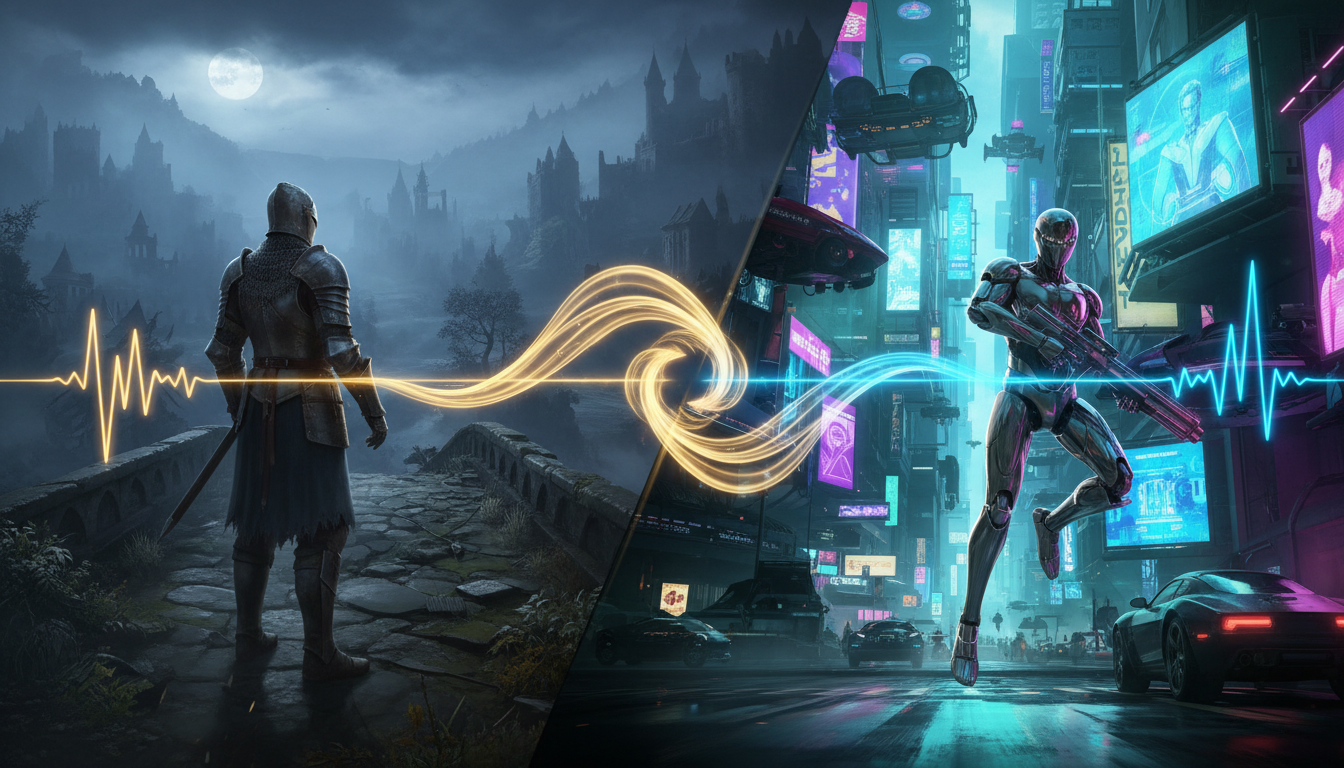
The modern gaming content landscape is incredibly crowded. With thousands of creators uploading footage of the same popular titles daily, visual gameplay alone is no longer enough to differentiate your channel. Instead, the battle for viewer retention is won or lost in the audio track, where pacing, humor, and narrative depth keep audiences from scrolling away.
Unfortunately, many creators default to the same flat, robotic text-to-speech (TTS) voices built into TikTok and CapCut, killing their channel's unique identity. By moving beyond generic TTS and learning to direct dynamic AI voice generators, you can craft highly immersive lore videos, viral meme edits, and engaging Let's Plays that make your gaming channel stand out from the noise.
The Death of the Monotone Let's Play: Why Generic TTS is Killing Your Retention
We have all encountered them: gaming shorts and YouTube videos featuring epic, high-stakes gameplay narrated by a completely flat, monotone robotic voice. The contrast is jarring. When a viewer watches a high-intensity 1v4 clutch in a battle royale or a tense horror game escape, they expect the audio to reflect that adrenaline. If the voiceover sounds like a automated GPS reading directions, the emotional connection is instantly severed.
Default TikTok and YouTube Shorts voices lack emotional context, comedic timing, and brand identity. When you use the same voice as ten thousand other creators, your content becomes background noise. Viewers develop "voice fatigue," sub-consciously associating your channel with low-effort, mass-produced content. This directly translates to lower average view duration and poor retention metrics.
To break through this barrier, gaming creators must treat AI voice generators as tools for active vocal direction. This is where Fanfun comes in. Rather than settling for a generic narrator, Fanfun provides a creative playground where creators can instantly generate expressive character and celebrity-style voices. Whether you need a gritty warrior to narrate your dark fantasy lore, a high-energy anime hero to react to your speedruns, or a playful pop culture icon to roast your worst gameplay fails, you can generate customized, high-impact audio in minutes.
Matching Tone to Gameplay: A Genre-by-Genre Guide
A generic voice ruins immersion. To build a cohesive, highly watchable video, the voiceover must align with the game's visual pacing and aesthetic. A deep, gravelly voice sounds incredible over a gritty survival game but ridiculous over a colorful farming simulator (unless you are deliberately aiming for comedic juxtaposition). Matching the voice to your specific genre helps build a stronger narrative world that viewers want to return to.

Narrative Lore & RPG Videos
Role-playing games like Elden Ring, The Witcher, or Baldur's Gate 3 thrive on deep, atmospheric storytelling. When crafting deep lore videos, mastering the art of directing AI voices for game characters with emotional range is crucial for keeping your audience invested. For RPG lore, focus on voices with a lower register, slower pacing, and natural pauses. The delivery should feel ancient, wise, or slightly ominous to mirror the high stakes of the world.
High-Energy Shonen & Battle Royale Edits
If you are editing fast-paced competitive gameplay from titles like Valorant, Apex Legends, or Fortnite, your voiceover needs to match the breakneck speed of your cuts. To capture that intense, competitive energy, learn how to direct an anime protagonist voice generator to deliver high-stakes commentary over your gameplay. The delivery here should be punchy, slightly exaggerated, and filled with explosive energy to punctuate your best headshots and clutch plays.
Cozy Games & Simulator Commentary
For games like Animal Crossing, Stardew Valley, or Minecraft building sessions, the goal is relaxation and comfort. Avoid aggressive or overly dramatic voices. Instead, select warm, friendly, and conversational AI voices. The pacing should be gentle and steady, acting as a soothing companion to the low-stress gameplay on screen.
| Game Genre | Ideal Voice Archetype | Key Vocal Characteristics | Best Use Case |
|---|---|---|---|
| RPG / Dark Fantasy | Gravelly Narrator / Wise Wizard | Low pitch, slow pace, dramatic pauses | Lore breakdowns, character backstories |
| Battle Royale / FPS | Shonen Hero / Hype Commentator | High energy, fast pacing, punchy delivery | Clutch highlights, speedruns, montages |
| Cozy / Simulator | Friendly Companion / Soft-spoken ASMR | Warm tone, conversational, gentle pacing | Build tutorials, relaxed Let's Plays |
| Horror / Survival | Tense Survivor / Whispering Entity | Breathiness, erratic pacing, hushed tones | Scare reactions, atmospheric narrations |
The Audio Mixing Checklist for Gaming Creators
One of the most common mistakes gaming creators make when using AI voices is the "pasted-on" audio trap. This happens when a raw AI voice file is dropped directly onto the timeline without any post-processing. Because the voice is perfectly clean and dry, it sounds completely detached from the gameplay audio, instantly breaking the viewer's immersion.
To make your AI voices sound like they belong in the game world rather than floating on top of it, follow this professional audio mixing checklist in your video editing software (such as Premiere Pro, DaVinci Resolve, or CapCut):
- Step 1: Audio Ducking: Never let your gameplay audio fight with your voiceover. Set up automatic audio ducking to lower your background music (BGM) and game sound effects (SFX) by 3-6dB whenever the AI voice speaks. In Premiere, you can do this easily via the Essential Sound panel by tagging your voiceover as "Dialogue" and your gameplay as "Music/Ambience."
- Step 2: Spatial Panning: If you are using an AI voice to represent a specific character or NPC on screen, do not leave the audio dead-center. Pan the audio slightly to the left or right (e.g., 10-20% left) to match where that character is standing relative to the camera. This subtle cue makes the game world feel physically real.
- Step 3: Environmental Reverb: If your gameplay is set inside an enclosed space—like a damp dungeon, a high-tech concrete bunker, or a cathedral—your voiceover needs reverb. Add a slight "studio room" or "hall" reverb effect to the AI voice track. Keep the wet/dry mix low (around 5-10%) so the voice remains completely legible while adopting the physical properties of the environment.
- Step 4: High-Pass and Low-Pass Filters: To make an AI voice sound like it is coming through an in-game radio, a walkie-talkie, or a military helmet comms system, apply high-pass and low-pass filters. Cut out the low-end frequencies below 400Hz and the high-end frequencies above 4000Hz. Add a tiny bit of subtle distortion or drive to replicate analog radio static.
The Meme & Reaction Strategy: Injecting Pop Culture into Gameplay
While atmospheric lore is great for long-form content, short-form platforms like TikTok, Instagram Reels, and YouTube Shorts thrive on comedy, fast pacing, and instant relatability. One of the most effective ways to go viral in the gaming niche is through the comedy of juxtaposition: placing a highly recognizable, glamorous, or dramatic voice into a gritty, chaotic, or mundane gaming scenario.
Imagine a highly intense, competitive shooter lobby where players are screaming at each other, but the narrator describing the chaos is an elegant, soft-spoken celebrity. For instance, utilizing pop culture voice generators for viral clips can add a hilarious, unexpected layer of commentary to an otherwise standard multiplayer match. Having a glamorous Hollywood voice dryly critique your terrible aim or celebrate your lucky grenade throw creates an instant comedic hook that stops users from scrolling.
With Fanfun's instant generation capabilities, you can capitalize on trending gaming memes before they lose relevance. If a new game glitch, funny exploit, or viral clip takes over the internet, you do not need to wait days to script, record, and edit. You can write a quick, punchy roast, generate the perfect voiceover on Fanfun in minutes, and upload your reaction edit while the topic is still trending on the front page of Reddit and Twitter.
Ethical Creative Boundaries: Best Practices for Gaming Channels
As AI voice technology becomes more accessible, gaming creators have a responsibility to use these tools ethically. Treating AI voice generators as creative parody and self-expression tools—rather than instruments for deception—is essential for building long-term trust with your audience and the wider gaming community.
First, prioritize transparency. Clearly label AI-generated voices in your video descriptions, pinned comments, or via on-screen captions (e.g., using a small "AI Voice Parody" watermark). Viewers appreciate honesty, and clear labeling prevents any confusion regarding whether a real person or voice actor recorded the lines.
Second, focus on transformative, parody-based content. Use AI voices to create funny scenarios, fan-dubs, custom game mods, and original commentary. Avoid using AI to impersonate real people maliciously, spread misinformation, or bypass the hard work of professional voice actors in commercial projects. By positioning AI as a playful, creative instrument that enhances your unique editing style, you can build an engaging, highly entertaining gaming channel that respects both the technology and the community.
Can I use AI voice generators in monetized YouTube gaming videos?
Yes, you can use AI voice generators in monetized YouTube videos, provided that your content is highly transformative and complies with YouTube's advertiser-friendly guidelines. Avoid simply uploading raw, unedited AI-generated text-to-speech over unedited gameplay. Instead, combine the AI voice with custom editing, sound effects, subtitles, and gameplay context to create an original piece of entertainment.
How do I make an AI voice sound like it is speaking through an in-game radio?
To create a realistic "radio" or "comms" effect, apply a bandpass filter in your video editor. Cut out the low frequencies below 400 Hz and high frequencies above 4,000 Hz. Adding a very slight amount of distortion, telephone EQ, or background radio static will instantly sell the illusion that the character is speaking through a walkie-talkie or tactical helmet.
What is the best way to sync AI voiceovers with fast-paced gameplay edits?
The best method is to edit your gameplay footage to the rhythm of the voiceover rather than trying to force the voiceover to match pre-cut footage. Generate your AI voice clips first, drop them onto your timeline, and then cut your gameplay, zooms, and visual transitions directly on the vocal peaks and dramatic pauses. This creates a much tighter, more energetic pacing.
Do I need to disclose that I used an AI voice generator in my gaming videos?
Yes, disclosing the use of AI-generated voices is highly recommended and increasingly required by major platforms like YouTube and TikTok. You can easily do this by adding a small text disclaimer on-screen (e.g., "AI Voice Parody"), mentioning it in the video description, or using the platform's native "AI-generated content" disclosure label when uploading.



