
Beyond the Vine Boom: How to Use an AI Meme Sound Generator to Create Custom Audio Assets for Viral Edits
Traditional, static meme soundboards are losing their comedic punch. Discover how to use generative AI voice tools to script, direct, and layer custom, context-specific meme audio assets that keep viewers hooked on TikTok, Reels, and YouTube.
The modern short-form video landscape is suffering from a severe case of auditory deja vu. If you have swiped through TikTok or YouTube Shorts recently, you have likely heard the exact same "vine boom," "sad violin," or "record scratch" sound effects layered over hundreds of different clips. While these classic audio cues once guaranteed a quick laugh, their constant repetition has turned them into background noise that audiences actively tune out.
To break through the noise and capture viewer retention in the first three critical seconds, top-tier video editors are shifting away from static, overused soundboards. Instead, they are turning to custom, AI-driven meme sound generation to craft hyper-contextual audio assets. By using tools like Fanfun's AI Voice Generator, creators can produce tailored voice lines and comedic dialogue that perfectly match the unique visual action on screen, turning generic edits into high-impact viral moments.
The Death of the Static Soundboard: Why Standard Meme Sounds Are Losing Their Punch
When everyone has instant access to the same digital soundboards, the comedic value of those sounds drops to zero. Audiences have developed a subconscious filter for these audio cliches. If a viewer hears a standard sound effect within the first three seconds of a TikTok or YouTube Short, their brain registers it as lazy, templated content. This is where custom audio assets change the game. Instead of trying to force a generic sound effect to fit your footage, dynamic creators are building custom audio that directly references the specific visual action on screen.
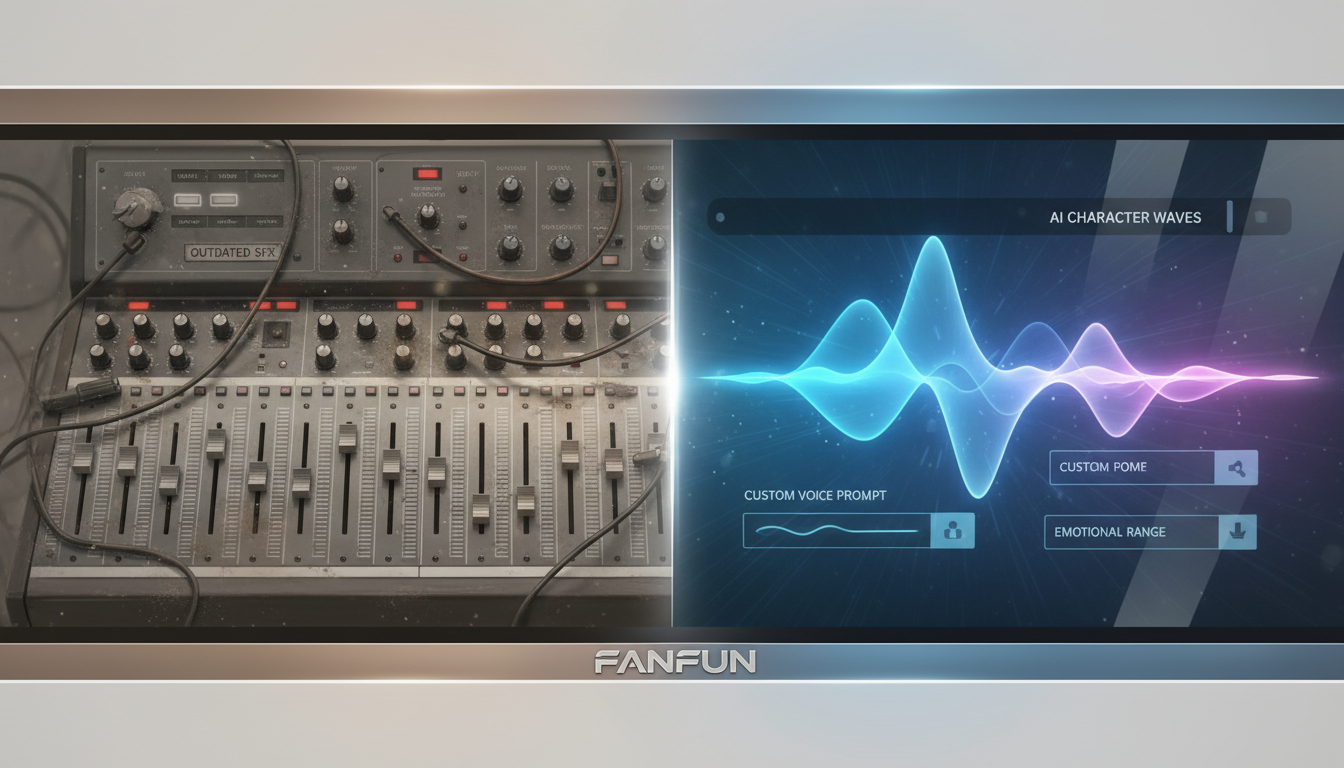
This transition from passive soundboard consumption to active, real-time audio creation is crucial for staying ahead of fast-moving internet trends. To master this shift, check out our guide on directing an AI meme video generator for real-time culture. By using generative audio, you are no longer limited by what exists on a static soundboard; you can create the exact spoken punchline, reaction, or commentary your video needs in minutes.
The Anatomy of a Custom Meme Sound: Scripting for Comedic Timing
Writing audio for memes is fundamentally different from writing standard voiceovers. You are not trying to convey complex information; you are trying to trigger an immediate emotional or comedic reaction. To achieve this, your custom sound scripts must follow strict rules of timing and structure.
The Golden Rule of Contrast
Comedy thrives on incongruity. One of the most effective ways to script a custom meme sound is to pair a high-energy, chaotic visual with a deadpan, monotone character voice—or vice-versa. For example, if your video shows a catastrophic video game failure or a dramatic kitchen fail, do not use a standard screaming sound effect. Instead, generate a highly formal, incredibly calm voice saying something simple like: "That went precisely as planned." The contrast between the visual chaos and the calm audio delivery creates instant comedic tension.
Selecting Your Character Persona
The right voice turns a decent joke into an unforgettable meme. Using Fanfun’s extensive library of licensed and original AI personas, you can select a voice that carries built-in cultural context. For instance, pairing a motivational sports legend's voice with a completely mundane activity—like successfully parallel parking—instantly elevates the humor. The audience already associates that voice with high-stakes intensity, making the mundane application hilarious.
The Art of the Micro-Delivery: Pacing, Pauses, and Inflection
When generating custom meme sounds, you cannot rely on a flat, robotic delivery. Comedic timing is measured in milliseconds. Fortunately, modern AI voice generators can be directed with incredible precision if you know how to manipulate the text input.
To force natural pauses and dramatic tension, utilize strategic punctuation. Commas create brief, natural hesitations, while ellipses (...) establish suspenseful build-ups. A question mark at the end of a sentence changes the pitch trajectory of the final word, which is perfect for creating confused or skeptical reactions. For example, typing "Wait... what?" generates a completely different comedic energy than "Wait, what."
Additionally, do not be afraid to use phonetic spelling to force the AI to emphasize specific syllables. If you want a voice to sound overly dramatic or drawl out a word, spell it phonetically (e.g., using "nooooo" or "ex-CUSE me"). Finally, to capture that classic, low-quality internet aesthetic, you can apply intentional "lo-fi" distortion in post-production. A slight bitcrusher or high-pass filter in your editing software can make a clean AI voice sound like it was recorded on a 2008 webcam, instantly giving it authentic meme credibility.
The Creator's Toolkit: Static Soundboards vs. AI Meme Sound Generators
To understand why top-tier editors are moving away from traditional soundboards, it is helpful to look at how these tools stack up against modern, generative AI solutions. While static soundboards are easy to use, they limit your creative freedom and carry significant copyright risks.
| Feature | Static Soundboards | AI Meme Sound Generators (Fanfun) |
|---|---|---|
| Customization | None (Pre-recorded files only) | Infinite (Type any script instantly) |
| Speed to Create | Fast, but limited to existing options | Instantaneous custom generation |
| Copyright Safety | High risk of muted videos/strikes | Royalty-friendly, original generations |
| Audience Engagement | Low (Oversaturated cliches) | High (Tailored, context-specific humor) |
Using copyrighted audio clips from movies, TV shows, or popular songs can lead to your videos being muted, shadowbanned, or demonetized. Fanfun bridges this gap by allowing you to generate original, royalty-friendly character lines and sound bites instantly. You get the cultural impact of highly recognizable voice archetypes without the risk of copyright strikes, giving you the freedom to scale your content across all major platforms.
Step-by-Step: How to Generate and Layer Custom Meme Audio in Your NLE
Once you have conceptualized your custom meme sound, the next step is bringing it into your Non-Linear Editor (NLE) like CapCut, Premiere Pro, or DaVinci Resolve. To get the highest quality output, start by exporting a clean WAV file from Fanfun’s AI Voice Generator. For a deeper look at managing these assets, read our guide on directing an AI character video generator for high-engagement content.
Once you have your clean vocal track, use the "Meme Layering" technique to maximize its impact. This involves placing your custom AI voice line directly over a subtle, well-timed sound effect. For example, place your character's deadpan punchline exactly one frame after a sudden bass drop or a record scratch. This visual and auditory alignment signals to the viewer's brain that a punchline has arrived, boosting the comedic delivery.
To ensure your custom sound is heard clearly, master the art of audio ducking. When your custom meme sound plays, your background music should immediately dip by 6 to 10 decibels, then quickly ramp back up once the line is finished. In Premiere Pro or CapCut, you can automate this using the "Essential Sound" panel or keyframes. Keeping the dialogue crisp and perfectly balanced against your background track ensures the comedic timing is never lost in a muddy audio mix.
Three High-Impact Meme Audio Frameworks to Try in Your Next Edit
Ready to start generating your own custom audio assets? Here are three proven, high-impact frameworks you can implement in your next video edit using Fanfun's character voices:
1. The "Out-of-Context Narrator"
Take chaotic, fast-paced footage—like a chaotic multiplayer gaming session or a disastrous DIY project—and layer a highly formal, documentary-style narrator voice over it. The narrator should describe the ridiculous events on screen with absolute gravity, as if documenting a rare wildlife phenomenon. This stark contrast turns chaotic footage into a sophisticated comedic sketch.
2. The "Fictional Hype Man"
When celebrating a minor, everyday achievement in your vlog or tutorial (like successfully boiling an egg or finding a parking spot), generate an over-the-top, enthusiastic reaction from an iconic character archetype. Having a legendary warrior or a dramatic anime protagonist scream in triumph over a tiny victory is an instant engagement winner.
3. The "Internal Monologue Roast"
Give a voice to a silent participant in your video, such as a pet, an inanimate object, or even your own internal thoughts. Script a short, brutal roast that calls out the main action of the video. To make these roasts land perfectly, learn how to script an AI roast video generator for maximum comic impact. This framework keeps viewers hooked because they want to hear what the "silent" critic will say next.
How do I make my own meme sound effect?
To make your own custom meme sound effect, write a short, punchy script (under three seconds) and input it into Fanfun's AI Voice Generator. Choose a character voice that matches the tone of your video, generate the audio, and download the clean WAV file to import directly into your video editing software.
Are AI-generated meme sounds safe from copyright strikes on TikTok and YouTube?
Yes! Because you are generating original dialogue and audio files rather than ripping copyrighted clips from movies or television shows, AI-generated custom sounds are incredibly safe. They allow you to capture the essence of iconic characters and cultural archetypes without triggering automated copyright filters.
What is the best free meme sound generator for video editing?
While traditional soundboards offer free, static sound clips, the best tool for generating custom, context-specific meme audio is Fanfun. It allows you to create original, high-quality character voice lines instantly, giving you complete creative control over your video's sound design.
How do I make an AI voice sound like a classic low-quality meme?
To get that nostalgic, low-quality internet aesthetic, import your clean AI-generated voice into your video editor and apply a high-pass filter or a bitcrusher effect. This cuts out the low frequencies and mimics the compressed, gritty sound of early viral internet videos.



