
How to Write a Virtual Retro Astronaut Script for an AI Birthday Video Message
Want to send a birthday greeting that feels like a vintage deep-space transmission? Use this editable 30-second retro astronaut script template to create a charming, nostalgic AI video message.

Writing a virtual retro astronaut birthday script is an excellent way to create a memorable, space-themed greeting using AI voice and video tools. By leaning into vintage mid-century jargon and simulating 1960s radio static, you can turn the natural, slightly synthetic quirks of AI-generated voices into an authentic-sounding deep-space transmission. To keep your video punchy and easy to generate, target a script length of 55 to 65 words, which translates to roughly 30 seconds of spoken audio.
The Secret to a Perfect Retro Astronaut AI Video Script
A retro astronaut theme relies on the iconic, stylized language of the mid-century space race. Think of mission control terminology, analog dials, and dramatic radio transmission tropes. While some AI voice generators can sound slightly synthetic, a retro sci-fi aesthetic actually uses this to your advantage. The minor digital imperfections and metallic tones of an AI voice naturally sound like genuine 1960s radio static and long-distance space transmission crackle.
To make the video feel authentic, keep your script under 30 seconds. On platforms like Fanfun, one video credit covers up to 30 seconds of speech, which is the perfect runtime for a high-impact, memorable birthday greeting. If a cosmic adventure does not quite fit your recipient's personality, you can try other historical or high-concept themes, such as writing a medieval knight script or crafting a playful pirate birthday script.
The 30-Second Retro Astronaut Script Template
Use this customizable, copy-pasteable template to draft your space greeting. It includes bracketed placeholders for personalization and written sound cues to help pace the AI voice generator.
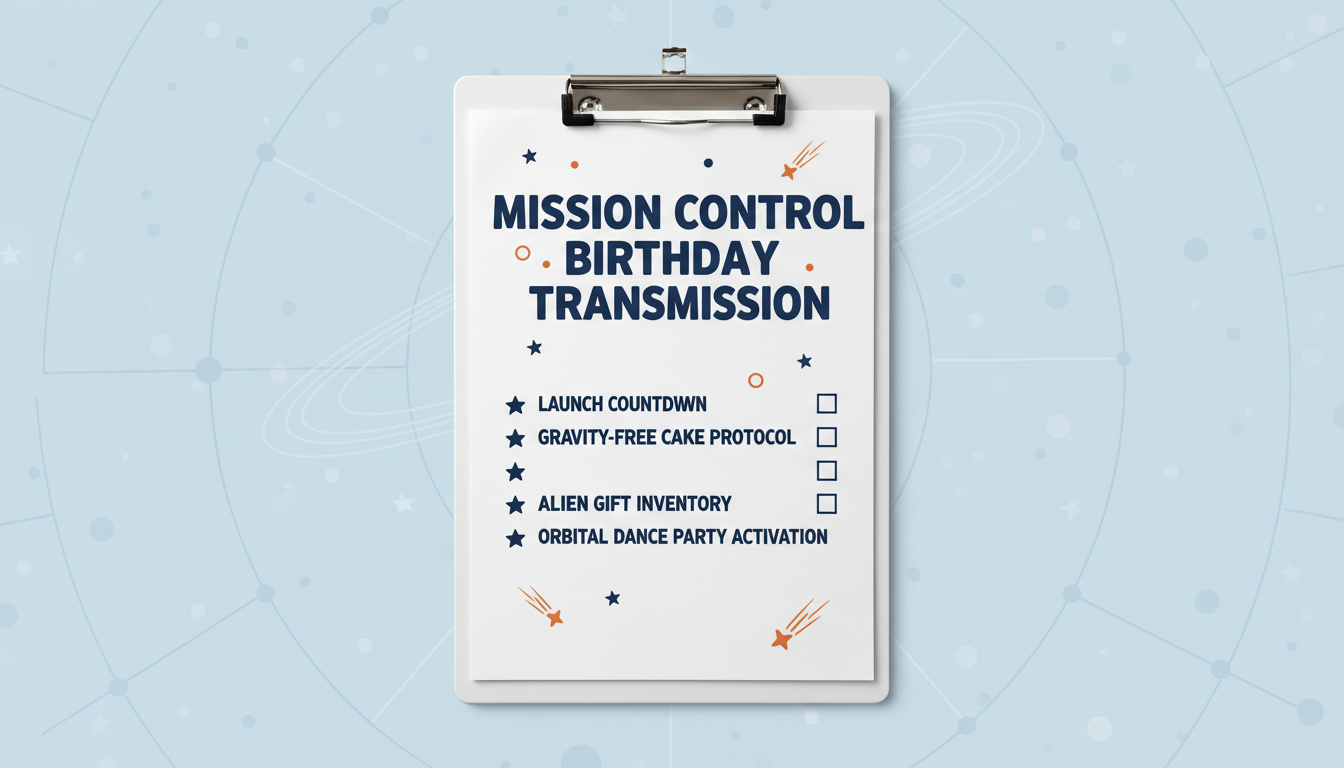
[crackle] Mission Control to [Name]. Do you copy? [beep] This is Commander [Astronaut Name] transmitting live from Orbit Sector [Number]. Happy [Age] birthday! Earth coordinates confirm you are celebrating in [Location]. My instruments indicate a critical level of [Inside Joke]. Keep your thrusters firing, space cadet. Have a stellar day. Over and out. [crackle]
This template is designed to run between 55 and 65 words, ensuring it fits comfortably within a single video credit. If you are tailoring this message for a major decade milestone, check out our milestone birthday script guidelines to help make the transmission feel even more monumental.
Worked Example: Commander Buzz's Orbit Transmission
Here is a fully completed example of how the template looks when customized for a recipient. This version uses ellipses and phonetic spacing to guide the AI's pacing and pronunciation.
[crackle] Mission Control to Dey-ve... Do you copy? [beep] This is Commander Buzz transmitting live from Orbit Sector Forty. Happy... four-zero... birthday! Earth coordinates confirm you are celebrating in See-attle. My instruments indicate a critical level of... leftover pizza consumption. Keep your thrusters firing, space cadet. Have a stellar day. Over and out. [crackle]
In this example, we have spelled "Dave" as "Dey-ve" and "Seattle" as "See-attle" to help the AI engine deliver a more natural pronunciation. The ellipses (...) create brief, dramatic pauses, simulating an astronaut adjusting their helmet or consulting analog instruments in the cockpit.
How to Format Your Space Script for AI Voice Generators
To get the best possible result from your virtual character generation, keep these formatting and post-production tips in mind:
- Use Phonetic Spellings: AI voice engines sometimes stumble on unusual names, acronyms, or space jargon. Spell them out phonetically (like "See-attle" or "four-zero" instead of "40") to prevent awkward mispronunciations.
- Keep Sentences Short: Short, declarative commands fit the military-style astronaut persona perfectly. Avoid long, winding sentences that might cause the AI voice to run out of natural breath pauses.
- Contrast Your Pacing: Unlike the high-speed, high-energy delivery you would write for a virtual fitness coach outline, an astronaut transmission should feel measured, steady, and slightly detached. Use punctuation to slow the delivery down.
- Generate a Voice Note: Before finalizing your video, you can generate a short voice note on Fanfun. This lets you hear how the pacing, phonetic spellings, and sound cues flow together before you create the final video gift.
How long should an AI astronaut birthday script be?
To fit within a single video credit on Fanfun (which covers up to 30 seconds of speech), keep your script between 55 and 65 words. While you can generate longer scripts by using more credits, a 30-second message allows the AI character to speak at a natural, measured pace without rushing through the transmission.
Do I need to add my own static sound effects to the video?
Writing text cues like "[beep]" or "[crackle]" helps guide the voice pacing. Depending on the video template you choose, you can also add your own background ambient noise in post-production to complete the vintage sci-fi feel.
What should I do if the AI voice mispronounces my friend's name?
Simply rewrite the name phonetically in your script. For example, if the name is "Sean," write it as "Shawn." If the name is "Alicia," try "Uh-leesh-uh." Testing different phonetic spellings is a great way to catch and correct these minor pronunciation issues.



