
How to Use AI Voiceover Tools to Prototype Indie Game Dialogue
Stop using flat, robotic text-to-speech for your game playtests. Learn how to build a high-fidelity dialogue prototyping workflow using expressive digital voiceover tools to refine pacing, chemistry, and narrative flow early in development.
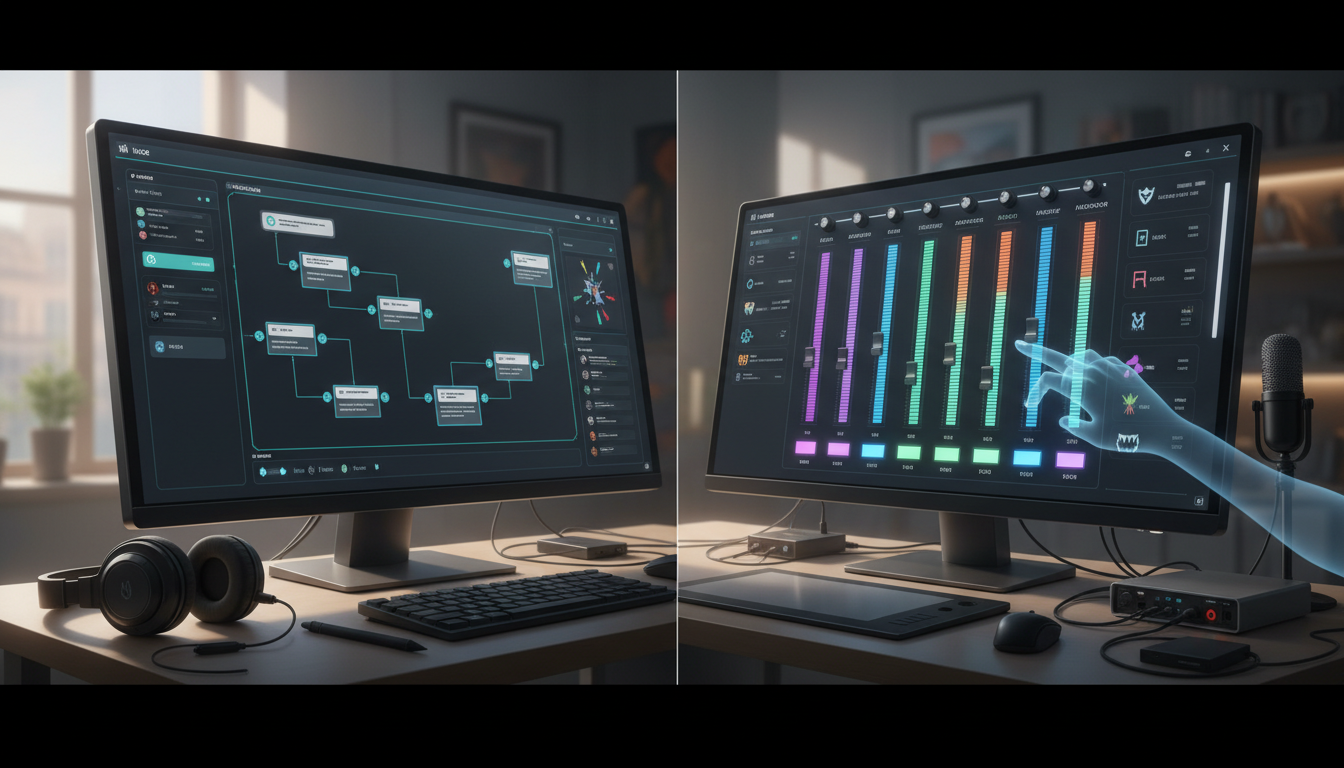
Using AI voiceover tools to prototype indie game dialogue involves generating expressive, character-specific scratch tracks to test narrative pacing, comedic timing, and scene flow directly inside your game engine before hiring professional actors. By replacing flat, robotic text-to-speech (TTS) with nuanced digital voices during playtests, developers can identify pacing bottlenecks and script issues early in the pipeline. However, because synthetic voices are best used as an active design sandbox, these prototype tracks should serve as 'audio animatics' for your eventual human cast rather than final commercial assets, unless you hold explicit, verified commercial-use rights for the generated voices.
The Scratch-Track Bottleneck: Why Flat Text-to-Speech Fails Game Prototyping
During early game playtests, narrative design often takes a back seat to mechanical testing. When developers rely on flat, robotic text-to-speech placeholders, they build a clinical environment that actively pulls playtesters out of the experience. A line like "Watch out, the bridge is collapsing!" delivered in a monotone drone completely fails to convey urgency. As a result, it is nearly impossible to judge if a scene's dramatic tension, comedic timing, or emotional weight actually lands.
High-fidelity scratch tracks solve this bottleneck. By utilizing expressive, stylized digital voices early in development, you can evaluate character dynamics and dialogue pacing long before booking expensive studio time. Prototyping with realistic pacing helps identify script issues—such as over-long monologues that slow down an action sequence—saving thousands of dollars in rewrite and re-recording costs. Understanding how to choose and direct digital voiceover tools is essential to keeping your playtests engaging and representative of the final product.
To see how these options compare during development, consider the following trade-offs:
| Prototyping Method | Pros | Cons | Best Use Case |
|---|---|---|---|
| Standard Robotic TTS | Instant, free, built into many operating systems. | Zero emotional range; ruins playtest immersion; fails to test timing. | Basic system alerts or debugging text triggers. |
| High-Fidelity AI Voiceover | Expressive, customizable, instant generation, highly scalable. | Requires minor formatting; licensing limitations for commercial release. | Playtests, vertical slices, narrative pacing design, and audio animatics. |
| Professional Voice Actors | Unmatched emotional nuance, unique creative choices, fully licensed. | High cost, scheduling delays, expensive to re-record script changes. | Final production, promotional trailers, and gold master builds. |
A Step-by-Step Workflow for Prototyping Dialogue with Digital Voice Tools
To build an efficient dialogue pipeline, you need a repeatable workflow that moves your script from a text editor into your game engine with minimal friction.
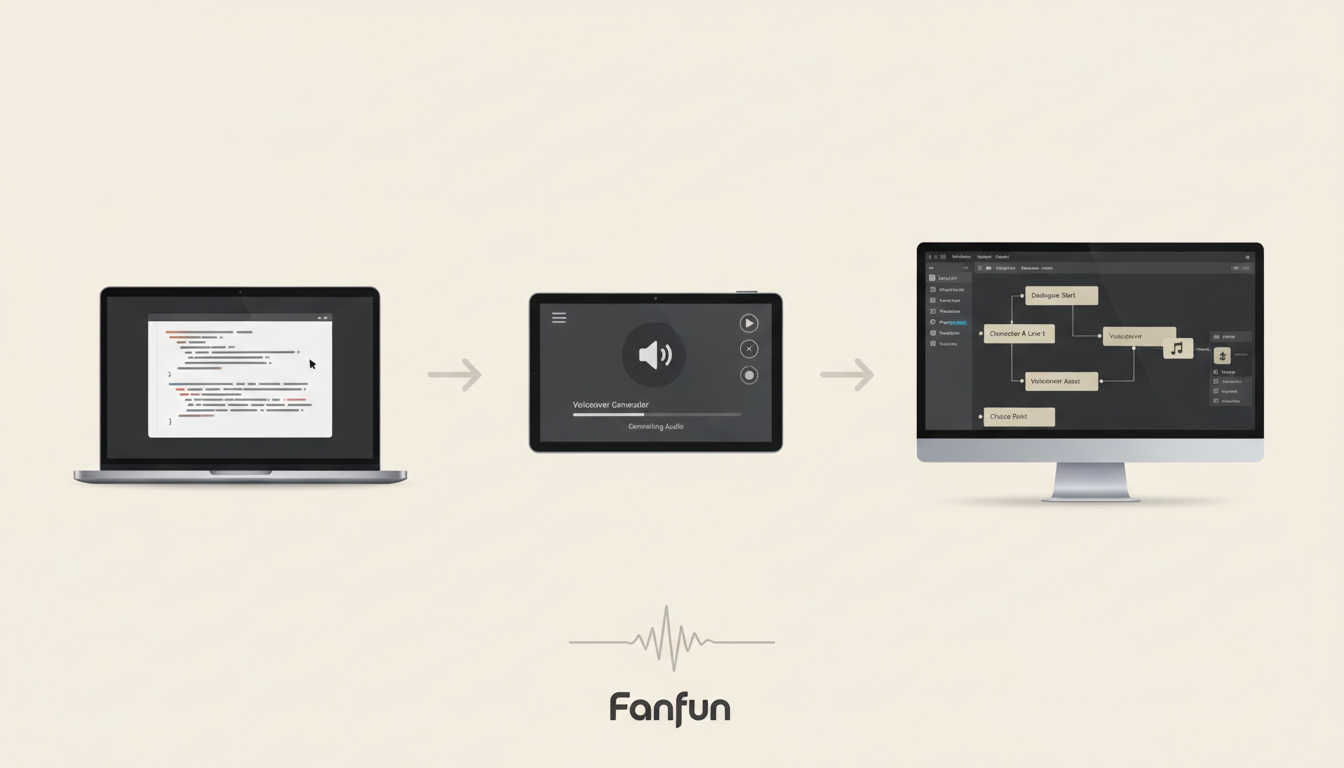
Step 1: Format Your Script for Synthetic Engines
Digital voice engines read text literally, which means they can stumble on specialized game terminology, fantasy names, or technical jargon. When preparing your script, use phonetic spelling for complex words. For example, if a character is named "Xanthe," write it as "Zan-thee" in your generator prompt. Additionally, break up long paragraphs into distinct dialogue blocks that match your game's subtitle triggers or node-based conversation trees (like Yarn Spinner or Ink).
Step 2: Select Matching Character Profiles
Choose voice profiles that closely match your character concepts. While dedicated developer tools are used to export raw audio files, creative platforms like Fanfun demonstrate the power of highly expressive, character-first generation. Fanfun lets creators generate custom AI videos in minutes, which is highly useful for storyboarding character dynamics, pitching concepts to a team, or creating early promotional teasers for social media. By observing how highly stylized personalities bounce off each other in a video format, you can refine your character concepts before diving into deep technical integration.
Step 3: Direct the Synthetic Voices
Do not simply paste text and accept the first output. You can direct digital voices by manipulating punctuation and using targeted formatting. Use ellipses (...) to force dramatic pauses, capitalize words to suggest emphasis, or add descriptive emotional prompts. For a detailed breakdown on coaxing genuine performance out of synthetic assets, read our guide on directing an AI voice generator for video game characters.
Step 4: Export and Integrate into Your Engine
When utilizing developer-focused voice generation tools, you will typically export your generated dialogue as individual audio files (such as WAV or MP3 format) named according to a consistent naming convention (e.g., VO_Quest01_NPC_01.wav). Import these assets into your engine of choice, such as Unity or Unreal Engine, and link them to your subtitle and trigger systems. If you want to layer your dialogue with background elements to test the overall soundscape, check out our tips on designing custom character audio tracks.
Transitioning from Prototype to Production: The Voice Actor Handoff
Once your playtests are successful and your script is locked, it is time to transition to professional human voice actors. Your prototype tracks are not wasted; they now become one of your most valuable production assets.
Treat your refined prototype tracks as "audio animatics." When you book studio time or hire remote voice talent, provide the actors with both the raw script and your prototype audio files. This gives the actors an immediate, intuitive sense of the desired pacing, rhythm, and emotional arc of each scene. They can hear exactly how much space they have to deliver a line before an in-game event triggers, or how quickly they need to cut off another character during an argument.
When handing off these assets, use this checklist to guide your session:
- Define Timing Constraints: Clearly mark lines that must match the prototype's exact duration to prevent breaking in-game camera cuts or hard-coded animations.
- Encourage Creative Freedom: Instruct actors that the prototype is a baseline for timing and intent, but they should bring their own unique emotional interpretation, physical gasps, sighs, and character quirks to the performance.
- Keep Boundaries Clear: Unless you have verified commercial-use rights for the digital assets, keep prototype tracks strictly limited to internal development and playtesting phases. Protect your project by ensuring all public-facing builds feature fully cleared, original human performances.
Should I use prototype AI voices in the final commercial release of my indie game?
Generally, no. Prototype voices are ideal for testing pacing, timing, and narrative flow during development. However, unless you hold explicit, verified commercial-use licenses for those specific digital voices, using them in a commercial release can lead to legal complications. Transitioning to professional voice actors ensures your game has original, fully cleared, and highly nuanced performances that elevate the final product.
How do I handle timing and pacing adjustments for localized dialogue during the prototyping phase?
When prototyping for multiple languages, generate scratch tracks using localized text to measure how much "text expansion" occurs. Languages like German or French often require more words—and therefore more time—to convey the same message as English. Prototyping these early helps you adjust your UI text boxes and dialogue triggers before final audio production begins.



