
How to Write Phonetic Spellings for Irish Names in AI Voice Generators
Struggling to get AI voice generators to pronounce traditional Irish names correctly? Use our simple phonetic cheat sheet and 3-step translation framework to help your synthetic scripts sound natural and respectful.
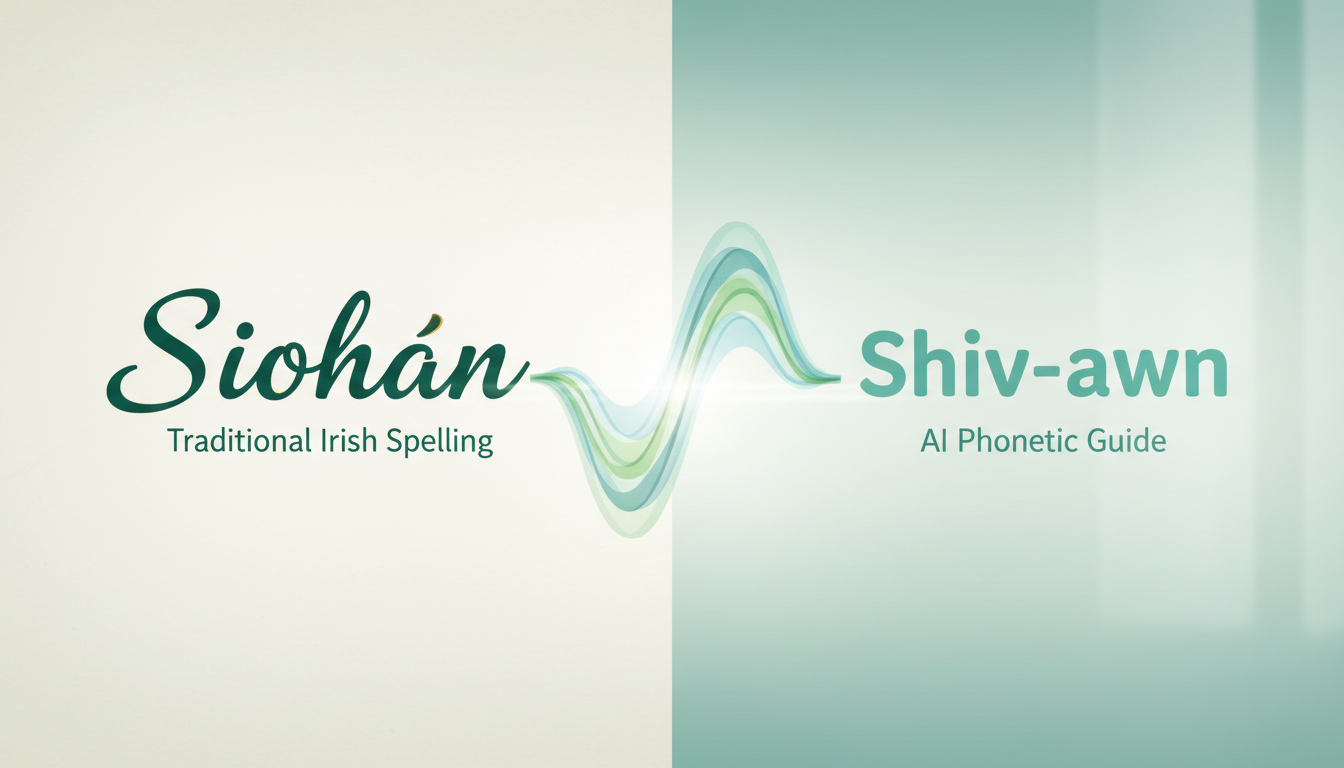
To get AI voice generators to pronounce traditional Irish names correctly, you can replace their standard orthography with English phonetic equivalents in your script. Because many synthetic voice engines are optimized for standard English spelling, they may struggle with traditional Irish spelling patterns. Rewriting "Siobhán" as "Shiv-awn" or "Caoimhe" as "Kee-va" helps guide the pronunciation, ensuring your custom video messages sound natural and respectful.
The Irish Pronunciation Gap in Synthetic Speech
Irish orthography is incredibly rich, systematic, and historic. However, its phonetic rules are entirely distinct from English. If you type "Siobhán" into an AI script editor, the engine may read it literally as "Sigh-ob-han" if it is optimized for standard English phonics.
To bypass this limitation, you can use phonetic spelling. By translating Irish names into phonetic English equivalents, you guide the voice generator's text-to-speech engine to produce the correct pronunciation. For a deeper look at how synthetic engines process custom text inputs, check out our guide on phonetic spelling for synthetic AI voices. Getting these names right is especially important when using Fanfun to create custom video messages for friends. Whether you are sending a playful roast or a warm birthday greeting, pronouncing your friend's name correctly keeps the experience feeling personal, natural, and respectful.
AI Phonetic Cheat Sheet for Common Irish Names
When writing scripts for your synthetic characters, you can use this quick-reference cheat sheet for some of the most common traditional Irish names. These phonetic spellings are designed to help standard AI voice models pronounce traditional names more accurately.
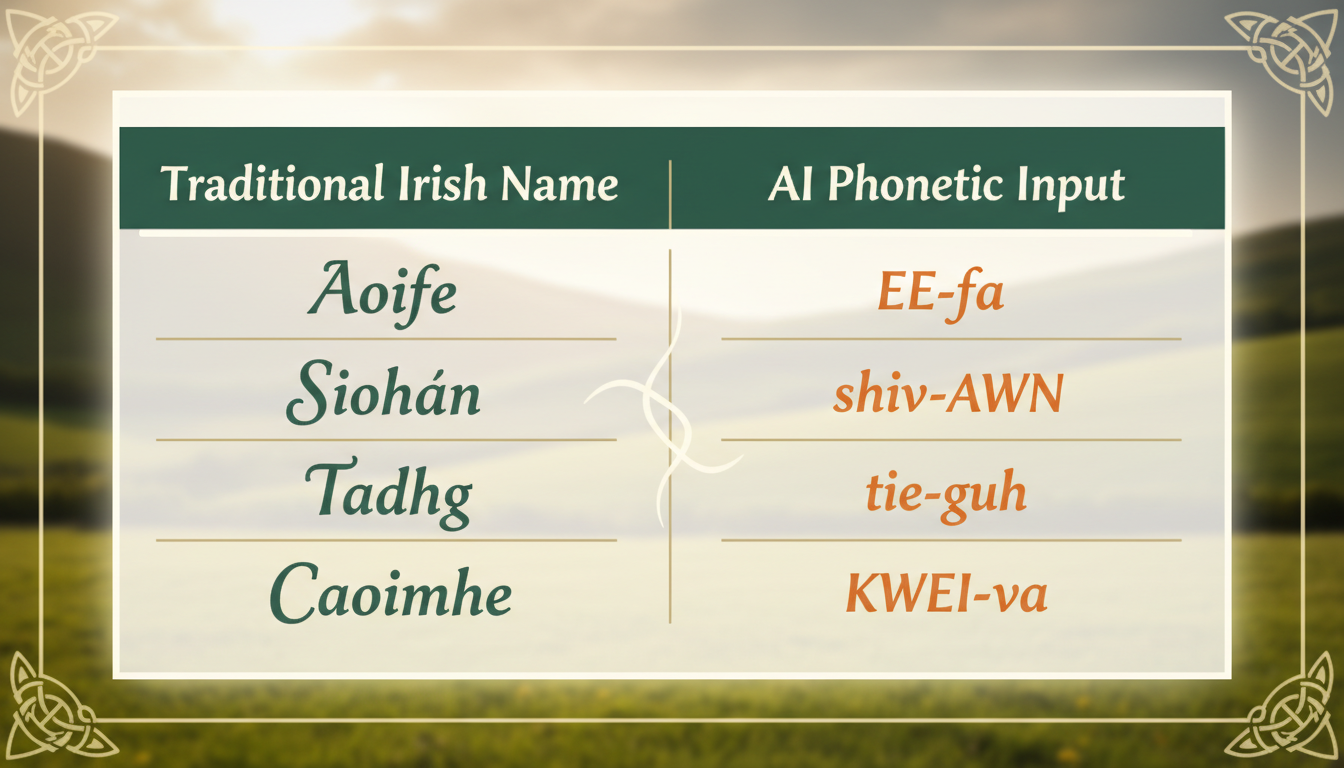
| Traditional Name | Gender Preference (Typical) | Target Pronunciation | AI-Friendly Phonetic Spelling |
|---|---|---|---|
| Caoimhe | Feminine | Kee-va | Kee-va |
| Siobhán | Feminine | Shiv-awn | Shiv-awn |
| Aoife | Feminine | Ee-fa | Ee-fa |
| Saoirse | Feminine | Seer-sha | Seer-sha (or Sair-sha) |
| Niamh | Feminine | Neev | Neev |
| Róisín | Feminine | Row-sheen | Row-sheen |
| Tadhg | Masculine | Tyge (rhymes with tiger) | Tyge |
| Oisín | Masculine | Ush-een | Ush-een |
| Cian | Masculine | Kee-an | Kee-an |
| Ruairí | Masculine | Rory | Rory |
| Diarmuid | Masculine | Deer-mid | Deer-mid |
Keep in mind that regional dialects in Ireland can influence pronunciation. For instance, the name "Saoirse" might be pronounced "Seer-sha" in some parts of the country, while others pronounce it closer to "Sair-sha." If your target recipient prefers a specific regional variation, simply tweak the phonetic spelling to match their preference. This practice of adapting spelling to guide synthetic pronunciation is very similar to how creators handle non-English scripts in other languages, such as using phonetic spelling for French names to avoid robotic mispronunciations.
A 3-Step Framework for Phoneticizing Any Irish Name
If the name you need to spell isn't on the cheat sheet, you can easily translate it yourself using this simple three-step framework.
Step 1: Syllable Breakdown
First, say the name out loud and break it down into its distinct spoken beats (syllables). For example, the name "Donnacha" breaks down into three distinct syllables: "Dun-uh-kuh."
Step 2: Sound Substitution
Replace the traditional Irish letter combinations with English-based phonetic equivalents that are easier for standard AI engines to interpret. Use simple, unambiguous letter groupings. Here is a quick reference for common substitutions:
- "bh" or "mh" → Use "v" or "w" (e.g., Niamh becomes Neev).
- "aoi" → Use "ee" (e.g., Aoife becomes Ee-fa).
- "dh" or "gh" at the end of a syllable → Often silent or sound like "y" (e.g., Tadhg becomes Tyge).
- "sh" sounds from "s" → In Irish, "s" before "e" or "i" sounds like "sh" (e.g., Seán becomes Shawn).
Step 3: Stress Testing and Preview
Type your phonetic spelling into your AI voice generator and run a quick preview. Listen closely to where the engine places the emphasis. If the voice sounds unnatural or places stress on the wrong syllable, adjust the spelling. For instance, if "Ush-een" sounds too flat, you might try spelling it "Ush-EEN" or adding a hyphen to separate the syllables more clearly.
Fine-Tuning Pacing, Emphasis, and Flow
Once you have the phonetic spelling of the name down, you need to make sure it blends seamlessly into the rest of your script. Sometimes, an AI voice will rush through phonetic words or sound choppy when transitioning back to standard English text.
To prevent this, use strategically placed punctuation. Adding a comma immediately before or after a name can give the voice engine a brief moment to breathe, making the delivery sound much more natural. For example, writing "Hey, Shiv-awn, look at this!" instead of "Hey Shiv-awn look at this" introduces natural phrasing. If you find the voice engine is still struggling with pacing, you can apply advanced scripting techniques like fixing unnatural AI voice emphasis through targeted punctuation hacks. Additionally, pay close attention to the transition words immediately preceding the phonetic name; ensuring smooth transitions will keep your custom Fanfun video messages sounding polished, high-quality, and natural.
Do accents and fadas (like á or ó) help AI voice generators pronounce Irish names?
Generally, no. Most standard English-trained AI voice generators do not recognize Irish fadas (acute accents) and will either ignore them completely or misinterpret them, leading to robotic glitching or incorrect vowel sounds. It is always safer to strip out the accents and write the name phonetically using standard English characters.
How do I handle Irish surnames that start with O' or Mac in a text-to-speech script?
For surnames starting with "Mac" or "Mc," standard AI voice models often handle them reasonably well. However, for surnames starting with "O'," the apostrophe can sometimes cause the AI to pause awkwardly or mispronounce the prefix. To fix this, try removing the apostrophe and spelling it phonetically, such as "Oh-con-ner" instead of "O'Connor."
Will phonetic spellings affect how the text looks in my script editor?
Yes. When writing scripts for platforms like Fanfun, you will need to type the phonetic spelling (like "Shiv-awn") directly into the script box. While this looks different on screen during the creation process, it is a highly effective way to help the voice engine pronounce the name correctly in the final video.



