
How to Use Line Breaks to Control AI Speech Rhythm and Pause Timing
Tired of AI voiceovers rushing through your best lines? Learn how to use single and double line breaks as physical stage directions to control speech rhythm, timing, and dramatic pauses naturally.
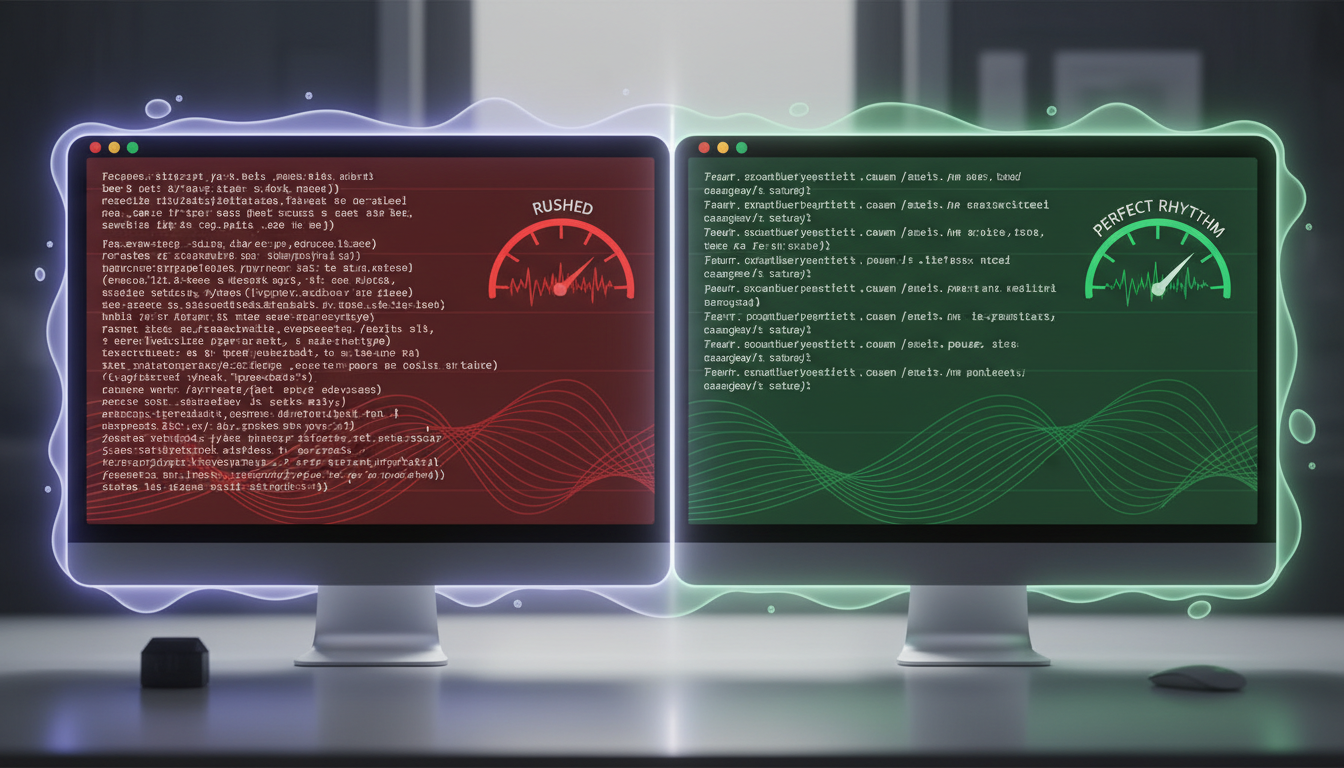
To control AI speech rhythm and encourage natural pauses without editing audio files, you can use strategic line breaks and paragraph spacing directly inside your text script. While standard punctuation like commas and periods provides minor pauses, a single line break (Shift + Enter) can help force a mid-sentence pause, and a double line break (a full paragraph return) can create a more dramatic or comedic pause. This formatting acts as a visual stage direction that many modern text-to-speech systems interpret as physical breathing room for virtual characters.
Why AI Voices Rush (And the Magic of the Visual Pause)
AI speech engines process text sequentially, meaning they focus on translating characters into sounds without automatically anticipating the natural rhythm, comedic timing, or dramatic weight of a human speaker. While punctuation like commas and periods helps, voice generators frequently breeze past them to maintain a continuous, unbroken stream of audio. When creating custom video messages from virtual characters on platforms like Fanfun, getting the pacing right is the absolute difference between a joke landing perfectly or falling completely flat. While specific platform capabilities vary, learning how to use line breaks as physical stage directions in your general scriptwriting workflow can help you plan and control the pacing of your virtual characters without relying solely on complex post-production editing.
The Line Break Cheat Sheet: Spacing vs. Pause Duration
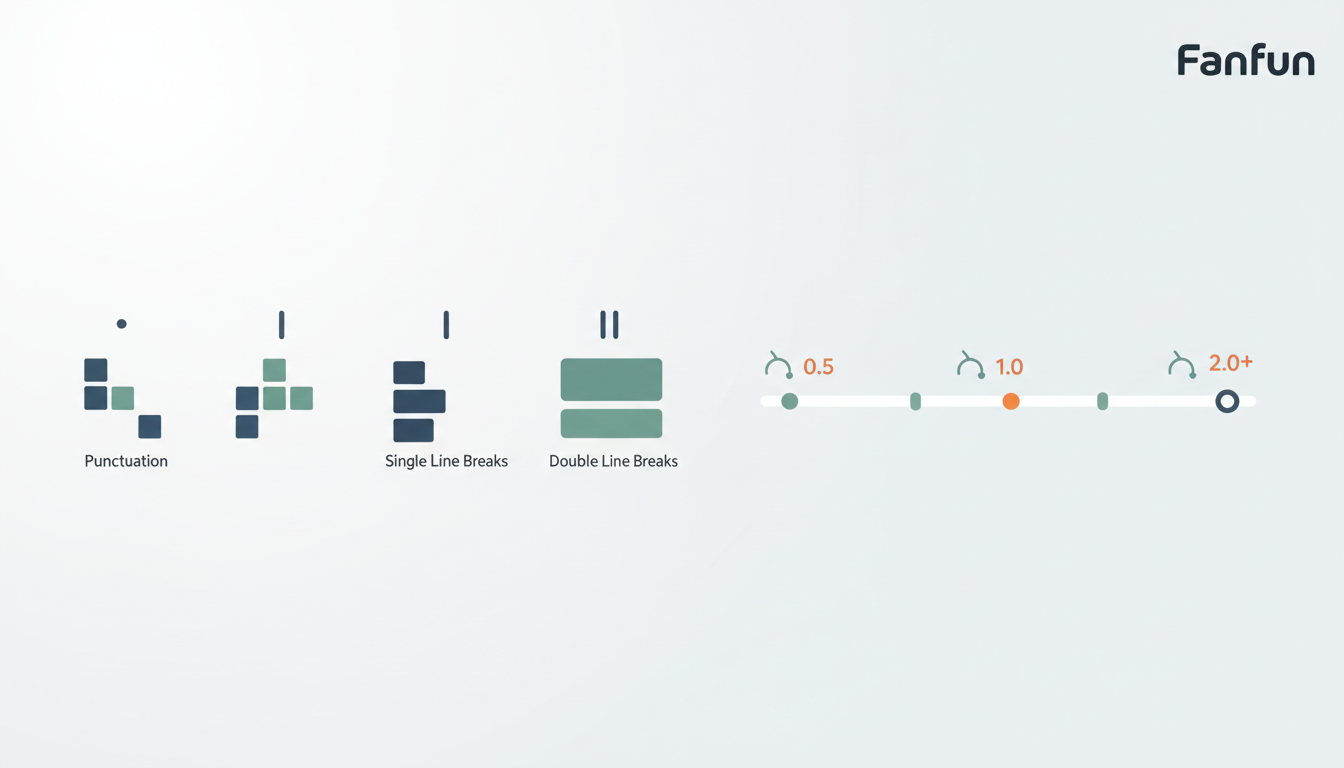
Different formatting choices translate directly into pause lengths. Use this comparison table to guide your script layouts:
| Formatting Input | Relative Pause Effect | Best Use Case |
|---|---|---|
| Comma (,) or Period (.) | Brief pause | Standard grammatical flow and minor breathing space. |
| Single Line Break (Shift + Enter) | Moderate pause | Mid-sentence resets, parenthetical thoughts, or natural pauses between phrases. |
| Double Line Break (Enter / Paragraph) | Longer pause | Dramatic reveals, punchline setups, and major transition gaps. |
| Ellipses (...) | Variable pause | Creating a trailing, hesitant, or fading vocal effect. |
While ellipses work well for a slow fade, they can sometimes cause the AI voice to pitch upward in a questioning tone. For clean, hard pauses where the voice maintains its natural pitch, line breaks are almost always the superior choice.
Practical Script Examples: Comedy, Drama, and Key Emphasis
To see how formatting transforms a performance, compare these script examples. Notice how the visual layout shifts the entire energy of the delivery.
The Comedy Roast
Unoptimized: "Happy birthday to my favorite brother! You are getting so old that your birth certificate is written in Roman numerals."
The Result: The AI rushes directly into the punchline, burying the joke before the listener can even process the setup.
Optimized:
"Happy birthday to my favorite brother!
You are getting so old...
That your birth certificate is written in Roman numerals."
The Result: The double line break creates a perfect "wait for it" moment, allowing the setup to breathe before delivering the punchline.
The Dramatic Reveal
Unoptimized: "I have a secret to tell you. We are going to Disneyland!"
Optimized:
"I have a secret to tell you.
We are going...
To Disneyland!"
Spacing out key words builds suspense and mimics the natural hesitation of an excited human speaker. For high-energy character styles, timing is even more critical. If you are crafting cartoon voiceovers, explore our guide on using cartoon text-to-speech for social media edits to see how character voices handle high-energy pacing. Similarly, if you want your energetic scripts to land with maximum impact, check out our strategic tips on Spongebob AI voice content strategy to understand how high-tempo personas demand deliberate spacing to prevent overlapping words.
Limitations: When Line Breaks Aren't Enough
While formatting is highly effective, no single trick works perfectly across every voice model. Some text-to-speech engines automatically strip out white space and collapse multiple line breaks into a single space. To ensure your custom message sounds exactly how you want, keep these best practices in mind:
- Test short snippets first: Before generating a full-length video message, run a sentence or two to see how that specific character voice handles your spacing.
- Use phonetic filler words: If an engine ignores line breaks, physically type out small conversational fillers like "oh," "well," "uh," or "um" to naturally pad the timing.
- Adjust spelling for emphasis: Stretching words (like writing "noooo" instead of "no") can force the model to drag out the sound, creating a natural deceleration.
If you need absolute control over the performance beyond text formatting, consider using an AI voice changer for fictional characters in your video projects to capture precise human inflections manually.
Do all AI voice generators support line breaks for pauses?
No, not all engines treat white space the same way. Some engines interpret line breaks as natural pauses, while others may strip out extra spacing entirely. It is always best to test a short line first to see how a specific voice model behaves.
How do I prevent an AI voice from sounding robotic when pausing?
Avoid placing pauses in unnatural parts of a sentence. Use single line breaks where a speaker would naturally take a breath (like after a clause) rather than breaking up individual words arbitrarily.
Can I use special characters like dashes or brackets to create pauses instead of line breaks?
Yes, many engines interpret double hyphens (--) or em-dashes as sudden pauses or self-interruptions. However, brackets containing directions like [pause] are often read aloud literally by the AI, so stick to standard punctuation and line breaks unless you know the engine supports SSML tags.



