
How to Chat with Virtual Stars: A Guide to Interactive AI Conversations
Move past boring, repetitive Q&As with AI personas. Discover how to use creative frameworks, context hooks, and simple troubleshooting tips to turn virtual star chats into dynamic, two-way creative collaborations.
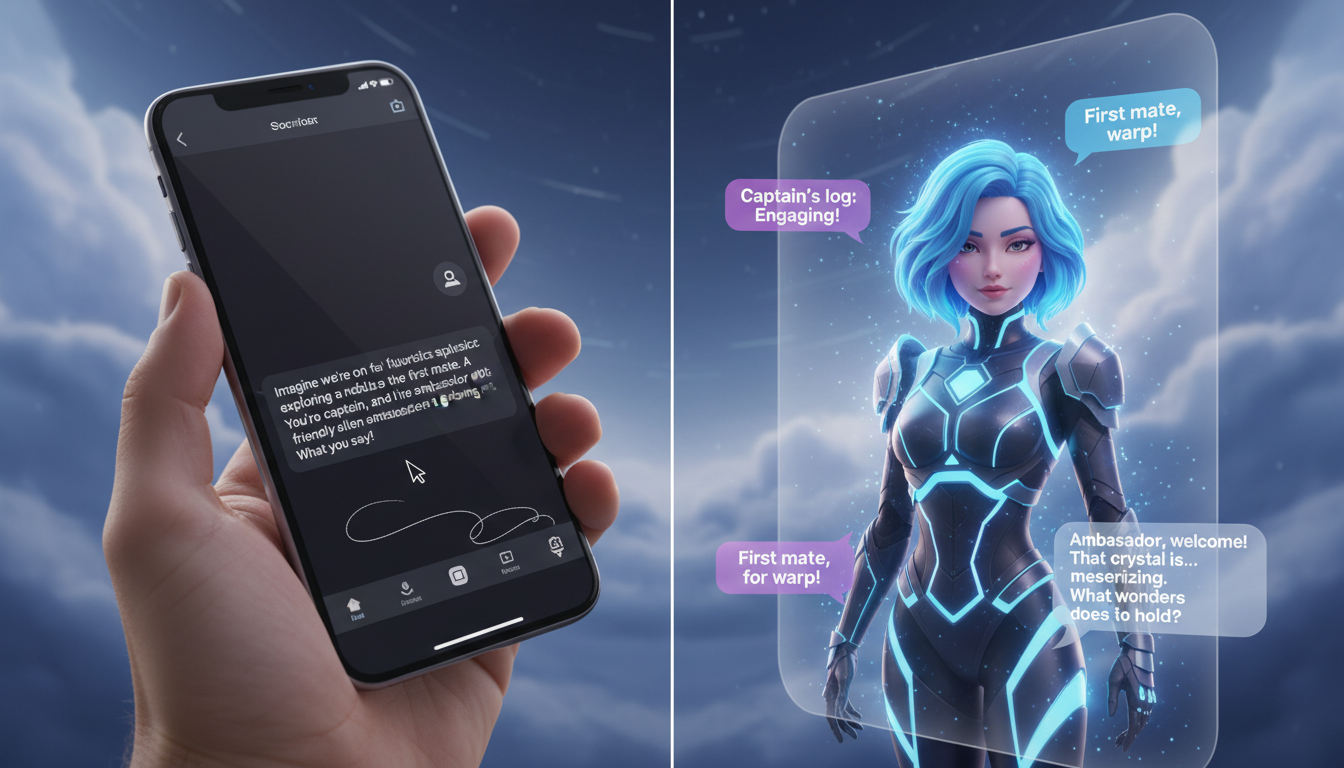
Interactive AI chat with virtual stars shifts fandom from passive consumption to active, two-way creative collaboration. By establishing a clear context hook and treating AI-generated personas as collaborative scene partners, you can co-write alternate storylines, run dialogue rehearsals, or trade quick-witted banter. To get the most out of these sessions, treat the AI as an active improviser rather than a search engine, while remembering that these interactions are AI-generated interpretations designed for creative entertainment, not direct real-world access to celebrities.
Moving from Passive Fandom to Active Collaboration
Traditional fan interactions have always been strictly one-way. Autographs, social media scrolling, and even pre-recorded video clips offer a static experience where the fan acts as an observer. Modern interactive AI chat platforms change this dynamic entirely, opening up a real-time, responsive sandbox where you become an active participant. Instead of just consuming content, you are co-creating it. For fans who want to take these creative concepts a step further, platforms like Fanfun allow you to turn your scripted ideas into fully realized custom AI videos.
When interacting with virtual stars on AI chat platforms, it is helpful to set realistic expectations. The virtual stars in these libraries are highly responsive AI-generated interpretations of popular personas. They are designed to match the voice, mannerisms, and typical dialogue styles of beloved cultural icons, athletes, and fictional characters. Approaching these sessions as a creative playground rather than a factual database allows you to unlock their full entertainment value.
The Setup: Launching an Immersive Chat Scenario
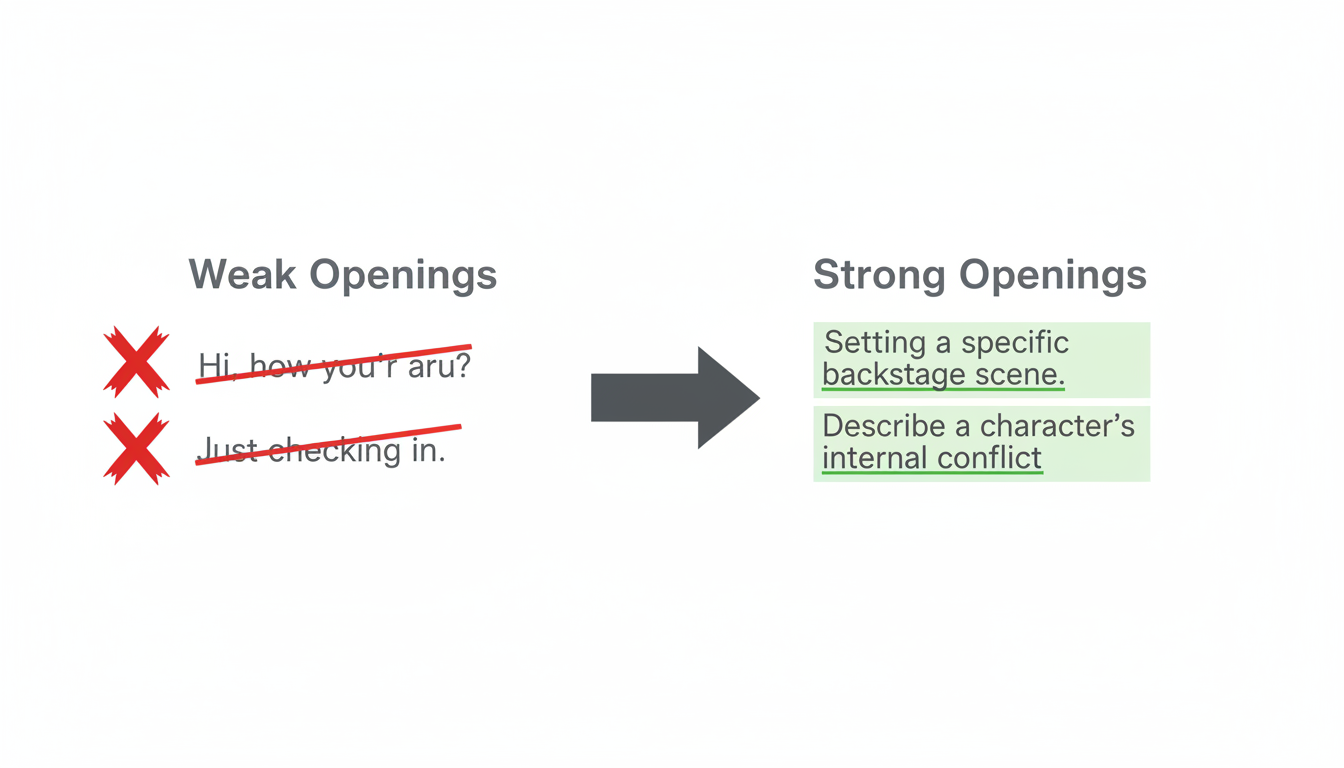
The biggest mistake users make when starting an AI chat is opening with a simple "hello" or asking a generic question like "what is your favorite movie?" This instantly defaults the AI into a dry, automated Q&A mode. To bypass this, you need to establish a strong setup right out of the gate.
First, choose your persona archetype based on your creative goals. If you are looking to build movie-themed scenarios, you can explore our comprehensive guide on chatting with virtual movie stars online. If you prefer stylized worlds, you can learn how to chat with virtual anime characters without breaking character.
Once you select your persona, use the Context Hook technique. In your very first message, establish three critical elements:
- The Setting: Where are you? (e.g., backstage, in a spaceship, at a press conference).
- The Relationship: Who are you to each other? (e.g., rival athletes, co-stars, detective partners).
- The Objective: What is happening right now? (e.g., preparing for a big game, escaping a villain).
The following table illustrates how a shift in your opening prompt changes the quality of the conversation:
| Weak Opening (Avoid) | Strong Hook (Recommended) |
|---|---|
| "Hey! Are you ready to talk to me?" | "*Adjusts microphone* We only have five minutes before the championship press conference starts. Are we going to tell them about our secret training strategy, or keep them guessing?" |
| "Can you tell me what it's like to be an action hero?" | "*Ducks behind a concrete barrier as sirens wail* I told you we shouldn't have taken the highway route. Pass me the map—what's our next move?" |
| "Hi, I am a big fan of your anime." | "*Unrolls the ancient scroll on the table* The village elders said you were the only one who could decode these symbols. What does the first line say?" |
Three Frameworks for Creative Scene Work
Once your scenario is established, keep the momentum going by using structured frameworks. These approaches prevent the conversation from devolving into repetitive loops and keep both you and the AI active in the scene.
1. The Scene Partner Framework
Use the AI as a sounding board to run acting exercises, practice comedic timing, or test original dialogue. This is highly valuable for content creators looking to draft scripts or sketch out ideas. To make this work, give the AI a clear role and react directly to its physical cues. You can read about using virtual characters as active scene partners to see how this dynamic keeps dialogue sharp and unpredictable.
2. The Co-Writer Framework
Treat the AI persona as a writing collaborator to build alternate realities, fan fiction, or "what-if" scenarios. Instead of writing the whole story yourself, prompt the AI to make decisions that impact the plot. For example, ask the character how they would have reacted if a major movie plot point had gone differently. To explore this approach in detail, discover how to co-write alternate timelines with virtual characters and map out unique narrative arcs.
3. The Banter Framework
If you prefer quick, lighthearted entertainment over long narratives, use the Banter Framework. This is perfect for playful roasts, mock interviews, or friendly rivalries. Keep your prompts short, punchy, and slightly challenging. For example, challenge an athletic persona to a virtual skills competition, or ask a sarcastic character to critique your fashion choices.
Troubleshooting: How to Keep the Conversation on Track
Even the best AI chat sessions can occasionally drift. The AI might break character, repeat a specific catchphrase too many times, or give a generic response. When this happens, you do not need to abandon the chat. Use these tactical adjustments to steer the conversation back on track:
- Use Parenthetical Directions: Guide the AI's tone and physical actions directly within your prompt. Adding formatting like *whispering*, *laughing*, or *looking serious* signals to the AI how it should frame its next response.
- Introduce a Narrative Shake-up: If the dialogue gets dry, inject an unexpected event. Typing *Suddenly, the lights flicker and go out* or *A loud knock sounds at the door* forces the AI to react to a brand-new variable.
- Correct the Frame Directly: If the AI forgets the established setting, gently remind it within the narrative rather than breaking character. For example, say: "Don't forget, we are still hiding in the supply closet, so keep your voice down."
If the conversation hits a complete dead end or the AI becomes thoroughly stuck in a repetitive loop, use this quick checklist to reset gracefully:
- Copy any favorite lines of dialogue you want to save for your creative projects.
- Refresh the chat session to clear the active memory.
- Re-enter your scenario using a fresh, high-energy Context Hook to start a brand-new narrative path.
How do I prevent the AI star from repeating the same phrases?
To break a repetitive loop, avoid repeating your previous question. Instead, introduce a sudden physical action or a brand-new topic in your next prompt (e.g., *drops coffee cup* "Wait, look out the window!"). This forces the AI to generate a response based on new context clues rather than recycling its previous output.
Can I export or save my interactive chat history?
While active chat sessions are designed for real-time play, you can easily copy and paste your favorite exchanges directly from the chat window into your personal script drafts, notes, or creative documents for future reference.
What is the difference between interactive AI chat and a Fanfun custom video message?
Interactive AI chat platforms focus on real-time, two-way text conversations where you can dynamically interact, roleplay, and co-write with a persona. In contrast, Fanfun specializes in generating high-quality, custom AI video messages based on a specific script you provide—perfect for sending personalized birthday wishes, roasts, or memes to friends.
