
Breaking the Interview Loop: How to Chat with Virtual Movie Characters as Active Scene Partners
Most fans treat virtual movie characters like interactive Wikipedia pages, asking them trivia they already know. Learn how to step into the role of a director and co-star to pull AI characters into living, breathing scenes.
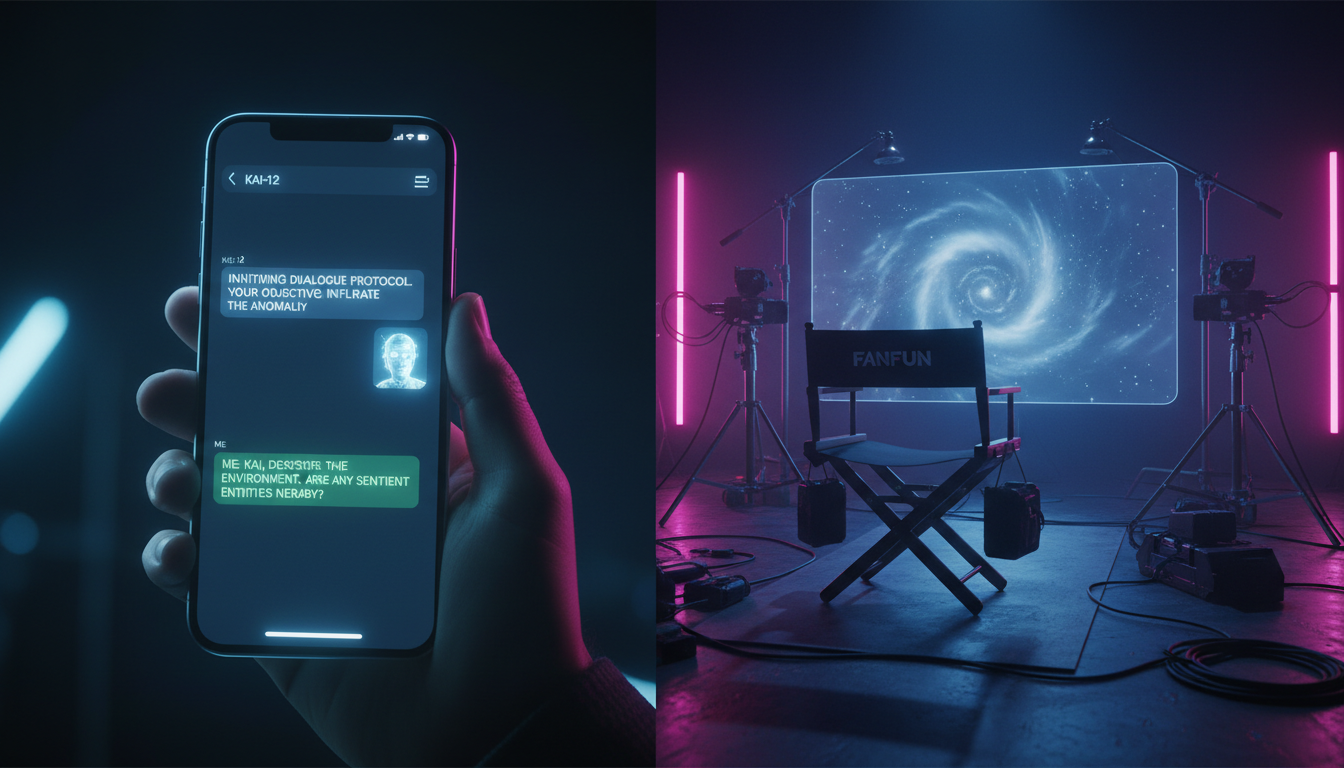
Most interactions with virtual movie characters start and end with a series of predictable, dry questions. We log on to a chat interface, find an iconic action hero or a brilliant detective, and immediately start grilling them on trivia we already know the answer to: "What is your favorite weapon?" or "Why did you betray your mentor in the second movie?"
This approach traps the AI in what developers call the "Interview Loop." To unlock the real magic of AI-driven narratives, you have to stop acting like a journalist on a press junket and start acting like a director and co-star. By shifting your approach from passive questioning to active scene-building, you can transform a robotic exchange into a living, breathing cinematic sequence.
Why Your Chats with Movie Characters Feel Like Wikipedia Pages (And How to Fix It)
When you treat an AI character like a search engine, it responds like one. It pulls from its training data to give you a factual, safe, and ultimately boring summary of its lore. This is what we call the "Interview Loop"—a repetitive cycle where the user asks a question, the AI provides an encyclopedic answer, and the narrative momentum grinds to a halt. The character has no room to express their personality because they are too busy acting as a customer service representative for their own franchise.
To break this cycle, you must shift your mindset from asking questions to establishing relationships. Instead of asking a legendary space smuggler how fast his ship is, you should start the chat by telling him that the hyperdrive is failing while an enemy cruiser closes in. This forces the AI to react to an immediate situation rather than recall a static fact. If you want to dive deeper into this shift, you can transition to our foundational guide on shifting from simple autographs to creative roleplay with virtual movie stars. By becoming a peer in the scene, you invite the character to play their role naturally.
The Three-Act Setup for Immersive Character Chats
The easiest way to prevent a chat from falling into flat Q&A is to establish a strong narrative foundation in your very first message. Instead of a simple "Hello," use a structured three-act setup to instantly hook the AI's attention and establish the rules of the scene.
The Scene, Stakes, and Catalyst Blueprint
To build an immersive scene from scratch, your opening message should always contain three distinct elements:
- The Scene (Physical Context): Where are you? What is the atmosphere? Detail the sensory elements—the smell of rain, the hum of a spaceship engine, or the dim lighting of a safehouse. This gives the AI physical objects and environmental cues to interact with.
- The Stakes (The Tension): Why does this moment matter? What happens if you fail? Setting immediate stakes prevents the conversation from drifting into casual, low-energy small talk.
- The Catalyst (The Action): What just happened that requires an immediate response? This is the spark that forces the character to speak or act right now.
For example, rather than starting a conversation with a wizard by saying, "Tell me about magic," try this: "We are huddled in the ruins of the library, rain dripping through the shattered ceiling. The sound of the dark lord's hounds echoes from the courtyard below. I press the torn spellbook into your hands and whisper, 'This is the last copy. What do we do?'"
This structure instantly forces the AI to adopt its designated persona, analyze the environment, and address the crisis. To explore this approach further, you can explore the detailed Screenplay Method for structuring your virtual character chats.
Textual Directing: How to Prompt Your Scene Partner
Once the scene is established, you must keep the momentum going. This is where "textual directing" comes in. Just as a film director guides actors with stage directions and subtext, you can use specific formatting techniques to guide your AI scene partner.
The most effective tool at your disposal is the use of asterisks or brackets to indicate actions, body language, and internal states. Writing *whispers under my breath while looking at the door* tells the AI that your character is anxious, prompting it to match that emotional frequency. You can also use system prompts within the chat to guide the AI's internal monologue, such as: [System note: The character is highly skeptical of my plan but too exhausted to argue].
To see this in action, let's compare a standard, interview-style interaction with a dynamic, scene-driven approach:
| The Interview Approach (Weak) | The Directing Approach (Dynamic) |
|---|---|
| User: "Why did you decide to join the rebellion?" | User: *slams the map onto the rusted table, pointing at the imperial base* "They took everything from us. If we don't strike tonight, there won't be a rebellion left to fight." |
| AI: "I joined the rebellion because I wanted to bring freedom to the galaxy and stop the empire's tyranny." | AI: *stares at the map, his jaw tightening as he traces the defensive lines* "It's a suicide mission. But... you're right. We've been running for too long. Let's load the blasters." |
If the AI begins to drift or break character, do not break the illusion by typing "You are out of character." Instead, use narrative redirection. For example, if a gritty detective starts sounding too polite, write: *I frown at your sudden soft tone, tapping the badge on your desk* "Since when did you start talking like a defense attorney? What happened to the guy who locked up half the east side?" This forces the AI to self-correct within the context of the story. To master these subtle steering techniques, you can learn how to master the Co-Star Protocol to improvise seamlessly alongside virtual stars.
Expanding the Universe: From Text to Voice and Video
A truly great chat session doesn't have to live and die on a text screen. Once you have co-created a compelling, dramatic scene with a virtual character, that dialogue can serve as the ultimate blueprint for richer creative projects. Writers, animators, and content creators frequently use high-quality chat transcripts as scripts for voice acting practice, fan animations, or social media content.
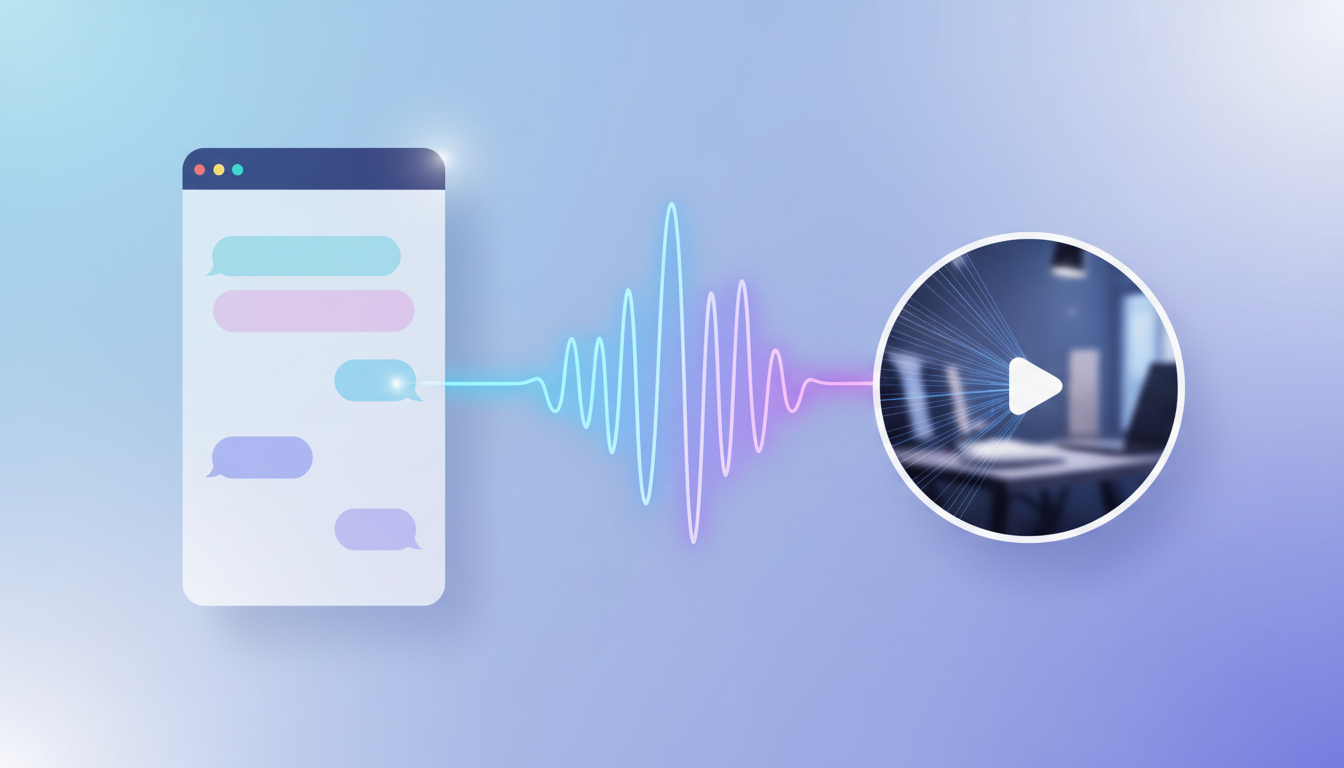
This is where the Fanfun ecosystem shines. Fanfun is designed from the ground up to be an integrated creative playground. You don't just stop at two-way interactive AI Chat; you can easily take the unforgettable dialogues you've crafted and bring them to life using Fanfun's advanced AI Voice Generator. In just minutes, you can generate custom voiceovers with the exact emotional tone, gravel, or cadence of your favorite characters.
For creators looking to share their work with the world, these voiceovers can be paired with Fanfun's personalized celebrity-style video engine. Whether you are creating a dramatic cinematic short, a funny meme for TikTok, or an immersive fan-dub, the transition from text-based director to multimedia producer is seamless. By utilizing these tools, you can turn a private roleplay session into high-impact, shareable content that captures the true essence of the character.
Troubleshooting the Character AI: Breaking Out of Loops and Repetition
Even the most advanced AI models can occasionally suffer from memory drift or get stuck in repetitive loops. This usually happens because the AI pays too much attention to its own recent outputs, copying the structure, tone, or specific words of its previous messages.
If you notice the character repeating phrases like "Indeed, my friend" or "As I said before," you need to break the pattern immediately. Here is a quick troubleshooting checklist to reset the AI's momentum without ruining the story:
- Introduce an External Disturbance: Break the conversational flow with a sudden physical event. *The power suddenly cuts out, plunging the room into pitch blackness.* This forces the AI to abandon its previous conversational structure to react to the new threat.
- Change the Physical Space: Move the characters to a new location. "Come on, we can't talk here. Let's move to the roof." A change of scenery clears out the old environmental context and refreshes the dialogue.
- Use a Direct System Whisper: Insert a formatting command at the end of your prompt to guide the AI's generation parameters. For example:
[System: Avoid repeating previous phrases. Shift the tone to urgent and aggressive.] - Deliver a Shocking Revelation: Drop a narrative bombshell that changes the stakes entirely. *I pull out a worn photograph and slide it across the table.* "I know who betrayed us. It was your brother."
By actively managing the scene and understanding the mechanics of AI memory, you can maintain deep, cinematic immersion for hours, turning every chat session into a unique piece of interactive cinema.
How do I make an AI movie character stay in character during a long chat?
Use system brackets or narrative actions to remind the AI of its role, and use immediate stakes to keep the conversation focused. If it drifts, call it out in-character (e.g., "Why are you acting so polite all of a sudden?") rather than breaking the fourth wall.
Can I roleplay custom movie scenes with AI characters?
Yes! By setting the scene, stakes, and catalyst in your opening message, you can place any character in any scenario—whether it's a deleted scene, an alternate ending, or a completely original crossover.
Why does my virtual character chat keep repeating the same phrases?
AI models tend to repeat their own previous "tokens" if they get stuck in a pattern. You can break this loop by introducing a sudden physical event (like an explosion or a power outage) or changing the location of the scene.
What is the best way to start a chat with a fictional movie hero?
Avoid generic greetings. Instead, start mid-action with a high-stakes scenario. Describe the physical environment, the immediate danger, and ask a question or take an action that demands an instant, in-character response.



