The Character-First Blueprint: How to Build a High-Growth Faceless YouTube Channel with AI Voiceovers
Ditch the robotic text-to-speech tracks and generic stock footage. Discover how to build a high-growth faceless YouTube channel by crafting a distinct audio persona, writing for the ear, and mastering high-retention video editing.
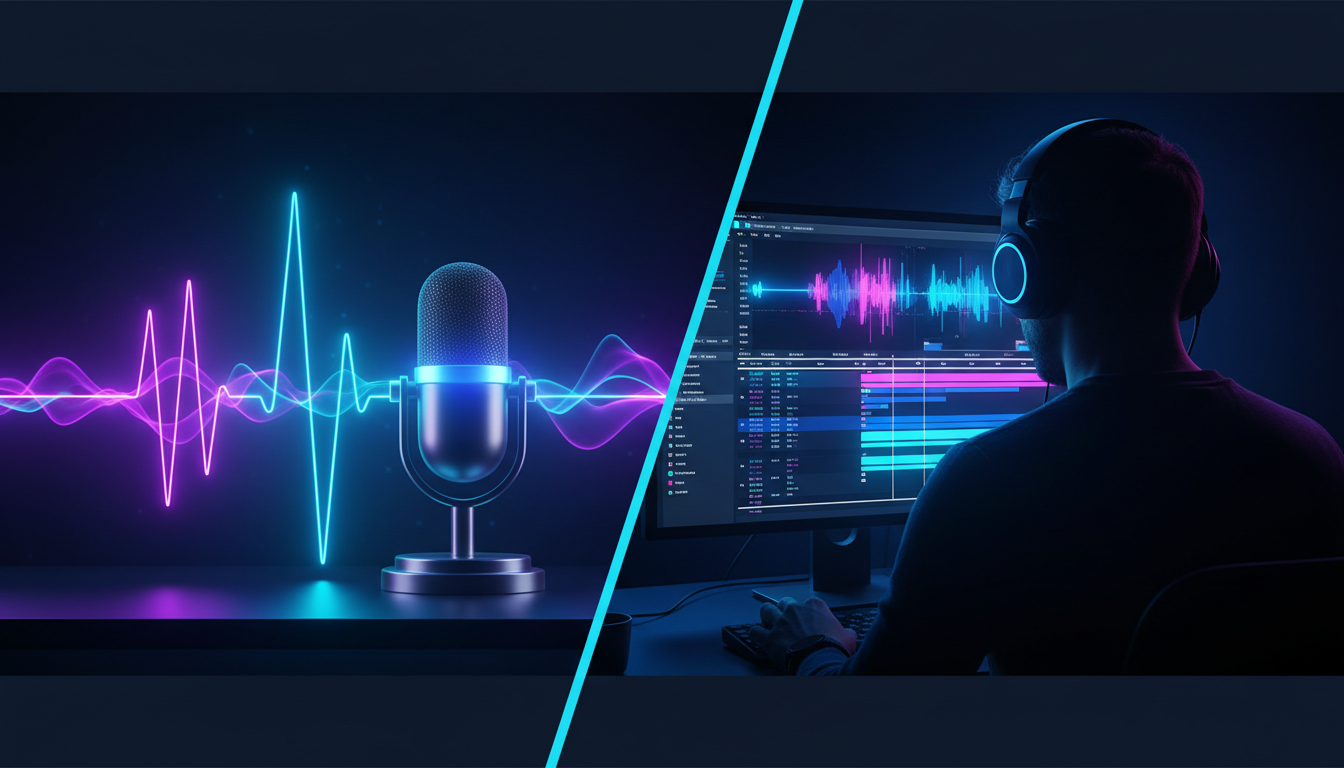
The faceless YouTube revolution is no longer a secret. Channels focused on historical mysteries, pop culture deep-dives, and financial breakdowns are pulling in millions of views monthly without their creators ever showing their faces on camera. However, the barrier to entry has dropped so low that the platform is saturated with low-effort, robotic content that viewers click away from within the first five seconds.
To stand out in this crowded landscape, successful creators are shifting from simple anonymity to deliberate character-building. The secret to scaling a faceless channel isn't hiding; it's projecting a highly defined, expressive audio persona that commands attention. By prioritizing vocal performance and dynamic pacing, you can turn a generic informational video into an immersive experience that keeps viewers hooked.
The Faceless YouTube Dilemma: Why Personality Beats Anonymity
Many aspiring creators believe that launching a faceless channel is an easy shortcut. They compile a folder of stock footage, copy-paste a Wikipedia article into a basic text-to-speech generator, and expect the YouTube algorithm to reward them. This approach almost always fails. Viewers do not connect with cold, monotone robotic voices or generic, disconnected B-roll. When a voice lacks human inflection, the brain quickly registers it as spam, leading to instant viewer abandonment and poor audience retention metrics.
Building a sustainable channel requires a distinct audio brand. Think of your voiceover not just as a narration tool, but as a central character. Even without a face, your channel needs a recognizable attitude, a specific conversational style, and emotional range. Whether you are aiming for the dry wit of a video essayist, the high-energy delivery of a gaming commentator, or the dramatic tension of a true-crime narrator, your vocal identity is your primary asset for building community and driving subscriber loyalty.
This is where modern production tools shift the playing field. Instead of settling for sterile computer voices, forward-thinking creators leverage Fanfun to access expressive, culturally relevant character voices that instantly hook target audiences. By exploring how modern creators are redefining fan culture and content creation through personalized AI voices, you can move away from passive, generic narrations and instead build a distinct, memorable brand that keeps viewers coming back for the host's personality.
Step 1: Scripting for the Ear, Not the Eye
A common mistake when starting a faceless channel is writing a script that reads like a high school essay. Written language and spoken language are two entirely different mediums. When people read, they can easily process complex, multi-clause sentences. When people listen, they need short, punchy statements, active verbs, and a natural conversational rhythm that mimics real human speech.
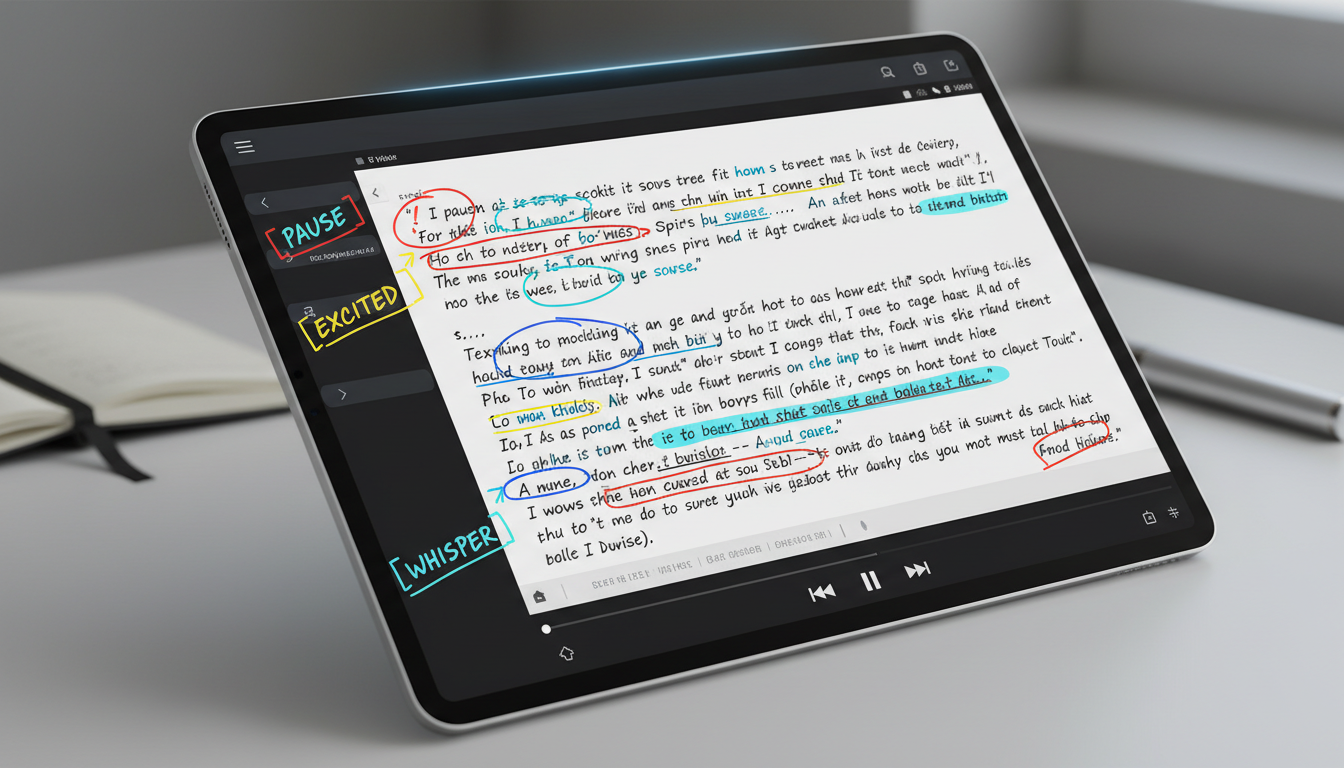
To write scripts that translate perfectly to audio, you must write specifically for the ear. Avoid overly formal vocabulary and passive sentence structures. Instead of writing, "It was decided by the general that a retreat was necessary due to the overwhelming forces of the opposition," write, "Outnumbered and outgunned, the general made a choice: retreat, or face total annihilation." The second version is punchy, dramatic, and far easier for an AI voice generator to deliver with natural, compelling emphasis.
Additionally, you must build "auditory punctuation" directly into your scripts. Use line breaks, ellipses, and dashes to signal natural pauses and shifts in tone. If you want a dramatic pause before a major reveal, insert a physical break in your text. This structure helps you visualize the final pacing of your edit and ensures your generated voiceover has the breathing room required to build tension and maintain viewer engagement.
Step 2: Selecting and Directing Your AI Voiceover
Choosing the right vocal profile is as critical as casting an actor for a film. Your voice must align perfectly with your channel's niche and target demographic. A deep, authoritative voice is excellent for historical documentaries, but it will fall flat on a fast-paced pop culture commentary channel. Conversely, a high-energy, expressive voice that works for gaming content will sound jarring and inappropriate when discussing sensitive true-crime stories.
Directing AI Voices for Emotional Resonance
Once you have selected a voice archetype, you cannot simply paste your script and hit export. To make your AI voiceover sound genuinely natural, you need to actively direct the output. This involves adjusting pacing, modifying pronunciation phonetically (for example, writing "pro-con-ten-shus" if a specific word sounds clunky), and applying deliberate emotional tags. For a deep dive into mastering these subtle vocal shifts, check out our comprehensive guide on directing text-to-speech tools with emotional nuance to learn how to inject excitement, sarcasm, or suspense into your tracks.
Using Fanfun's advanced voice library allows you to bypass the generic, overused voices found in basic editing software. By choosing a unique, character-driven voice, you give your channel an exclusive brand identity. To elevate your storytelling even further, you can apply principles from The Screenplay Method, treating your AI voiceover as a living character with distinct motivations, quirks, and conversational flows rather than a simple text-reading machine.
Step 3: Sourcing and Editing Visuals That Keep Eyes Glued
Once you have a high-impact audio track, your visuals must work in perfect harmony to maximize viewer retention. The biggest pitfall here is relying on uninterrupted, slow-moving stock footage. If a viewer sees a generic clip of a person typing on a laptop for ten seconds straight, they will quickly lose interest. Your visuals must actively reinforce, illustrate, and punctuate the words being spoken.
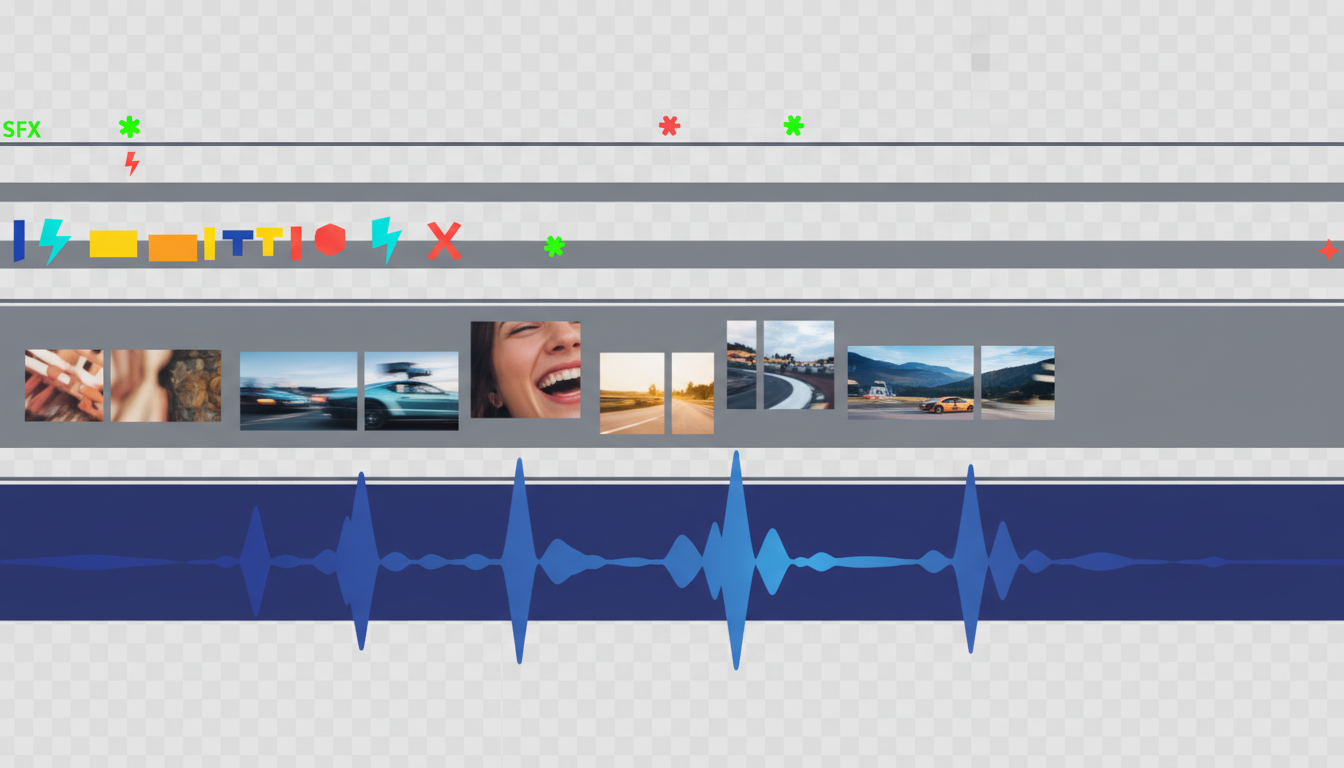
To keep eyes glued to the screen, implement the 3-Second Rule: ensure some form of visual change occurs at least every three seconds. This does not mean you need a completely new video clip every three seconds; instead, you can use subtle camera zooms, kinetic typography overlays, panning effects, or quick transitions. These micro-movements signal to the viewer's brain that the video is progressing dynamically, preventing visual fatigue and keeping their attention locked.
Move beyond standard stock footage libraries by mixing in stylized screenshots, relevant social media posts, meme cutdowns, and custom graphics. For instance, if your voiceover mentions a specific public figure or event, show a stylized crop of a real tweet or news headline rather than a generic abstract graphic. This grounds your content in reality and adds immediate credibility and visual variety to your edit.
Comparing Visual Styles for Faceless Channels
Choosing the right visual style depends on your niche, editing skills, and production budget. The table below outlines the most common visual formats used by successful faceless channels to help you decide which approach fits your workflow.
| Visual Style | Production Difficulty | Editing Time | Retention Potential | Ideal Niches |
|---|---|---|---|---|
| Stock B-Roll & Text | Low | Fast | Moderate | Finance, Self-Improvement, Tech News |
| Kinetic Typography | Moderate | Medium | High | Educational, Philosophy, Short-form Reels/Shorts |
| Pop Culture & Meme Cutdowns | Moderate | Medium to Long | Very High | Video Essays, Commentary, Gaming, Pop Culture |
| 2D Animation / Illustrative | High | Long | Excellent | Storytelling, History, Complex Science Concepts |
The Faceless Creator’s Production Checklist
To scale a faceless YouTube channel successfully, consistency is key. You need an organized, repeatable workflow that allows you to produce high-quality videos without burning out. Use this step-by-step production checklist as your standard operating procedure for every video upload.
- Pre-Production: Concept & Script
- Validate the video concept by analyzing high-performing competitor videos and search trends.
- Write a high-impact hook in the first 15 seconds to address the viewer's curiosity immediately.
- Format the script with short, conversational sentences and clear visual cues for editing.
- Audio Production: Voice & Soundscape
- Select a character voice on Fanfun that matches your channel's established identity.
- Generate the voiceover, adjusting phonetic spellings for any words that sound unnatural.
- Edit the raw audio track to remove excessive silence, ensuring a tight, engaging pace.
- Select low-key background music that complements the mood without overpowering the narration.
- Post-Production: Editing & Polish
- Assemble your visual timeline, applying the 3-Second Rule to maintain constant visual interest.
- Add sound effects (SFX) like swooshes, paper crinkles, and subtle pops to emphasize visual transitions.
- Apply a unified color grade or overlay style to give your channel a cohesive aesthetic.
- Export in 4K resolution (even if your source footage is 1080p) to leverage YouTube's higher-quality VP09 video codec.
By treating your faceless channel as a character-driven brand rather than an anonymous content mill, you build a genuine connection with your audience. Utilizing high-quality, expressive voices from Fanfun alongside dynamic editing techniques ensures your content stands out, converts casual viewers into loyal subscribers, and drives sustainable long-term channel growth.
Can faceless YouTube channels with AI voices get monetized?
Yes, faceless channels using AI voices can absolutely be monetized through the YouTube Partner Program. However, YouTube's policy strictly prohibits "repetitive" or "reused" content. To qualify for monetization, your videos must offer original value, which means you must write unique scripts, edit your videos dynamically, and use highly expressive, customized AI voices rather than unedited, robotic text-to-speech templates.
What is the best editing software for making faceless YouTube videos?
For beginners, CapCut or Canva offer excellent, intuitive tools for putting together quick edits. For intermediate to professional creators, Adobe Premiere Pro, DaVinci Resolve, or Final Cut Pro are the industry standards. These programs give you precise control over keyframes, audio mixing, and advanced visual effects, which are crucial for maintaining high viewer retention.
How do I make my AI voiceover sound natural and less robotic?
To make an AI voiceover sound natural, write your scripts in a conversational, informal tone with short sentences. Use phonetic spelling for words the AI struggles to pronounce, and utilize platforms like Fanfun that feature highly expressive, character-driven voices. Additionally, manually adjust the pacing, insert pauses, and apply emotional tags to give the narration human-like rhythm and inflection.
Where do faceless YouTubers get their video clips without copyright issues?
Creators source high-quality, copyright-free video clips from stock platforms like Storyblocks, Pexels, and Pixabay. For commentary or essay channels, creators utilize fair-use pop culture clips, news broadcasts, and memes, keeping the clips short (typically under 5 seconds), heavily edited, and directly related to the educational or transformative commentary of the voiceover.