
The Dungeon Master’s Voice: How to Script and Produce Cinematic D&D Session Recaps That Your Players Will Actually Listen To
Stop writing long, ignored Discord text dumps for your tabletop group. Learn how to use a 3-act scriptwriting framework and AI voice generation to turn your past sessions into cinematic, highly engaging audio recaps.
Every Dungeon Master knows the post-session slump. You spend hours prepping a high-stakes dungeon crawl, your players narrowly escape a TPK (Total Party Kill) by the skin of their teeth, and the session ends on a breathless cliffhanger. Yet, when everyone gathers around the table next week, the momentum has vanished. You are met with blank stares, rustling character sheets, and five minutes of collective brainstorming just to remember why the party is standing in a burning wizard's tower.
The traditional solution is the dreaded Discord wall of text—a dry, bulleted list of logistics that reads more like corporate meeting minutes than an epic saga. Because players lead busy lives, these text dumps are often skimmed or ignored entirely. To keep your players deeply invested in your campaign's narrative arc between sessions, you need to change the medium. By treating your recap like a prestige television show's "Previously On" segment and using Fanfun's AI Voice Generator to cast iconic narrators, you can build massive hype and save valuable table time.
The Discord Text Dump is Dead: Why Your Campaign Needs a Voiceover Upgrade
Text-based recaps fail because they treat your campaign's story as data rather than drama. Reading a list of looted items and defeated monsters feels like homework. It lacks the emotional weight of the actual session. When a player reads, "We killed the goblin chief and found a glowing key," their brain registers the facts but misses the tension of the near-fatal critical hit that preceded it.
An audio recap acts as a cinematic bridge. It immediately re-establishes the mood, reminds players of the stakes, and primes their minds for roleplay before they even roll initiative. Instead of spending the first fifteen minutes of your session trying to jog everyone's memory, you can hit play on a produced audio file and let the atmosphere do the heavy lifting.
With Fanfun's AI Voice Generator, you do not need to be a professional voice actor or strain your vocal cords attempting a gravelly anti-hero voice. You can cast legendary fantasy archetypes, booming movie trailer narrators, or even iconic pop-culture characters to deliver the recap. This instantly elevates your home game to the production value of a professional actual-play podcast, making your players feel like the stars of their own produced series.
The 3-Act Structure for a 90-Second Session Recap Script
The secret to an effective audio recap is brevity. Anything longer than 90 seconds risks losing your players' attention. To fit a four-hour tabletop session into a tight, 90-second voiceover, you must ruthlessly edit out logistical minutiae and focus purely on narrative momentum. This requires a strict, repeatable three-act scriptwriting framework.
- Act 1: The Hook (0-20 seconds): Re-establish the immediate threat, emotional high point, or sudden twist that ended the previous session. Do not start with safe travel; start with the fire.
- Act 2: The Complication (20-60 seconds): Summarize the party's critical choices, failures, or major discoveries. Focus on the consequences of their actions rather than a round-by-round breakdown of combat.
- Act 3: The Cliffhanger (60-90 seconds): End on the looming decision, imminent danger, or mysterious threat awaiting them the moment the next session begins.
To see this framework in action, compare how the exact same in-game events read in a standard logistical log versus a cinematic voiceover script:
| Dry Logistical Recap (What DMs Usually Write) | Cinematic Voiceover Script (What Players Want to Hear) |
|---|---|
| The party entered the sewers of Baldur's Gate. We fought three wererats and the rogue got bit but passed his saving throw. We found a secret door behind a crate. Inside, we found a letter from the Cult of the Dragon mentioning a ritual at the docks tonight. The session ended with us deciding to go to the docks. | "Beneath the filthy streets of Baldur's Gate, the scent of blood and rusted iron hung heavy. The heroes fought tooth and nail against the vermin of the undercity, uncovering a dark conspiracy in the dark. A single, blood-stained parchment revealed the truth: the Cult of the Dragon strikes at midnight. Now, the clock is ticking... and the docks are calling." |
Scripting for the Mic: Pacing, Dramatic Pauses, and Fantasy Pronunciation
Writing a script for an AI voice generator is fundamentally different from writing text to be read silently. Voice engines interpret punctuation as physical cues for breathing, pacing, and emphasis. If you paste a standard block of text into a generator, it will read it with the flat cadence of a news broadcast.
Formatting for AI Voice Engines
To make your recap sound cinematic, you must use formatting tricks to force the AI to slow down and emphasize the right words. Ellipses (...), em-dashes (—), and strategic paragraph breaks are your best tools for creating tension. Explaining how mastering dramatic pauses in AI voice generation can turn a standard campaign update into a tense, cinematic experience is key to moving away from robotic delivery. By placing a double hyphen or an ellipsis before a major revelation, you give the voice engine room to breathe, creating a natural, human-like cadence.
Another major challenge for DMs is fantasy terminology. AI voice generators are trained on real-world languages, meaning they will stumble over words like "Xanathar," "Faerûn," or "Drizzt." To prevent jarring mispronunciations, you must write your script phonetically. Write "Zan-uh-thar" instead of "Xanathar," or "Fay-roon" instead of "Faerûn." Read your script aloud exactly as it is written on the page; if your tongue trips over a word, the AI voice will too.
Finally, incorporate atmospheric sound cues directly into your script document. Writing indicators like [Insert low rumble] or [Music swells] in your draft helps you visualize where to align your generated audio with background music tracks during the final mix. This ensures your narrator's voice matches the rising action of your background score.
Matching the Voice to Your Campaign's Tone
Not every D&D campaign is a gritty struggle for survival, and your audio recap should reflect your table's unique style. Casting the wrong voice can shatter the immersion you are trying to build. Match your narrator to one of these three primary campaign archetypes:
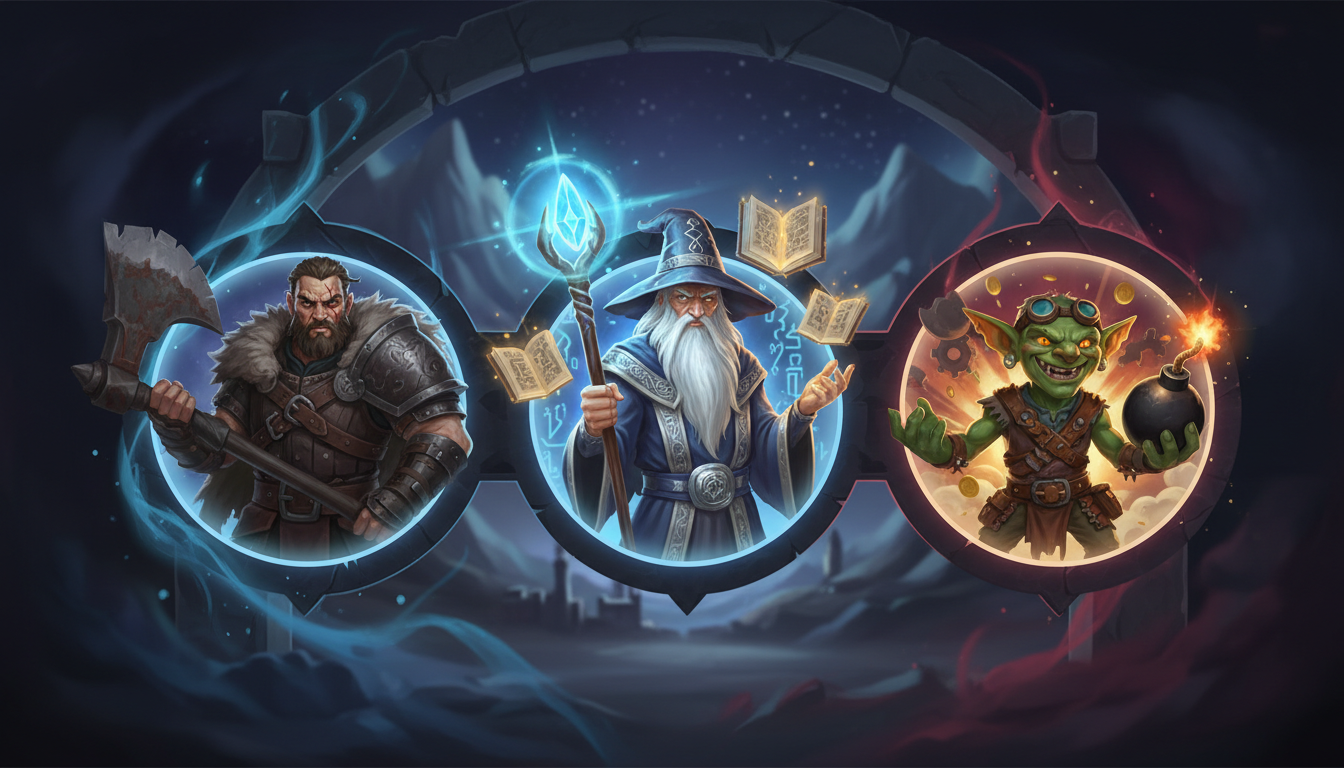
Dark Fantasy & Grimdark: If your campaign is inspired by systems like Mörk Borg or settings like Ravenloft, you need a voice that sounds weathered, exhausted, and haunted. Look for gravelly, low-register voices. When scripting these sessions, suggest using high-stakes, dramatic pacing techniques when scripting epic boss battles and emotional character deaths to make the recap feel like a legendary anime showdown where survival is never guaranteed.
Epic High Fantasy: For classic heroic adventures in the Forgotten Realms, opt for theatrical, wizard-like, or regal narrators. These voices should sound like they are reading from an ancient chronicle of legends. Every minor skirmish should be framed as a historical event of massive import, utilizing sweeping language and elevated vocabulary to make your players feel like mythic figures.
Comedic & Chaotic: If your table is more "Monty Python" than "Lord of the Rings," embrace the chaos. Use unexpected, energetic, or highly recognizable pop-culture voices on Fanfun to narrate your recaps. Reference how to use comedic timing and unexpected character voices to lean into the table's inside jokes, similar to directing a fast-paced comedy edit. Having a cartoon character or a famous action star recap your rogue's failed attempt to pickpocket a guard keeps the humor alive between sessions.
The DM's 5-Minute Production Workflow
You already spend hours preparing maps, encounters, and NPC dialogue. Your recap workflow must be fast, repeatable, and easily completed in a single sitting. Follow this step-by-step checklist to go from a blank page to a fully produced audio file in five minutes flat:
- Draft the Script (2 Minutes): Using the 3-act structure, write a 150-word summary of your last session. Focus only on the emotional highs, major player choices, and the ending cliffhanger.
- Run a Phonetic Pass (1 Minute): Read through your draft. Replace all complex fantasy names, locations, and spells with simple, phonetic spellings to guide the AI voice generator.
- Generate the Voice on Fanfun (1 Minute): Select your campaign's narrative voice archetype on the Fanfun platform, paste your phonetic script, and generate the audio file. Download the finished MP3.
- Mix with Ambient Music (1 Minute): Open a free audio editor (like Audacity) or a mobile editing app. Import your generated voiceover and layer a royalty-free ambient fantasy track beneath it. Lower the music volume to roughly -15dB so it does not drown out the voice.
- Deploy to Discord: Upload the finished audio file to your campaign's Discord channel exactly 24 hours before your next session. Add a brief message like "Previously on..." to build maximum anticipation.
By integrating this quick production workflow into your weekly prep, you turn a chore into a creative outlet. Your players will arrive at the table already immersed in the world, eager to find out what happens next, and ready to roll.
How long should a D&D session recap be?
An ideal audio recap should be between 60 and 90 seconds. This translates to roughly 120 to 180 written words. Keeping it brief ensures players listen to the entire file and maintains a fast, cinematic pace.
How do I get an AI voice generator to pronounce fantasy names correctly?
Write the names phonetically in your script. Break the words down into simple, recognizable syllables (e.g., spelling "Xanathar" as "Zan-uh-thar" or "Underdark" as "Un-der-dark"). Read the phonetic spelling aloud to ensure it sounds correct before generating.
What is the best way to share audio recaps with my D&D group?
The easiest method is to export your finished recap as an MP3 or WAV file and upload it directly to your group's active Discord channel, WhatsApp group, or campaign management platform (like World Anvil or Demiplane) 24 hours before your session.
Can I use background music with AI-generated voiceovers?
Yes. Layering a low-volume, royalty-free ambient track or cinematic score behind your generated voiceover significantly increases the production value. Just ensure the music volume is low enough (usually around -15dB to -20dB) so the narration remains clear.



