
The Art of the Beat: How to Script Comedic Timing and Dramatic Pauses into AI Video Messages
A joke that lands with a thud is usually a victim of bad timing, not bad writing. Discover the punctuation hacks, phonetic fillers, and line-break strategies that force AI voice generators to take a natural breath, build dramatic suspense, and deliver the perfect punchline.
A joke that lands with a thud is almost always a victim of bad timing, not bad writing. When you hand a raw script to an AI voice generator, the algorithm has no innate concept of comedic pacing, suspense, or emotional weight. It does not know that a piece of shocking gossip needs a dramatic beat, or that a playful birthday roast requires a half-second of silence for the punchline to settle in the listener's mind.
To transform a flat, robotic text-to-speech output into a highly engaging, shareable video message, you have to think like a director. By mastering a few simple punctuation hacks, phonetic spacing rules, and structural workarounds, you can force the AI to take a breath, land a punchline, and sound genuinely human. Here is how to take creative control of your script and master the art of the beat.
Why Flat AI Delivery Kills the Vibe (and How Pauses Save It)
In human speech, silence carries as much weight as words. We pause to catch our breath, to emphasize a point, to signal a transition, or to let a joke land. These micro-silences are the subconscious cues that tell a listener how to feel. Without them, speech sounds like a continuous, exhausting drone. This is especially true in digital media where attention spans are short and content must immediately hook the audience.
Default AI text-to-speech engines tend to rush through sentences to optimize for efficiency. They read punctuation as structural markers rather than emotional guides, resulting in a breathless delivery that sounds like an anxious student reading a book report. Mastering the pause is what separates a forgettable, generic AI clip from a highly engaging, shareable video message. When you force the AI to slow down, you give the audience time to digest the humor, absorb the sentiment, or feel the sincerity of your message.
The Director's Toolkit: 4 Ways to Force Pauses in AI Video Generation
To get the perfect delivery, you have to treat the text input box as a musical score. You are not just writing words; you are writing instructions for an algorithm. While advanced developers use complex Speech Synthesis Markup Language (SSML) to code pauses, consumer-facing AI video platforms require a more intuitive approach. Fortunately, there are several universal "speed bumps" you can build into your plain-text script to slow down the generation engine.
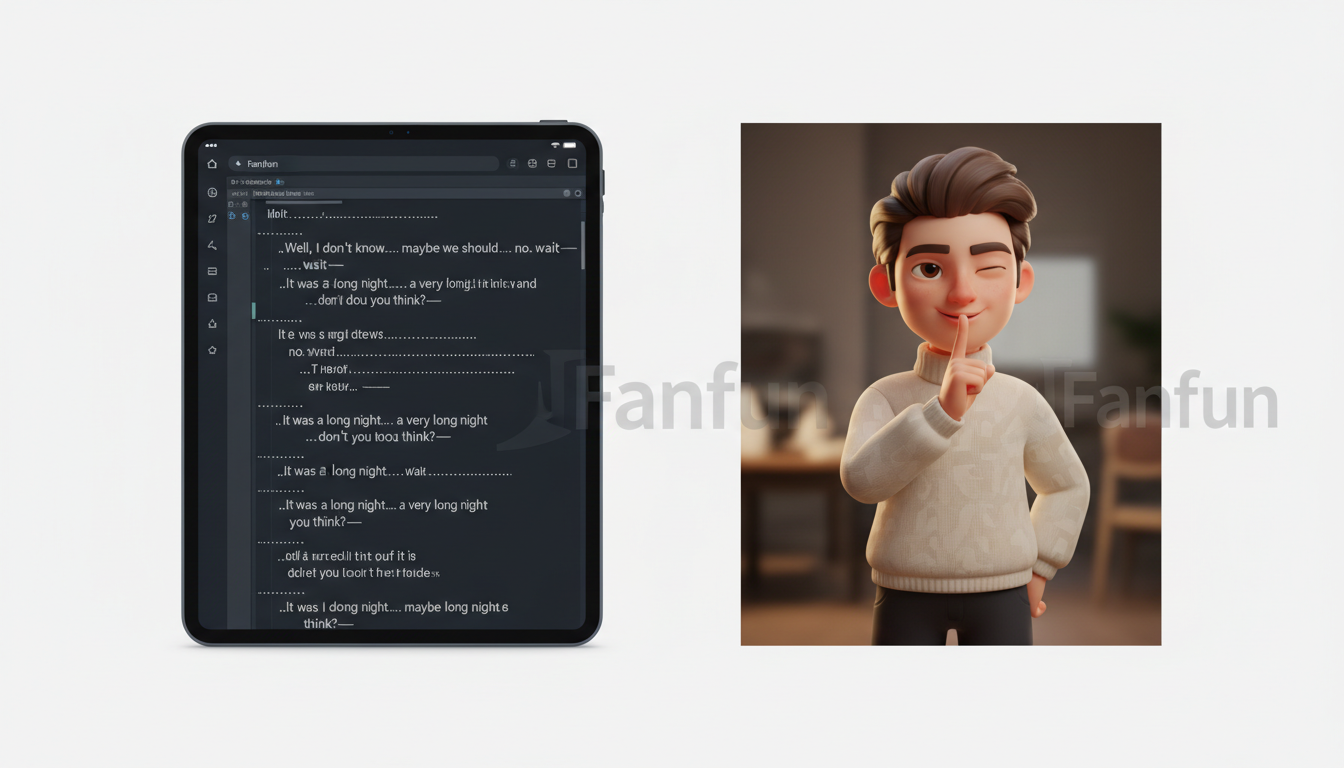

1. Punctuation Stacking (Ellipses, Dashes, and Periods)
Standard punctuation marks like commas and periods offer basic pauses, but they are often too brief for comedic or dramatic effect. To create customized pacing, you can stack punctuation to trick the voice synthesis engine into extending its silence.
- The Triple Period (...): Writing an ellipsis signals a soft, trailing pause. It is perfect for transitions where you want the character to sound like they are thinking mid-sentence. For example: "I was going to get you a real gift... but then I remembered you have me."
- The Double Hyphen (--): Use double hyphens to simulate an abrupt, mid-sentence pivot or a self-correction. This forces a sudden stop followed by a rapid shift in tone. For example: "You look great for forty-- I mean, thirty-nine!"
- Stacked Periods: If you need intense, dramatic emphasis on individual words, break them up with periods. This forces the AI to treat each word as a standalone sentence, lowering the pitch and increasing the gap between them. For example: "Wait. For. It." or "Worst. Roast. Ever."
2. Phonetic Fillers and Sighs
Perfect speech sounds unnatural. Humans hesitate, stumble, and sigh. By writing these non-verbal sounds phonetically into your script, you force the AI to break its polished flow and mimic realistic human hesitation.
Adding a simple "uh,""um," or "well..." at the start of a sentence breaks the robotic momentum. If you want to simulate relief or exhaustion, use phonetic spelling like "phew" or "ah" before a big reveal. These small additions act as natural transitions, giving the character voice a believable, organic texture that matches the casual nature of personalized video messages.
3. Line Breaks and Paragraph Spacing
The visual structure of your text prompt directly impacts how the AI processes the audio rendering. Most AI engines treat a single block of text as a continuous stream of thought. If you write your script as one long paragraph, the AI will rush to finish it, ignoring the natural rhythm of the dialogue.
To prevent this, chunk your script into micro-paragraphs. Hitting the "Enter" key twice to create a hard paragraph break forces the AI to reset its pacing, creating a longer, natural silence between major thoughts. This is particularly useful when transitioning from a joke to a sincere sentiment, giving the listener's brain a clean break to shift emotional gears.
4. Elongated Phonetics for Dragged-Out Words
Sometimes you do not want a complete pause, but rather a slow, drawn-out pronunciation of a specific word to build tension or express disbelief. You can achieve this by repeating vowels or consonants. Writing "soooo" instead of "so," or "nowww" instead of "now," signals the AI engine to stretch the sound, creating a natural buildup to the next word without stopping the audio entirely. This is highly effective for dramatic introductions or playful teasing.
Timing Cheat Sheet: When to Inject a Beat (With Examples)
Knowing how to create a pause is only half the battle; you also need to know where to place them. Use this decision framework to match your timing to the emotional goal of your video message.
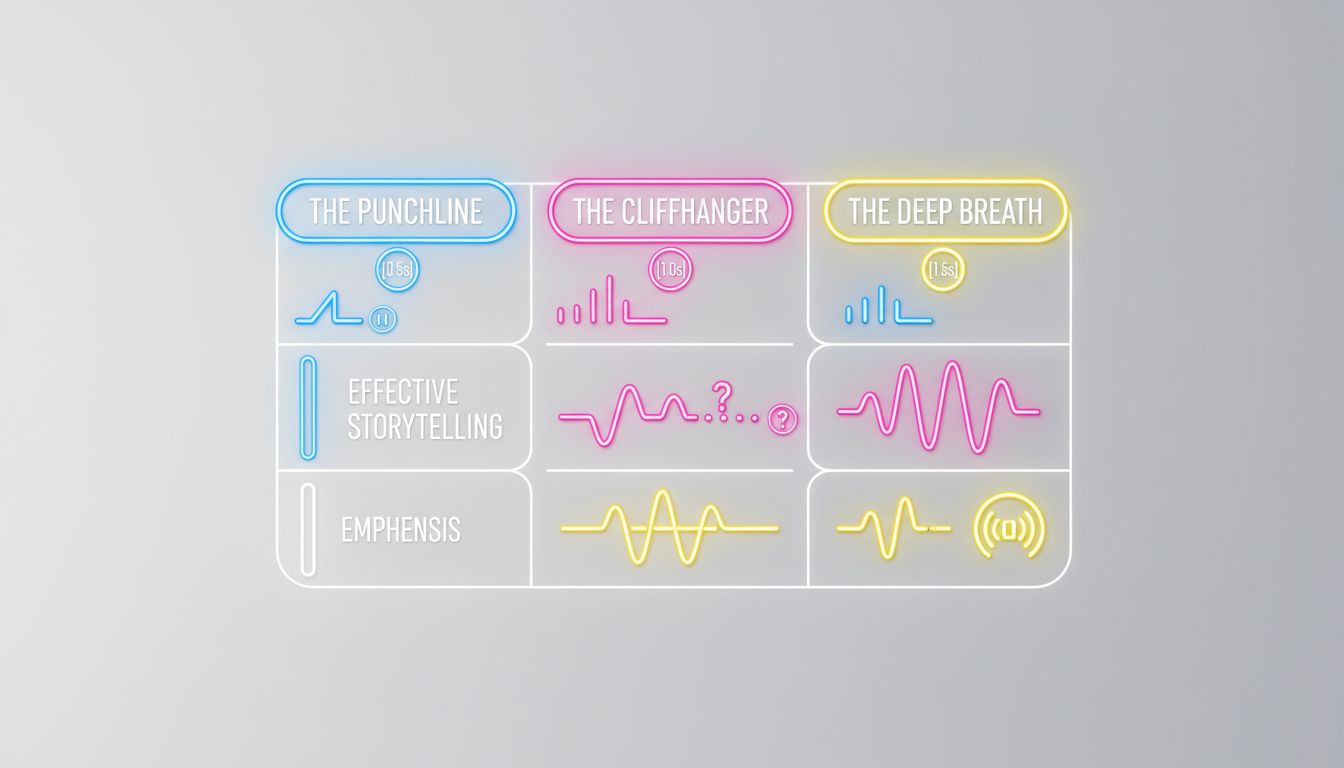
| Pause Type | Goal | Script Syntax Example |
|---|---|---|
| The Punchline Pause | Gives the audience half a second to process a joke before moving on. | "Congrats on turning thirty! ... Don't worry, the gray hairs are barely noticeable." |
| The Suspense Pause | Builds anticipation right before a major reveal or milestone announcement. | "And the winner of the fantasy football league is... ... ... definitely not Jeff." |
| The Sincere Beat | Slows down the tempo when transitioning from a joke to a genuine compliment. | "You're officially old. But seriously... I'm incredibly proud of everything you've achieved this year." |

Scenario-Based Pacing: The Real-World Playbook
Pacing is not a one-size-fits-all formula. The way you structure your pauses depends entirely on the context of the message. Let's look at how to apply these timing rules across three common video message scenarios.
Scenario 1: The Comedic Roast
When scripting a hilarious roast, timing is everything. If the insults come too fast, they sound aggressive rather than funny. A well-placed pause after a dig allows the "sting" to soften into shared laughter. Learn how to structure your jokes with our guide on how to script a funny AI video roast without the cringe. By pairing sharp writing with strategic pauses, you ensure that the humor landing is intentional, not accidental.
If you are creating a roast for a colleague, you need to be even more careful with your pacing. A sudden pause can signal that a joke is lighthearted rather than mean-spirited. For a step-by-step breakdown of this delicate balance, check out our guide on creating an HR-friendly coworker roast video that keeps things professional while still delivering genuine laughs.
Scenario 2: The Milestone Celebration and Wedding Toast
Milestone celebrations require a careful balance of humor and heart. If you transition too quickly from a funny memory to a sincere wish, the emotional impact is lost. Adding a thoughtful pause before a big congratulatory message elevates the emotional weight. Discover more ways to deliver memorable greetings in our guide to producing an un-boring personalized video congratulation.
This is especially critical for major life events like weddings, where the video message might be played in front of a live audience. If the AI voice rushes through the toast, the crowd won't have time to react. To learn how to structure a script that commands the room, read our guide on the wedding toast upgrade, which details how to build dramatic pauses that let the applause and laughter breathe.
Scenario 3: The Last-Minute Emergency Gift
We have all been there: you forgot an important birthday or anniversary, and now you are down to the wire. You need a high-quality, personalized gift immediately. This is where the speed of AI generation shines, but rushing the creation process shouldn't mean sacrificing quality. Even when you are working against the clock, taking sixty seconds to add punctuation speed bumps to your script ensures the final video sounds thoughtful, not rushed. Learn how to execute this flawlessly with our blueprint for the zero-hour personalized video message.
Putting It to the Test on Fanfun
The best way to master these pacing hacks is through rapid experimentation. Because different character voices have their own unique default speaking rates, a punctuation trick that works perfectly for an energetic anime character might need to be adjusted for a relaxed sports icon, a cartoon character, or a dramatic movie star. This is where traditional celebrity video platforms fall short; you cannot ask a real celebrity to re-record a video five times to get the timing of a joke exactly right.
Fanfun serves as the modern, instant alternative to Cameo and passive fandom, giving you total creative control over the final product. Ready to start directing your own custom clips? Use Fanfun's instant fan video message generator to test these pacing hacks in real-time. Fanfun's instant rendering engine allows you to experiment with different punctuation layouts, double-hyphens, and line breaks without waiting hours or paying a premium for celebrity availability.
Whether you are creating a quick meme for a group chat, an interactive AI chat experience, or a polished milestone greeting, taking the time to direct the pauses guarantees a high-substance, natural-sounding video. Head over to Fanfun, select your favorite character, and start experimenting with the art of the beat today.
How do I make an AI voice pause between words?
To force an AI voice to pause between specific words, use stacked punctuation like ellipses (...) or multiple periods (e.g., "Wait. For. It."). You can also hit "Enter" twice to create a hard paragraph break in the text input box, which signals the engine to take a longer natural breath before continuing.
Why does my AI video message sound so rushed?
Most default text-to-speech algorithms process text as a continuous stream to optimize for speed. If you do not include manual speed bumps like double hyphens (--), ellipses, or paragraph breaks, the AI will read through the text without taking natural human-style pauses.
Do commas make AI voices pause?
Yes, commas create a very brief, standard pause. However, because AI engines often read quickly, a single comma is usually not enough to create dramatic suspense or comedic timing. For a more noticeable pause, use triple periods (...) or a double hyphen (--) instead.
How do you add dramatic effect to text-to-speech?
To add dramatic effect, combine punctuation stacking with phonetic spelling. Break up intense sentences with periods to slow the pace, and use phonetic fillers like "phew," "well," or "uh" to make the delivery sound hesitant, human, and emotionally charged.



