
The Un-Boring Congratulation: How to Produce a Personalized Video Message That People Actually Watch Twice
Most congratulations videos are well-meaning but ultimately boring clips watched once out of obligation. Learn how to combine smart scripting with instant AI cameos to create a video keepsake they will play on repeat.
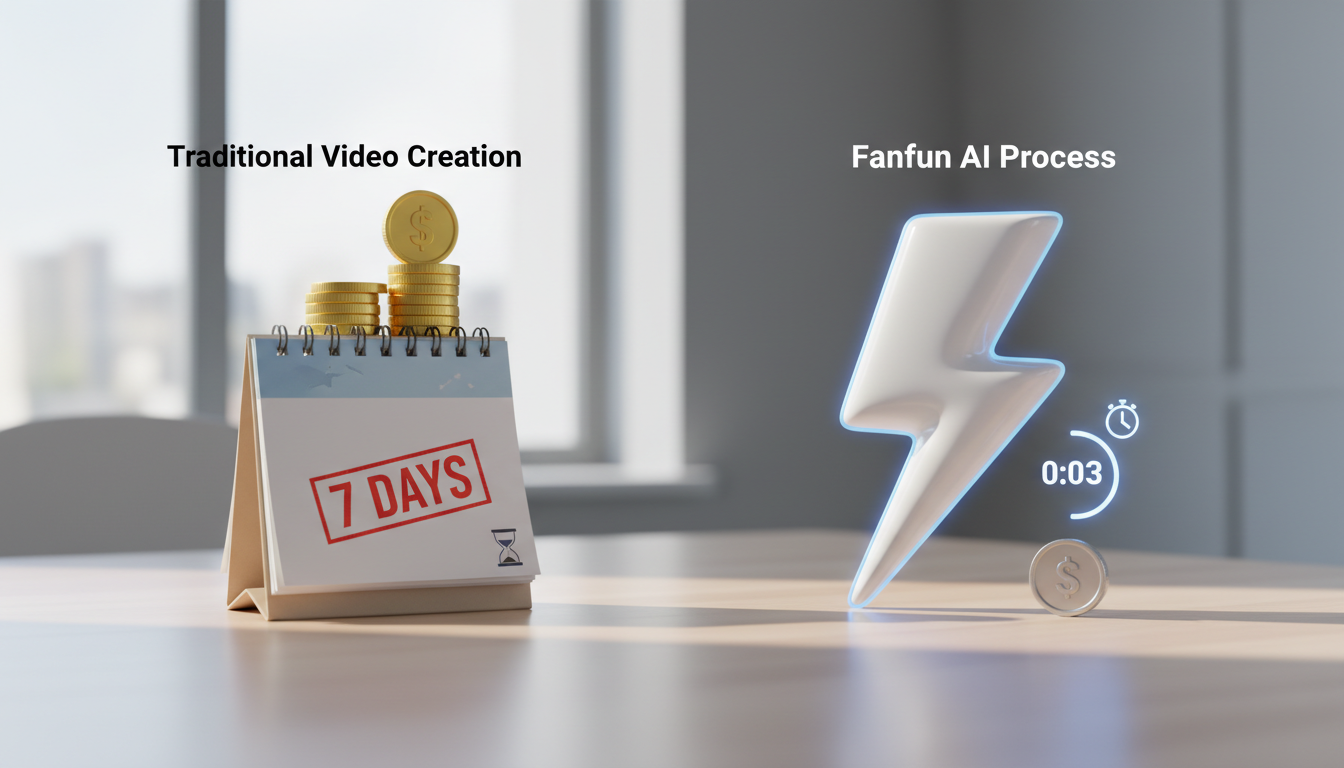
Most congratulations videos are digital clutter—well-meaning but ultimately boring clips that get watched once out of obligation and archived forever. When someone lands a major promotion, graduates, or gets married, they are inundated with a barrage of repetitive, low-energy video messages that blend into a beige wall of generic well-wishes. If you want your message to actually be kept, rewatched, and shared, you have to treat it like a mini-production.
At Fanfun, we believe that congratulations should feel like an event, not a chore. By blending highly specific personal details with unexpected, high-impact elements—like having an iconic anime character or a legendary sports figure deliver your message—you can turn a routine video greeting into a genuine keepsake. Here is how to build a personalized video message that stands out, stays out of the digital trash can, and gets played on repeat.
The Anatomy of a Video Congratulation That Doesn't Feel Like Homework
The standard congratulations video follows a predictable, sleep-inducing template: the sender looks awkwardly at their smartphone camera, clears their throat, and says, "Hey, just wanted to jump on here and say congrats on the big news!" This opening kills engagement immediately. It signals to the viewer that they are about to sit through a low-effort, obligatory monologue.
To capture and hold attention, your video needs structure. A highly engaging video congratulation relies on a tight, three-part framework:
- The Hook (0–5 seconds): Start with an unexpected visual, an energetic statement, or a humorous voice. Skip the throat-clearing entirely. If you are using an AI character voice, let them speak first to instantly grab the recipient's attention.
- The Specific Win (5–20 seconds): Highlight a concrete achievement, a quirky personality trait, or a highly specific shared memory. Mentioning the exact name of their new job title, their notoriously long study hours, or a running joke shows that this video could only have been made for them.
- The Unexpected Twist (20–45 seconds): End with a surprising element. This could be a sudden shift in tone, a funny call to action, or a guest appearance by a fictional character who has absolutely no business commenting on their life milestone.
Choosing Your Production Style: Authentic DIY vs. AI-Powered Spectacle
How you produce your video depends on your budget, your timeline, and the level of novelty you want to achieve. There are three primary routes you can take to bring your congratulations message to life:
The DIY Smartphone Route
This is the most traditional method. It relies on your personal camera presence. If you choose this route, prioritize clean audio and good lighting. Position yourself facing a window for natural light, prop your phone up at eye level (never shoot from a low angle), and use a dedicated microphone if you have one. While authentic, the downside is that it relies entirely on your own acting ability and can feel a bit plain if you do not have a natural screen presence.
The Traditional Celebrity Video Route
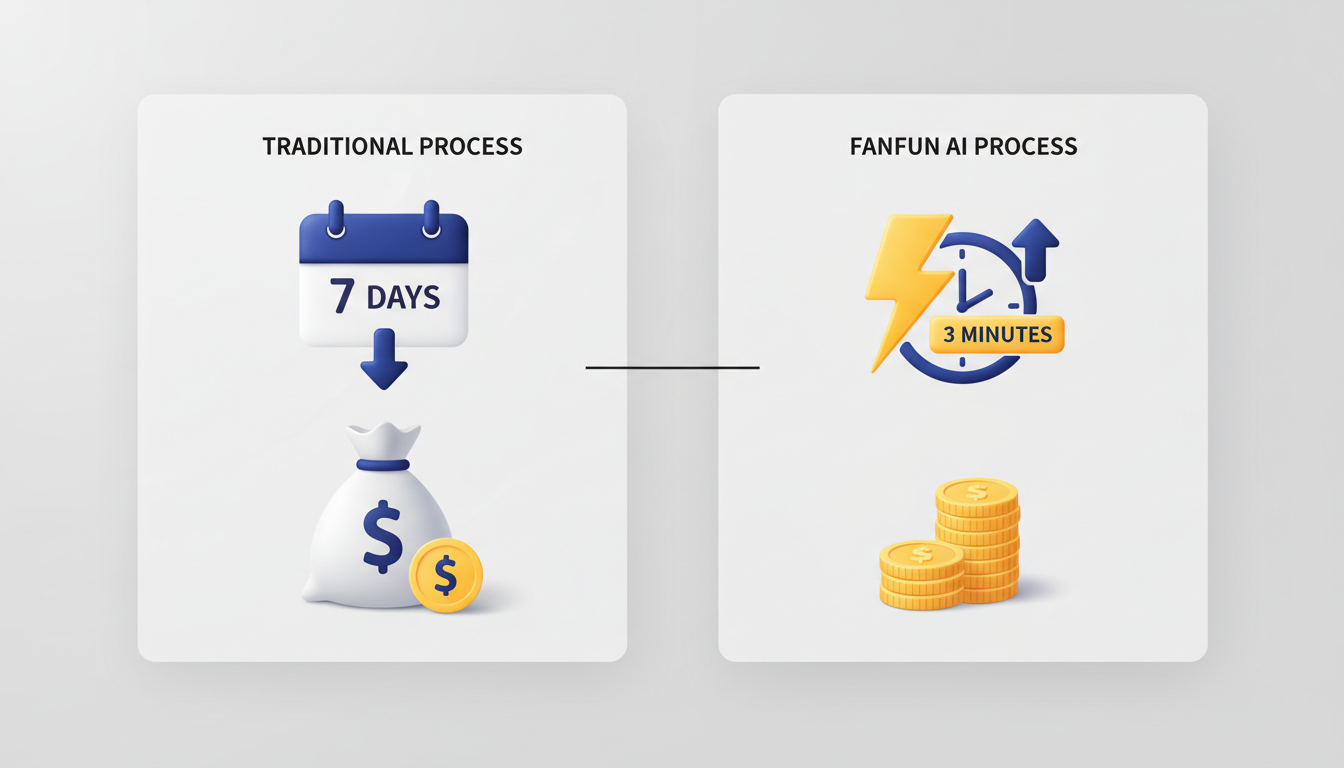
Platforms like Cameo allow you to hire real B-list celebrities or reality TV stars to read your script. While this has a high novelty factor, it comes with significant drawbacks. Booking a real celebrity is expensive—often costing hundreds of dollars—and can take up to a week to deliver. Furthermore, celebrities can reject your script if they find it too niche, leaving you with very little creative control over the final product.
The Fanfun AI Route
For those who want the star power of a celebrity video without the high costs or long wait times, the Fanfun AI platform offers an instant, highly customizable alternative. Using advanced AI voice and video generation, you can have iconic characters, athletes, and cultural figures deliver your exact script in minutes. This route gives you total creative freedom, allowing you to write highly specific inside jokes that a real celebrity would never understand or agree to say. When exploring these options, many creators find that discussing how to direct a custom AI congratulations video that stands out from generic templates provides the perfect balance between personal sentiment and high-production spectacle.
| Production Route | Average Cost | Delivery Time | Creative Control | Ideal Use Case |
|---|---|---|---|---|
| DIY Smartphone | Free | Instant | High (But limited by your setup) | Intimate, highly emotional family messages. |
| Traditional Cameo | $50 – $500+ | 3 to 7 Days | Low (Rigid guidelines, script rejection risk) | General milestone greetings from a specific real-life star. |
| Fanfun AI Video | Highly Affordable | Under 5 Minutes | Infinite (Any script, any character, instant retakes) | Hilarious, high-impact roasts, memes, and personalized pop-culture cameos. |
If you are on a tight budget but still want to create something memorable, checking out a budget-friendly video gift guide can help you maximize your impact without breaking the bank.
The "No-Cringe" Scripting Blueprint: Translating Inside Jokes into Screenplay Gold
The biggest pitfall of personalized videos is the "cringe factor." This happens when inside jokes are poorly explained, or when a script tries to cover too much ground, resulting in an awkward, rambling mess. To keep your video sharp and engaging, follow these key scripting rules:
Auditing Your Relationship for "Safe" Inside Jokes
An inside joke is only funny on video if it can be delivered quickly. Avoid complex stories that require a five-minute backstory. Instead, focus on shorthand references: a specific catchphrase they use, their notorious coffee order, or a funny habit they have at the office. If you are creating a video for a colleague, refer to these strategies for crafting funny office video greetings for coworkers to keep the humor sharp, professional, and free of HR violations.
The Rule of One
Do not try to recap an entire friendship, career, or college experience in a single 60-second video. Choose one central theme or memory and build the entire script around it. To keep your writing structured and punchy, consider using a structured scripting blueprint to keep personal video gifts engaging and concise.
Here is an example of a tight, 45-second script structured for an AI voice generator:
"Attention, Sarah! Word on the street is that you finally passed the bar exam. Honestly, we all thought your coffee addiction would take you out before the exam did, but you beat the odds. No more studying until 3:00 AM on a diet of energy drinks and cold pizza. You are officially a lawyer. Go celebrate—and remember, if I ever get into trouble, you are representing me for free. Congrats!"
Step-by-Step: How to Assemble Your Masterpiece in 15 Minutes
You do not need professional editing skills to create a high-impact video. By using the right tools and a streamlined workflow, you can assemble a complete, polished masterpiece in under 15 minutes.

- Gather Your Assets (Minutes 1–3): Quickly find 2 or 3 photos or short video clips of the recipient. Look for expressive photos that match the tone of your message—whether that is a triumphant photo of them graduating or a funny, candid shot of them asleep at their desk.
- Generate the Centerpiece (Minutes 4–10): Head to Fanfun, select your target character or celebrity AI voice, and paste your custom script. Hit generate, and within minutes, you will have a high-quality video file of the character delivering your personalized message. If you are working against the clock, you can find actionable tips on directing high-impact personalized video gifts on a tight deadline to ensure a polished final product.
- Stitch It Together (Minutes 11–15): Open a free, user-friendly editing tool like CapCut or Canva. Drop in your assets. Start with a quick 3-second title card or a video clip of yourself introducing the guest, transition into the generated Fanfun AI video, and end with a slide showing a photo of the recipient with the words "Congratulations, [Name]!" Export the video as a 1080p MP4 file.
Delivery Etiquette: How to Present Your Video for Maximum Impact
Once your video is complete, the delivery method can make or break the reaction. Sending a raw video file directly over SMS or messaging apps often heavily compresses the file, turning your high-definition masterpiece into a blurry, pixelated mess. It also lacks anticipation.
Instead, upload the video to a high-quality hosting platform like Google Drive, Dropbox, or YouTube (set to "Unlisted"). This preserves the resolution and gives the recipient a permanent, easy-to-share link. For the ultimate reaction, use the "Premiere" strategy: play the video during a live gathering, cast it to a TV screen during a party, or drop the link into a group chat when you know the recipient is online and active. Watching their face as an iconic character suddenly starts roasting their coffee habits in real-time is half the fun of giving the gift.
How do you start a congratulations video without sounding generic?
Skip the standard "Hey, just wanted to say congrats" opening entirely. Start with an immediate, high-energy hook. This could be an unexpected visual, a funny voice, or a bold, specific statement about the recipient's achievement. Let the energy of the video hit the viewer in the first three seconds to set a dynamic tone.
How long should a personalized congratulations video be?
The sweet spot for a personalized congratulations video is between 30 and 60 seconds. Anything shorter can feel rushed, while anything longer than a minute risks losing the viewer's attention. Keep your script focused, punchy, and centered around a single core theme or memory.
How can I get a celebrity to do a congratulations video instantly?
Traditional celebrity video platforms often require a 3-to-7-day waiting period and carry a high price tag. If you need a high-impact celebrity or character video instantly, you can use Fanfun's AI platform. Fanfun allows you to select from a roster of licensed and original AI personas, input your custom script, and generate a personalized video message in under five minutes.
What is a budget-friendly alternative to Cameo for video gifts?
Fanfun is the ideal budget-friendly alternative to Cameo. Instead of paying hundreds of dollars for a real celebrity who might decline your script, Fanfun offers affordable, instant AI-generated video and voice messages. This allows you to create highly creative, customized messages featuring popular characters and cultural icons at a fraction of the cost.



