
How to Direct an AI Voice Generator for a High-Impact Podcast Intro
Creating a professional podcast intro with an AI voice generator requires active direction. By mastering phonetic formatting, punctuation hacks, and genre-specific pacing, you can transform flat text-to-speech into a cinematic hook.
To get a professional, high-impact podcast intro from an AI voice generator, you must treat the software like a voice actor by actively directing its performance. A basic text-to-speech prompt typically yields a flat, robotic delivery; instead, you must structure your script with phonetic spelling, strategic punctuation (like ellipses and em-dashes) to guide pacing, and choose a vocal profile that matches your show's specific genre. While AI voiceovers offer unmatched speed and affordability, they require manual post-production mixing—such as volume ducking and equalizing over background music—to sound truly radio-ready.
Why Your Podcast Intro Needs Active Voice Direction
The first 15 seconds of your podcast are the most critical. This brief window determines whether a new listener stays tuned or hits the back button. While a compelling voiceover instantly signals production quality, relying on default AI text-to-speech settings often results in a sterile, monotone delivery. AI models process text syntactically, meaning they do not inherently understand where to build suspense, when to sound excited, or where a human speaker would naturally take a breath.
To overcome this, successful creators approach AI voice generators as digital voice actors. Instead of simply pasting a script and clicking generate, you must actively direct the performance. This is where highly expressive, personality-driven platforms like Fanfun change the game. By moving away from generic corporate narrators and utilizing distinct, character-focused AI personas, you can inject immediate energy, humor, or dramatic flair into your show’s opening moments.
Matching Your AI Voice Style to Your Podcast Genre
Choosing the right voice profile is the foundation of your intro. A mismatch between your show's topic and the vocal tone of your intro will confuse listeners. For example, a true-crime show requires a completely different emotional resonance than a fast-paced sports debate or a lighthearted comedy podcast.
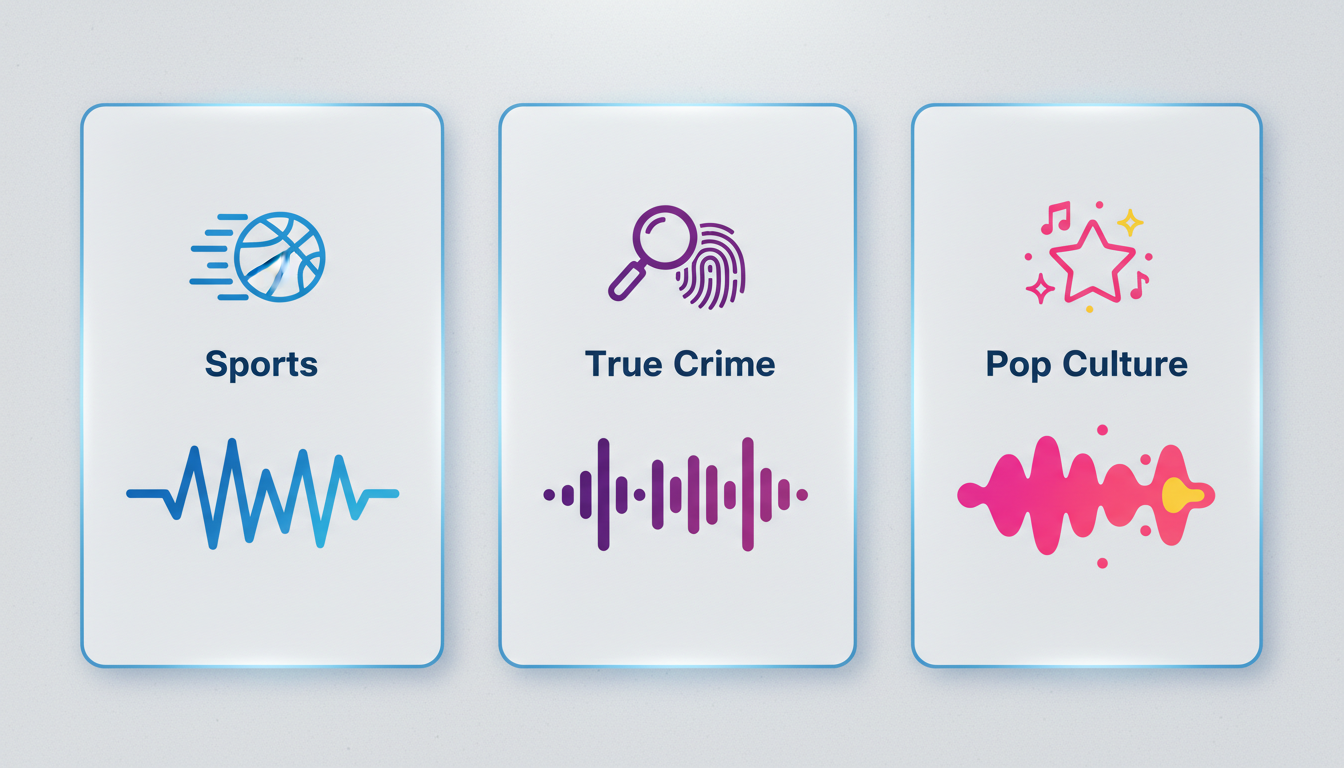
To help you select the right profile, use this comparison matrix to align your podcast genre with the ideal voice style and directing strategy:
| Podcast Genre | Ideal AI Voice Profile | Key Directing Challenge | Target Pacing |
|---|---|---|---|
| Sports & Gaming | High-octane, booming projection, highly enthusiastic | Preventing the AI from sounding rushed or losing vocal clarity at high speeds | Fast (150–160 WPM) |
| True Crime & History | Deep, resonant, dramatic, slightly gravelly or somber | Avoiding a flat delivery; ensuring the AI maintains tension and gravity | Slow (110–120 WPM) |
| Pop Culture & Comedy | Casual, highly expressive, conversational, slightly irreverent | Injecting natural inflections, sarcasm, or playful pauses | Moderate (130–140 WPM) |
For sports and competitive gaming podcasts, you need an intro that commands immediate attention. If you are aiming for a high-energy broadcast feel, check out our guide on directing high-octane sports commentary voices to master booming delivery styles.
Conversely, narrative audio dramas, history shows, and true-crime investigations rely on suspense. To build dramatic tension that hooks listeners from the very first sentence, refer to our detailed blueprint on directing cinematic story narration.
If your show is conversational, comedic, or focused on pop culture, an over-the-top, highly animated voice can set the perfect fun tone. For creators looking to bring maximum, expressive energy, our guide on directing shonen-style protagonist voices offers excellent strategies for shaping highly expressive, theatrical performances.
How to Format Your Script for AI Pronunciation and Pacing
AI voice generators do not read scripts the way humans do; they read character patterns. To get natural phrasing, you must format your script specifically for the AI's synthesis engine. This involves phonetic spelling, punctuation workarounds, and a modular production workflow.
1. Use Phonetic Spelling
AI engines frequently struggle with brand names, host names, slang, and technical jargon. If the AI mispronounces a word, write it out phonetically. For example, if you are referencing the Fanfun platform, spelling it phonetically as "Fan-fun" ensures the correct syllable emphasis. Similarly, acronyms like "SEO" should be written as "S-E-O" if you want each letter pronounced individually, or spelled out as "see-oh" depending on the engine's default behavior.
2. Deploy Punctuation Hacks
Punctuation is your primary tool for controlling the AI's breathing and emphasis. Use these formatting rules to manipulate pacing:
- Ellipses (...) : Use these to force a dramatic, one- to two-second pause. This is ideal right before your podcast's title is announced.
- Em-Dashes (—) : Use an em-dash to signal a sudden shift in tone or a rapid transition to a new thought without a long pause.
- Commas (,) : Insert commas where a human voice actor would naturally take a quick breath, even if the comma is grammatically incorrect.
3. Work in Short, Line-by-Line Renders
Do not try to generate a 45-second intro script all at once. The longer the script, the more likely the AI is to lose its consistent tone or stumble toward the end. Instead, break your script into individual lines or short phrases. Generate each segment separately, select the best take for each line, and stitch them together in your editing software. This trial-and-error process gives you granular control over the inflection of every single sentence.
Example: Raw vs. AI-Directed Script
The following example illustrates how to transform a standard script into an AI-optimized script designed for natural delivery:
Raw Script:
"Welcome to the Tech Horizon podcast, where we explore the future of AI. I'm your host, Sarah Jenkins. Today we are talking about neural networks."AI-Directed Script:
"Welcome... to the Tech Ho-rye-zon podcast — where we explore... the future of A-I. [pause] I'm your host... Sarah Jen-kins. Today, we are talking about... neural networks."
Post-Production: Blending Your AI Voiceover with Music and Sound Effects
Once you have generated and compiled your clean AI voice lines, the final step is post-production. A dry voiceover file will sound detached and artificial without background production. You must blend the voice with music and sound effects to create a cohesive, broadcast-quality intro.
Step 1: Match the Music Tempo to the Vocal Pacing
Select a background music track that mirrors the energy of your voiceover. A fast-paced, energetic voiceover over a slow, ambient acoustic track feels jarring. Ensure the beats per minute (BPM) of the music complements the words-per-minute rate of your generated voice. For high-energy intros, a track with a clear, driving rhythm helps maintain momentum.
Step 2: Apply Volume Ducking and Equalization (EQ)
To ensure your AI voiceover remains crisp and intelligible, use your digital audio workstation (DAW) to apply these professional mixing techniques:
- Sidechain Ducking: Set up a compressor on your music track that is triggered by the voiceover track. Whenever the AI voice speaks, the music volume should automatically drop by 3 to 6 decibels (dB), rising back to its original volume during pauses.
- Equalization (EQ): AI-generated voices can sometimes carry digital harshness in the high frequencies or muddy resonance in the low-end. Apply a high-pass filter to cut out frequencies below 80 Hz, and gently carve out a small pocket in the music track’s mid-range (around 1 kHz to 3 kHz) to allow the voiceover to sit cleanly in the mix.
Step 3: Layer Transient Sound Effects
Use sound effects (SFX) to punctuate transitions and emphasize key words. A subtle swoosh or bass drop placed precisely under a dramatic pause or right before the host's name is introduced adds immediate production value. Aligning these transient sound effects with the AI voice's natural pauses makes the entire intro feel like a single, unified piece of media rather than a voice track slapped over a random song.
The Podcast Intro Production Checklist
Before exporting your final intro, run through this quick checklist to ensure a professional finish:
- [ ] Are all brand names, host names, and technical terms pronounced correctly?
- [ ] Is there a natural, human-like pause before the main show title is announced?
- [ ] Does the background music automatically duck (lower in volume) when the voice speaks?
- [ ] Have you cleared out low-end rumble from the voice track using a high-pass filter?
- [ ] Do transition sound effects (whooshes, impacts) align perfectly with the voice track's natural pauses?
Can I use AI-generated voices in my podcast intro if I plan to monetize my show?
Yes, but it depends entirely on the terms of service of the AI voice generator you use. Some platforms require a commercial subscription to use generated audio in monetized content, while others grant full commercial rights by default. Always review the platform's licensing terms before publishing your intro on monetized feeds.
How long should a professional podcast intro be?
A professional podcast intro should ideally be between 15 and 30 seconds long. Anything longer risks losing the listener's attention before the main content begins. Keep the script concise, focused, and high-energy.
What is the best way to handle acronyms and abbreviations in an AI voice generator script?
The best approach is to write them out phonetically or separate the letters with hyphens or spaces (e.g., writing "N-F-L" instead of "NFL"). This forces the AI engine to spell out each letter individually rather than attempting to pronounce the abbreviation as a single word.



