The Graduation Upgrade: How to Script and Direct a Digital Graduation Card Video That Beats the Group Email
Ditch the static e-cards and uninspired group emails. Learn how to script, direct, and deliver a personalized AI graduation video card featuring their favorite characters and icons.
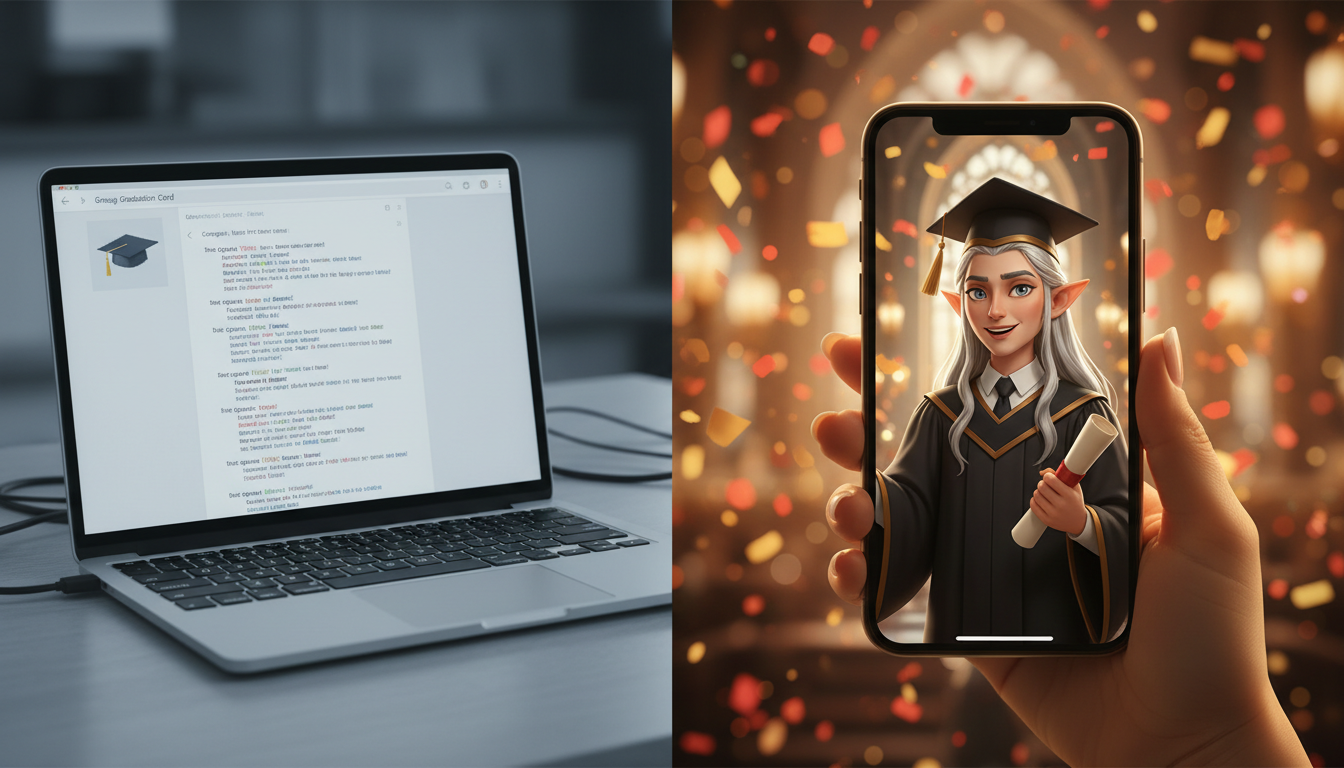
Graduation season arrives with a predictable avalanche of cardboard greeting cards and group emails containing generic "congrats, graduate!" text. While well-intentioned, these digital templates quickly pile up in a forgotten corner of an inbox, offering little personal connection to a milestone that took years of hard work, sleepless nights, and dedication to achieve.
To make a graduation message that actually resonates, you need to treat it like a mini-production. By leveraging Fanfun’s AI character library, you can cast the graduate’s favorite fictional icon, athlete, or pop culture figure to deliver a highly personalized, hilarious, or inspiring commencement message that they will actually want to show their friends and look back on for years to come.
Why Traditional Digital Cards Fail (and the Video Alternative)
Most digital graduation cards are digital landfill—opened once, politely acknowledged with a quick thank-you text, and immediately forgotten in a crowded inbox. They fail because they lack emotional weight. A standard static card relies on pre-written, clinical copy and generic stock imagery that could apply to anyone graduating from any school anywhere in the world. There is no warmth, no shared history, and no surprise.
A video card, on the other hand, captures attention instantly. It combines visual storytelling, dynamic voice acting, and deep personalization to turn a routine congratulatory message into an event. Instead of reading a paragraph of static text, your graduate gets to see and hear a character they love speaking directly to them about their specific achievements.
This is where Fanfun transforms the experience. Instead of sending a passive, predictable template, you become the director. By utilizing Fanfun’s advanced AI character library and voice generator, you can craft an exclusive, tailored performance. Whether it is an anime hero giving a passionate motivational speech or a legendary coach drawing up a game plan for the graduate's next chapter, you are creating an AI congratulations video that elevates the moment from a chore into a highly anticipated keepsake.
Choosing Your Creative Angle: The 3 Types of Graduation Videos
Before you open the script editor, you need to decide on the tone of your video. The best digital graduation cards have a clear creative angle that matches the graduate's personality. Here are the three most effective archetypes you can use to frame your message:
1. The Inspiring Mentor
This angle is perfect for graduates who are stepping into high-stakes careers, heading to graduate school, or facing a major life transition. The focus here is on wisdom, future-facing encouragement, and heartfelt pride. You’ll want to cast a character known for leadership, quiet strength, or profound wisdom. The tone is warm, grounded, and deeply encouraging, offering the graduate a solid sense of validation for their hard work.
2. The Friendly Roast
Perfect for close friends, siblings, or roommates who share a sarcastic sense of humor. Instead of playing it safe with platitudes, this angle uses inside jokes, gentle teasing about late-night study habits, campus mishaps, or their legendary ability to sleep through 8:00 AM lectures. When taking this route, refer to our guide on writing a lighthearted AI video roast to ensure you balance the humor with genuine affection, keeping the vibes celebratory rather than critical.
3. The Pop Culture Hype-Man
If the graduate is a massive fan of a specific anime, video game, superhero franchise, or sports team, this is your golden opportunity. You can cast their favorite character to bring high energy, iconic catchphrases, and fandom-specific memes to the celebration. This approach is pure fun, designed to make the graduate geek out and immediately share the video with their friends on social media.
Step-by-Step: Scripting Your AI Graduation Video Card
A great script is the foundation of a memorable video card. To prevent your video from feeling generic, you must write with specificity. Avoid broad statements like "congrats on finishing school" and instead name the specific degree, the exact department, the school colors, or even the name of the campus library where they spent too much time.
Every high-impact graduation script should follow a simple four-part structure:
- The Hook: Grab attention immediately. Have the character address the graduate by their nickname or a specific title.
- The Personalization: Ground the video in reality by mentioning their specific major, school, or a memorable college milestone.
- The Actionable Advice: Offer a piece of wisdom or a humorous directive that fits the character's established persona.
- The Big Sign-off: Conclude with a memorable catchphrase or an enthusiastic congratulations.
If you want to scale this up into a larger production, consider our comprehensive framework for directing a full-scale AI commencement message. For a standard digital card, however, keeping the run time under 60 seconds ensures maximum engagement.
The Graduation Script Structure Matrix
To help you structure your script based on the graduate's personality, use the comparison framework below:
| Graduate Type | Best Character Match | Key Script Elements | Example Line |
|---|---|---|---|
| The Overachiever | The Wise Mentor / Academic Icon | Acknowledge honors, long hours, and future leadership potential. | "Your dedication to the bio-chem lab didn't go unnoticed. The future is yours to shape." |
| The Class Clown | The Sarcastic Sidekick / Cartoon Legend | Playful roasts, reference to skipped classes, surviving on instant noodles. | "I honestly didn't think you'd make it past freshman year orientation. Yet, here we are!" |
| The Hardcore Fan | Anime Protagonist / Superhero | High-energy delivery, training metaphors, iconic catchphrases. | "You've completed your training at state university! Now, go show the world your true power!" |
Directing Your AI Character for Maximum Impact
Once your script is drafted, the next step is bringing it to life in the generator. This is where your role changes from writer to director. Getting a stellar performance from an AI character requires attention to pacing, vocabulary, and emotional delivery.
Start by selecting the right persona from the Fanfun library. Make sure the character's baseline energy matches the script you wrote. A high-energy anime character will naturally deliver punchy, fast-paced lines with enthusiasm, whereas a seasoned mentor figure will excel with slower, more deliberate pacing.
When inputting your script into the generator, write phonetically for tricky words. AI engines can sometimes struggle with unique local campus names, specific abbreviations, or uncommon surnames. Spelling out "U-C-L-A" instead of just "UCLA" or writing "Con-shohocken" instead of "Conshohocken" ensures the voice output sounds flawless on the first try. For a deeper dive into adjusting pacing, emphasis, and emotional range, check out our guide on mastering the art of AI character video generation.
Delivery and Presentation: Making It a Keepsake
How you package and deliver your finished video card is just as important as the content itself. To make the gift truly unforgettable, consider how the graduate will receive and interact with it.
If you are coordinating a gift from a group of friends or family members, you can easily combine individual AI video clips into a collaborative montage. Start with a spectacular, high-energy AI character video greeting as the intro, followed by short, heartfelt smartphone video clips from family members, and close with another fun AI character sign-off. This structure blends high-production value with raw, personal emotion.
For the delivery itself, skip the standard email inbox where things get buried. Here are three high-impact ways to deliver your video card:
- The Instant SMS: Send the video directly via text message on the morning of graduation. It provides an immediate, delightful surprise before the hectic ceremony begins.
- The QR Code Gift Tag: Print a custom QR code on a physical graduation card or gift box. When the graduate scans it with their phone, your custom AI video plays instantly.
- The Digital Memory Book: Embed the video link in a shared digital scrapbook alongside photos from their years at school, preserving the moment forever.
By shifting from a generic store-bought card to a custom-directed AI video, you give your graduate more than just a congratulatory note—you give them a highly entertaining, personalized piece of media that they will proudly show off to their peers, share on social media, and look back on as a highlight of their graduation day.
How do I make a group digital graduation card video?
To create a group video, you can generate a personalized AI character introduction video using Fanfun, then use any standard video editing software or collaborative video platform to stitch it together with recorded video clips from friends, classmates, and family members.
What should I write in a digital graduation video card script?
Keep the script highly specific. Include the graduate's name, their school, their major, and at least one inside joke or specific memory. Structure it with a strong hook, the personalized details, a piece of advice fitting the character's persona, and an iconic sign-off.
How long should a graduation video card be?
For maximum engagement and shareability, keep the video card between 30 and 60 seconds. This is long enough to deliver a highly personalized, impactful message without losing the viewer's attention.
Can I use fictional characters or celebrities in a graduation card video?
Yes! Fanfun features a growing library of licensed and original AI personas, including fictional characters, athletes, and cultural icons, allowing you to cast the perfect character to deliver a custom graduation message.