
How to Create a Custom Wedding Anniversary Video Message Using AI Characters
Ditch generic greeting cards. Learn how to use Fanfun to choose the perfect AI character, write a highly personalized script with inside jokes, and generate a custom anniversary video in minutes.
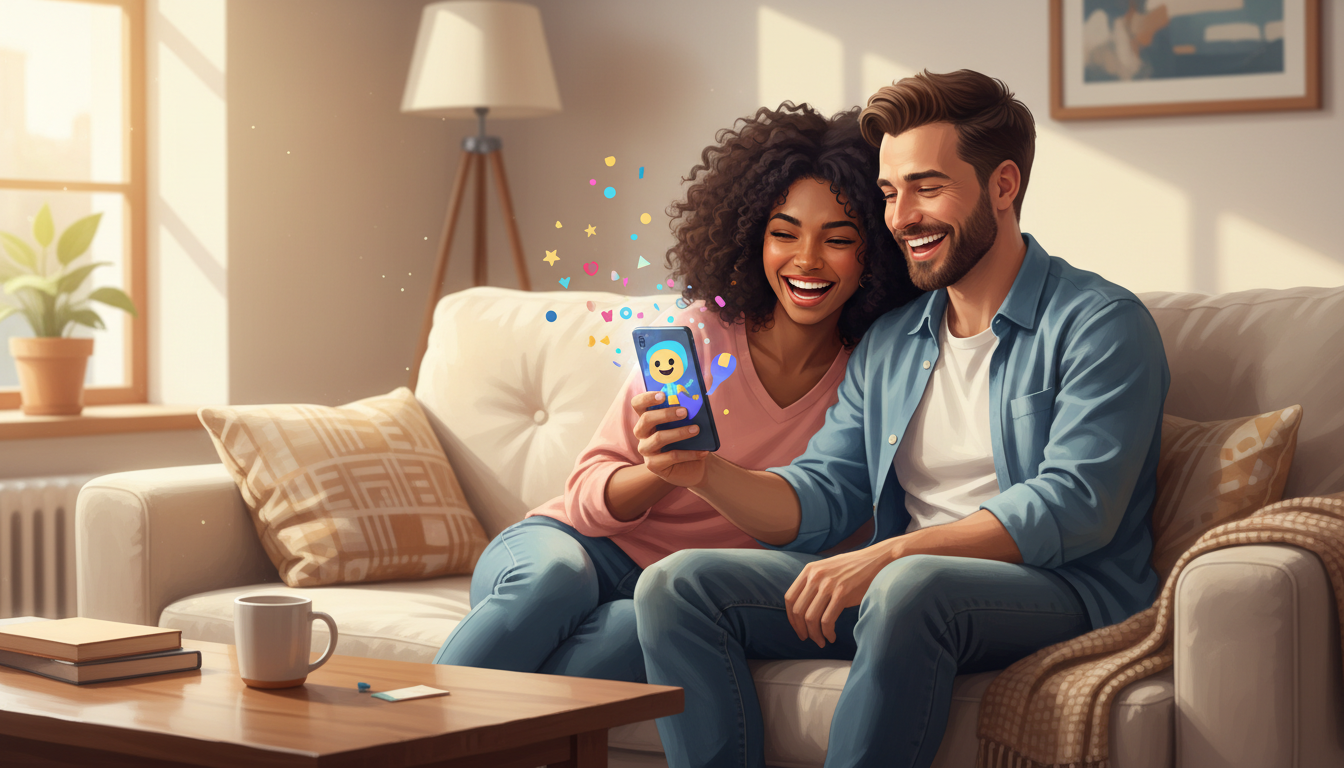
You can create a custom wedding anniversary video message using AI characters by choosing a persona on Fanfun, drafting a script packed with specific inside jokes, and generating the video in minutes. These AI-generated messages feature interpretations of your favorite characters, providing a highly customizable and fast alternative to traditional gifts. Because these videos are generated as creative AI interpretations, it is best to check the platform's current terms if you plan to use them for anything outside of personal, lighthearted celebrations.
Why AI Character Videos Make Memorable Anniversary Gifts
Traditional anniversary gifts like paper cards or generic video montages often rely on predictable templates. While booking real celebrities on talent platforms is an option, it can be limited by availability and subject to multi-day turnaround times. Using Fanfun allows you to generate a custom video message in minutes, giving you the creative freedom to feature characters that hold sentimental value for the couple.
| Gift Format | Average Turnaround | Level of Personalization | Best For |
|---|---|---|---|
| Traditional Greeting Card | Instant (pre-made) | Low (handwritten note only) | Standard, formal greetings |
| Real Celebrity Booking | 3 to 7 days | Moderate (templated shoutouts) | Fans of specific real-life talent |
| Fanfun AI Character Video | A few minutes | High (custom scripts and inside jokes) | Nostalgic, humorous, and highly specific tribute videos |
Step 1: Choose an AI Character That Fits the Couple's Story
The key to a memorable anniversary video is matching the AI character to the couple's unique history, shared interests, or relationship dynamic. Consider these three approaches when selecting a persona from the Fanfun library:
- Identify Shared Fandoms: Think about the shows, movies, or games the couple bonded over. Did they spend their first anniversary binge-watching a specific show? Choosing an AI interpretation of a favorite character instantly adds sentimental value. For tips on making animated characters sound authentic, you can explore how to script and generate custom video messages from cartoon characters.
- Match the Relationship Dynamic: If the couple loves high-stakes action films, a dramatic character persona is a perfect fit. For high school sweethearts, a nostalgic childhood character can evoke warm memories of the era they first met.
- Embrace Humor and Roasts: If the couple appreciates friendly ribbing, choose a character known for sharp wit to deliver a lighthearted roast about their quirky habits as a married couple.
Step 2: Draft a High-Impact Anniversary Script
An AI voice generator delivers the best results when the script is optimized for spoken delivery. When drafting your script, focus on clear, conversational language that fits the chosen character's style.
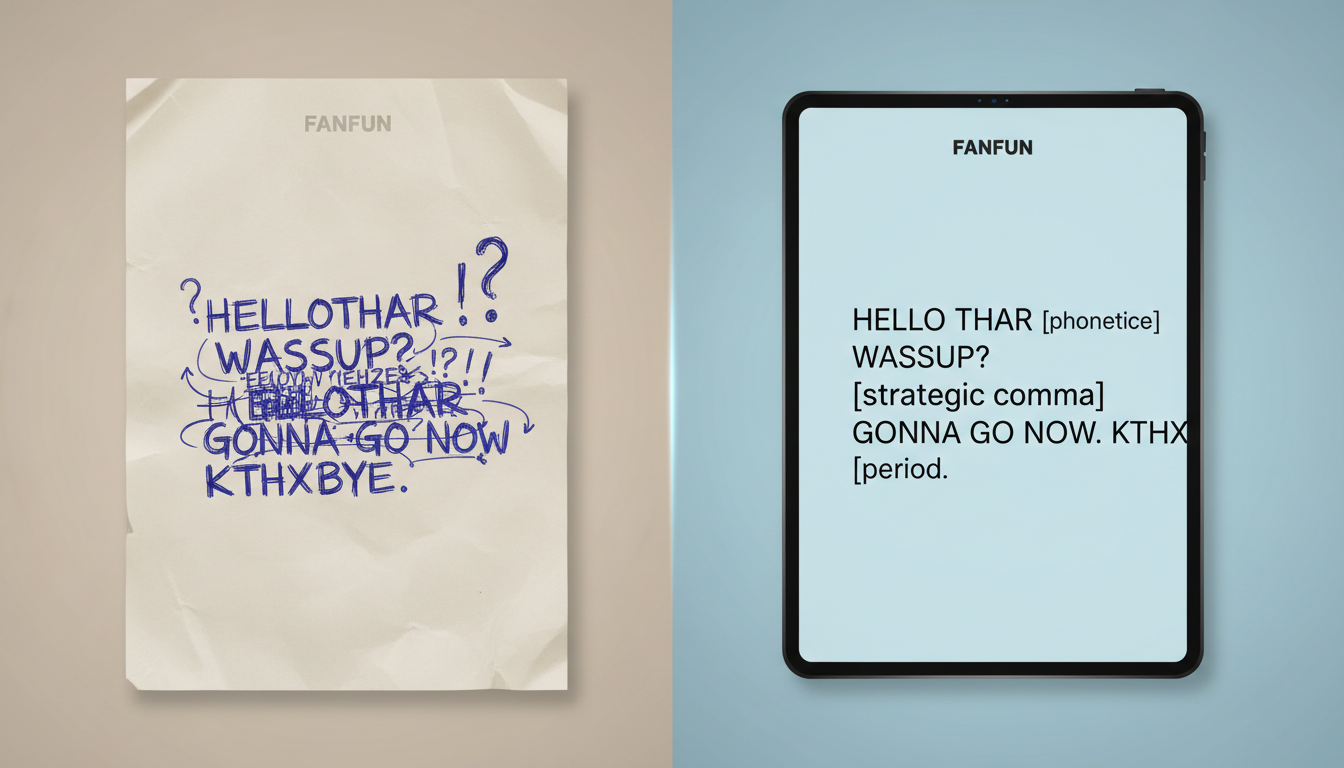
Keep sentences relatively short to help maintain a natural flow. If the script contains highly complex family names or regional slang, you might consider using simpler alternatives or nicknames to ensure the message remains clear. For more advice on structuring your script to balance humor and emotional delivery, refer to our guide on upgrading wedding toasts with personalized video messages.
Illustrative Anniversary Script Template
The following template is an illustrative example of how to structure a script for a humorous, personalized anniversary message. You can adapt the bracketed details to fit the couple's actual story:
"Hey [Partner 1] and [Partner 2]! Happy [Number] anniversary! I heard you two are still arguing over who actually lost the car keys during your trip to [Location]... but hey, you survived another year together, so you must be doing something right. Here is to many more years of love, laughter, and always keeping a spare set of keys. Happy anniversary!"
Step 3: Generate, Review, and Package Your Video Message
Once your script is finalized, enter it into the generator on Fanfun, select your chosen character, and click generate. Within minutes, your custom video message will be ready to download.
Always review the generated video to ensure the pacing, tone, and pronunciation match your expectations. Once you are satisfied with the final video, think about how to present it. You can text it directly to their group chat, project it onto a screen during a family dinner, or embed it into a digital card by following our tutorial on creating a custom digital anniversary video card to make the presentation feel complete.
Can I use these AI anniversary videos for commercial advertising?
If you are considering using AI character video messages for commercial use, promotions, or brand advertisements, you should verify the platform's current terms and licensing rights before proceeding.
How long should an AI anniversary video script be for the best pacing?
For the best pacing and audience engagement, keep your script under 150 words. This typically translates to a 60-to-90-second video, which is the ideal length for holding attention while delivering a punchy, memorable message.
What should I do if the AI mispronounces a unique family name?
If the AI generator mispronounces a highly unique name, you can try using a common nickname, a simplified spelling, or adjusting the surrounding sentence structure to help the flow of the voiceover.



