
How to Create a Custom Digital Anniversary Video Card
Move beyond boring templates. Learn how to combine personal memories with custom AI character messages to create a digital anniversary card that is genuinely fun and memorable.
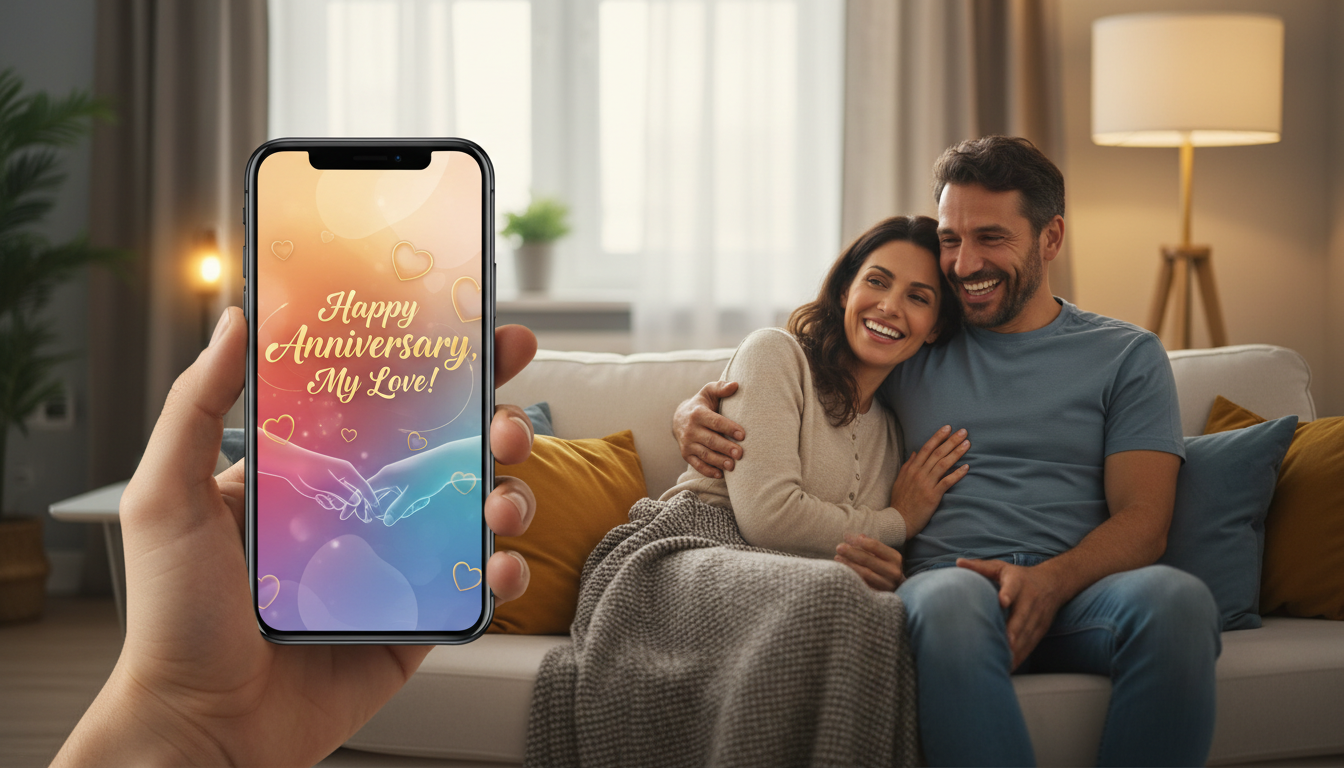
To create a custom digital anniversary video card that stands out, you should combine a highly personalized selection of 10 to 15 photos or short clips with a tailored narrative voiceover and a surprising high-concept element, such as an AI-generated character message. Keep the final video between 60 and 90 seconds to maintain high engagement, and deliver it via a dedicated link or high-quality messaging platform when the couple is relaxed and ready to watch. By blending genuine sentiment with unexpected pop culture cameos, you can transform a standard slideshow into an entertaining digital keepsake.
The Core Elements of a Memorable Anniversary Video Card
A great digital anniversary card balances genuine sentiment with engaging pacing. Most people make the mistake of creating 10-minute slideshows that feel like a chore to watch. For maximum emotional impact, aim for a tight runtime of 60 to 90 seconds. This constraint forces you to select only the most meaningful highlights and keeps the energy high.
Instead of relying on generic templates that look like corporate presentations, your digital card should combine three core layers:
- Personal Assets: A curated mix of photos and short video clips showing real, unpolished moments.
- A Narrative Thread: A central theme or voiceover that connects the visuals, rather than just chronological order.
- A Surprise Hook: An unexpected, high-concept element that breaks up the sentimentality with humor or pop culture fun.
When moving away from generic e-cards, incorporating interactive or highly unexpected media is the easiest way to keep your recipient smiling. With Fanfun, you can generate custom AI character video messages to serve as your surprise hook. Whether you want an anime hero, a cartoon legend, or a sports icon to roast your partner's cooking or congratulate them on surviving another year of marriage, adding a personalized character message makes the card feel entirely custom-built. While generating these clips takes just minutes, the result provides a unique focal point for your anniversary edit.
Step-by-Step Guide to Crafting Your Anniversary Video
Creating your custom video card doesn't require complex editing software. By following a structured workflow, you can assemble a professional-feeling video in an afternoon.
Step 1: Gather Your Assets
Collect 10 to 15 high-quality photos or video clips. Look for images that represent key milestones, but don't shy away from candid, funny moments that capture your partner's actual personality. If you are celebrating a major milestone (like a 25th or 50th anniversary) and want to include well-wishes from extended family, you will need a clear system for coordinating a group video card so you receive all clips in the same format and orientation.
Step 2: Script the Narrative
Write a short voiceover or text-on-screen script. Avoid generic cliches like "you are my rock." Instead, focus on specific, shared memories—the tiny apartment you first lived in, the terrible vacation where it rained the whole time, or your shared obsession with a specific TV show. Keep your script under 150 words to leave breathing room for music and transitions.
Step 3: Generate Custom Cameos
To inject humor and surprise into the card, head to Fanfun. Select a character that your partner loves (or playfully dislikes), type in a custom script—like a funny roast about who actually does the dishes—and generate your video clip. This clip will serve as the mid-point or closing punchline of your video card. Because these are AI interpretations, preview the script to ensure the pacing and pronunciation match your comedic intent before finalizing your video.
Step 4: Assemble the Video
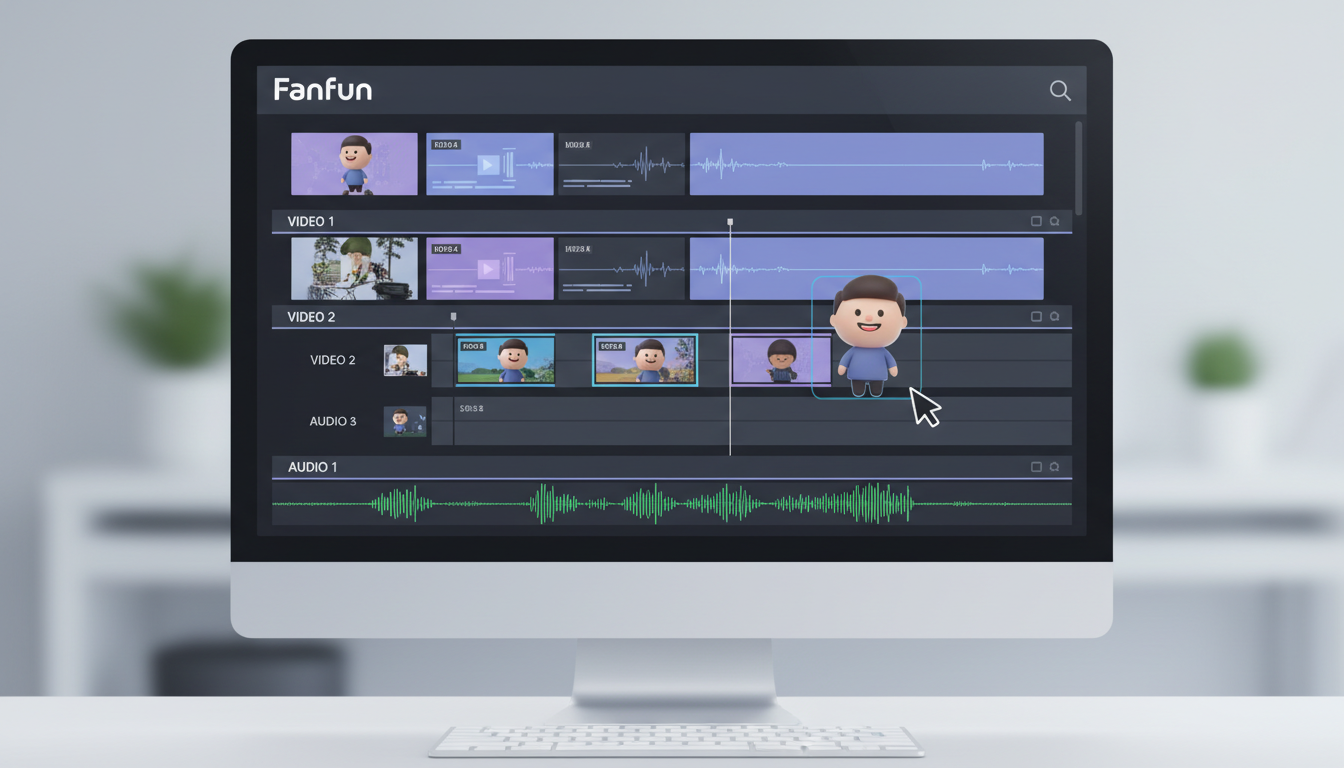
Import your photos, video clips, and your generated Fanfun clip into a simple, free editing tool like CapCut or Canva. Arrange them chronologically or thematically. When mixing your audio, focus on clarity. Adjust your background music levels so that any voiceover or character dialogue remains clear and easy to hear throughout the presentation.
Step 5: Deliver the Card
Do not just text a raw file that might get compressed and look blurry. Upload your finished video to a private YouTube link, a Google Drive folder, or a dedicated landing page. Schedule the delivery via email or text for a quiet moment in their day—such as first thing in the morning with coffee, or right before you go out for your anniversary dinner.
Three Creative Script Frameworks for Your Anniversary Card
To help you structure your card, choose a style that best matches the couple's dynamic. Here are three editable concepts designed to balance personal memories with custom Fanfun character moments.
| Vibe | Best For | Tone |
|---|---|---|
| The Nostalgic Timeline | High-school sweethearts or long-term marriages | Sentimental, warm, reflective |
| The Good-Natured Roast | Couples who constantly tease each other | Humorous, playful, fast-paced |
| The Pop Culture Surprise | Fans of specific fandoms, movies, or anime | Energetic, surprising, collaborative |
1. The Nostalgic Timeline
This approach focuses on growth, shared challenges, and quiet everyday moments. It is highly sentimental and works best with warm acoustic background music.
"Five years, three apartments, and one incredibly stubborn dog later, here we are. From our first cheap dinner in Seattle to this morning's coffee, every day with you is my favorite adventure. Happy anniversary."
2. The Good-Natured Roast
Perfect for couples who show affection through teasing. Use this script to highlight funny habits, minor domestic debates, and inside jokes.
"Happy anniversary to the only person I trust to steal my fries. Thank you for tolerating my terrible driving, always letting me pick the movie, and never actually remembering to close the cabinet doors. I wouldn't change a single thing."
3. The Pop Culture Surprise
This script is designed specifically to lead directly into a custom Fanfun character message. It frames the character as a surprise guest who has been "monitoring" your relationship from afar.
"We’ve watched every episode of our favorite show together at least three times. So, for our anniversary, I decided to bring in an outside expert to evaluate our relationship progress..."
[Insert Fanfun Character Video: "Hey Sarah and Mike, I heard you two have been arguing about who controls the TV remote for three years straight. As a professional, I'm stepping in to say..."]
What is the best video length for a digital anniversary card?
The sweet spot is between 60 and 90 seconds. This provides enough time to showcase 10 to 15 photos, establish a short narrative, and insert a custom character message without losing the recipient's attention.
Do I need professional video editing skills to make a custom video card?
No. Free, user-friendly tools like Canva, CapCut, or iMovie offer drag-and-drop timelines where you can easily layer photos, add background music, and insert your generated Fanfun video clip with zero prior editing experience.
How can I make a digital anniversary card feel like a physical gift?
To make a digital card feel tangible, write a physical card containing a custom QR code that links directly to the video. Alternatively, load the video onto a tablet or smart display and set it up on the kitchen table alongside breakfast or flowers as a physical morning surprise.



