
How to Use Virtual Character Videos in the Classroom to Engage Students
Bring lessons to life by using virtual characters as digital guest speakers. Learn how to write engaging scripts, introduce new units, and celebrate student achievements safely.
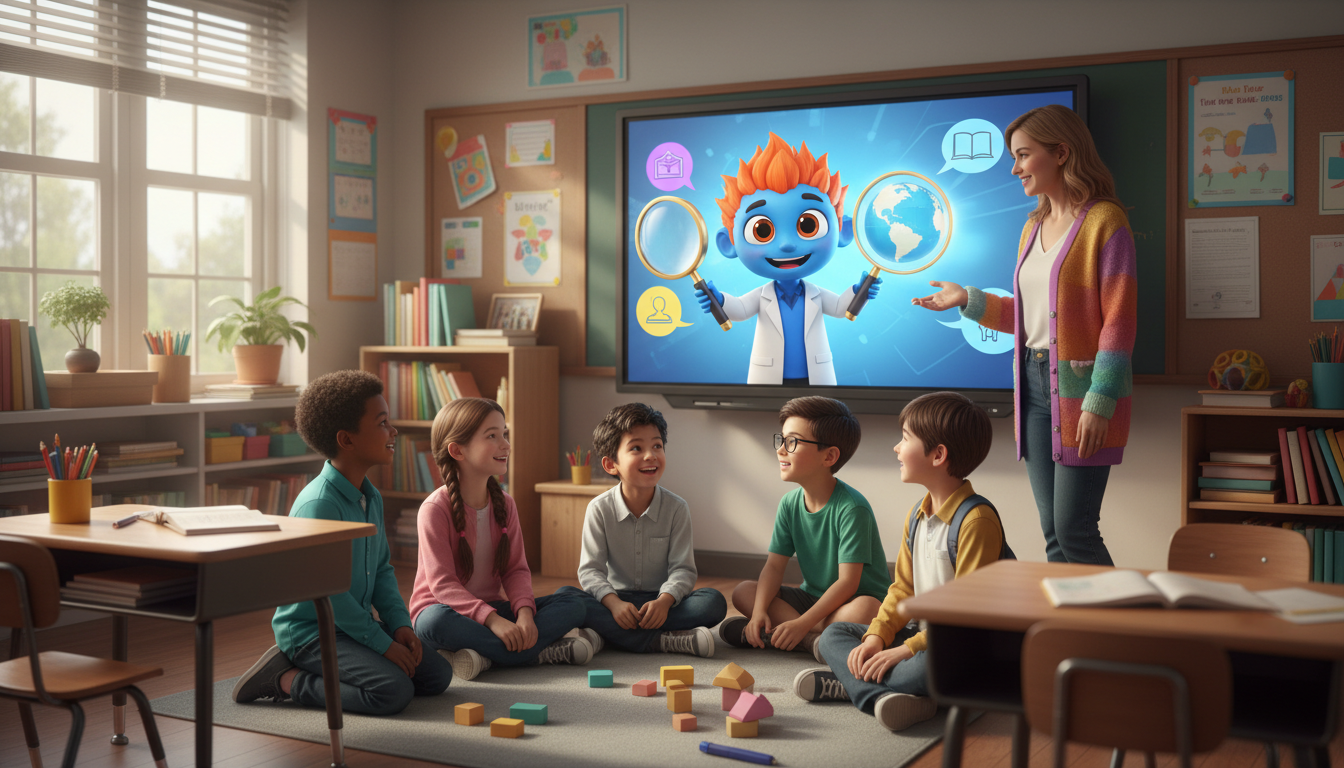
Virtual character videos can engage students by acting as playful, digital "guest speakers" that break up classroom routines, introduce new topics, and celebrate student milestones. By using synthetic voice and avatar platforms like Fanfun, teachers can quickly write and generate custom video messages featuring recognizable celebrity or pop culture characters. While these videos do not offer flawless human mimicry or perfect vocal delivery, their slightly stylized, animated nature is highly effective at capturing student attention when used as a brief, educational supplement rather than a replacement for teacher-led instruction.
Introducing Virtual Characters as Classroom Guest Speakers
In today's digital classroom, finding new ways to spark curiosity can be a challenge. Virtual character videos offer a playful solution by combining synthetic voices with animated avatars to deliver short, custom scripts. Think of them as digital "guest speakers" who can drop into your lesson to deliver a quick announcement, pose a riddle, or set the stage for a new unit.
It is important to set realistic expectations: these tools do not produce flawless, hyper-realistic human mimicry, nor should they. Instead, their charm lies in their stylized, cartoonish, or dramatic nature. By using Fanfun, educators can easily select a celebrity or pop culture character, write a short script tailored to their current lesson, and generate the custom video message to share with the class. This adds a touch of creative storytelling to your lesson plans while keeping students focused and entertained.
Four Creative Ways to Bring Characters Into Your Lessons
Integrating virtual characters into your teaching does not require a complete curriculum overhaul. Here are four practical scenarios where a short video message can make a big impact:
1. The Historical Hook
Before diving into a new social studies unit, have a stylized historical persona introduce the era. For example, a character representing a medieval knight or a 1920s explorer can pose a historical mystery for your students to solve. This immediate visual hook sets a creative tone for the upcoming lesson.
2. The Fictional Problem Solver
Introduce abstract concepts by having a whimsical character present them as a real-world problem. A quirky scientist character might explain a word problem in math or ask students for help writing a creative story to solve a fictional dilemma in English class.
3. The Morning Meeting Warm-Up
Kick off the week or welcome students back after a long break with an upbeat character message. If you are preparing for a new semester, you can learn how to write a welcome back script for a virtual character video that sets a positive, high-energy tone for the return to school.
4. Milestones and Celebrations
Celebrate classroom achievements, science fair completions, or physical milestones with custom shoutouts. For instance, if your class just completed a school fun run or a physical education challenge, you can adapt a marathon congratulations script to celebrate their endurance. For end-of-year achievements, explore our guides and templates on how to write a graduation congratulations script for a virtual character video to give your students a memorable send-off.
A Simple Framework for Writing Classroom Character Scripts
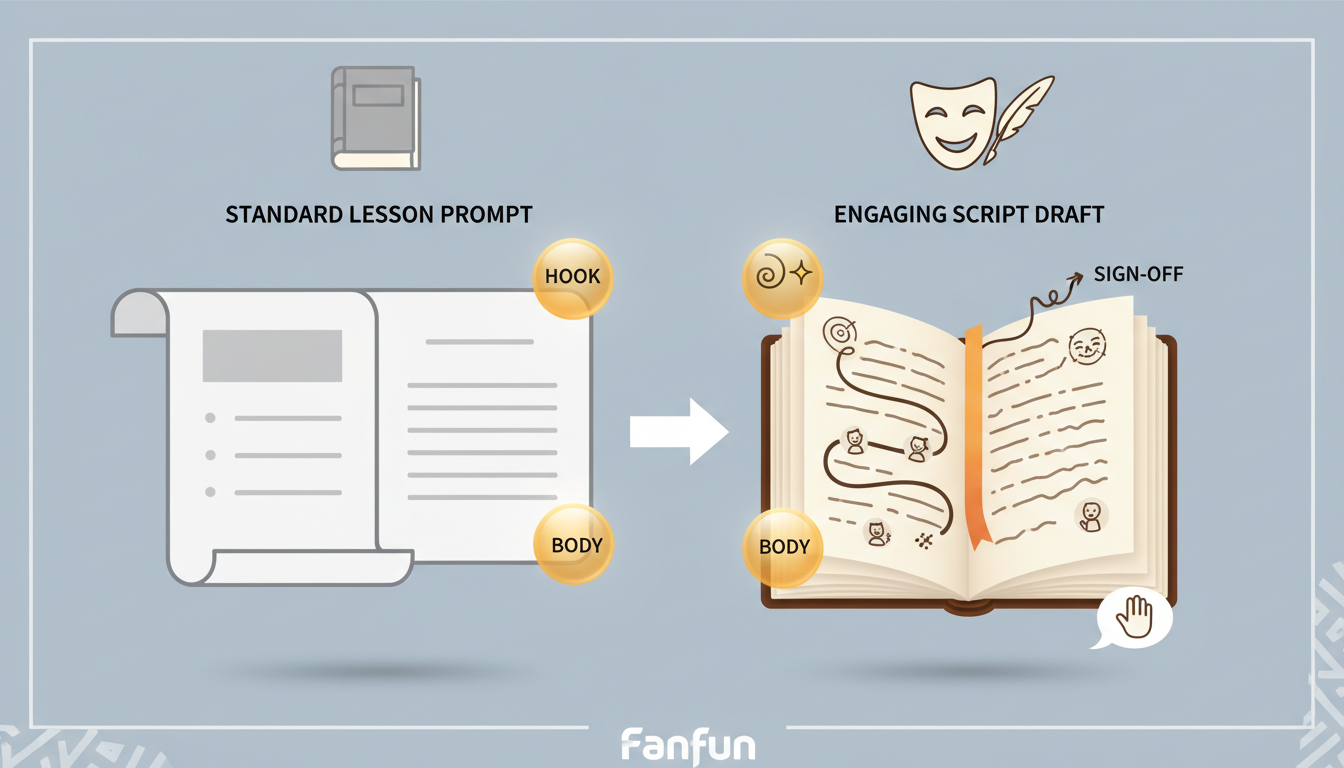
Writing a script for a synthetic voice requires a slightly different approach than writing for a live actor. To ensure your custom message sounds natural and keeps students engaged, follow this simple framework:
- Keep it brief: Limit your scripts to 30 to 60 seconds. This maintains student focus and ensures a clean, well-paced voice generation.
- Use clear, phonetic phrasing: Avoid overly complex jargon or unusual abbreviations that might trip up a synthetic voice generator. If a word is frequently mispronounced, spell it out phonetically in your script.
- Inject character-specific vocabulary: Use signature catchphrases, thematic terms, or playful exclamations to make the persona feel distinct and entertaining.
Below is a comparison framework showing how to transform a standard, dry classroom announcement into an engaging, character-driven script:
| Standard Announcement | Character-Driven Script |
|---|---|
| "Class, please open your math books to page 42. Today we are going to learn about fractions using fractions of a pizza." | "Ahoy, math explorers! Captain Fraction here. My crew and I have a massive pizza, but we have eight hungry sailors and only one pie! How do we slice it fairly? Open your logs to page 42 and help us solve this tasty mystery!" |
Best Practices for Using Synthetic Media Safely in Schools
As educators, modeling the responsible use of technology is just as important as the lesson itself. Keep these best practices in mind when introducing synthetic media to your classroom:
- Always practice transparency: Explicitly tell your students that the video is an AI-generated creation. Use this as a quick teachable moment to build digital literacy, explaining how synthetic voices and animations are created.
- Focus on educational intent: Ensure the character video serves as a supplement to your instruction, not a replacement. The video should hook their interest, while you provide the core explanation, guidance, and support.
- Avoid promises of perfection: Frame occasional robotic tones, visual quirks, or odd pauses as a fun and interesting aspect of the technology rather than a flaw. This keeps the atmosphere light and teaches students to analyze digital media critically.
How do I ensure the synthetic voice pronounces my students' names correctly?
Synthetic voice generators read text literally. If a student's name has a unique spelling or pronunciation, write it out phonetically in your script. For example, spell "Alicia" as "Ah-lee-sha" or "Joaquin" as "Wah-keen" to help the generator produce a more accurate pronunciation.
Can I use these videos for asynchronous remote learning?
Yes. Virtual character videos are highly effective for asynchronous learning. You can easily embed the generated video into your school's learning management system (LMS) or share the link to kick off an online module or introduce a homework assignment.
Do I need advanced technical skills to create a video on Fanfun?
Not at all. Fanfun is designed to be simple and accessible. You simply choose a celebrity or pop culture character, type or paste your custom script into the text box, generate the video, and share it with your classroom.



