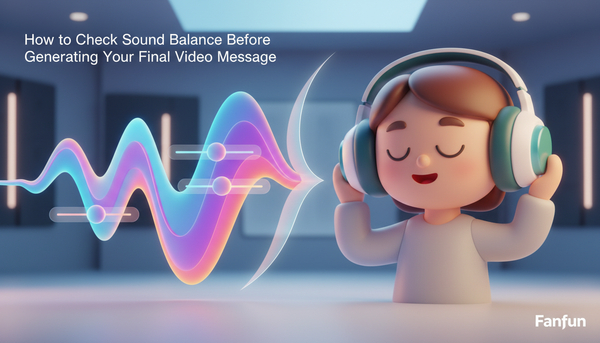
How to Balance Background Music and Speech in AI Videos for Clean, Clear Audio
Keep your AI character voices clear. This guide outlines the target decibel levels, audio ducking settings, and scripting tips to prevent background music from drowning out speech.

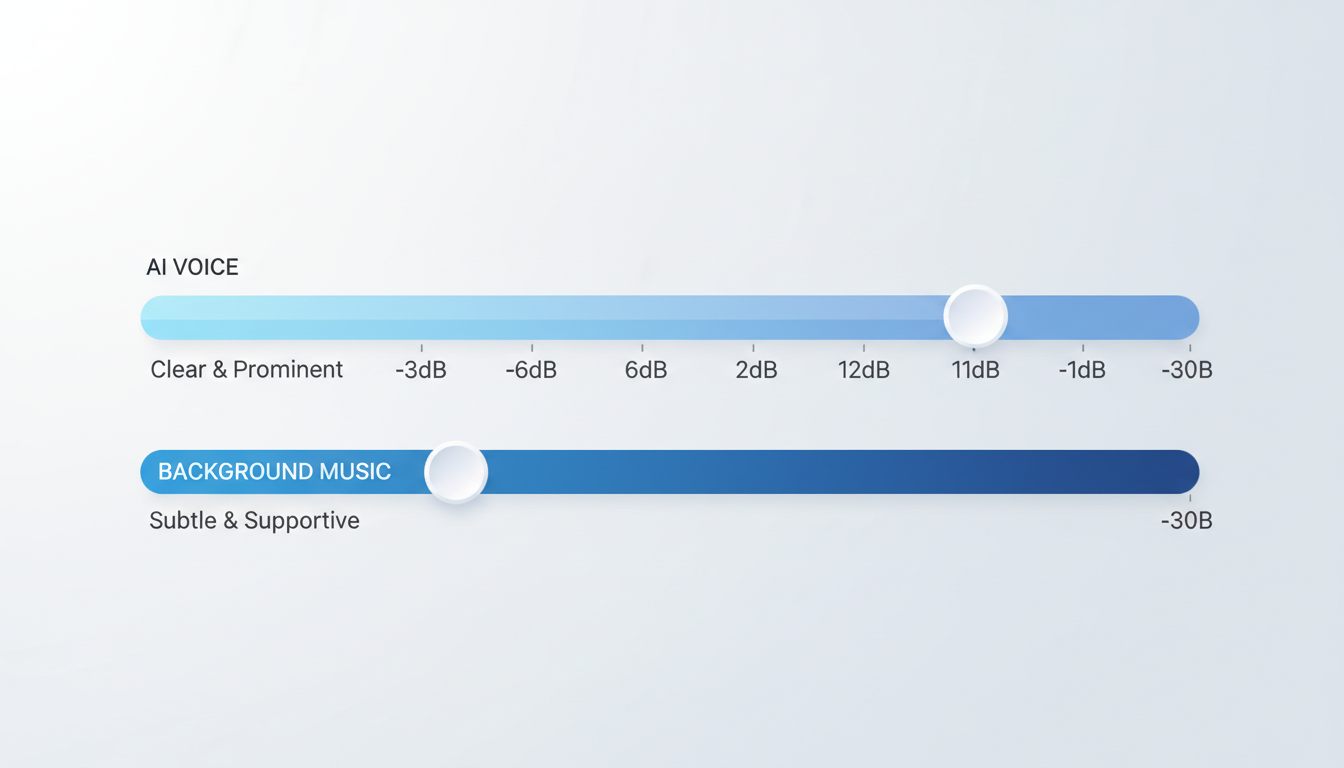
To keep background music from drowning out an AI-generated character voice, your music track should sit at least 15 to 20 decibels (dB) below your voiceover track. Because synthetic voices often lack the adaptive mid-range dynamics of human voice actors, they can easily get buried under busy instrumentation. Setting your voice peaks between -3dB and -6dB while keeping your background music between -18dB and -24dB is a common starting point that helps separate the tracks and improve clarity on many playback devices.
The Golden Rule of AI Audio Mixing: Clear Voice First
AI-generated voices have unique frequency profiles. Unlike professional voice actors who naturally project their voices or shift their tone to cut through background noise, AI voices are rendered with a more uniform dynamic range. This means they require deliberate, manual volume balancing to prevent them from sounding muddy or getting lost in the mix.
Whether you are creating a personalized birthday greeting, a fun character shoutout, or using our overview on how to use AI-generated personality videos for gifting and creative projects, the voice is always the star. On Fanfun, where you can turn your scripts into video messages from virtual personalities, background music should only serve as an emotional cushion. It should support the performance, not compete with it for the listener's attention.
The Decibel Cheat Sheet for AI Video Projects
To make audio mixing straightforward, here is a quick reference guide for setting your decibel levels. These target ranges will keep your vocals crisp and your music supportive, whether you are making a quiet, intimate message or a high-energy parody.
| Video Style | Target Voice Level (Peak) | Target Music Level (Background) | Best Use Case |
|---|---|---|---|
| Intimate / Quiet Greeting | -3dB to -6dB | -25dB to -30dB | Soft, personal character messages |
| Standard Narrative / Explainer | -3dB to -6dB | -18dB to -24dB | General storytelling or walkthroughs |
| High-Energy Promo / Parody | -3dB to -6dB | -15dB (only during pauses) | Fast-paced comedic clips |
Always test your final mix on mobile phone speakers before sharing. Small phone speakers struggle to separate overlapping mid-range frequencies far more than headphones or studio monitors do. If the voice sounds clear on a smartphone, it will sound great anywhere.
Scripting for Sound: Using Pacing and Pauses to Let the Music Breathe
The key to a clean mix actually starts long before you open an editing timeline—it starts in your script. Dense, rapid-fire blocks of text leave no room for background music to swell or fade, resulting in a flat and exhausting listening experience.
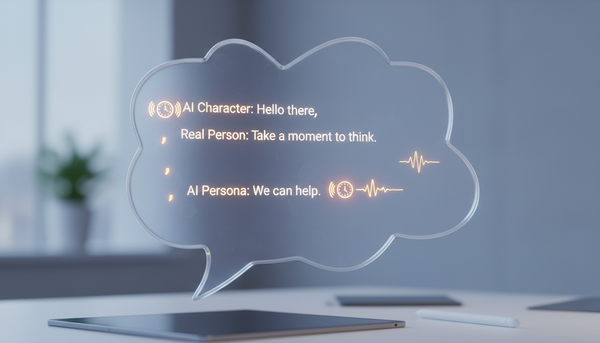
To fix this, write your script with built-in pauses. You can refer to our guide on using line breaks to control AI speech rhythm and pause timing to learn how to structure your text generator inputs. By inserting strategic punctuation and line breaks, you force the AI generator to pause naturally. During these brief moments of silence, the background track can naturally fill the space without competing with the speech.
Additionally, adjusting the speech rate dynamically can give the listener's brain more time to process the AI character's voice over a musical background. If you are creating content for younger audiences, you might also want to look at how to adjust speech rate for children's virtual character videos to help make the delivery easier to follow.
Post-Production Fixes for Muddy AI Audio
If you have set your decibel levels but the audio still feels slightly muffled, a few quick post-production adjustments can polish your final video.
First, apply manual or automatic audio ducking. Ducking automatically lowers the music volume by 3dB to 5dB the moment the AI character begins speaking, allowing the music to rise back up during pauses.
Second, use equalization (EQ) to carve out physical space for the voice. Gently dip the music track's frequencies between 1 kHz and 4 kHz by 2dB or 3dB. This frequency range is where the human ear processes vocal clarity and consonant definition, so clearing it out in the music track instantly makes the AI voice pop.
If you find the voice is lost in your final export, review your audio levels in your editing software. While Fanfun's video templates offer a straightforward way to generate character messages by choosing a template and adding your script, custom edits outside the platform require careful manual monitoring to keep your audio clear.
Why does my AI voice sound robotic when the background music is turned off?
Without a background track, the subtle digital artifacts of an AI voice are more noticeable to the human ear. A quiet background music track actually helps mask these minor imperfections, making the synthetic voice sound more natural and integrated.
Can I use automatic audio ducking tools for AI character voices?
Yes, most modern video editors have automatic ducking. However, because AI voices lack natural human volume swells, you may need to adjust the ducking sensitivity (threshold) so the music doesn't aggressively jump up and down between short words.
What is the best genre of background music for AI-narrated videos?
Ambient, acoustic, or minimalist lo-fi tracks work best. Avoid tracks with heavy vocal samples, prominent lead synthesizers, or busy electric guitars, as these instruments compete directly with the mid-range frequencies of the AI voice.