
How to Use AI Character Voices in the Classroom: Creative Ideas and Best Practices
Bring lessons to life with virtual character voices. Learn how to responsibly use short, playful AI video messages to engage students and spark creativity.
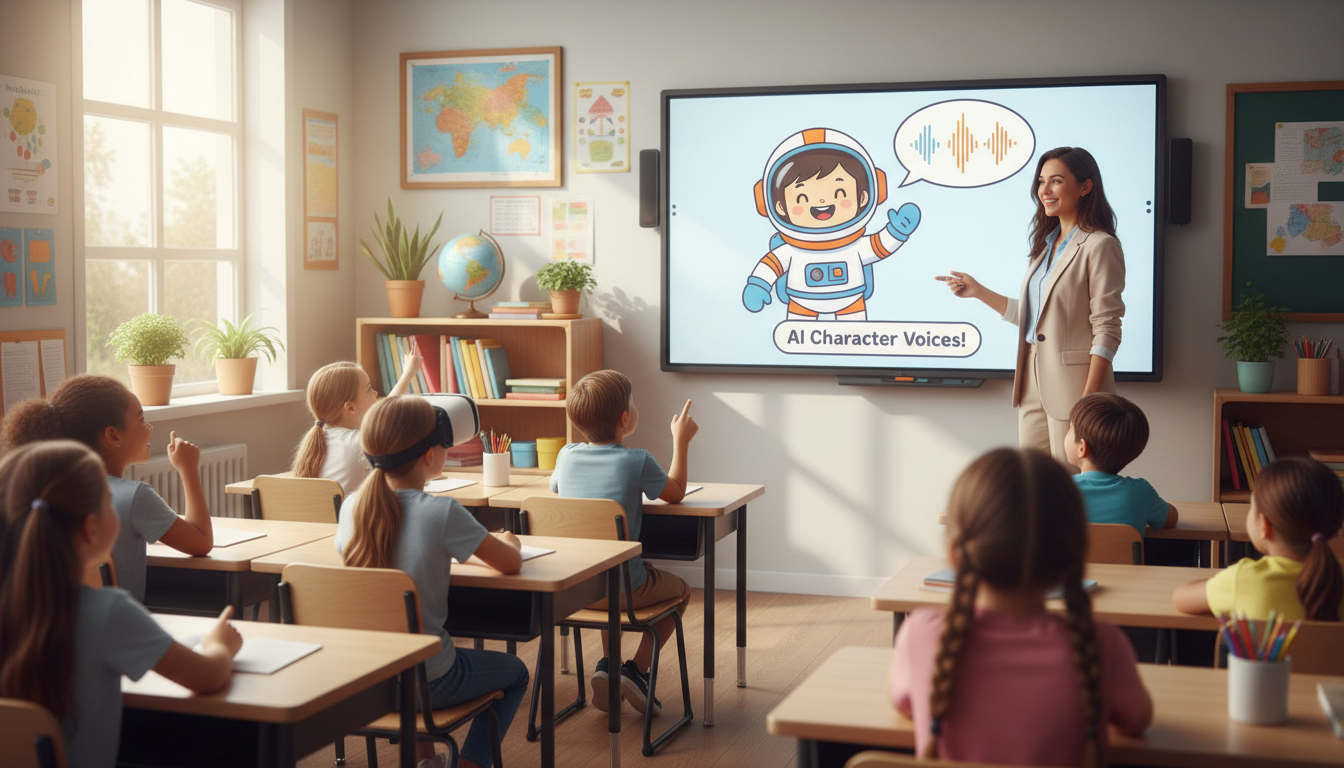
Using AI character voices in the classroom is an effective way to capture student attention, introduce complex topics, and celebrate milestones through short, 30-to-60-second audio or video hooks. These playful, virtual personas are not meant to replace teacher-led instruction or mimic real people perfectly; instead, they serve as lighthearted engagement tools. By keeping messages brief, transparently presenting them as fun AI animations, and focusing strictly on positive reinforcement, teachers can safely bring a touch of magic to their daily lesson plans.
The Attention Hook: Why Virtual Character Voices Belong in the Classroom
Every educator knows the challenge of capturing and holding student attention. While traditional teaching methods form the backbone of solid education, occasional novelty can spark curiosity and wake up a quiet room. Short, character-driven messages work best as quick, 30-to-60-second hooks rather than replacements for your actual instruction. Fictional personas offer a fun, low-stakes way to deliver announcements or frame a new topic.
It is important to set realistic expectations: these are playful AI-style personas rather than perfect, flawless voice replicas. The charm lies in their stylized, cartoonish delivery rather than an uncanny imitation of real people. By using a platform like Fanfun, teachers can quickly write and generate character-style video messages to surprise their students without needing any technical expertise. Using these playful voices introduces a layer of narrative play, pointing to our guide on the character-first classroom and AI storytelling to show how storytelling with fictional voices helps complex concepts stick with younger audiences.
4 Creative Ways to Bring Character Voices into Your Lessons
Integrating virtual voices into your daily routine does not require a complete curriculum overhaul. Here are four practical, classroom-tested scenarios you can implement today:
Scenario 1: The Lesson Launchpad
Start a new unit with a high-energy introduction. Instead of simply opening a textbook, have a virtual space explorer or a historical archetype introduce the topic. For example, when starting a unit on gravity, a brief message from an enthusiastic astronaut can set the stage. If you are looking for inspiration on setting up these openings, try referencing how to craft engaging video intros with fictional voices to make your lesson launches memorable.
Scenario 2: The Gamified Reward
Celebrate classroom milestones to keep motivation high. If your students reach a collective reading goal or perform exceptionally well on a STEM project, surprise them with a custom congratulatory message from a beloved cartoon archetype. A quick, cheerful shout-out makes the achievement feel like a shared victory.
Scenario 3: Creative Writing Spark
Use voice generation as a tool for peer review and creative writing. Have students draft short, dialogue-heavy scripts in pairs. Once they finish, you can paste their scripts into an AI voice generator to let them hear their characters come to life. This exercise helps students understand pacing, tone, and character development in real-time.
Scenario 4: The Friendly Reminder
Routine reminders can get repetitive. Keep things lighthearted by letting a whimsical character deliver the news. Whether you need to remind students to keep their desks tidy, return library books, or prepare their hypotheses for the upcoming science fair, a friendly cartoon voice can deliver the message without sounding like a lecture.

How to Script a Classroom Character Message in 3 Steps
Writing for an AI voice generator is slightly different than writing a standard classroom announcement. To ensure the voice sounds natural and engaging, follow this simple three-step framework:
- Step 1: Keep it brief. Limit your scripts to 50–100 words. This keeps student focus sharp and ensures the AI voice generator delivers a clean, well-paced performance without awkward pauses.
- Step 2: Lean into character catchphrases. Use signature vocabulary or archetypal greetings to make the persona instantly recognizable. A pirate archetype should start with "Ahoy, scholars!" while a space explorer might open with "Calling all Earthlings!"
- Step 3: End with a clear classroom action. Always transition the character's message directly back to you. The final line should instruct students on what to do next, ensuring the excitement transitions smoothly into productive work.
Use this comparison table to guide your scriptwriting process:
| Avoid This (Too Long & Vague) | Try This (Short & Action-Oriented) |
|---|---|
| "Hello class, today we are going to learn about fractions. Please open your math books to page 45 and pay attention because this will be on the test next Friday." | "Ahoy, math explorers! Captain Fraction here. We need to divide our pirate treasure into equal pieces today! Grab your pencils and open your logs to page 45. Let's sail!" |
Classroom Best Practices and Ethical Boundaries
While virtual character voices are highly engaging, they require clear boundaries to remain effective and educational. First, always maintain transparency. Explain to your students that the voice is a fun, AI-generated persona rather than a real recording. This is a fantastic opportunity to build early digital literacy and teach students how creative technology works.
Second, keep the content strictly positive. AI character voices should only be used for encouragement, instruction, and celebration. Never use them to deliver disciplinary messages, negative feedback, or individual grades. Keep the classroom environment safe and supportive.
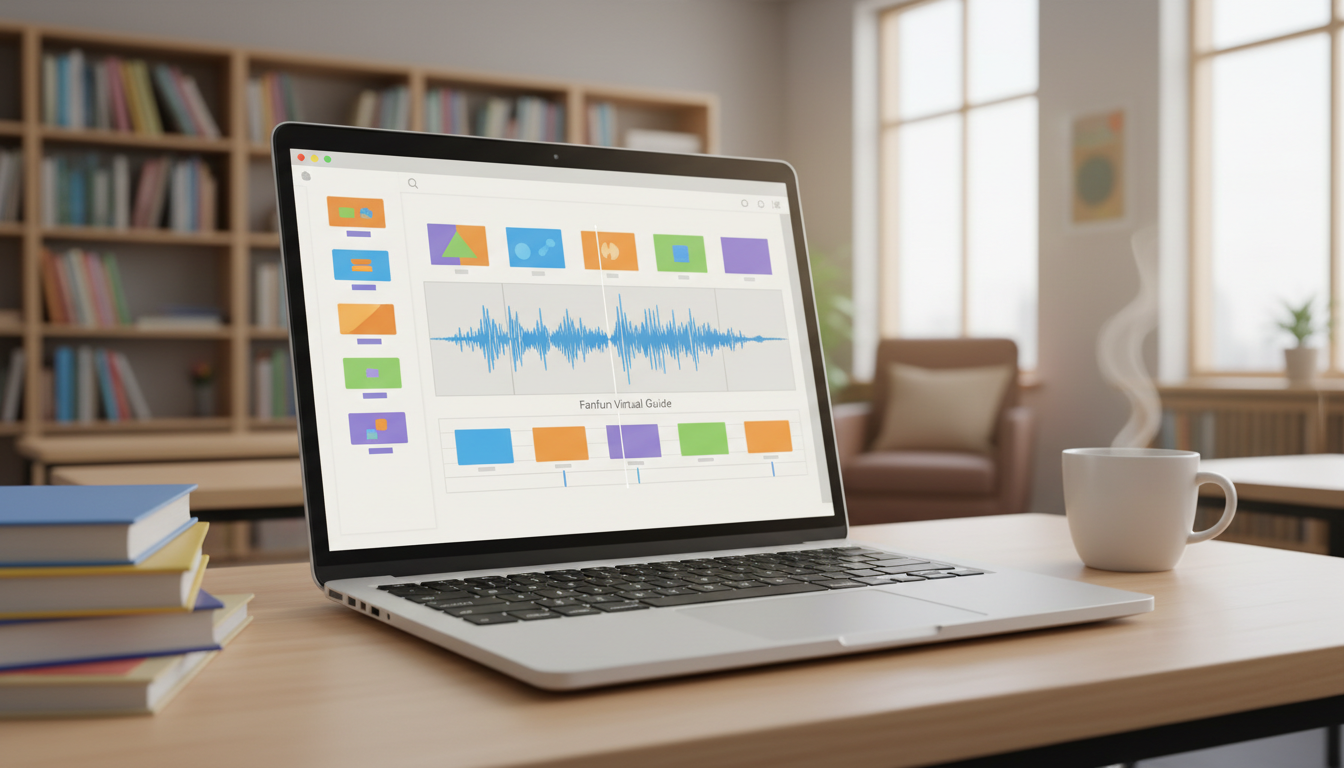
Finally, always test your audio in the empty classroom before your students arrive. AI-generated cadences can sound different over school speakers than they do through headphones. Once you are satisfied with the audio, you can easily integrate it into your lesson. For a seamless technical setup, look at our guide on editing custom character voices in video editors to learn how to import these clips directly into your classroom slide decks or daily videos.
Do I need advanced technical skills to use AI character voices in class?
Not at all. Platforms like Fanfun are designed to be incredibly simple. You just choose a character style, type or paste your short script, and get your custom video in minutes to share with your class.
How do I explain to younger students that the character voice is AI-generated?
Keep it simple and fun. You can tell them that a computer program helped draw the animation and make up the voice based on a script you wrote. This helps them understand that it is a creative tool, much like a cartoon on television, rather than a real person talking to them live.
Can I use these character voices for grading or reading out test scores?
No. We strongly recommend keeping AI character voices strictly for positive reinforcement, general announcements, and creative storytelling. Individual grades, feedback, and disciplinary matters should always be delivered directly and privately by you to maintain trust and respect.



