
AI Birthday Video vs. Photo Slideshow: How to Choose the Right Digital Gift Format
Choosing the perfect digital birthday gift depends on whether your recipient wants to reflect on the past or laugh in the present. Here is how to weigh traditional photo slideshows against modern, instant AI-generated video messages.
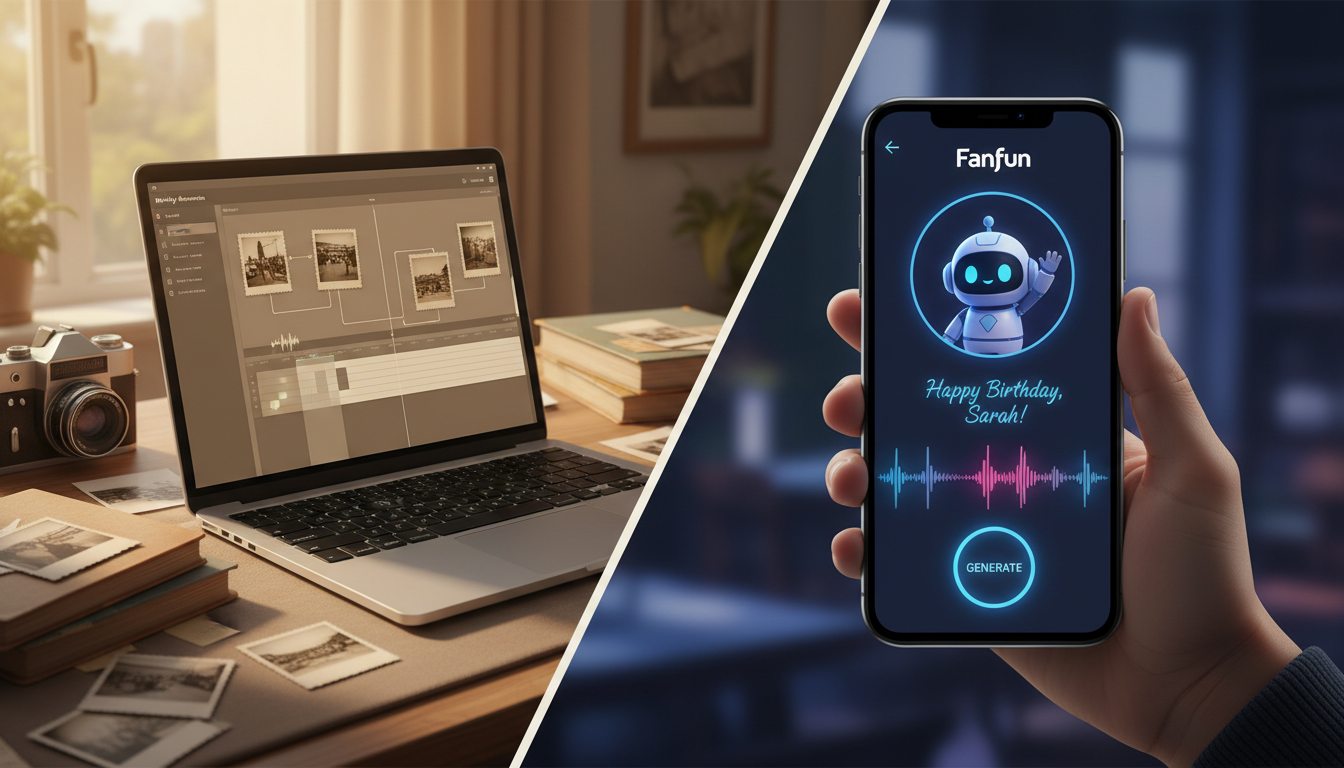
To choose between an AI birthday video and a traditional photo slideshow, evaluate whether your recipient prefers immediate, high-energy entertainment or reflective nostalgia. Photo slideshows are best suited for milestone celebrations (like a 50th or 70th birthday) where chronicling family history is the primary goal, though they require hours of scanning, organizing, and editing. AI-generated video messages, such as those created on Fanfun, excel at fast, humorous, and highly personalized greetings that can be scripted and delivered in minutes, making them ideal for friends, group chats, and recipients who prefer quick laughs over sentimental tears.
The Digital Birthday Dilemma: Nostalgia vs. Entertainment
Choosing a digital format for a birthday tribute involves balancing your available preparation time against the recipient's personal style. While both mediums have distinct emotional weights and logistical realities, aligning the format with the audience's preferences can help reduce viewer fatigue and keep the celebration engaging.
Photo slideshows are the classic choice for historical reflection. They allow a family to look back on decades of growth, making them highly effective for major milestones. However, the preparation gap is significant. To build a great slideshow, you must dig through old hard drives, scan physical photos, coordinate with family members for assets, and synchronize the final sequence with music. It is a labor of love that often takes several hours, if not days, to execute well.
Conversely, AI video messages prioritize immediate entertainment, humor, and surprise. Instead of looking backward, they focus on the present moment with high-impact novelty. By using an AI platform like Fanfun, you can select a distinct character voice, write a short, punchy script, and generate a customized video in just minutes. There is no need to hunt down decades-old photos or learn complex timeline-based video editing software. It is a fast, scalable alternative that fits seamlessly into modern group chats and social feeds.
Comparison: AI Videos vs. Traditional Slideshows
To help you decide which format fits your timeline and your recipient's personality, consider the primary structural differences below. If you are leaning toward a modern greeting but want to make sure it stands out, consider transitioning to how to craft custom AI video greetings that upgrade the standard birthday format.
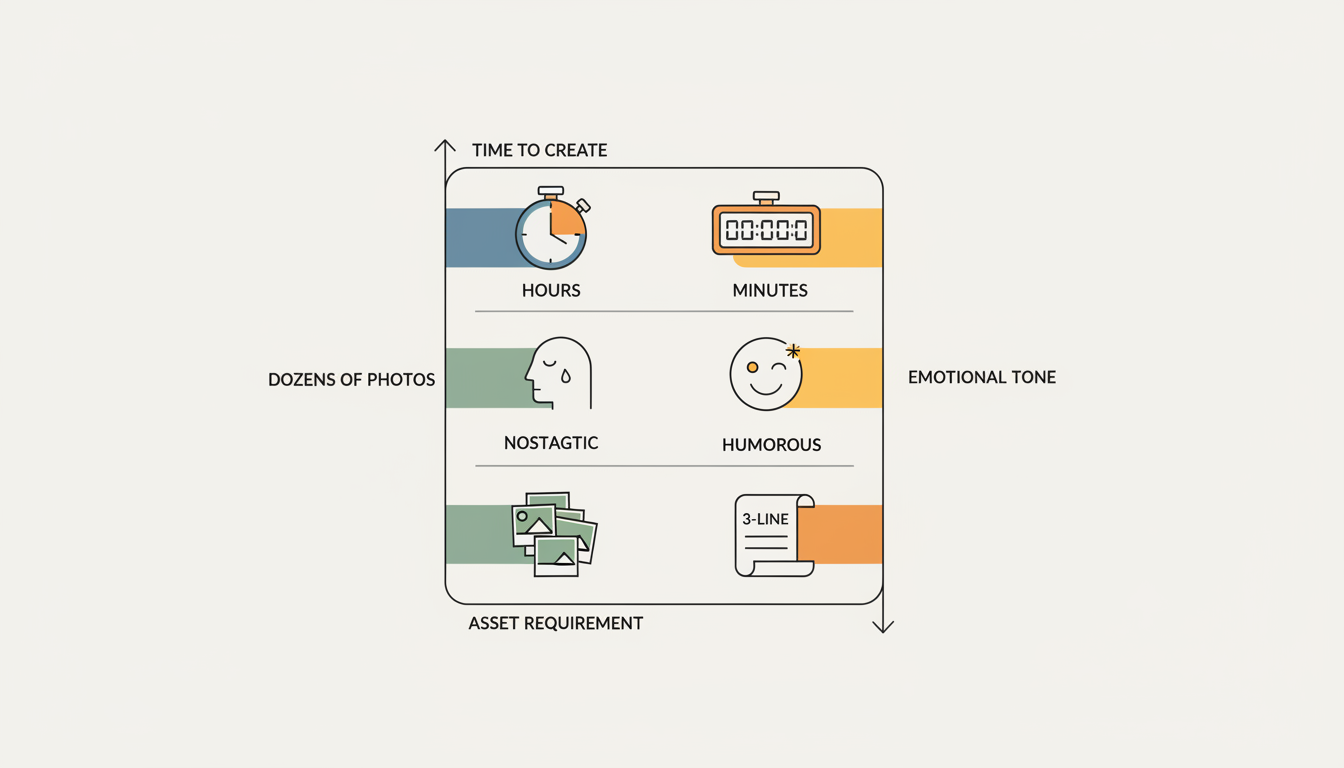
| Comparison Criteria | Traditional Photo Slideshow | AI-Generated Video Message |
|---|---|---|
| Preparation Time | 2 to 10+ hours (gathering, scanning, and sequencing assets) | 5 to 15 minutes (writing a script and generating the clip) |
| Technical Barrier | Moderate to High (requires video editing software and audio syncing) | Low (simple text-input and character-selection interface) |
| Primary Emotional Tone | Sentimental, nostalgic, reflective | Humorous, surprising, high-energy |
| Recipient Engagement Risk | High risk of viewer fatigue if the video exceeds 4–5 minutes | Low risk; short, punchy delivery keeps attention high |
| Best Suited For | Milestone family birthdays (30th, 50th, 80th), retirements | Friends, coworkers, group chats, and pop-culture fans |

When to Choose a Photo Slideshow (And How to Keep It from Being Boring)
A photo slideshow is the superior choice when you are celebrating a multi-generational milestone or honoring a lifetime of shared memories. When done correctly, a retrospective can be deeply moving. However, many creators fall into the trap of making slideshows too long, causing guests and even the recipient to tune out.
To keep a traditional slideshow engaging, apply these practical design rules:
- Keep it under four minutes: This matches the length of a single standard pop song and prevents pacing from dragging.
- Limit the photo count: Aim for 50 to 60 high-quality photos. Display each image for 3 to 4 seconds. Any faster feels rushed; any slower feels static.
- Organize chronologically: Group the photos into clear chapters (e.g., childhood, college years, family life) so the slideshow tells a coherent story.
- Make it communal: Reach out to friends and family early to gather a diverse mix of photos, ensuring the final video reflects the recipient's entire community, not just one household.
When to Choose an AI Birthday Video (And How to Script It)
Choose an AI video when you want to deliver a highly personalized roast, meme, or character-driven greeting that a standard photo slideshow cannot replicate. This format is perfect when you lack a library of old photos, or when the recipient values humor and pop-culture references over sentimentality. If your goal is comedy, you can learn more by reading our guide explaining how to produce a high-impact digital video roast for a close friend.
Using Fanfun, you can bring this format to life in three simple steps:
- Select a Character: Choose an AI persona from the public library that matches your recipient's favorite show, sport, or meme.
- Draft the Script: Write a highly tailored message. Because the AI voice generator reads your text directly, you can include specific inside jokes, local references, and custom birthday wishes.
- Generate and Share: Produce the custom video in minutes, ready to be sent directly to their inbox or dropped into a group chat.
Tips for Writing a Flawless AI Script
To ensure the AI voice generator delivers natural-sounding results, keep these scripting techniques in mind:
- Write the way people actually speak: Avoid overly formal grammar. Use contractions (like "you're" instead of "you are") and natural pauses to make the character's delivery sound authentic.
- Focus on highly specific references: Mention a particular inside joke, a favorite local spot, or a funny shared memory to make the script feel genuinely custom.
- Keep it concise: A 30- to 60-second script (roughly 75 to 150 words) is the sweet spot for maintaining high energy and ensuring the joke lands cleanly.
For recipients who dislike being the center of attention, you can adapt your approach using the introvert's birthday blueprint to script AI video messages that keep the spotlight comfortable.
The Hybrid Approach: Merging Nostalgia with Novelty
You do not always have to choose one format over the other. Combining both mediums allows you to deliver a birthday package that is both sentimental and highly entertaining. This hybrid approach works exceptionally well for group gifts where different contributors have different relationships with the recipient.
Consider these two ways to merge nostalgia with novelty:
- The Cinematic Intro or Outro: Use a short, funny AI-generated character video to introduce a longer family slideshow. This sets an upbeat tone right from the start, breaking up the heavy sentimentality with an unexpected laugh. Alternatively, use the AI character at the very end as a surprise "post-credits scene" to wrap up the presentation. For those planning a more playful, lighthearted roast, you can consult the anti-boring birthday tribute guide to direct a custom video roast, toast, or meme reel.
- The Virtual Group Card: If you are coordinating a virtual group birthday card with custom video elements, you can embed both traditional photo collages and custom AI voice messages into a single digital board. This gives the collective gift a highly produced, premium feel while allowing some contributors to submit classic photos and others to generate hilarious, voice-cloned character roasts. If you want to move away from generic digital cards entirely, check out the birthday e-card upgrade guide to learn how to produce custom video greetings that don't get deleted.
How long should a digital birthday video be to keep the recipient's attention?
For an AI-generated character video or a humorous roast, the ideal length is between 30 and 60 seconds. For a traditional photo slideshow, aim to keep the entire presentation under 4 minutes (roughly the length of one song) to prevent viewer fatigue.
Can I make an AI birthday video if I don't have any photos of the recipient?
Yes. One of the primary advantages of an AI birthday video on Fanfun is that it relies entirely on a custom script and character generation. You do not need to hunt down, scan, or upload any personal photos of the recipient to create a high-impact, personalized gift.
What are the best tools for creating a traditional photo slideshow quickly?
For basic slideshows, native tools like Apple Photos or Google Photos can auto-generate memory reels quickly. For more control over transitions, text, and music syncing, user-friendly templates in design platforms like CapCut or Canva offer excellent drag-and-drop editors for beginners.



